
Dynamic QR Platform
Create QR codes Instantly
Website URL
Send users to any webpage
Website URL
Website URL
Send users to any webpage
Wi-Fi
Let users connect instantly
Wi-Fi
Wi-Fi
Let users connect instantly
Menu
Create a digital menu
Menu
Menu
Create a digital menu
Start a chat with one tap
Start a chat with one tap
Image
Showcase visuals
Image
Image
Showcase visuals
Show a downloadable file
Show a downloadable file
01 Aug 2026 • 10 min read
QR Codes for Lead Capture Forms: Turn Print Campaigns into Trackable Leads
Learn how to use QR codes to send offline traffic from flyers, mailers, signage, and handouts to short lead capture forms and landing pages that generate measurable leads instead of anonymous website visits.
IntroductionWhy homepage traffic underperforms for print campaignsWhat a high-converting QR code lead capture flow looks likeBest use cases for print-to-form QR lead captureFlyersPostcardsTrade Show HandoutsStorefront SignageDirect MailForm best practices that improve submission rateDynamic vs. static QR codes for lead captureHow to measure scans, submissions, and ROIFollow-up automation is where lead capture becomes a systemA practical setup checklist for small teamsWhen QR Rapid is the right fitTurn print into a lead channel, not just a visibility channelFAQ
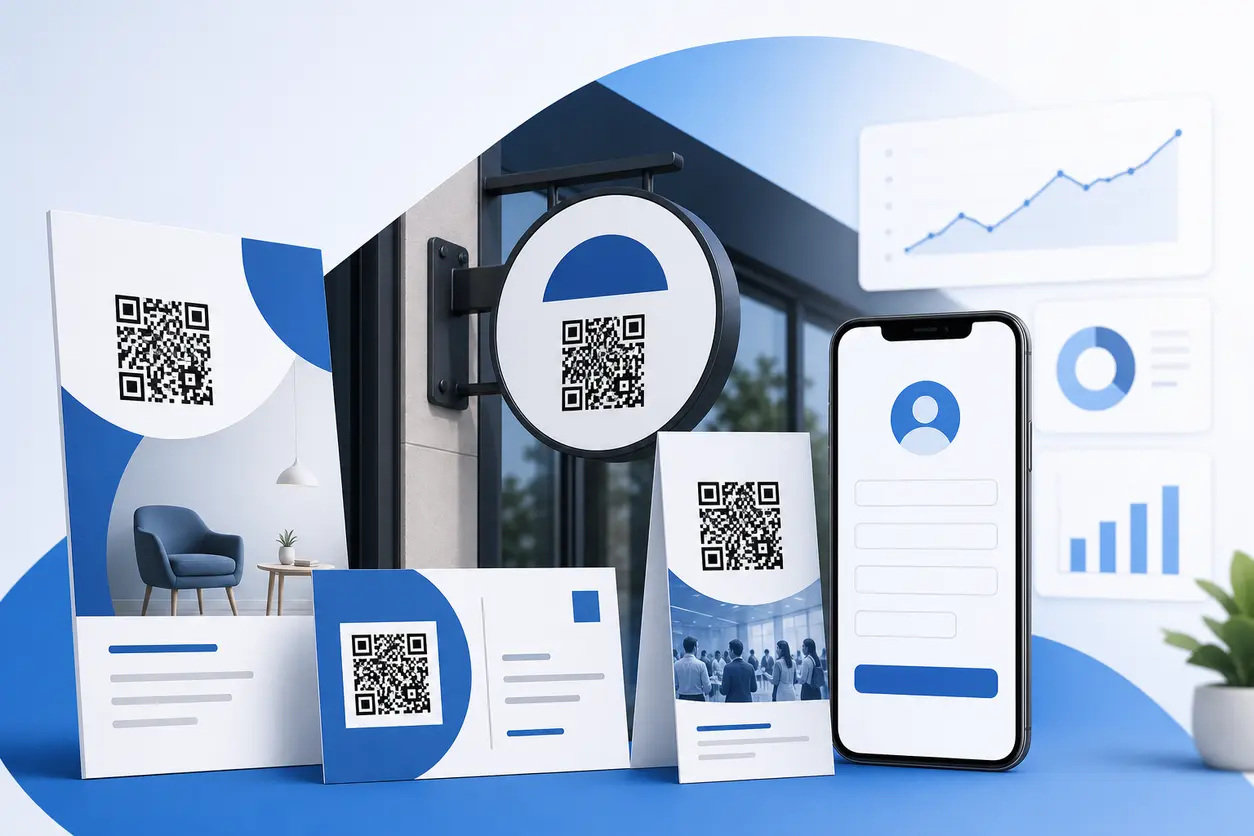
A flyer, postcard, trade show handout, or window sign usually gives you one short moment of attention. See QR codes on flyers and posters for examples of QR placement and printed CTA copy. If the person scans and lands on a generic website with too many menu options, unclear next steps, or a form buried three clicks deep, that intent disappears fast.
That is where QR code lead capture works best.
Instead of sending offline traffic to your homepage, send each scan to a focused landing page with one clear offer and a short form. That creates a smoother path from print to inquiry, quote request, demo request, coupon claim, callback request, or consultation signup. It also gives you a cleaner way to measure what each print placement is actually producing.
With QR Rapid, you can create dynamic QR codes that route scanners to campaign-specific landing pages, then update destinations, track scan activity, and keep each offline campaign measurable without reprinting every time your offer changes.
Why homepage traffic underperforms for print campaigns
A homepage is built for many audiences at once. A print campaign is not.
Someone scanning a postcard about seasonal HVAC maintenance does not want to browse your company history, main navigation, and five service categories. They want the next step promised by the postcard.
For lead generation, the better path is:
- See a clear offer on the printed piece
- Scan the QR code
- Land on a page that matches the exact offer
- Fill out a short mobile-friendly form
- Receive immediate confirmation and follow-up
That matching experience matters more than most teams think. When the QR code, headline, offer, and form all align, the user feels like they are in the right place. When they do not, the scan turns into a bounce.
What a high-converting QR code lead capture flow looks like
The most effective setup is simple:
1. One print asset, one goal
Every printed piece should have one primary conversion goal:
- Request a quote
- Book a consultation
- Get a sample
- Claim a limited offer
- Download a pricing sheet after form submission
- Join a waitlist
- Ask for a callback
If one postcard tries to drive six actions, your QR code will underperform because the landing page will have to support too many outcomes.
2. One landing page tied to that goal
The landing page should mirror the printed message. If the flyer says "Get a free 15-minute consultation," the landing page headline should say the same thing or a close variation.
Good landing pages for QR code lead capture usually include:
- A clear headline
- One short supporting sentence
- 3 to 5 bullets on what the user gets
- A short form
- Trust elements such as testimonials, review snippets, or response time expectations
- A thank-you step with next actions
3. One short form
Most offline scans happen on mobile, often while standing, walking, or multitasking. That means your form should collect only what sales or follow-up actually needs.
For many small businesses, that means starting with:
- First name
- Email or phone
- One qualifying field
Examples of qualifying fields:
- Service needed
- Budget range
- Zip code
- Timeline
- Business size
If your team does not act differently based on a field, remove it.
4. One follow-up action
Do not end the experience at submission. Trigger a next step right away, such as:
- Instant thank-you message
- Auto-reply email
- Text confirmation
- Calendar link
- PDF QR codes download
- Routing to a sales rep or inbox
This is what turns a scan into an operational lead workflow instead of a passive form fill.
Best use cases for print-to-form QR lead capture
The core strategy stays the same, but the form offer should match the context of the printed piece.
Flyers
Flyers work well for local promotions, service offers, and neighborhood outreach.
A good flyer QR code lead capture example:
- Headline on flyer: "Get a Free Roof Inspection Estimate"
- QR destination: landing page with a short estimate request form
- Form fields: name, phone, address, preferred contact time
Avoid sending flyer scans to a full service website. The user scanned because of a specific offer, not because they want to research every page on your site.
Postcards
Postcards are ideal for direct response campaigns because space is limited and the CTA is naturally focused.
Strong postcard CTAs include:
- Scan to claim your free estimate
- Scan to get pricing
- Scan to see available packages
- Scan to request a callback
A postcard landing page should feel like a direct continuation of the card. Reuse the same offer language, colors, and promotion window so the user immediately knows they are in the right place.
Trade Show Handouts
Handouts at events often fail because they send people to a homepage or a long product deck. A better route is a short lead form tied to the exact asset or conversation.
Examples:
- Product one-sheet handout leads to a demo request form
- Industry checklist handout leads to a consultation request form
- Giveaway insert leads to a follow-up form with company name and need
If your booth team uses different handouts for different audiences, use separate dynamic QR codes for each one. That helps you see which message produced more scans and which audience submitted more qualified leads.
Storefront Signage
Window signs and door signs capture walk-by intent, especially outside business hours.
Examples:
- "Need a quote before we open? Scan here"
- "Request a consultation in under 30 seconds"
- "Ask about this week’s service offer"
For storefront campaigns, mobile speed matters even more. The form should load fast, avoid heavy design, and keep fields minimal. Someone standing on a sidewalk is not going to complete a long intake flow.
Direct Mail
Direct mail works especially well when the QR code promises a concrete next step instead of just "Visit our website."
Better direct mail conversions often come from offers like:
- Personalized quote request
- Limited-time audit or inspection
- New mover welcome offer
- Package recommendation form
- B2B consultation request
If you segment direct mail by area, customer type, or offer, create separate dynamic codes for each batch. That gives you cleaner attribution when leads start coming in.
Form best practices that improve submission rate
A landing page can match the campaign perfectly and still lose leads if the form feels like work.
Keep forms short
Start with the minimum viable lead. For many campaigns, 3 to 4 fields is enough.
Use longer forms only when the intent is already high or when qualification is essential for follow-up. For example, an agency offering a strategy audit may need company name, website, monthly budget, and project goal. A local service business likely does not.
Use CTA wording that answers "what do I get?"
Buttons like "Submit" are weak because they focus on the action, not the outcome.
Stronger CTA examples:
- Get My Quote
- Request My Callback
- Claim My Offer
- Send Me Pricing
- Book My Free Consultation
The CTA on the print piece and the button on the landing page should reinforce each other.
Design mobile-first, not desktop-first
For QR code lead capture, assume the scan starts on a phone.
That means:
- Large tap targets
- Short paragraphs
- Fast load time
- One-column layout
- Minimal scrolling before the form
- No tiny text or crowded fields
If the form is difficult to complete with one hand, simplify it.
Match the promise exactly
If the printed piece offers a checklist, estimate, giveaway entry, or consultation, the landing page should not switch to a broader sales pitch. Message mismatch is one of the easiest ways to waste scan intent.
Dynamic vs. static QR codes for lead capture
For any serious lead generation campaign, dynamic QR codes are usually the better choice.
Static QR codes
Static codes are fixed. Once printed, the destination cannot be changed.
That may be fine for a temporary campaign with a permanent URL, but it creates problems when:
- The offer changes
- The form URL changes
- You want to test a new landing page
- You need different destinations later
- You want campaign-level tracking
Dynamic QR codes
Dynamic codes are better for QR code lead capture because they let you:
- Update the landing page without reprinting
- Track scans by code or campaign
- Split traffic across different assets
- Pause or redirect campaigns if a page changes
- Keep the same printed material useful longer
With QR Rapid, dynamic QR codes are the practical default for flyers, postcards, signage, and mailers because they give small teams flexibility after the print job is already out in the world.
How to measure scans, submissions, and ROI
One reason this workflow matters is that it closes the offline-to-online gap.
A print piece should not just create awareness. It should create a measurable path.
Track scans
The first metric is scan volume by asset, location, or campaign version.
For example, you might run:
- One QR code on postcards mailed to homeowners
- One QR code on storefront signage
- One QR code on trade show QR code lead capture
This helps you see which offline channel is generating initial interest.
Track form submissions
Scans tell you attention. Submissions tell you conversion.
A campaign with fewer scans but more completed forms may be stronger than a campaign with lots of scans and weak intent.
Track downstream outcomes
If possible, connect form leads to later outcomes such as:
- Qualified lead status
- Estimate scheduled
- Demo booked
- Sale closed
- Revenue created
Even a simple spreadsheet or CRM tag structure can help. The goal is to know which printed asset produced pipeline, not just traffic.
Use campaign naming consistently
Name your QR codes clearly inside QR Rapid so reporting stays useful.
A simple format works well:
- Channel - audience - offer - date
- Example: Postcard - Homeowners - Spring Inspection - Q2
This makes it much easier to compare performance when multiple codes are live.
Follow-up automation is where lead capture becomes a system
Capturing the form is only the first half of the job. Fast follow-up is what protects conversion intent.
A simple follow-up automation stack might look like this:
- Form submitted
- Lead is tagged by campaign source
- Internal notification goes to sales or front desk
- Prospect gets an immediate confirmation email or text
- Lead enters the correct follow-up sequence
- Team can report on response time and outcomes
Practical examples:
- A home services company sends postcard leads into a quote request inbox with zip code tagging
- A marketing agency routes trade show handout leads into a demo pipeline with event source tracking
- A local clinic sends storefront scans to a consultation form and auto-replies with next available appointment options
The simpler this workflow is, the more likely your team will actually use it.
A practical setup checklist for small teams
If you want to launch fast, use this sequence:
- Pick one print asset with clear buyer intent
- Choose one offer worth scanning for
- Build one landing page for that exact offer
- Keep the form to 3 to 5 fields
- Create a dynamic QR code in QR Rapid
- Name the code by channel and offer
- Add the QR code to the printed piece with a clear CTA
- Test the full scan-to-submit flow on mobile
- Set up follow-up notifications or automation
- Review scans, submissions, and lead quality after launch
That is enough to move from untracked print traffic to measurable lead generation without building a giant funnel.
When QR Rapid is the right fit
QR Rapid is a strong fit when you need more than a basic link shortcut.
For lead capture campaigns, the value comes from being able to:
- Create dynamic QR codes for print assets
- Use campaign-specific destinations instead of one generic URL
- Manage multiple codes across locations or offers
- Update destinations without reprinting materials
- Track scan activity so offline performance is visible
That matters for small businesses, marketers, and agencies because print rarely stays static. Offers change. Pages get revised. Campaigns get extended. A dynamic setup keeps your QR code lead capture program usable after launch instead of locking you into one destination forever.
Turn print into a lead channel, not just a visibility channel
If someone is motivated enough to scan a printed QR code, do not make them hunt for the next step.
Send them to a focused landing page. Ask for only the information you need. Use a CTA tied to the offer. Follow up fast. Track performance by asset.
That is the difference between a QR code that creates a visit and a QR code that creates pipeline.
If you are building flyers, postcards, direct mail, storefront signs, or handouts, QR Rapid gives you a practical way to create dynamic QR code lead capture flows that are easier to manage, easier to measure, and far more useful than sending offline traffic to your homepage.
FAQ
Should a QR code for lead capture go to my homepage or a landing page?
A landing page is usually the better choice because it matches the offer on the printed piece and removes extra navigation. Homepages are too broad for most offline lead campaigns.
How many fields should a QR code lead capture form have?
For most print campaigns, start with 3 to 5 fields. Ask only for the information needed to qualify and follow up, such as name, email or phone, and one relevant detail like service type or timeline.
Why are dynamic QR codes better for lead capture campaigns?
Dynamic QR codes let you change the destination page without reprinting, track scans by campaign, and test different landing pages or offers over time. That makes them much more practical for ongoing print marketing.
What print materials work best for QR code lead capture?
Flyers, postcards, Trade Show Handouts, storefront signage, and direct mail are strong options because they can pair a clear offer with a quick mobile form and a measurable scan path.
How do I measure ROI from a QR code lead capture campaign?
Track scans, form submissions, lead quality, and downstream outcomes like booked calls, estimates, or sales. Using separate QR codes for each placement makes attribution much clearer.
What should happen after someone submits the form?
They should get an immediate confirmation and your team should receive a notification or automated lead entry. The best workflows send leads into email, CRM, or scheduling follow-up right away.
Similar Blogs
The latest industry news, interviews, technologies, and resources.
 September 14, 2026
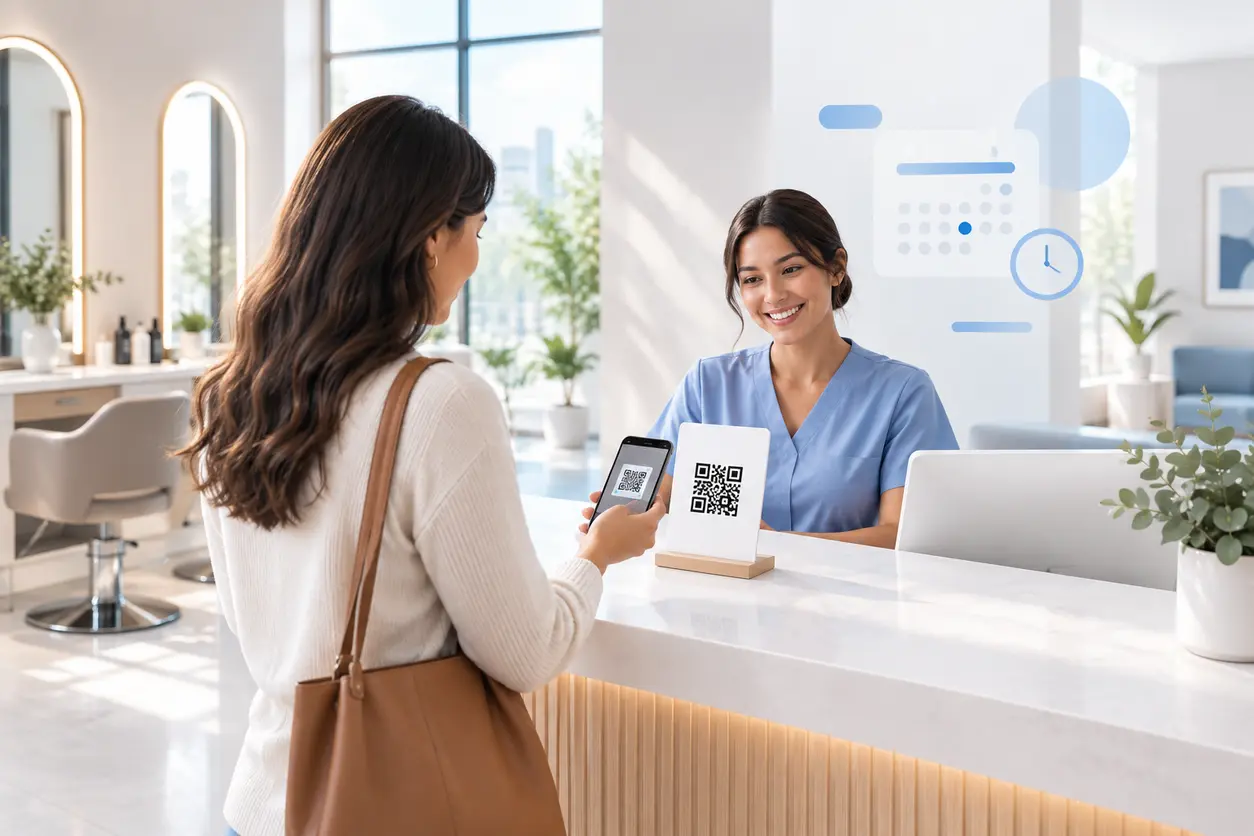
Appointment Booking QR Code Workflows for Service Businesses
Appointment Booking QR Code Workflows for Service Businesses
Read post
 August 15, 2026
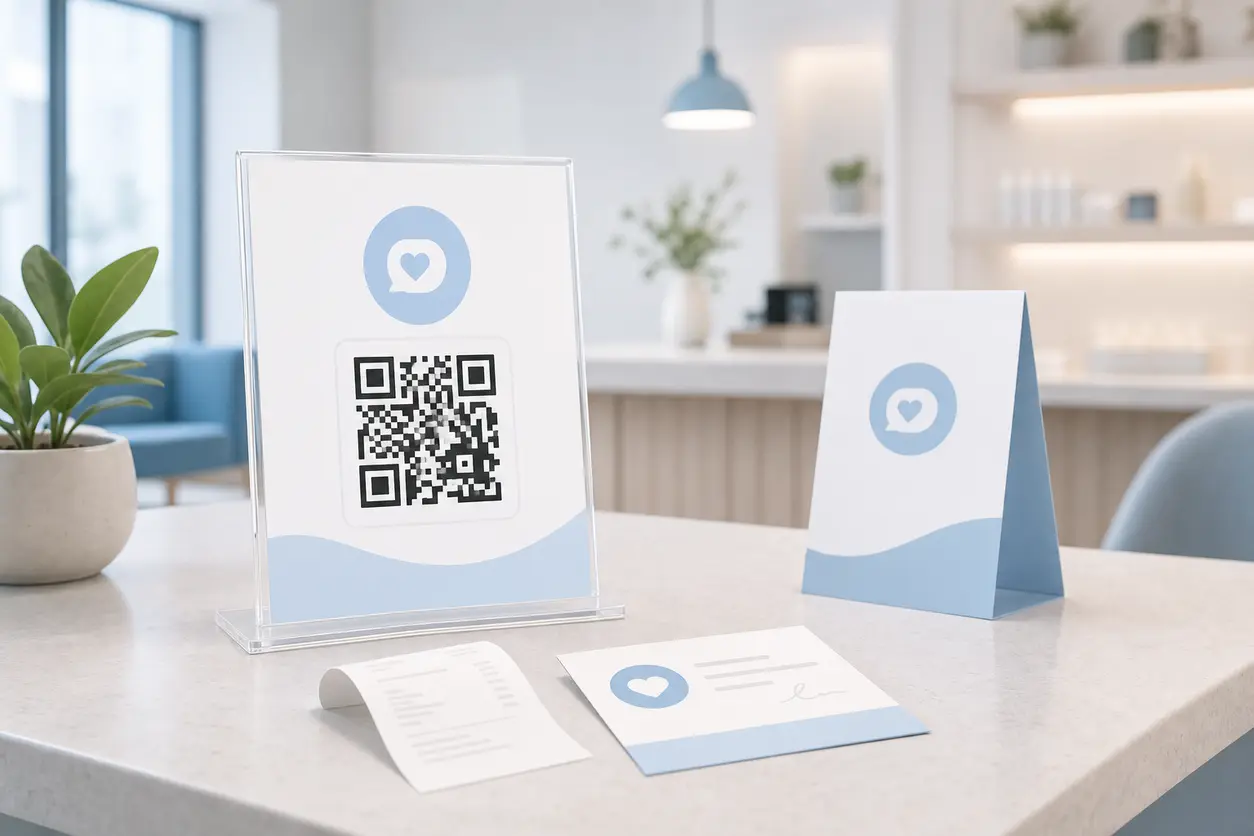
QR Codes for Google Reviews: How to Get More Customer Reviews from In-Store Signage
QR Codes for Google Reviews: How to Get More Customer Reviews from In-Store Signage
Read post
Join 2,000+ subscribers
Stay in the loop with everything you need to know.
We care about your data in our privacy policy