
Put the Wi-Fi password on a card by the kettle, your number on a luggage tag and the house-sitter notes behind one scan. Friends and family point their phone camera at the code and it does the rest.
Create and download QR codes during your 7-day free trial. No credit card required.
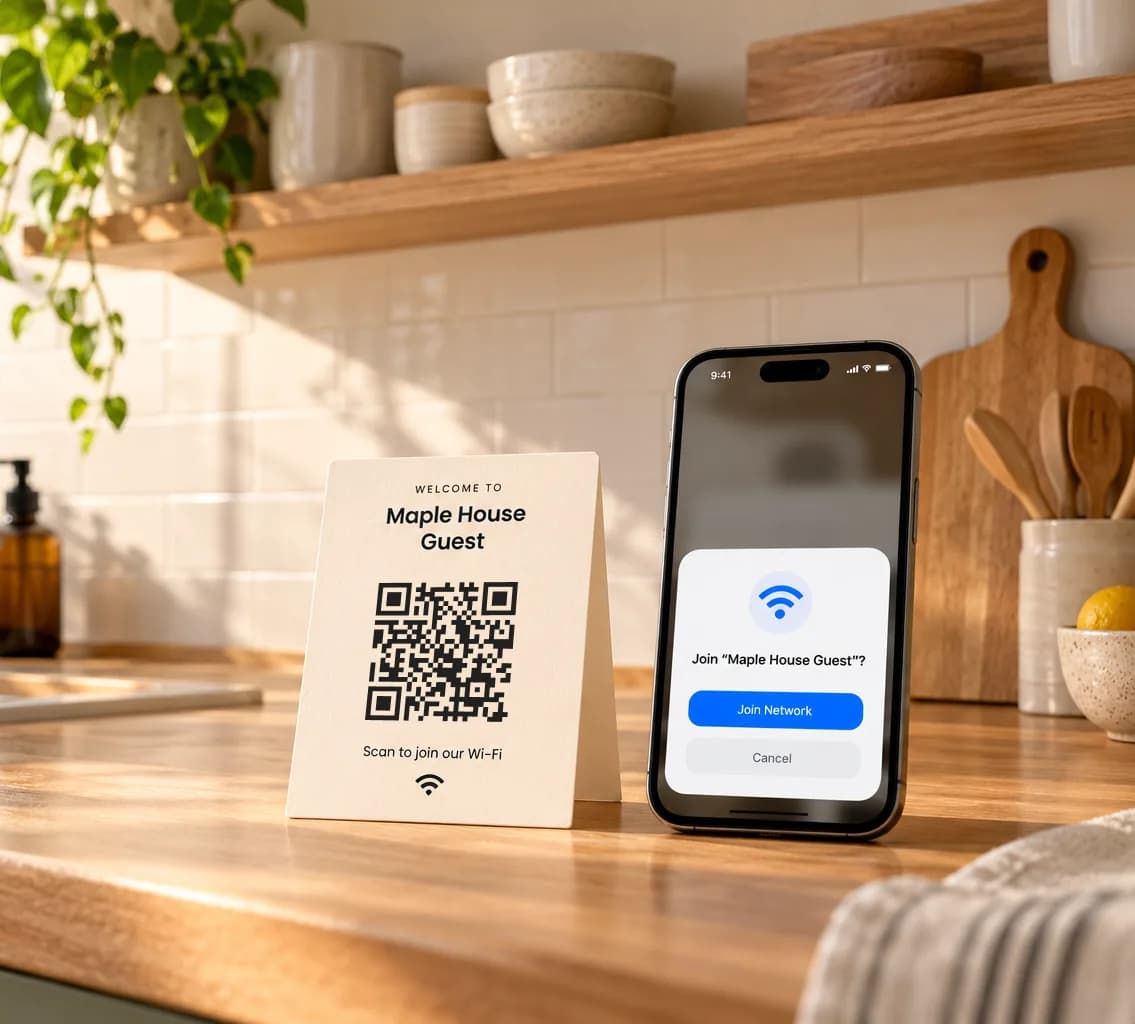 On the kitchen counter
Each one is a different QR code type. Pick a moment to see where the code goes and what opens on the phone that scans it.
Example 1 of 5
Working sample. Scan the card on screen and your phone offers to join “Maple House Guest”. The network doesn’t exist, so joining will fail. The prompt looks different on each phone.
Sam Okafor
Furniture restorer
Illustration. Sam is a sample person. A real vCard code opens a contact page hosted by QR Rapid, like the one on the phone. The code on the sticker opens the vCard creator instead.
Illustration. A real PDF code opens a page hosted by QR Rapid with a preview of the file, like the one on the phone. The code on the note opens the PDF creator instead.
Illustration. A real Event code opens an event page hosted by QR Rapid, like the one on the phone. The code on the invitation opens the Event creator instead.
Working sample. Scan the tag on screen and your phone opens this message to +44 7700 900123, a number reserved for fiction. Nothing is sent unless you press send.
Same idea, different jobs.
Type your network details and the code updates as you go. It’s a working Wi-Fi QR code: scan it with your phone to check it. When it’s right, take it to the QR Rapid creator to style and download it.
WIFI:S:Maple House Guest;T:WPA;P:kettle-on-2026;;Anyone who scans the card can read this, password included. The code is made in your browser and nothing is sent anywhere.The creator opens on its first step with these details filled in; press Next to style it. Your details go there inside this browser only, are never put in the page address or sent to us until you create the code, and the copy handed over is deleted as soon as the creator opens.
Some codes carry the details themselves. Others carry a short link to a page QR Rapid hosts. That decides whether you can change it later, and what it costs.
A Wi-Fi card gives the password to whoever points a camera at it. For codes in shared places, use your guest network.
Don’t put alarm or door codes, bank details or medical information on a QR code, static or dynamic.
Try it on two different phones, and print it large enough to scan from where people will stand.
No. Most phone cameras scan QR codes. Depending on the code, the phone offers to join the Wi-Fi, opens a text or email draft, or opens a page in the browser.
You need an account to download a code. New accounts start with a 7-day free trial, no credit card required, that covers every code on this page. After the trial, creating and downloading codes needs an active subscription. Static codes you’ve already printed, such as Wi-Fi and SMS, keep working; dynamic codes such as vCard, PDF and Event need an active plan to keep working.
The old code stops working. Wi-Fi codes are static, so the network name and password are stored in the code itself. Make a new code with the new password and replace the printed card.
The code contains your password in readable form, so anyone who scans it can join and read the password. Put guest network details on codes in shared places, and keep the card where only your guests will see it.
Yes, if you use a dynamic vCard QR code. It opens a contact page hosted by QR Rapid. Edit your number, email or website from your dashboard and the same printed code opens the updated page. A static vCard stores the contact in the code itself, so it can’t be changed.
Yes. A PDF QR code opens a mobile page for a PDF of up to 20 MB. You can replace the file later without changing the code. Anyone with the code can open the document, so leave out anything private.
For dynamic codes, yes: Statistics shows how often they are scanned. Static codes such as Wi-Fi and SMS can’t be tracked, because the phone reads the details straight from the code.
It takes a minute. Your 7-day free trial also covers the contact cards, house guides and invitations you can edit later.