
People walking past want your hours, the menu, a way to ask a question or to book. Put one code on the glass that opens the right thing, and change where it points as the seasons turn, without peeling off the sticker.
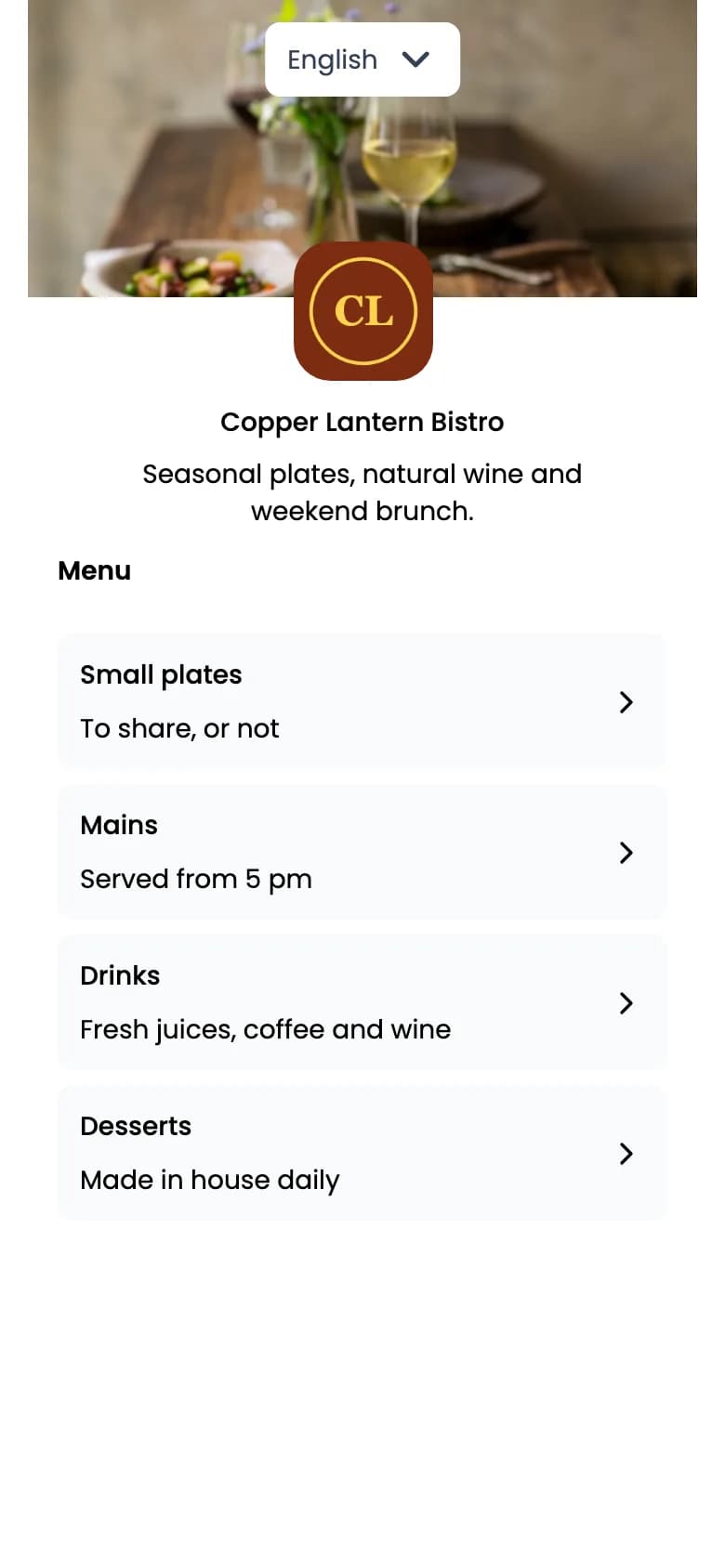
Illustrations of printed pieces with fictional businesses. The codes on this page open this page; yours would open your hours, menu or booking page.
Give each code one job and write that job next to it. Start from the question someone on the pavement is asking, then pick the type that answers it.
“When are you open, and how do I reach you?”
URL QR code or List of links QR code
Point a URL code at the hours and contact page you already keep current, or use a List of links page with a button each for hours, directions, your site and booking.
URL: static or dynamic
“What’s on the menu tonight?”
A hosted menu you edit dish by dish, with a toggle that marks a dish sold out. The sticker never needs to change.
Dynamic only
“Can I ask you something?”
Opens a WhatsApp chat with your number and a message already typed, so the question reaches you even when the door is shut.
Static or dynamic
“Can I book an appointment or a table?”
Point a URL code at the booking tool you already use. QR Rapid doesn’t take bookings, manage availability or take payments; your booking tool does all three.
Static or dynamic
“Is there an offer this month?”
A hosted offer with your discount code and a valid-until date. Your till or checkout applies the discount; QR Rapid doesn’t validate or redeem codes.
Dynamic only
“Where can I follow you?”
Ideas by business type and how to tell whether the window is working are in the full storefront QR code guide.
Running a café or restaurant? See QR codes for restaurants. A studio or salon: gym and wellness. Any other service business: business services.
A code that scans on your desk can fail behind a window at 5 pm. Reflections, low sun and a dark shop are the usual reasons.
Low sun on a gloss sticker washes out the code. The matte one, out of direct light, still reads.
A small light on the front of the sticker keeps it readable. The unlit one fades into the glass.
Matte, not gloss
Matte vinyl or paper scatters light. Gloss laminate and shiny vinyl throw a sheet of sky back at the phone.
Inside or outside the glass
Inside keeps the sticker out of the weather but puts the glass’s own reflection in front of it. Outside avoids that, so use vinyl made for outdoor use.
Low sun and reflections
A window that faces the morning or evening sun can be hard to scan for part of the day. Choose the pane or corner that stays out of direct sun.
Light it after dark
If the code matters when you’re closed, light the front of it: leave the window light on or aim a small lamp at it. Behind dark glass on a bright street, a sticker disappears.
Dark on light
Keep dark modules on a light background with a clear margin round the code. Inverted or low-contrast colours scan less reliably.
Test from the pavement
Scan from outside in the morning, at midday and after dark, with more than one phone, before you print the final sticker.
Seen from the side, the right spot is the band a phone is already held in, with room on the pavement to stand without blocking the door or the street.
Size depends on where people stand: the further back they read it from, the larger it needs to be. Print one, tape it up and scan it from the spots people actually use before ordering the vinyl.
A dynamic code prints a short QR Rapid link. You change where it points in your dashboard; nothing on the window moves.
Points to /sale
Your sale page
Points to /spring-menu
The new menu page
Points to /hours
Hours page with late opening
Points to /holidays
Closing dates over the holidays
With a Menu or Coupon code you edit the hosted page itself: swap dishes, or change the offer and its valid-until date. Two windows? Duplicate the code, rename each copy after its pane, and compare their scans by day or week in Statistics. A static code can’t be edited or tracked, so print dynamic for a window that changes.
A dynamic code works while it’s active in your QR Rapid account; if it’s deactivated (for example when a plan ends), scans show an inactive-code page until you reactivate it.
What a passer-by needs when nobody can help them: opening hours and contact details, the menu, your booking page, a WhatsApp chat or this month’s offer. Give each code one job and say what it is next to the code.
Around chest to eye height, where phones already are, not near the floor or above the door. Check that someone can stand close enough without blocking the doorway or stepping into the street.
It can. Reflections and low sun wash out contrast. Matte vinyl or paper, dark modules on a light background, a spot out of direct sun and light on the code after dark all help. Test it from outside at different times of day.
Yes, with a dynamic code. Change the destination, or edit the hosted page such as the menu or coupon, in your dashboard. The sticker on the glass stays the same.
No. A URL code can open the booking page you already use, and a WhatsApp code opens a chat with a message ready to send. Bookings, payments and availability stay in your booking tool.
A static code is fixed to what you typed when you made it and isn’t tracked. A dynamic code can be edited and its scans counted. For a window that changes with the seasons, dynamic is the one to print.
Each button opens the generator with that type selected. Add a frame with a short line such as “Scan for opening hours” (up to 30 characters), then download SVG for your sign maker. Design the code in the generator, then create your account to download it.
Hours, contact, or the booking page you already use.
Create a URL QR codeA menu you edit dish by dish, sold-out dishes included.
Create a Menu QR codeQuestions from the pavement, as a chat with a message typed.
Create a WhatsApp QR codeEvery account starts with a 7-day free trial, no credit card required.