QR Rapid
QR Codes for
  • Restaurants
  • Gym and Wellness
  • Event Management
  • Business Services
  • Work Environment
  • Social Media
  • Design
  • Life Hack
Explore all use cases→
QR Codes on
  • Product packaging
  • Flyers and posters
  • Storefronts and window signs
  • Brochures and catalogs
  • Event tickets and badges
Where to use QR codes→
QR Types
  • Website URL
  • Wi-Fi
  • Menu
  • WhatsApp
  • Image
  • PDF
  • MP3
  • Video
  • Email
  • Text
  • vCard
  • Crypto
  • List of links
  • Coupon
  • SMS
  • Event
  • APP
  • Social media
View all QR types→
AINew

Rapid, inside your dashboard

  • Create with Rapid
  • Rapid Insights

Connect your AI assistant

  • MCP server
  • Claude
  • ChatGPT
View all AI→
  • Blogs
  • FAQ
  • Chrome Extension
  • QR Size Calculator
QR Rapid

Create, customize, manage, and track QR codes for business, marketing, events, and everyday use.

QR Types

Website URL

Wi-Fi

Menu

WhatsApp

Image

PDF

MP3

Video

Email

QR Codes for

Restaurants

Gym and Wellness

Event Management

Business Services

Social Media

Work Environment

Design

Life Hack

Where to Use QR Codes

Company

Rapid AI

Chrome Extension

Plans & Pricing

Blogs

About Us

Legal

Terms and Conditions

Privacy Policy

Cookies Policy

Help

FAQ

QR Size Calculator

Contact Us

2026 © QR Rapid All rights reserved - QR Code is a trademark of DENSO WAVE INCORPORATED

QR Codes for

QR Codes for Business, Events, Marketing & More

Turn menus, posters, packaging, signs and business cards into useful digital experiences. Pick the right QR code for the place it will live, then create it in minutes.

Create a QR CodeExplore use cases

Website · PDF · Menu · WhatsApp · vCard · Wi-Fi · 18 QR types
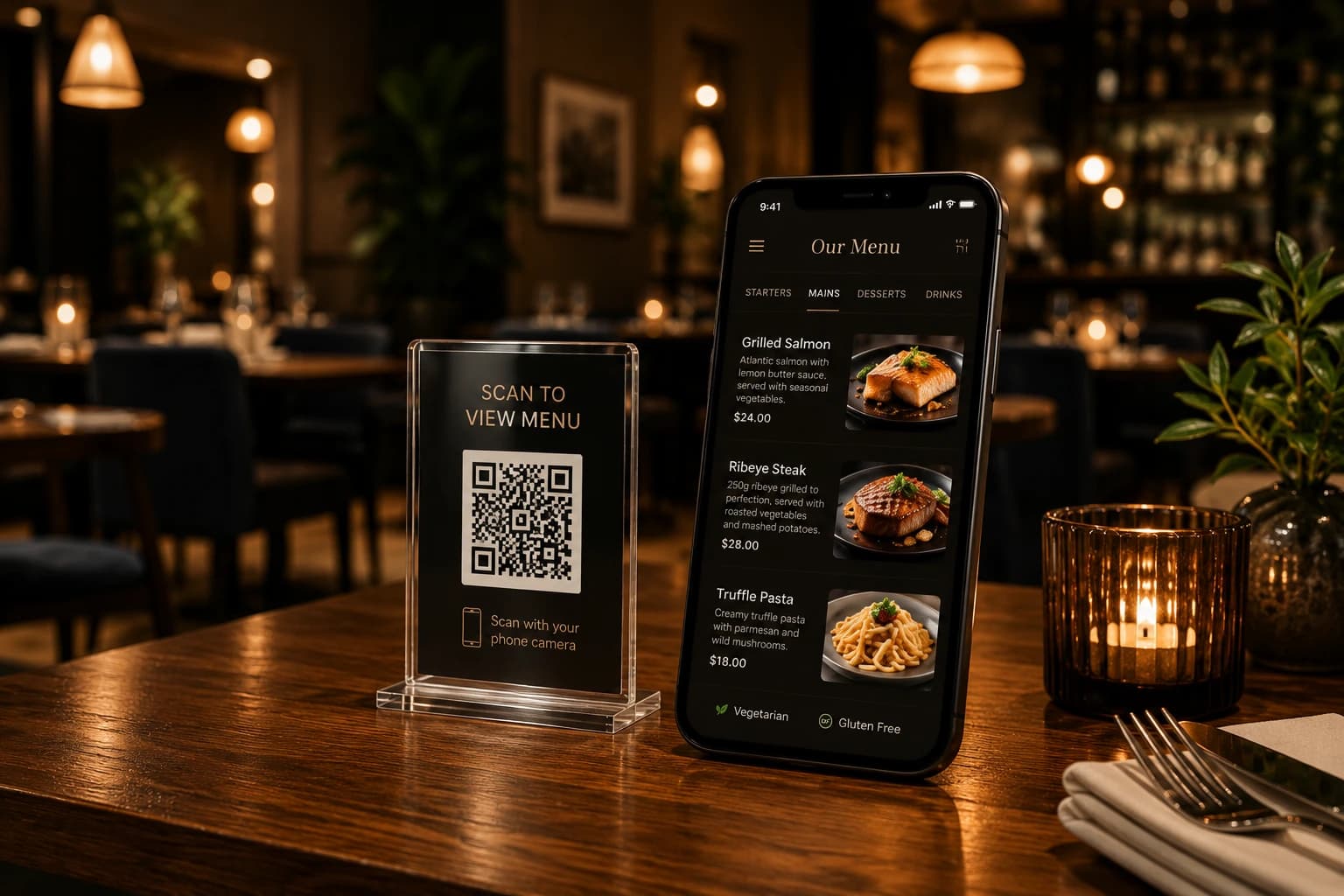
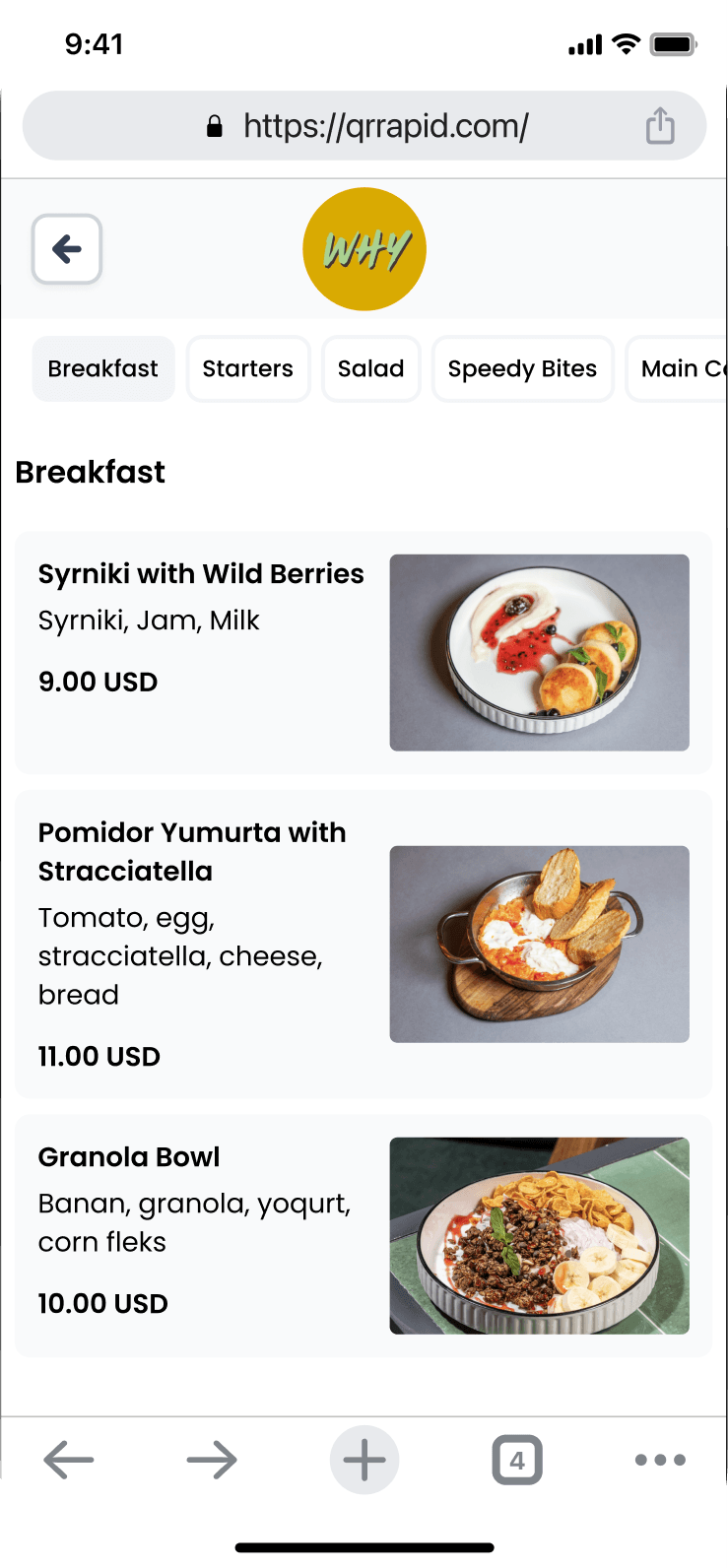
Table tent QR code next to a phone showing a digital menu
1Table tent2Scan3Digital menu
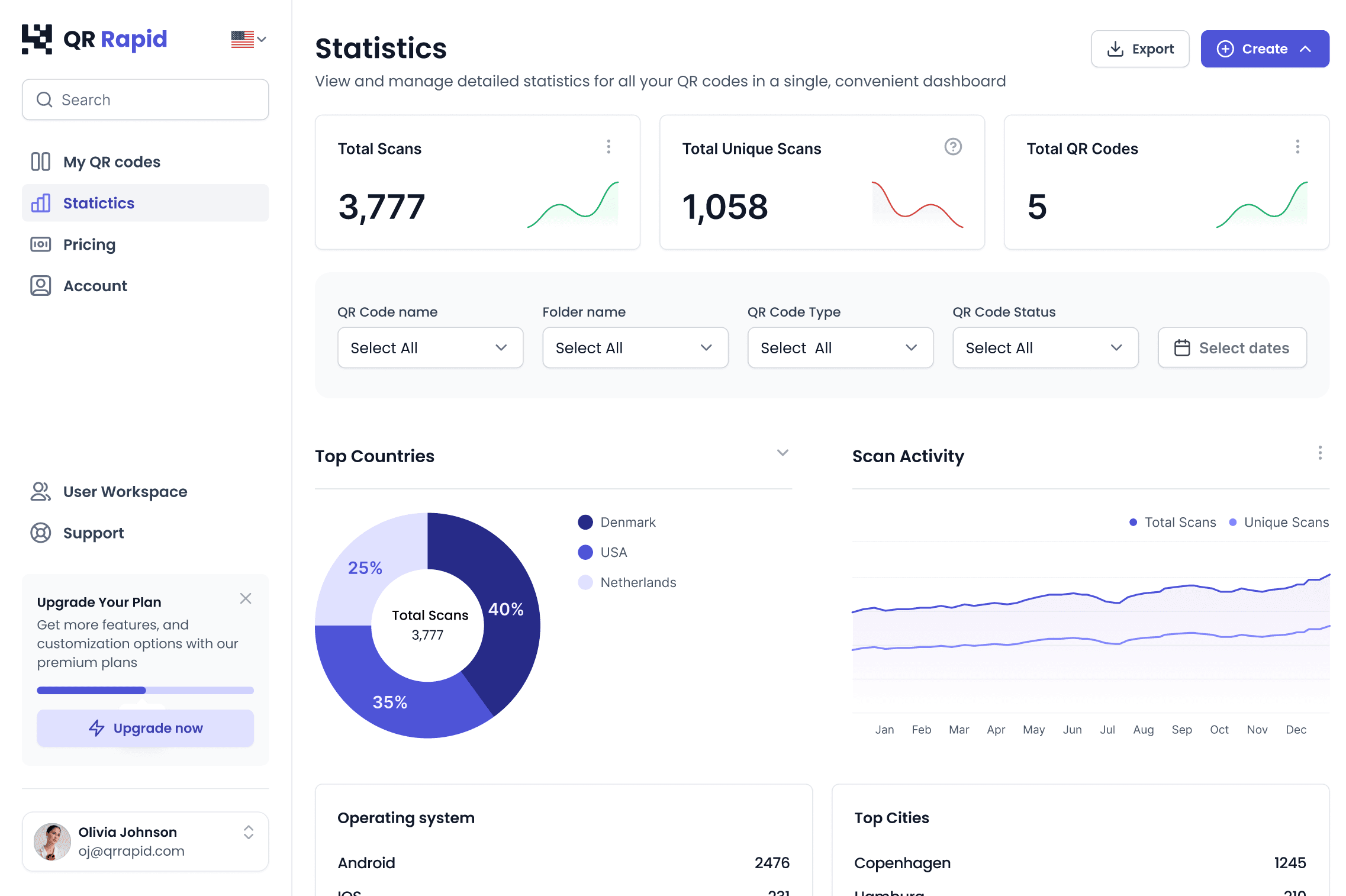
QR Rapid statistics dashboard showing scan totals
QR Rapid dashboardDynamic QR
Browse by context

Where will people scan your QR code?

Each guide shows the QR types that fit the place, and what visitors can open once they scan.
Or start from what people should do
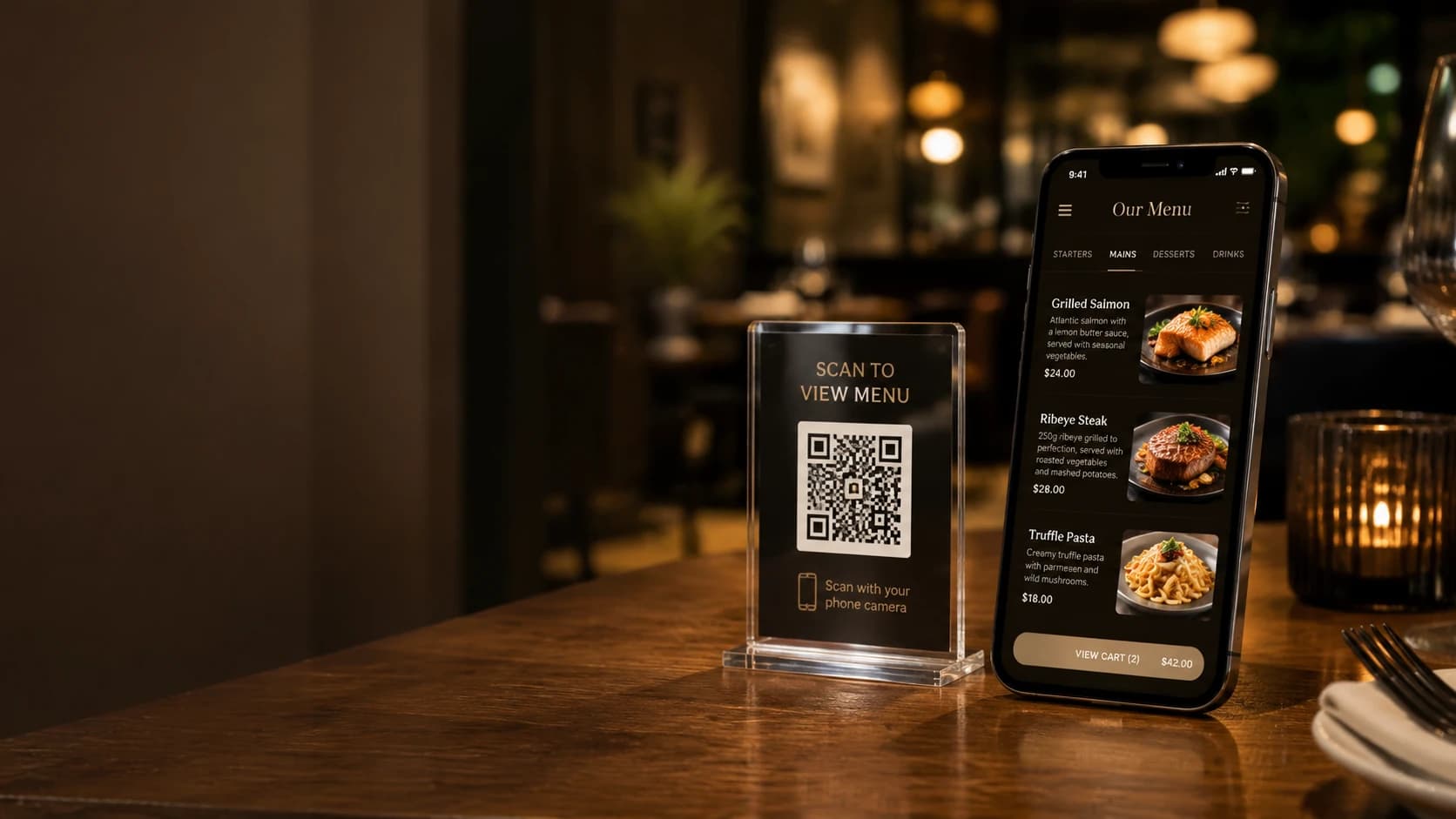
  • Table tent QR code with a digital menu on a phone

    Restaurants & Food Service

    Put your menu, daily specials and guest Wi-Fi on every table. Link diners to your ordering or review page.
    MenuPDFWi-FiWebsite
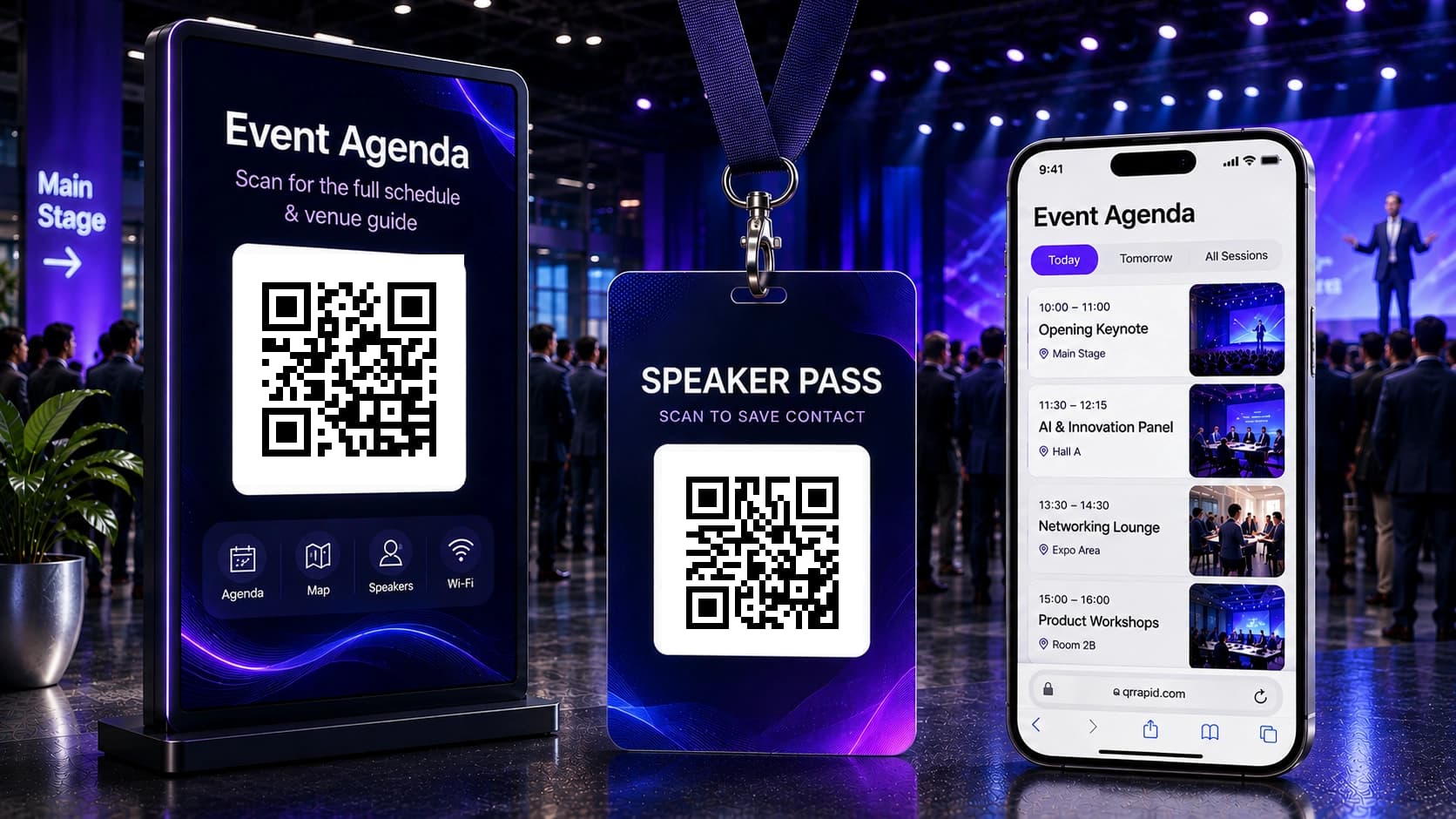
  • Event agenda poster and speaker badge with QR codes

    Events

    Open schedules, venue details and useful links from posters, badges and signage.
    EventPDFList of links
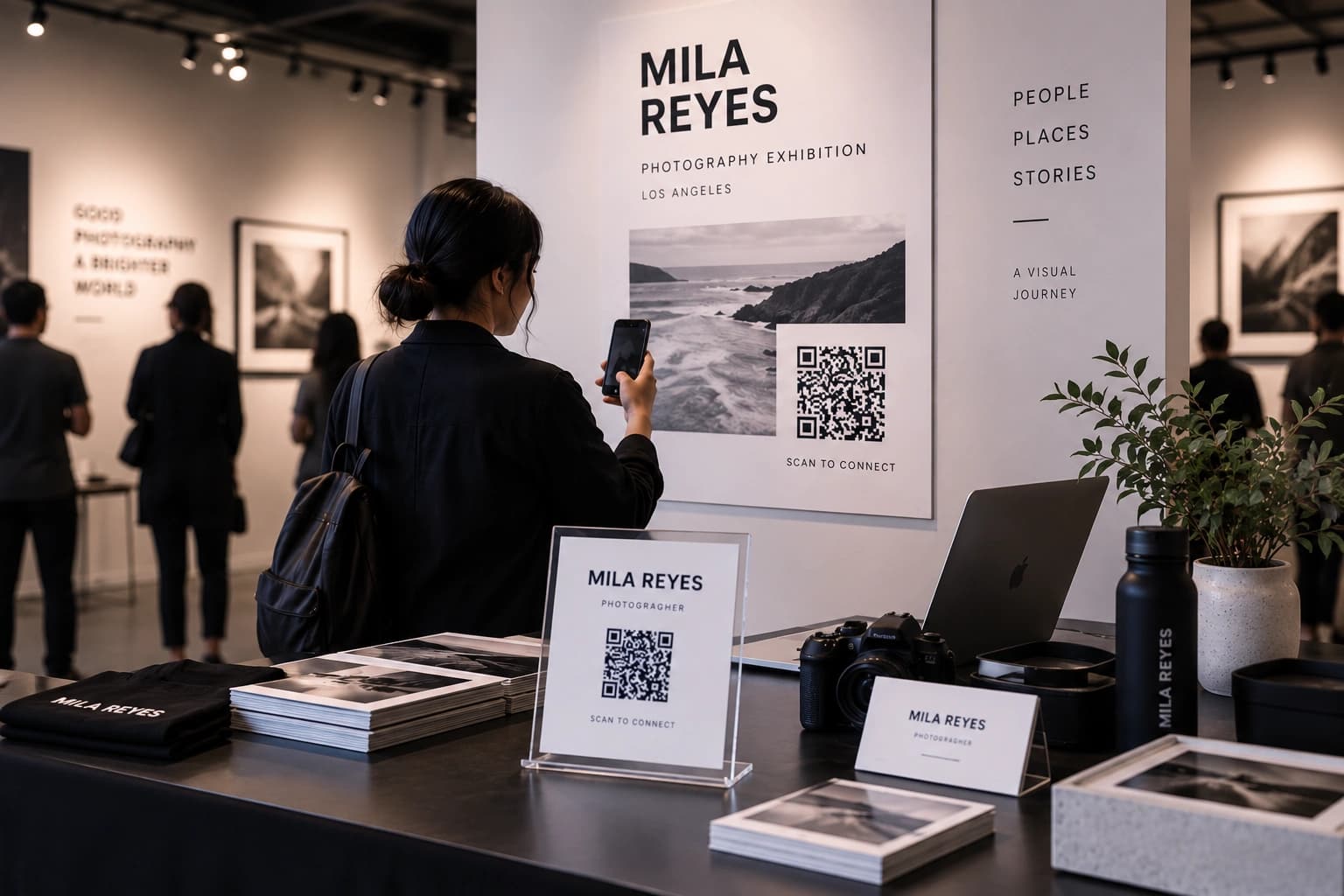
  • Visitor scanning an exhibition poster QR code

    Social Media & Creators

    Send people from print to your profiles, campaigns and creator links.
    Social mediaList of linksVideo
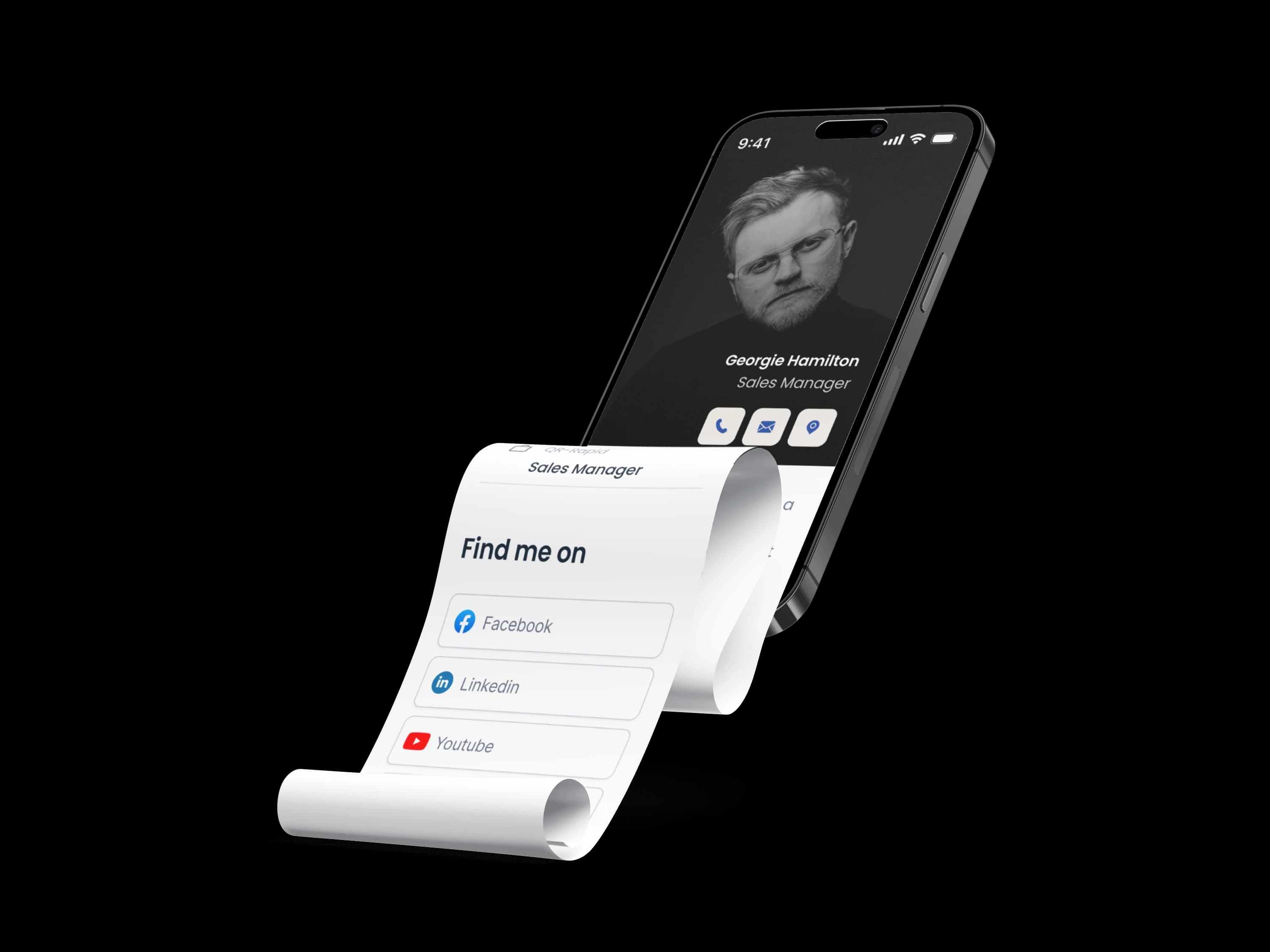
  • Phone showing a vCard contact page

    Business & Professional Services

    Share contact details, documents and your website from business cards, storefronts and brochures.

    vCardPDFWebsiteWhatsApp

More places to use QR codes

By where it’s printed
  • Gym & WellnessClass schedules · Studio contact · Socials
  • Work EnvironmentDocuments · Internal resources · Wi‑Fi
  • DesignPackaging · Print · Portfolio links
  • Everyday / Life HackPersonal sharing · Useful links · Notes
Browse by outcome

What do you want people to do after they scan?

Choose the action first. You’ll see the QR types that do it and what the scan opens on a phone.
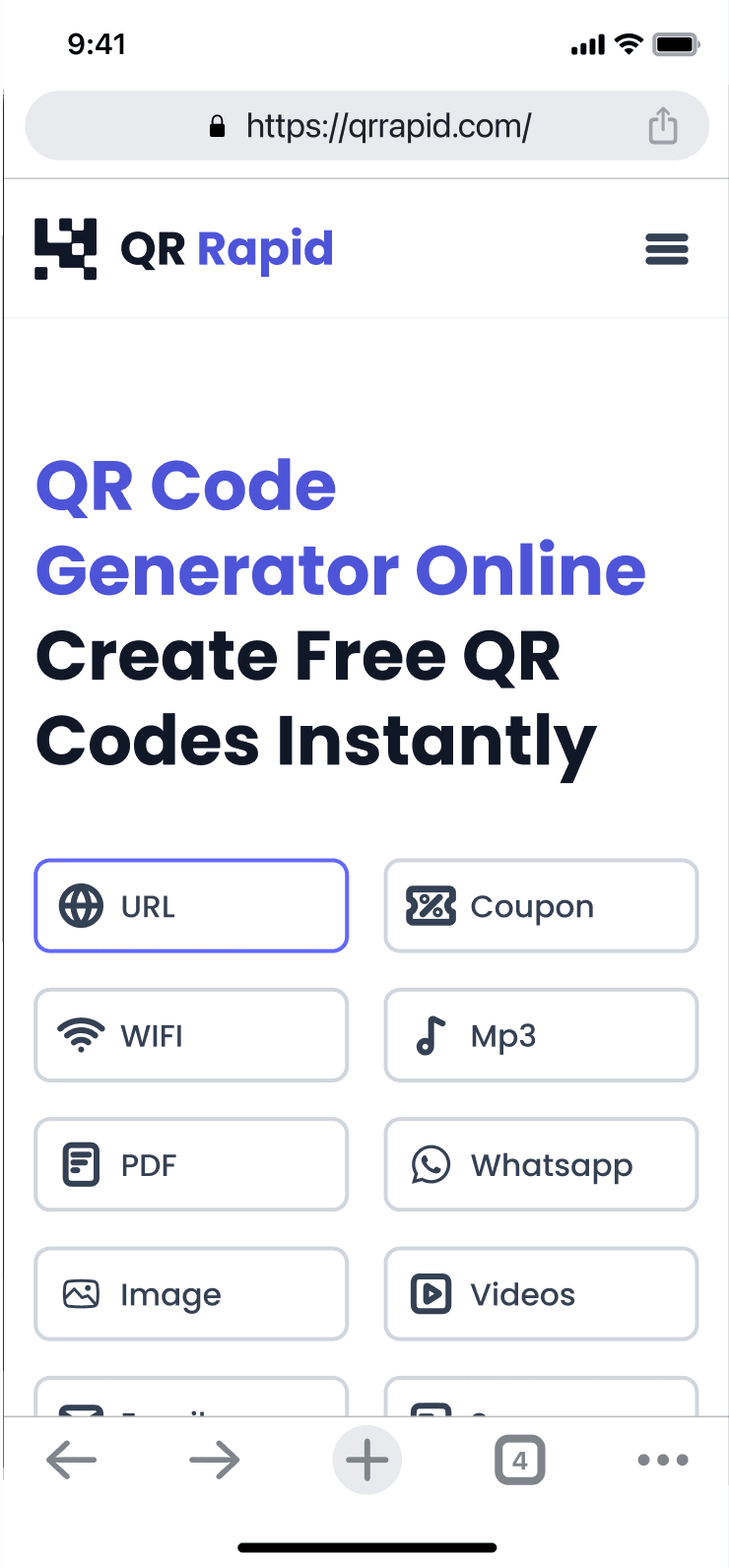
Open something
Phone preview of a Website QR page

Website QR code

Send people to any web page: your site, an ordering page or a booking page.

Works well onStorefronts · Flyers · Packaging

Create Website QR codeStatic or dynamic?
How QR Rapid works

Create it, place it, then keep it working

One walk through the product, from the first choice to the dashboard.
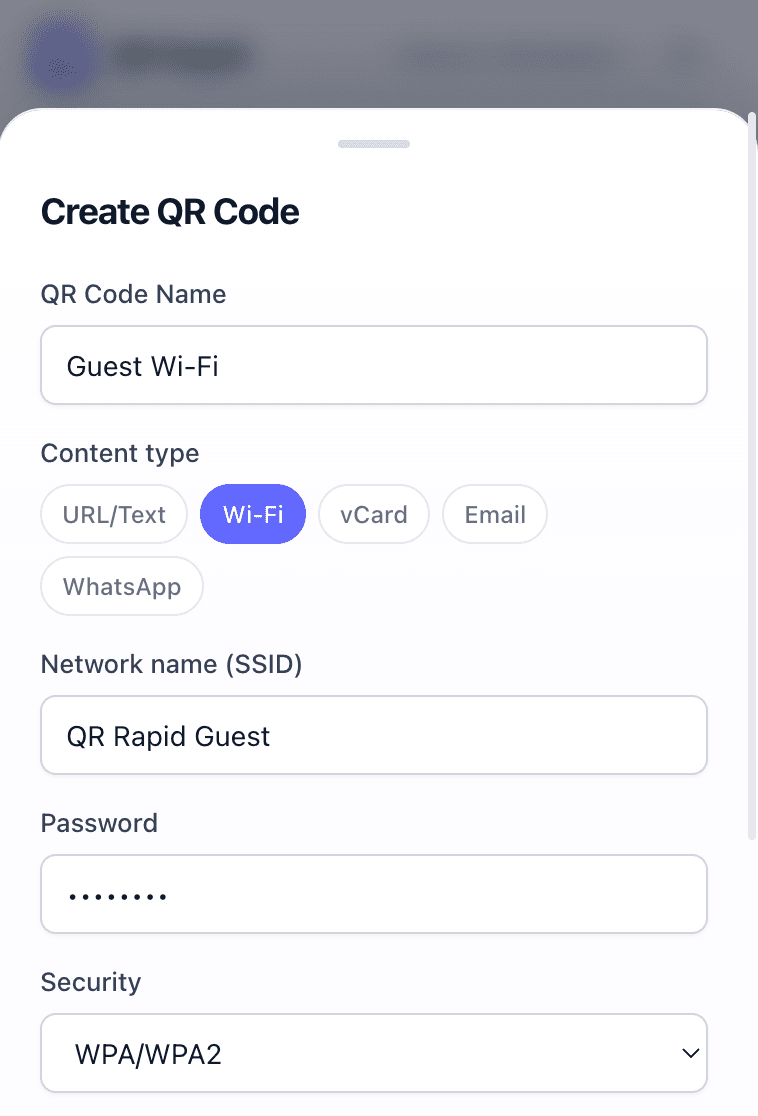
QR Rapid Create QR Code form with content type options
Step 1 of 5

Start with what the code should open

Pick a QR type such as Website, PDF, Menu, vCard or Wi-Fi, give it a name and add the content.

  • 18 QR types to choose from
  • Static or dynamic, depending on the type and plan
Dynamic QR codes

Keep the printed QR. Change what happens after the scan.

A dynamic QR code points to a destination you control. Update it from the dashboard and the code on your tables, posters or packaging keeps working.
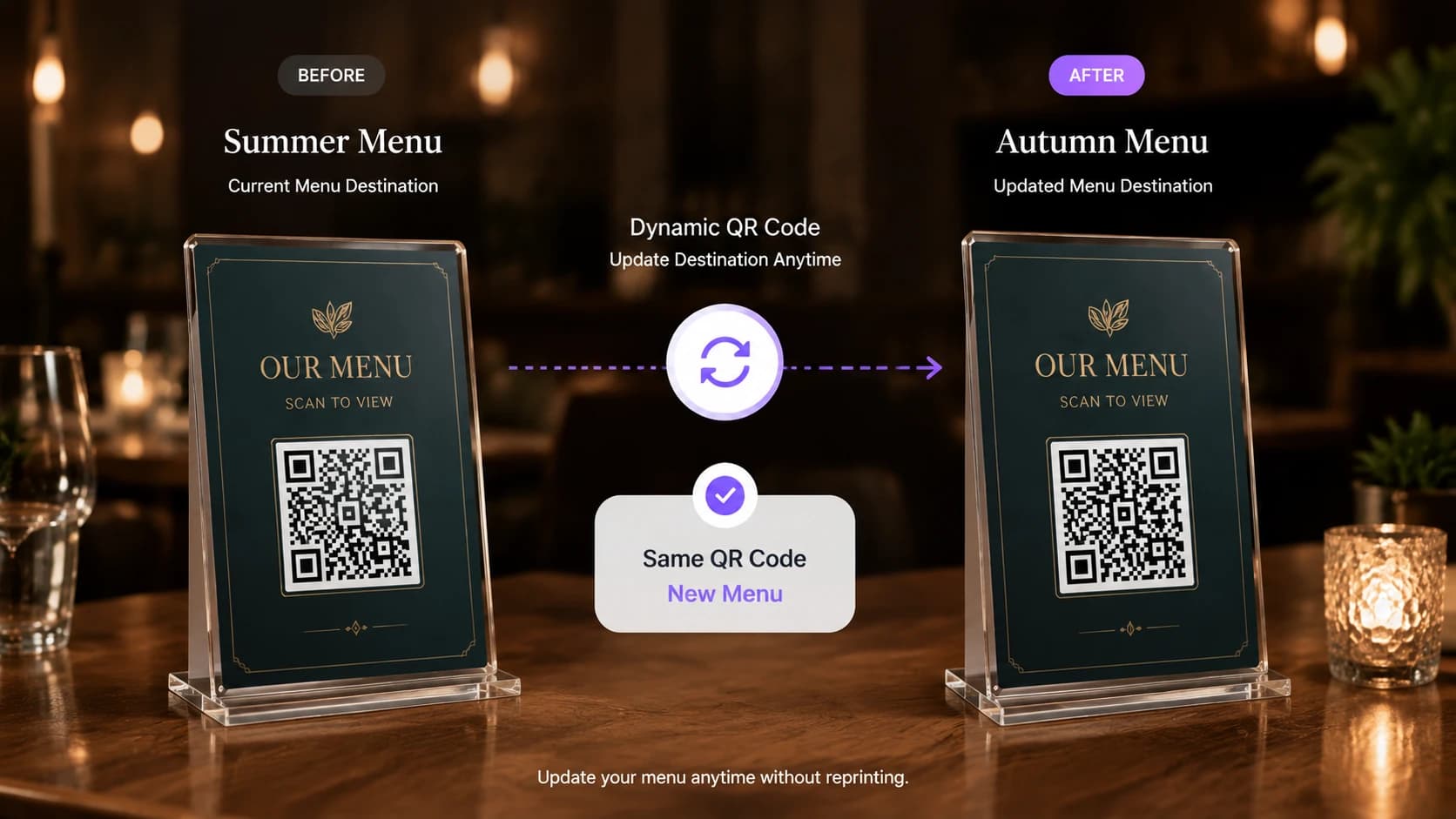
The same printed QR code opens a summer menu, then an updated autumn menu
  • Update without reprinting

    Change a dynamic QR code’s destination from the dashboard. The printed code stays the same.

  • Review scan analytics

    See total and unique scans, top countries and cities, operating systems and scan activity.

  • Customize the appearance

    Add a frame, your logo and a pattern shape so the code matches your print.

  • Manage from the dashboard

    Keep every code in one place and organize them into folders.

Static QR code

Free

Destination is fixed after creation. Cannot be edited or tracked after publishing.

  • Destination is fixed after creation
  • Cannot be edited or tracked after publishing
  • Best for Wi-Fi, text and information that will not change

Dynamic QR code

7-day trial

Edit the destination after printing. Track scans, trends, locations and timing.

  • Edit the destination after printing or sharing
  • Track scans, trends, locations and timing
  • Better for menus, PDFs, campaigns and events
Start a dynamic QR code
In practice

What a scan looks like in real places

Three common setups, from the printed code to the screen people see.
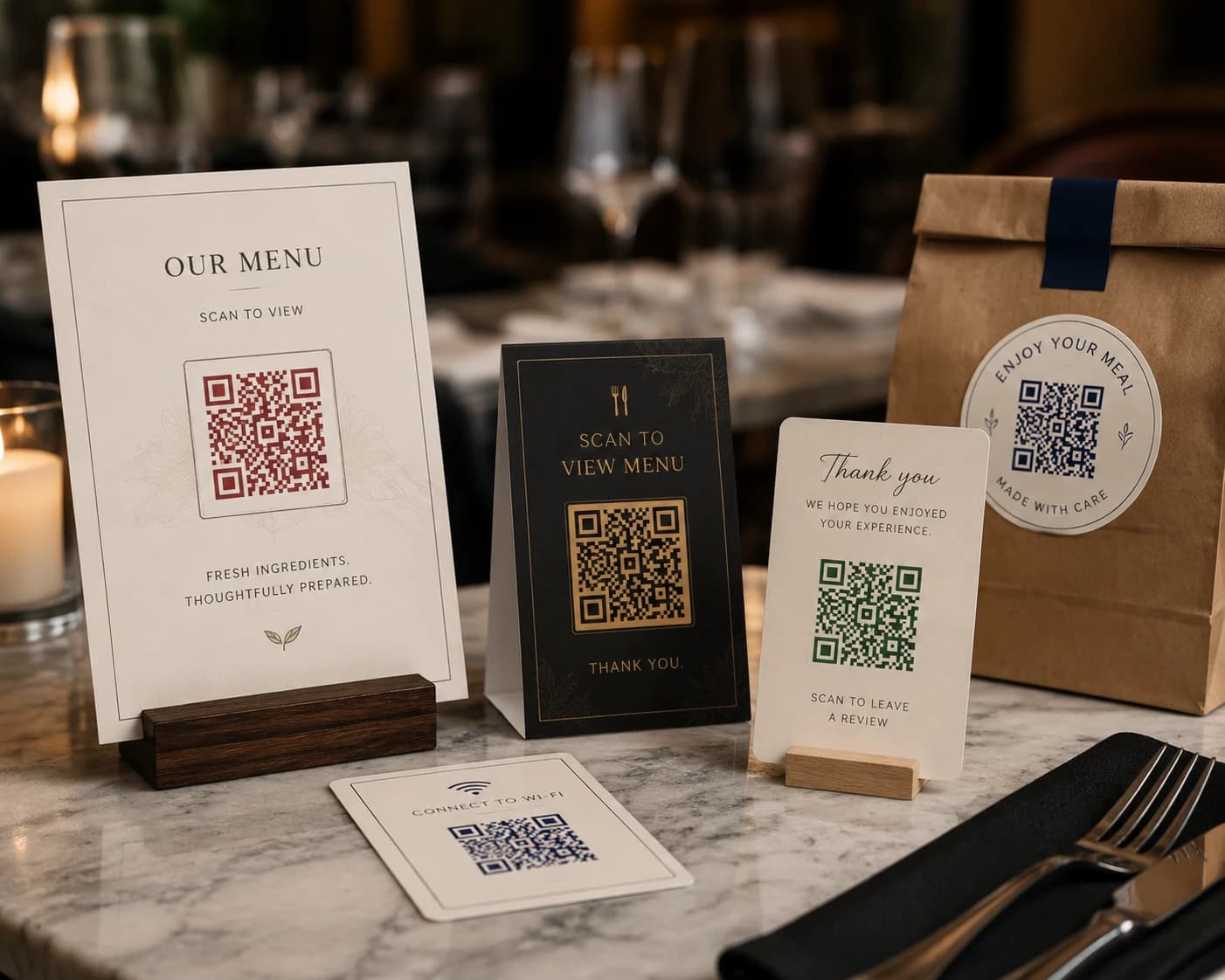
  • Menu table cards with QR codes on a restaurant table
    Table tent·Scan·Digital menu

    Restaurant

    A Menu QR code on every table opens the current menu, with specials and prices.

    QR codes for restaurants
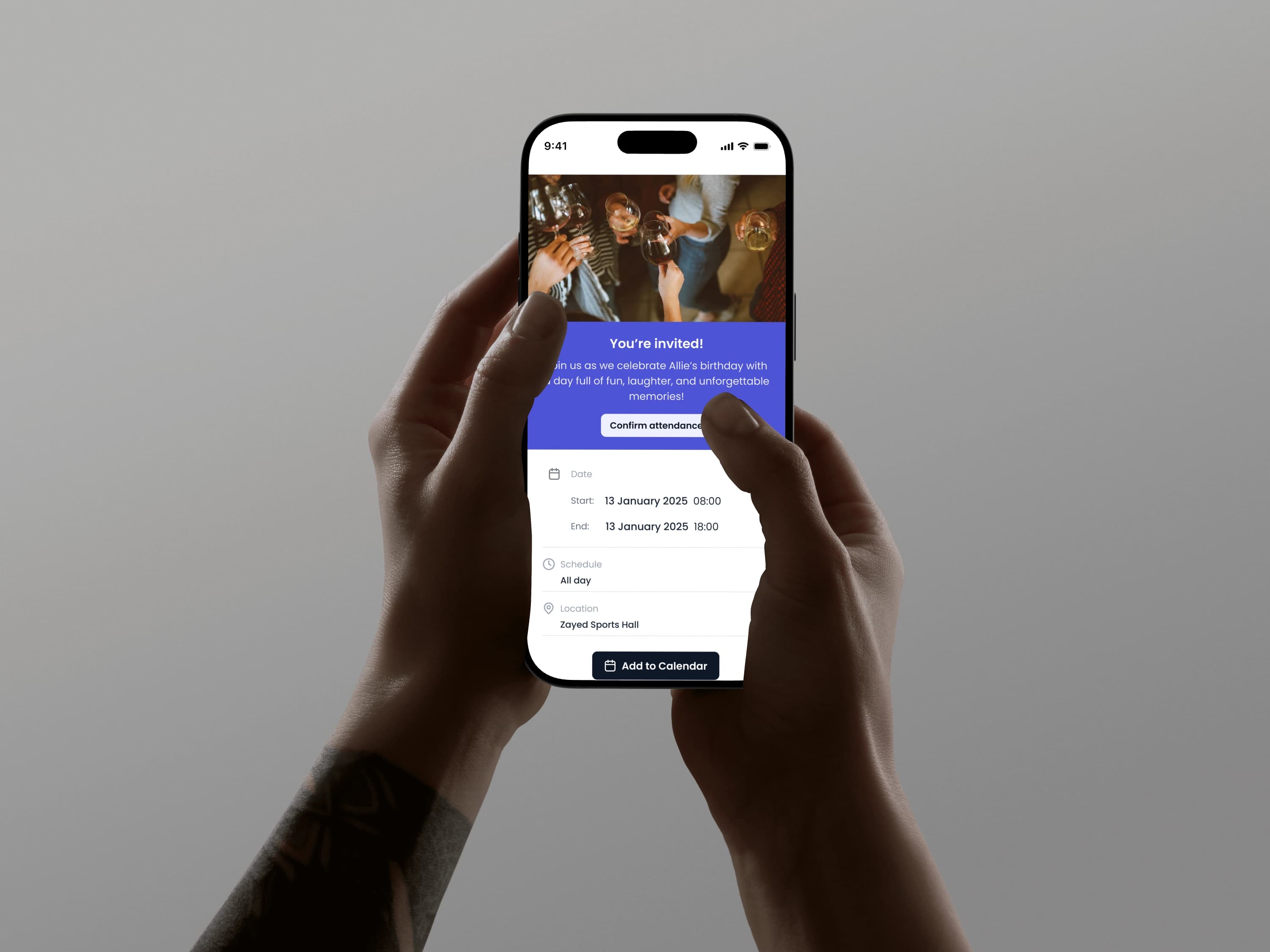
  • Hands holding a phone showing an event page with an Add to Calendar button
    Poster·Scan·Event details

    Event

    An Event QR code on the poster shares the date, venue and an add-to-calendar button.

    QR codes for events

  • Business owner at a café counter
    Business card·Scan·Contact card

    Business

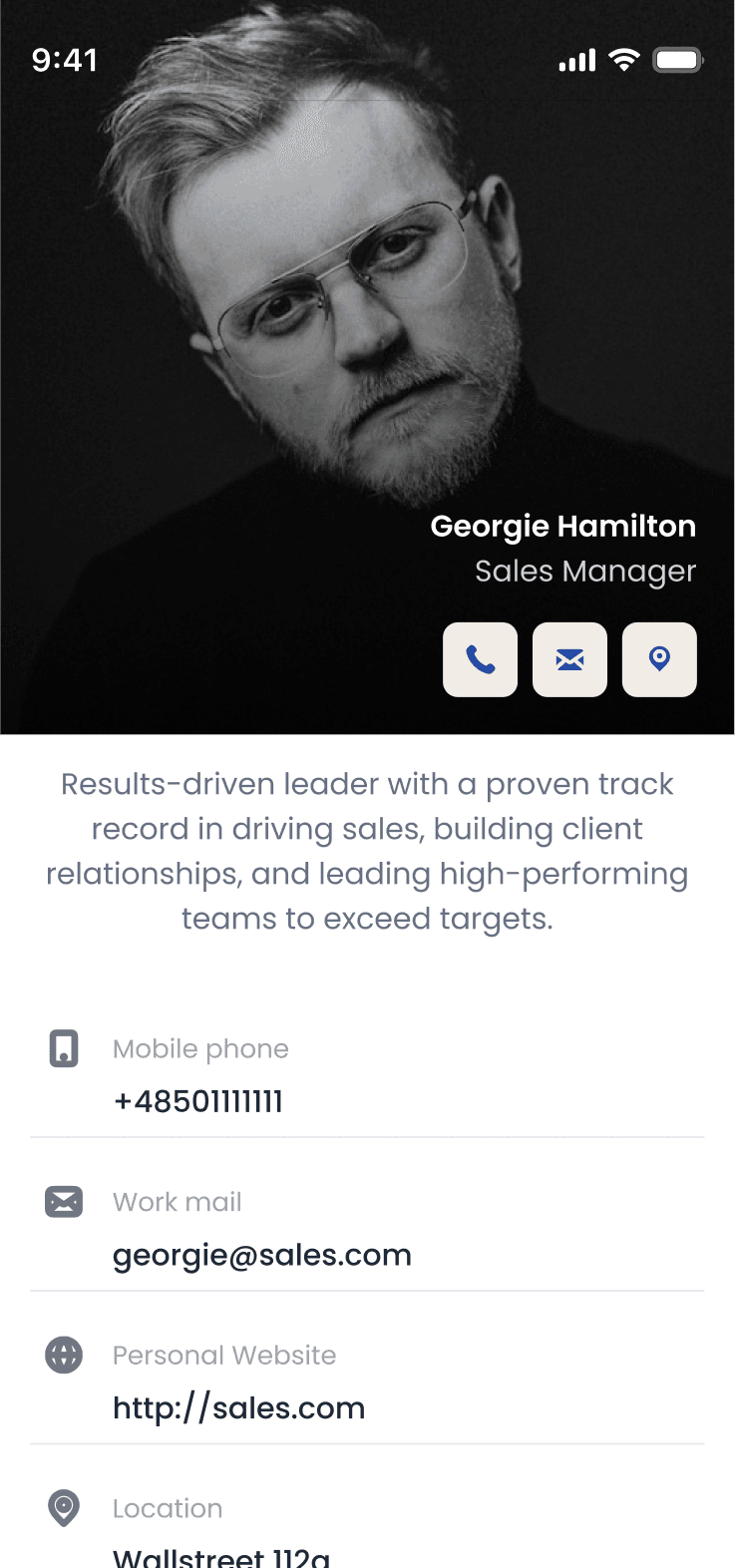
    A vCard QR code saves your name, number and email to the visitor’s contacts.

    QR codes for business services

Popular QR types

Go straight to a generator.

WebsitePDFMenuWhatsAppSocial MediavCardWi-FiEventVideoCouponView all QR types

Choosing and using QR codes

Still unsure which setup fits? We’ll help you choose.

Contact us

Start with what people should do after scanning. Choose Website to open a page, PDF for documents, Menu for a restaurant menu, vCard to share contact details and Wi-Fi to share network access. If the content may change later, create it as a dynamic QR code.

A static QR code is fixed once it is created: the content cannot be edited and scans are not tracked. A dynamic QR code points to a destination you can update from your QR Rapid dashboard, and it records scan activity.

Yes, if it is a dynamic QR code. Update the destination in your dashboard and the printed code keeps working with the new content. A static QR code cannot be changed after it is created, so you would need to print a new one.

Yes, for dynamic QR codes. The statistics view shows total and unique scans, top countries and cities, operating systems and scan activity over time. Static QR codes are not tracked.

Anywhere people have a moment to scan: tables, menus, counters, posters, packaging, product labels, storefronts, signage and business cards. Print the code large enough to scan comfortably and add a short prompt such as “Scan for menu”.

Contact us

Create your first QR code in minutes

Pick what it should open, add your content and download it. Static QR codes are free. Dynamic QR codes start with a 7-day trial.

Create a QR CodeSee plans & pricing