
Build branded QR codes for links, PDFs, menus, WhatsApp, vCards, social profiles, and campaigns — then update destinations and track scans from one dashboard.
Website URL
Wi-Fi
Menu
Image
MP3
Show more
Paste your link, customize the design, and generate a QR code you can download, share, or manage from your account.
Choose the type of content you want to link: PDF, menu, video, business card, website, app, and more.
Input your information and use our tools to craft a QR code that reflects your unique design preferences.
Save your QR code in the format you need (PDF, PNG, SVG). Print it or share it digitally—you're ready to go.
With QR Rapid, dynamic QR codes let you update the final destination later without changing or reprinting the QR code.
Need editable links and scan tracking? Start with a dynamic QR code during your 7-day trial.
Start a dynamic QR codeWhy QR Rapid
QR Rapid gives you more than a basic QR generator. Create branded QR codes, update dynamic destinations, track scan performance, and manage everything from a secure dashboard.
Customize QR codes with your colors, frames, and logo so every scan point looks professional and consistent with your brand.
Edit destinations after publishing, so you can update menus, campaigns, files, and links without replacing the printed QR code.
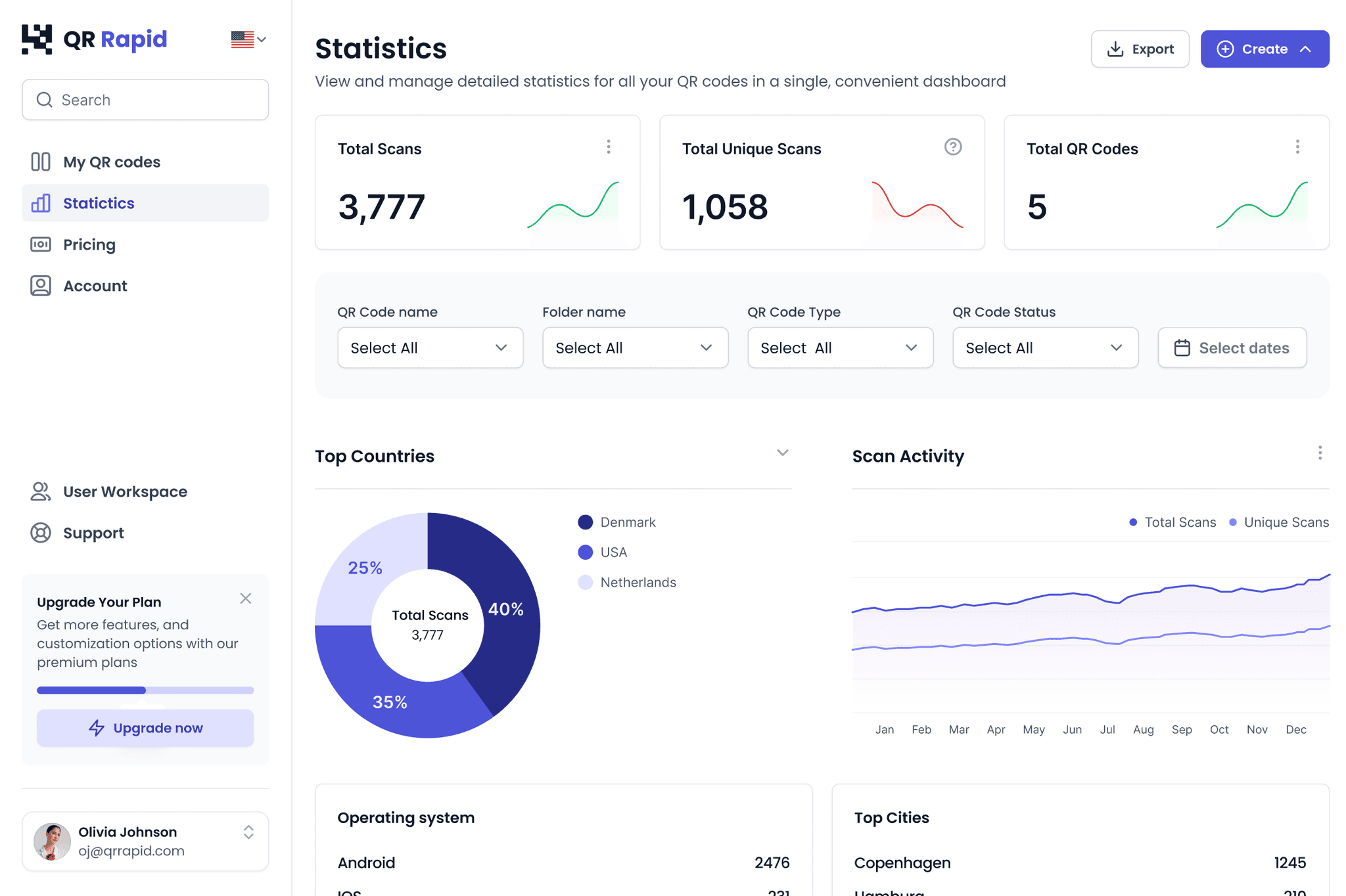
Track scans, trends, locations, and timing insights to understand which QR codes are working and where people engage.
Manage your QR codes, links, files, and campaign assets from one organized dashboard built for business use.
QR Rapid helps you understand how your QR codes perform. Track scans, compare campaigns, and see which materials, locations, or channels are getting attention.
See how many times each QR code is scanned.
Understand when people scan your QR codes.
See where your scans are coming from.
Compare QR codes across flyers, menus, posters, packaging, events, and social profiles.
Built for Business, Events, and More
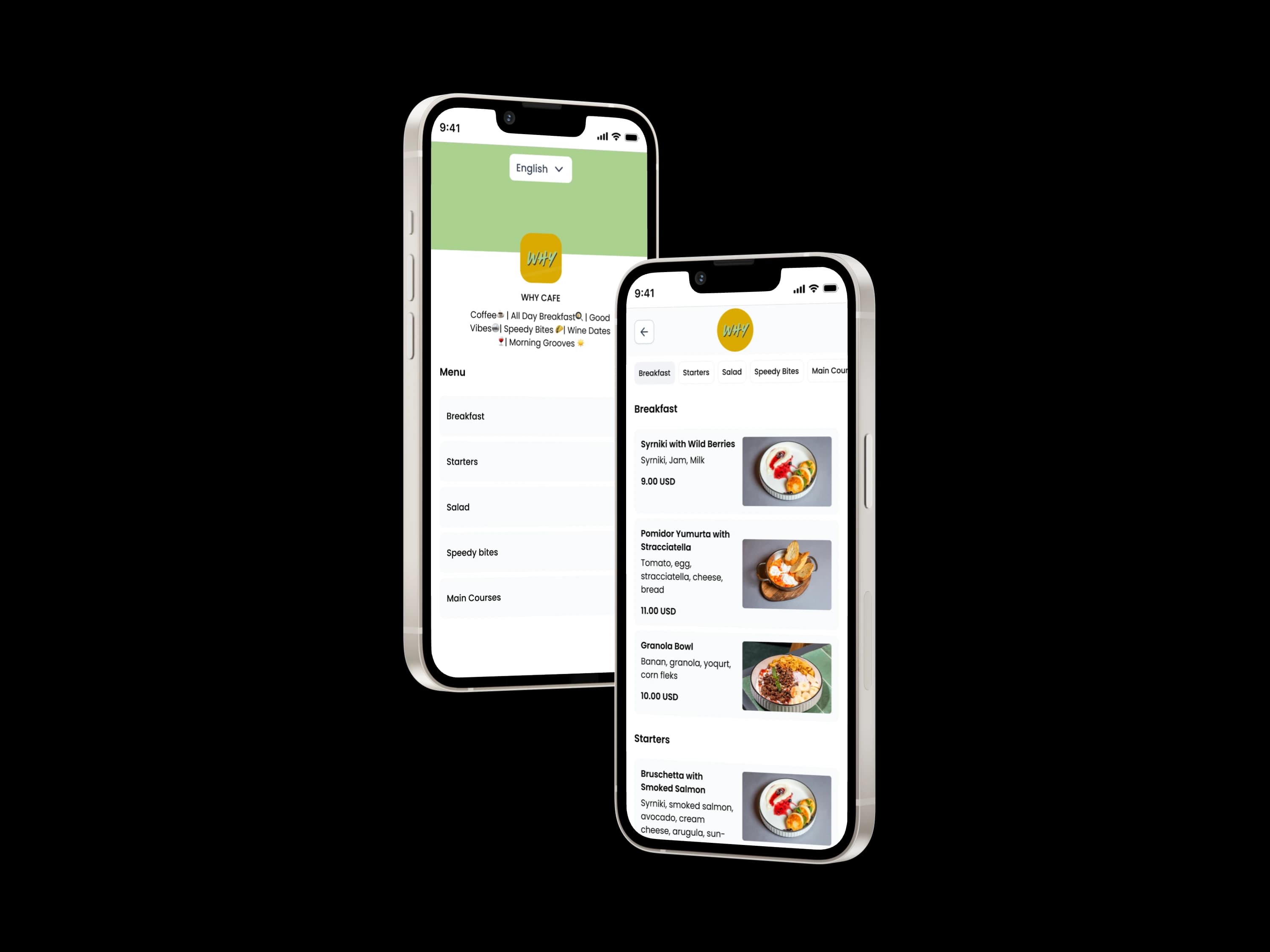
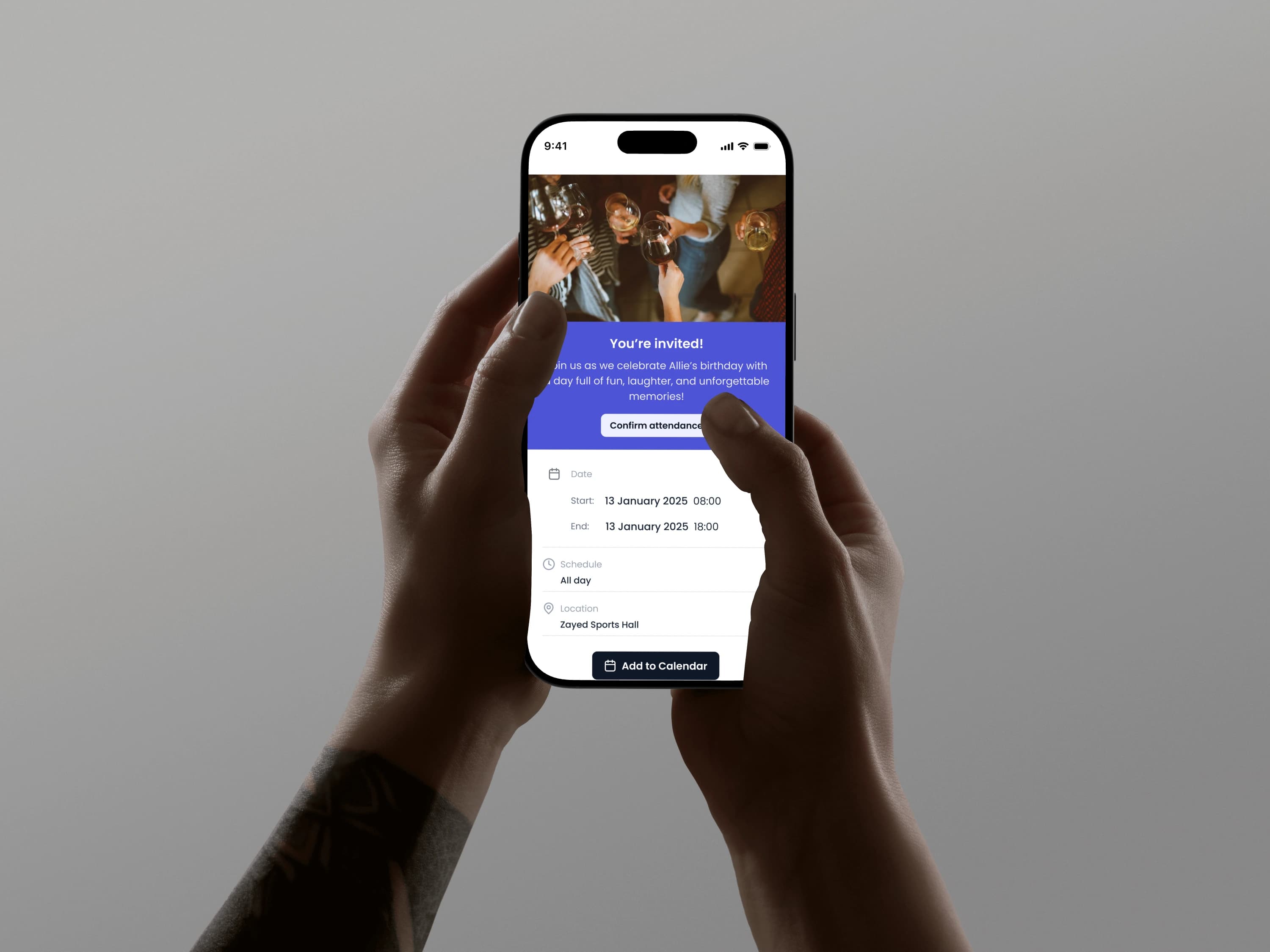
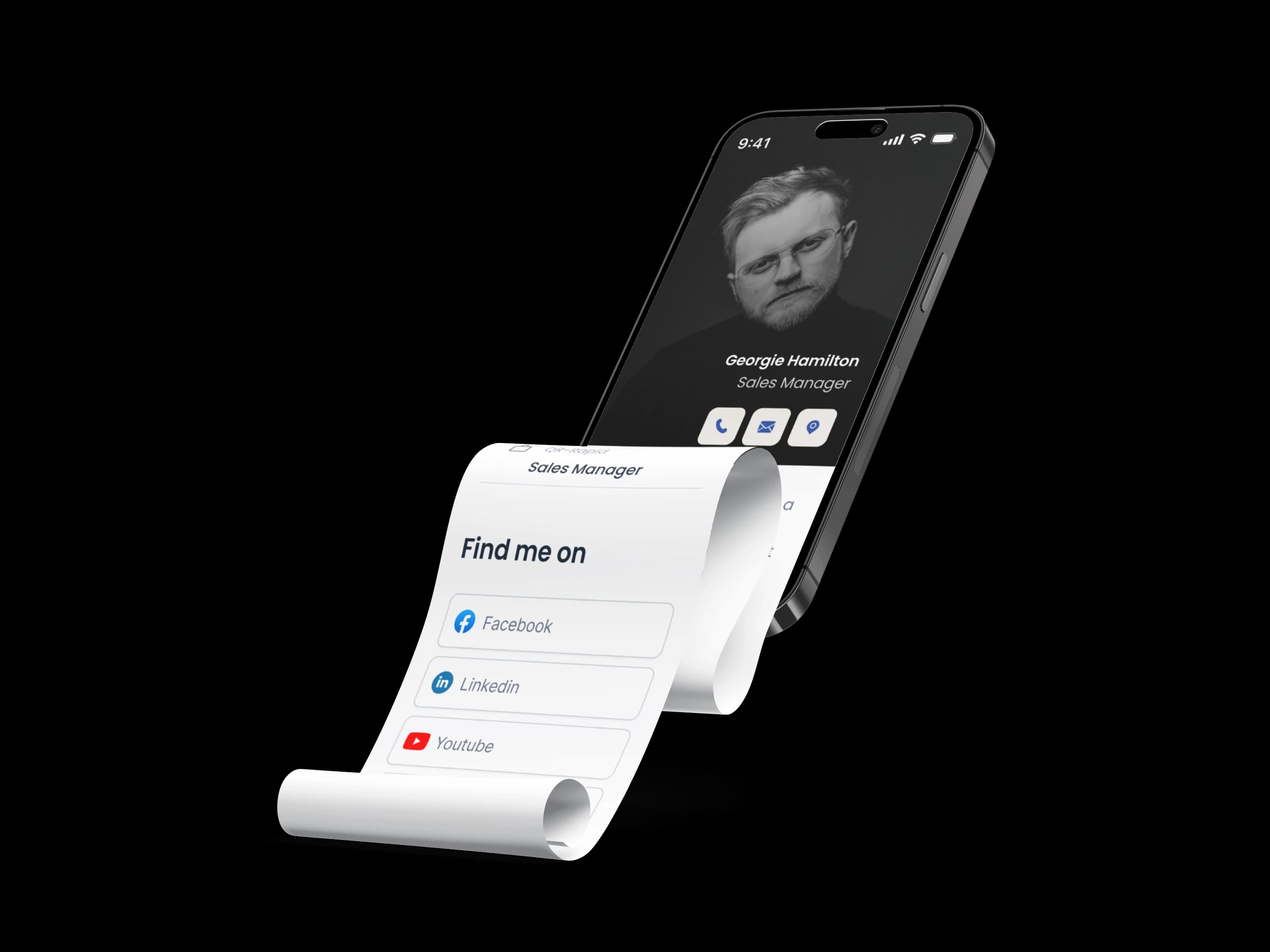
Create QR codes for the content your customers, guests, visitors, and audience need to access quickly — from links and PDFs to menus, contact details, Wi-Fi, and media files.
Send scanners to any landing page, website, booking page, store, or campaign URL.
Share brochures, menus, catalogs, price lists, guides, and documents without printing long links.
Create digital menu QR codes for restaurants, cafes, bars, hotels, and events.
Let customers message you instantly without typing your number.
Share contact details, business cards, and professional profiles in one scan.
Connect people to Instagram, TikTok, LinkedIn, YouTube, or a list of profile links.
Let guests connect to Wi-Fi without typing the password.
Share visual content, portfolios, product previews, instructions, and media files.
Try QR Rapid for 7 days and create custom QR codes for websites, PDFs, menus, WhatsApp, vCards, and more. Manage your QR codes from one dashboard when your campaigns grow.
Built for businesses, creators, restaurants, events, and teams that need QR codes they can manage after publishing.
Everything you need to know about the product and billing.
Contact us and we’ll help you choose the right QR type or setup for your use case.