Connect attendees to live agendas, venue guides, guest Wi-Fi, and networking contacts from one QR platform.
 In the venue foyer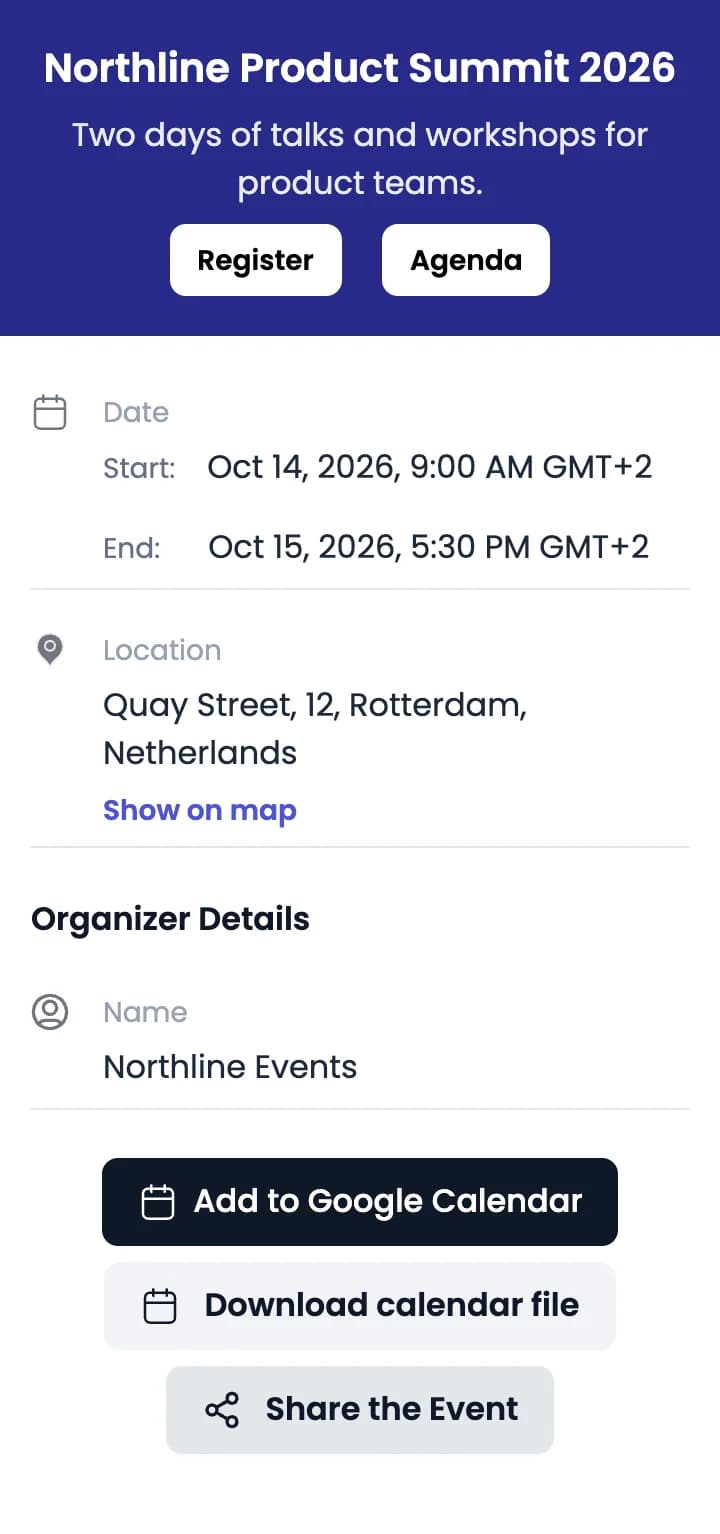
From pre-event promotion to live sessions and the closing slide, give each printed spot its own code that opens the page attendees need there.
Opens an event page with the date, venue and an Add to calendar button. Add a Register button that links to your ticketing page.
Create an Event QR codeLets compatible devices join the venue network without typing the password.
Wi-Fi codes are static: they can’t be edited or tracked. If the password changes, print a new code.
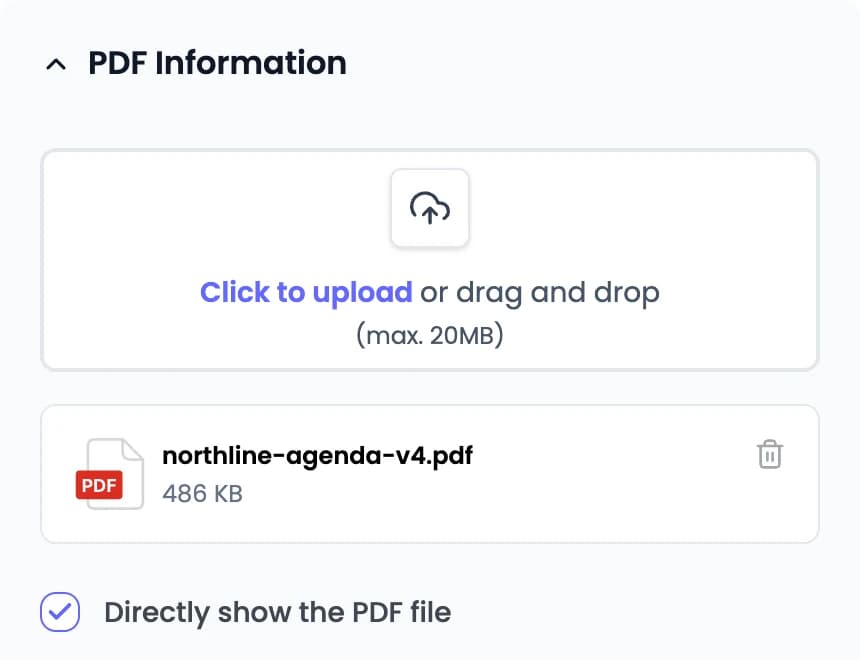
Create a Wi-Fi QR codeOpens the agenda or floor plan as a PDF, or the schedule page on your event website. Replace it when sessions move.
See agenda changesOpens the speaker’s contact card so attendees can save it to their phone. Create one code per speaker.
Create a vCard QR codeLink to your feedback form, or put the survey, slides and recordings on one List of Links page.
Create a List of Links QR codeQR Rapid creates the codes and hosts the Event, PDF, vCard and List of Links pages they open. Registration, tickets, check-in, seating and feedback forms stay in the tools you already use; the codes link to them.
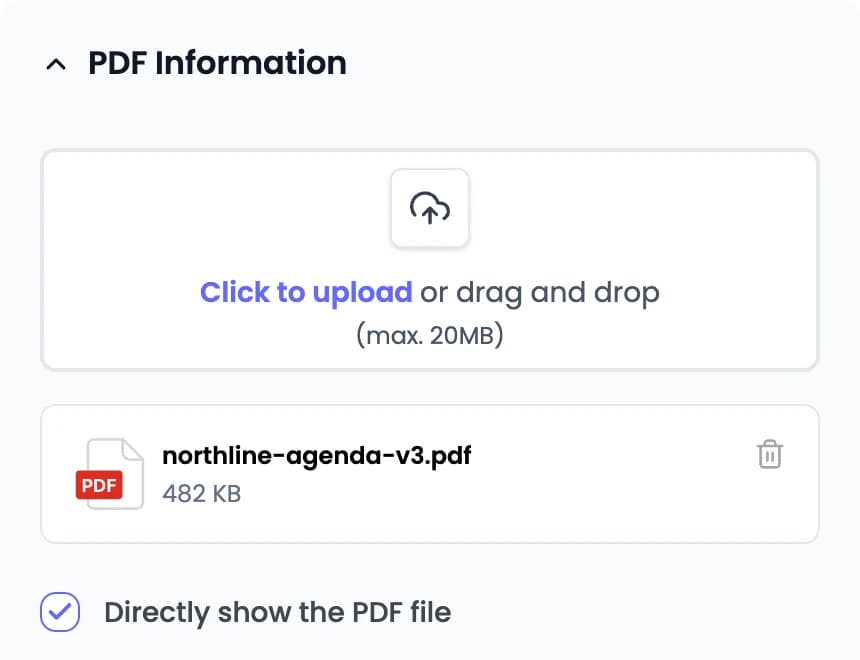
Agenda on your event website? Use a dynamic Website URL QR code and change the link instead. Event QR pages can be edited the same way. Wi-Fi codes are static and can’t be changed after printing.
Sample event. Demo QR opens QR Rapid’s PDF creator.
Name each code after where it’s printed and keep the event’s codes in one folder. Pick the event day in Statistics to rank the codes by scans and see scan activity for each hour.
Sample QR Rapid Statistics for one event day, Oct 14: 1,121 total scans, 684 estimated unique visitors, 5 of 6 codes scanned. Lobby agenda board 486, Session room doors 312, Keynote speaker contact 141, Closing slide feedback 118, Foyer poster event page 64. Hourly scans peak 214 at 13:00.
6 codes · ranked by scans in range
1 of 6 with no scans · Day 2 exit banner
Hourly scans · Oct 14
Statistics counts scans of dynamic QR codes. It doesn’t identify attendees or record who attended a session. Wi-Fi codes are static, so they don’t appear.
Sample event data. Scan figures are illustrative.
Can’t find your answer? Contact us
Not if the code is dynamic. Change the link or upload a new PDF in your QR Rapid dashboard, and the code already printed on your signs, badges and banners opens the new version. Static codes, such as Wi-Fi codes, can’t be changed after they’re created.
An Event QR code opens a mobile event page hosted by QR Rapid with the event title, description, start and end time, venue address with a map link, and organizer details. Attendees can add the event to Google Calendar or download a calendar file. You can add buttons that link to your registration page or agenda.
Yes. A Wi-Fi QR code encodes the network name (SSID) and password. When scanned, compatible mobile devices prompt the user to join the network without manually typing credentials. Wi-Fi codes are static, so if the password changes, create and print a new code.
A vCard QR code opens contact details, such as name, job title, organization, phone number and email, and the scanner can save the contact to their phone. Create one code per speaker or staff member. You can edit the details later without reprinting.
Yes. If you create separate QR codes for different banners, room entrances, or flyer placements, you can view and compare scan totals and activity over time for each QR code in your dashboard. Choose a single day to see scans hour by hour. QR Rapid measures QR scans and does not identify individual attendees or track room attendance.
No. QR Rapid creates the QR codes that route attendees to your existing registration or ticketing page, live schedule, or venue documents. Ticket issuance, check-in, admission validation, and payment processing remain handled by your ticketing platform.
Yes. Set the code and frame colors, add frame text, and place your organizer or sponsor logo in the center. Download the code as SVG for banners, stage backdrops and other large-format print.
Create a dynamic QR code for your agenda board, foyer poster or session doors, and change where it points as the programme changes.