1
Scan
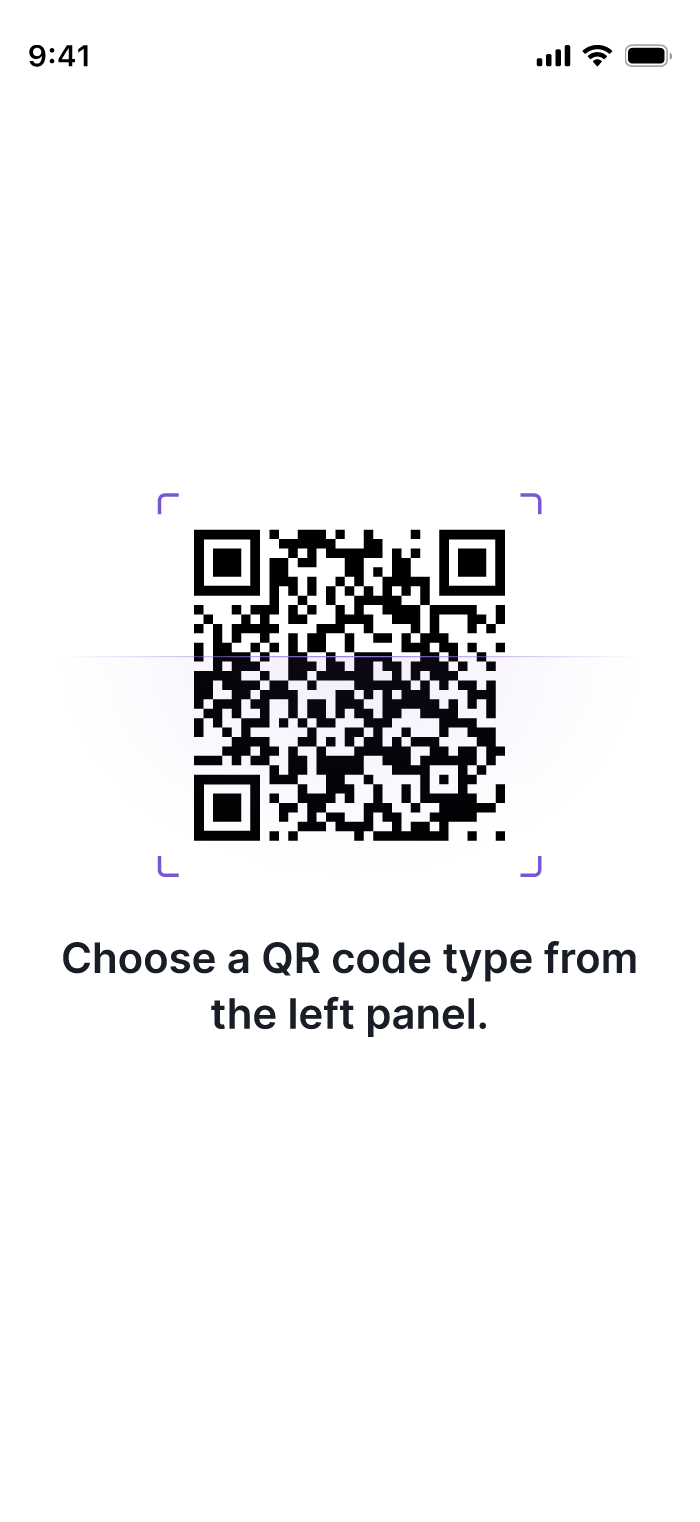
The user points their smartphone camera at the QR code.
- Works on both iOS and Android natively
Create an SMS QR code that opens your customer’s messaging app with the recipient and optional message already filled in. Choose a static code for fixed details or a dynamic code when you want to update the SMS details later and track scans.
Static or dynamic mode
Pre-filled recipient & text
Scan analytics on dynamic
Set up an SMS QR code around one clear action: choose how the code should behave, add the text-message details, then test it before publishing.
Use a static SMS QR code when the phone number and message will stay fixed. Choose dynamic when you want the flexibility to update those details later and view scan analytics.
Enter the recipient phone number, including the country code when appropriate, and add an optional short message that will appear in the scanner’s messaging app.
Style the QR code to fit your brand, then scan it on the devices your audience is likely to use. Confirm the correct recipient and message appear before printing or publishing it.
Understanding the process from scan to action.
The user points their smartphone camera at the QR code.
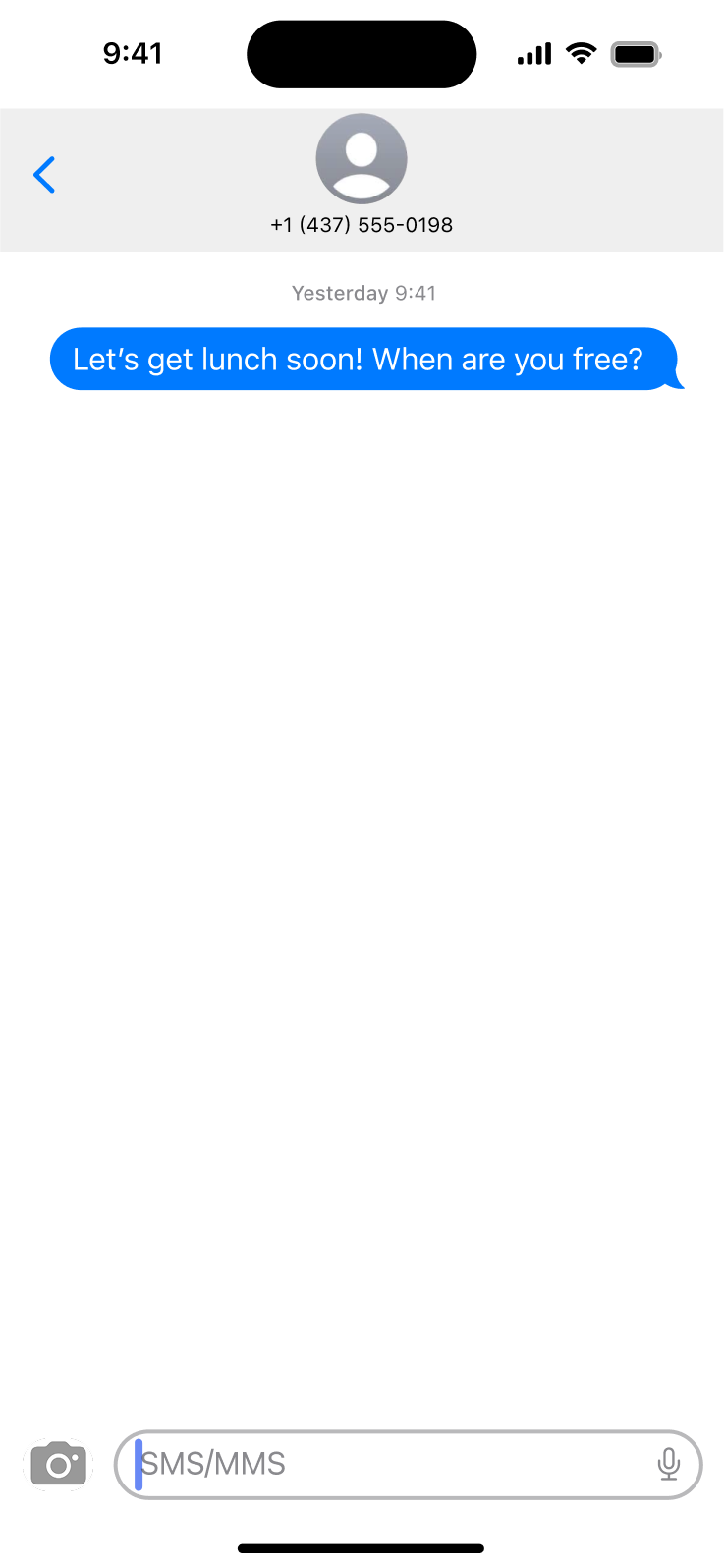
The native messaging app opens with the recipient and optional message pre-filled.
The user reviews the pre-filled text in their messaging app and taps send.
Practical use cases
Customer Support
Help customers start a support text with their product model or order issue pre-filled.
Marketing Opt-Ins
Make SMS list opt-ins simple by pre-filling the keyword and receiving number.
Event Feedback
Gather rapid ratings or feedback via text response after an event or service.
Order Placement
Let customers reorder standard items by sending a structured text to your sales line.
Follow these guidelines to get the most out of your SMS QR codes and avoid common pitfalls.
Compare Options
Depending on your use case, these QR code types may complement or work better for your needs.
Offer WhatsApp as a richer messaging alternative with media sharing support.
Provide email for customers who prefer detailed, written communication.
Combine SMS opt-ins with coupon delivery for promotional campaigns.
Use event codes alongside SMS for RSVP confirmations and reminders.
Still have questions?
Can’t find the answer you’re looking for? Please chat to our friendly team.
SMS
Trigger a text message
SMS
SMS
Trigger a text message
Website URL
Send users to any webpage
Website URL
Website URL
Send users to any webpage
Wi-Fi
Let users connect instantly
Wi-Fi
Wi-Fi
Let users connect instantly
Menu
Create a digital menu
Menu
Menu
Create a digital menu
Start a chat with one tap
Start a chat with one tap
Image
Showcase visuals
Image
Image
Showcase visuals
Show a downloadable file
Show a downloadable file
MP3
Share audio directly
MP3
MP3
Share audio directly
Video
Play a video instantly
Video
Video
Play a video instantly
Open an email draft
Open an email draft
Text
Display simple text
Text
Text
Display simple text
vCard
Share contact details
vCard
vCard
Share contact details
Crypto
Accept Crypto payments
Crypto
Crypto
Accept Crypto payments
List of links
Share everything in one place
List of links
List of links
Share everything in one place
Coupon
Unlock special offers
Coupon
Coupon
Unlock special offers
Event
Promote an event
Event
Event
Promote an event
APP
Link to your app
APP
APP
Link to your app
Social media
Link all your socials
Social media
Social media
Link all your socials