
Add an information code to the tickets, conference badges and festival passes people carry all day: the schedule, the venue map, a speaker’s contact or the latest updates. Admission stays with your ticketing system. QR Rapid doesn’t issue tickets or check them at the door.
Back · Lumen Conference 2027
Scan for the schedule
Schedule · venue map · speakers · updates
Lumen Conference 2027
Day pass · Keynote
Thu 9 Sep 2027 · 09:00
Show at entryFrom your ticketing platform
Scan for the schedule
Illustrations of printed pieces with fictional businesses. Lumen Conference is a fictional event. The hatched squares stand in for the admission code and can’t be scanned; the information codes open this page.
Every ticket or badge can carry the same information code, because everyone needs the same schedule. The admission code stays exactly as your platform issued it.
Planning the venue as well? QR codes for events and conferences covers posters, entrance Wi-Fi, agenda boards and signs. This page stays with the pieces guests carry.
Link your agenda page, or upload the programme as a PDF you can replace later.
A picture of the halls and stages, or a printable venue guide.
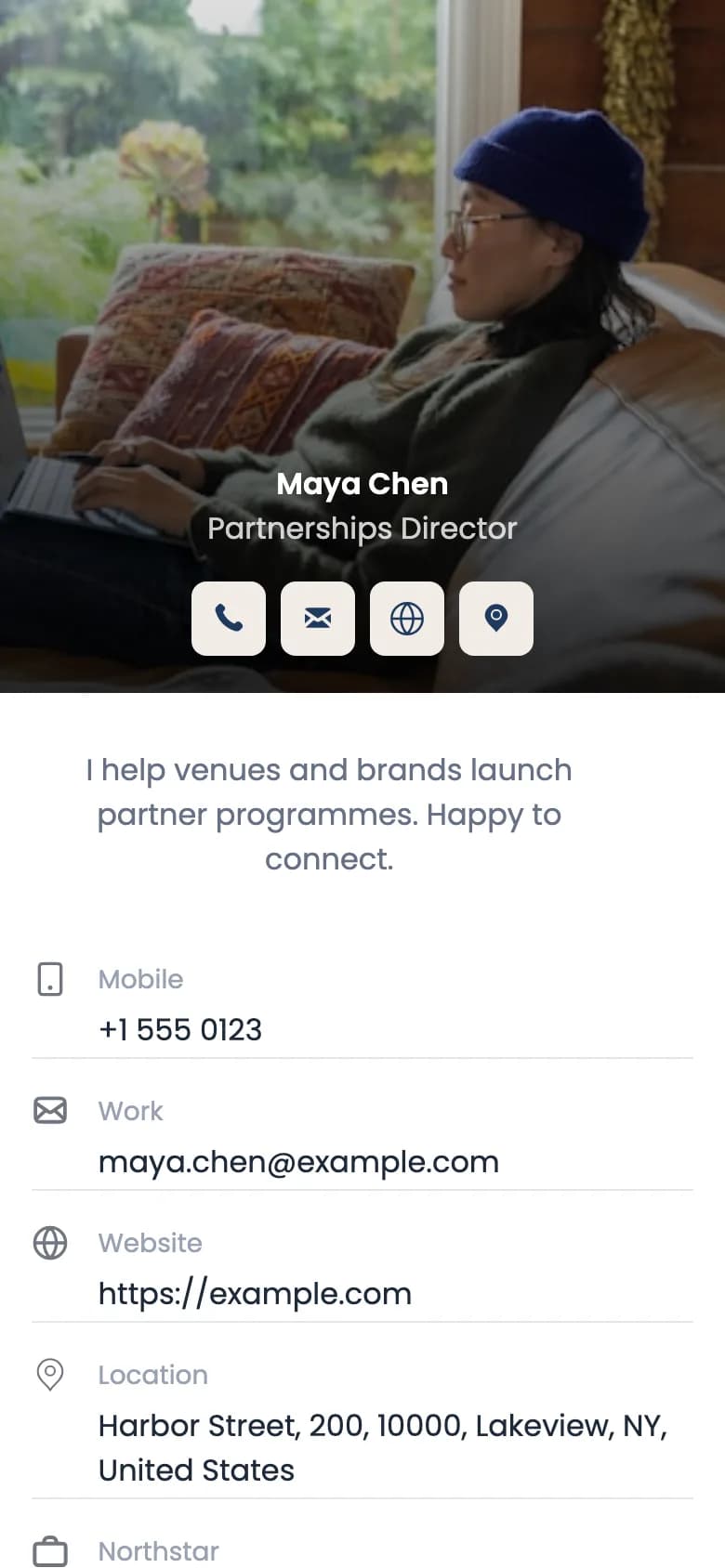
With a dynamic vCard code, a contact page with an Add to Contacts button. Each vCard code holds one person, so make one per speaker or exhibitor, not one per attendee.
One mobile page with a button each: the exhibitor list, the community group, sponsor offers.
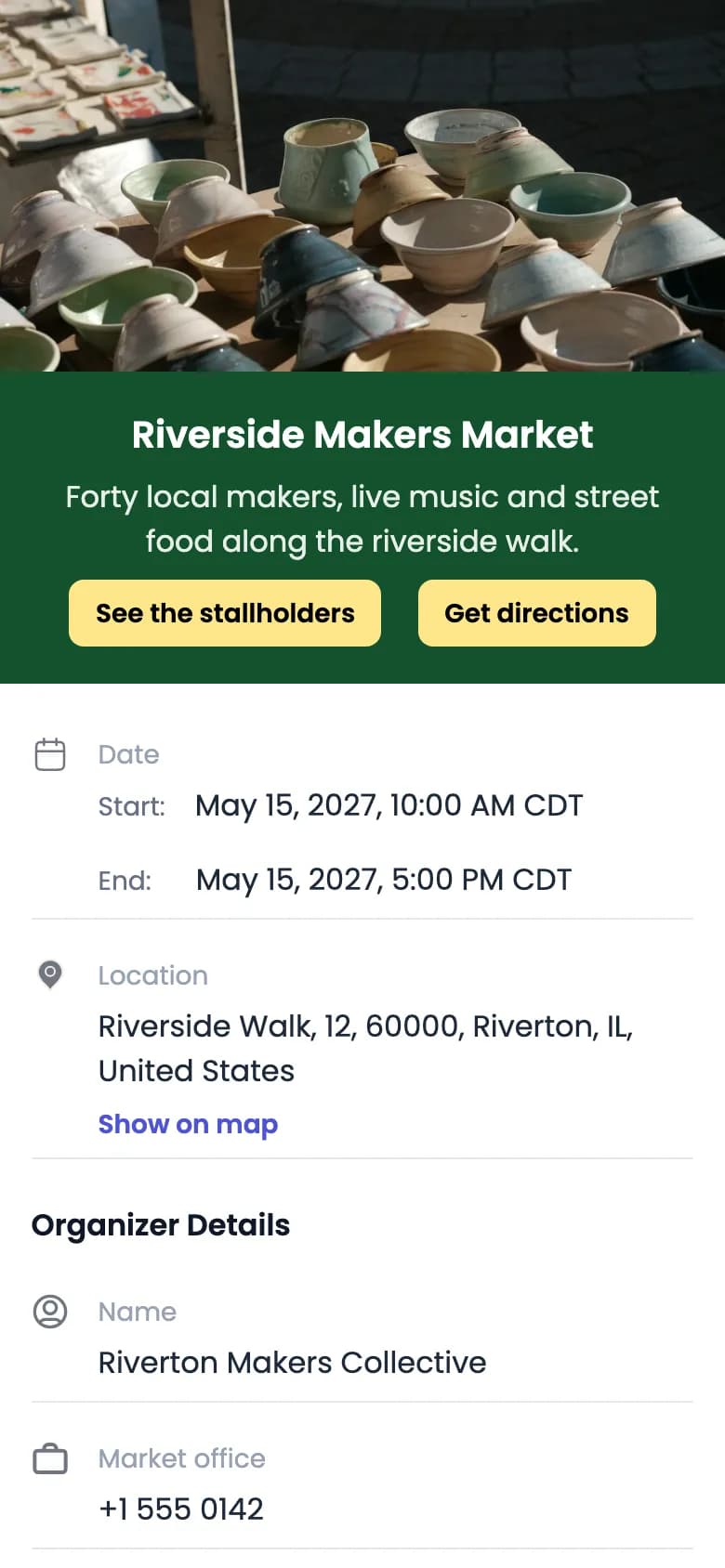
Date and time, the location with Show on map, organiser details, and Add to Google Calendar or Download calendar file.
A page on your site you keep updated: room changes, delays, shuttle times.
Lumen Conference 2027
Jonas Berg
Speaker · Hall C
Show at entryFrom your registration platform
Back · Lumen Conference 2027
Scan for the schedule
Schedule · venue map · speakers · updates
A dynamic code prints a short QR Rapid link. Replace the PDF schedule, or change the address a URL code opens, in your dashboard, and every ticket and badge already printed follows.
A static code is fixed to what you typed when you made it and isn’t tracked. For anything printed weeks ahead, use a dynamic one. Event codes are always dynamic.
A dynamic code works while it’s active in your QR Rapid account; if it’s deactivated (for example when a plan ends), scans show an inactive-code page until you reactivate it.
Want to compare the badge code with the handout code? Duplicate a dynamic code, rename each copy after where it’s printed, put them in one folder and filter Statistics by code.
No. QR Rapid doesn’t issue tickets, scan them at the door, stop a ticket being used twice or record attendance. The admission code comes from your ticketing or registration platform; a QR Rapid code sits beside it for information.
Keep them apart and label both: “Show at entry” beside the admission code and “Scan for the schedule” beside the information code. On a badge, the back is a good place for the information code, away from where door staff scan.
Use a dynamic code. Change the destination, or replace the PDF schedule, in your dashboard and every badge already printed opens the new version.
Yes. A dynamic vCard code opens a contact page with a button to save the contact. Each vCard code is made for one person, so create one per speaker or exhibitor.
Image for a map picture, PDF for a printable venue guide, and URL when the map already lives on your event website.
Statistics shows scans over time, devices, countries and cities, and estimated unique visitors for each dynamic code. It counts scans, not attendees, and doesn’t identify who scanned.
Each button opens the generator with that type selected. Not sure? Start with an Event QR code. Design the code in the generator, then create your account to download it.
Date, venue on a map and calendar buttons.
Create an Event QR codeYour agenda, map or updates page.
Create a URL QR codeOne speaker’s or exhibitor’s contact.
Create a vCard QR codeEvery account starts with a 7-day free trial, no credit card required.