
Dynamic QR Platform
Create QR codes Instantly
Website URL
Send users to any webpage
Website URL
Website URL
Send users to any webpage
Wi-Fi
Let users connect instantly
Wi-Fi
Wi-Fi
Let users connect instantly
Menu
Create a digital menu
Menu
Menu
Create a digital menu
Start a chat with one tap
Start a chat with one tap
Image
Showcase visuals
Image
Image
Showcase visuals
Show a downloadable file
Show a downloadable file
14 Sep 2026 • 12 min read
Appointment Booking QR Code Workflows for Service Businesses
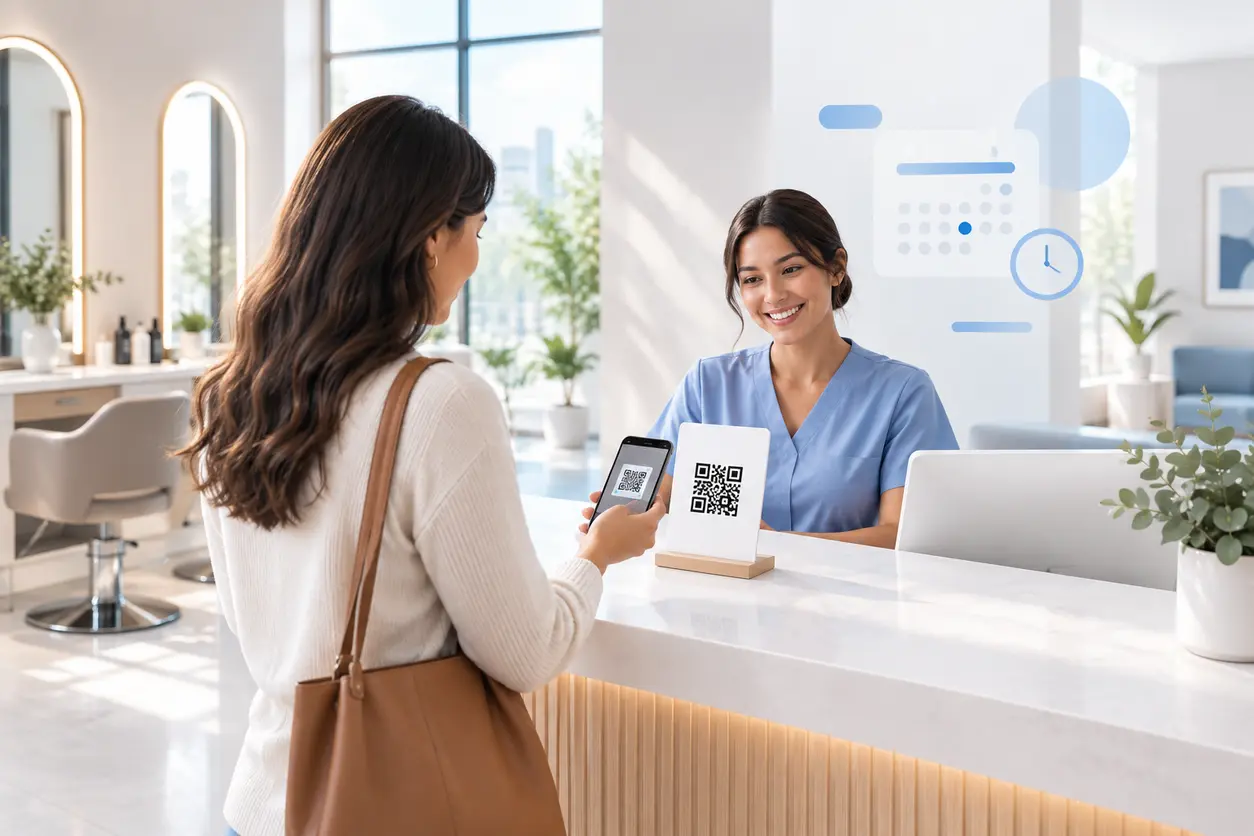
Learn how salons, clinics, spas, barbers, and consultants can use appointment booking QR codes on signs, mirrors, receipts, cards, flyers, and follow-up emails to turn interest into scheduled visits.
IntroductionChoose the right destination before generating the codeBuild separate QR codes for separate momentsDesign each scan-to-book flow for a phoneUse post-visit follow-up correctly: email can feature a QR code; SMS should use a direct linkReduce no-shows with flexible destinations and clearer pre-visit pagesTrack each physical placement and improve the ones that matterPrint for real-world scanning conditionsA simple launch plan for QR RapidMake the next appointment the easiest actionFAQ
For a booking-led business, the most valuable next step is rarely “visit our website later.” It is choosing a service, selecting a time, and confirming an appointment while the customer is already interested.
An appointment booking QR code gives people a fast route from a physical touchpoint to that action. A client in a salon chair can scan a mirror decal to rebook. A patient leaving a clinic can scan an appointment card to request a follow-up. A prospective client passing a consultant's flyer can scan to open a short inquiry form or calendar.
The QR code is not the booking system. It is the bridge to the right booking destination on a phone, without asking someone to search for your business, remember a URL, or wait for staff to become available.
This guide focuses on the practical booking workflow: where to place codes, what each code should open, and how QR Rapid dynamic QR codes help you keep printed materials useful when your schedule, services, or campaigns change.
Choose the right destination before generating the code
A QR code performs best when it has one clear next action. Do not send every scanner to a homepage and expect them to find the booking button themselves.
Send ready-to-book customers to a booking page
Use a direct booking-page QR code when your scheduling platform already lets customers select a service, provider, location, and available time.
This is the best choice for places where customers know what they want, such as:
- A barber shop's haircut and beard-trim menu
- A salon's color-refresh booking page
- A spa's massage and facial booking page
- A clinic's established-patient follow-up schedule
- A fitness coach's paid consultation page
Keep the first screen focused. If the booking system supports it, link to the relevant location, provider, service category, or campaign rather than a broad booking portal.
Send consultation prospects to a calendar
Consultants, therapists, agencies, and specialized service providers may need a discovery call before a paid appointment is appropriate. In that case, route the QR code to a calendar with only the relevant meeting type available.
For example, a financial consultant can place a QR code on a workshop handout that opens a 20-minute introductory-call calendar. A med-spa can use a separate code for consultation-only services that require screening before treatment selection.
Avoid putting every meeting option on the calendar. Too many choices create uncertainty and can lead people to abandon the process.
Send uncertain prospects to a short contact form
A contact form is useful when price, eligibility, urgency, travel area, or service scope must be reviewed before an appointment can be offered.
A practical form should ask only what staff need to respond productively, such as:
- Name and preferred contact method
- Requested service
- Preferred day or time range
- Location or service address, if relevant
- A brief note about the request
For a clinic, avoid collecting sensitive medical details through a general marketing form. Send patients to your approved patient communication or scheduling process instead.
Use a campaign landing page when the offer needs context
A landing page is helpful when a printed promotion needs a short explanation before booking. For instance, a salon flyer for first-time color clients could open a mobile page with the offer conditions, a few preparation notes, and one prominent “Book your consultation” button.
The goal is still a booking action. Keep supporting content brief, mobile-friendly, and tied to the specific item the person scanned.
Build separate QR codes for separate moments
One all-purpose code makes it difficult to know which physical placements create booking intent. It can also force every customer through the same path, even when their needs are different.
Create distinct appointment booking QR codes by location, audience, or booking goal. QR Rapid lets you create dynamic codes for these individual touchpoints, giving each printed placement its own destination and scan history.
Front desk: capture customers who do not want to wait
Place a code at the reception desk with a direct instruction such as: “Need your next appointment? Scan to book.”
This works well when the front desk is serving another customer, when a customer is leaving in a hurry, or when someone walks in to ask about availability. Link it to the general booking page or a location-specific booking page.
For a multi-provider clinic, a front-desk code can open the approved request page rather than asking reception staff to explain every next step during a busy period.
Mirrors: make rebooking part of the service experience
Mirror placement is especially useful for salons, barbers, spas, and beauty businesses. Clients have time in the chair, can see the result they want to maintain, and may be thinking about when to return.
Use one concise call to action:
- “Love your refresh? Scan to reserve your next visit.”
- “Keep your shape on schedule. Scan to rebook.”
- “Ask your stylist, then scan to choose your next time.”
A mirror code should take clients directly to a rebooking flow. If your booking platform can preselect the stylist or service category, use that option. If it cannot, make the destination page easy to navigate with a visible “Return visit” service category.
Appointment cards: give each client a take-home route back
A printed appointment card can do more than list the next visit. Add an appointment booking QR code to let clients change, confirm, or schedule a future visit from their phone.
For example, a dental or physiotherapy practice might print a card with the next recommended follow-up window and a code labeled “Request your next visit.” A lash artist can include a rebooking code on an aftercare card, where the client is likely to keep it until their next appointment.
Use a dynamic code here. If the scheduling provider changes or your booking URL is updated, QR Rapid lets you change the destination without discarding printed cards.
Receipts: prompt rebooking at the point of payment
Receipts reach customers immediately after service completion. Add a compact code and a booking-specific prompt, not a generic website invitation.
Examples include:
- “Ready for your next cut? Scan to book.”
- “Schedule your next treatment when it suits you.”
- “Book your next maintenance visit in a few taps.”
For services with a usual return cadence, the receipt can mention the recommended window without making a claim of medical necessity. A barber might say “Plan your next visit when your style needs a refresh,” while a clinic should use language approved for its care process.
Printed flyers: turn local distribution into a trackable booking channel
Flyers can reach nearby homes, partner businesses, community boards, and local events. Their QR code should open a campaign-specific booking page, consultation calendar, or contact form.
Do not reuse the same code from your reception sign. Create a flyer-specific dynamic QR code in QR Rapid so you can see whether flyers generate scans and adjust the campaign destination later.
A mobile QR code landing page is often best for flyers because it can restate the service, location, offer details, and booking button in one short flow.
Design each scan-to-book flow for a phone
A QR code removes one barrier, but the page after the scan must keep momentum. Review the booking process on several phones before printing anything.
Use this checklist:
- Make the booking button or calendar visible without excessive scrolling.
- Match the page to the sign's promise. A “Book a facial” code should not open a general salon homepage.
- State the business name and location immediately so scanners know they reached the right place.
- Keep service names recognizable and avoid long, internal naming conventions.
- Show the next available actions clearly, including what to do if no suitable time is open.
- Make contact options available for customers who cannot book online.
- Test the complete confirmation path, not only the first page.
If the booking page is temporarily unavailable, a dynamic QR code can be redirected to an alternative contact form, waitlist page, or updated scheduling destination while you resolve the issue.
Use post-visit follow-up correctly: email can feature a QR code; SMS should use a direct link
Post-visit rebooking is a useful workflow, but channel choice matters.
Email follow-up: QR codes can support a printable or cross-device prompt
In an email receipt, aftercare email, or rebooking reminder, the primary booking action should be a normal tappable button or text link because the message is already being read on a phone or computer.
A QR code can be a secondary option in email when it serves a specific purpose: the recipient is viewing the email on a desktop and wants to move to their phone, or the email includes a printable aftercare or appointment document. Label it clearly, such as “Viewing this on a computer? Scan to book on your phone.”
Do not rely on an email QR code as the main way to book.
SMS follow-up: use a direct booking link, not a QR code
A QR code is generally not the central booking tool in an SMS reminder. People receive SMS on the same phone they would use to scan, so a short direct booking link is faster and more practical.
For example: “Hi Maya, ready to schedule your next visit? Book here: [direct booking link].”
Keep the QR workflow focused on offline materials and situations where a customer sees a physical prompt. Use SMS as a complementary rebooking channel with a direct link. If you want to compare performance, use distinct campaign destinations or link parameters for SMS and each QR placement rather than trying to make a QR code do the work of a tappable message link.
Reduce no-shows with flexible destinations and clearer pre-visit pages
A QR code cannot prevent every missed appointment, but it can make the next required action easier when a customer sees a printed reminder or follow-up card.
Use dynamic destinations to support practical no-show-reduction workflows:
Point customers to confirmation or rescheduling instructions
On a printed appointment card, use a code labeled “Confirm, reschedule, or contact us.” Link it to the approved scheduling portal or a concise page that explains the available options. This can reduce the effort involved in finding the correct contact route.
Change the destination when schedules change
If a provider is away, a location closes temporarily, or a campaign ends, a static code can keep sending people to an outdated page. With a dynamic QR code in QR Rapid, you can update the destination while the code printed on signs, cards, and receipts stays the same.
For example, a clinic can redirect an office-specific code to a scheduling notice and contact route during a temporary closure. A salon can change a seasonal flyer code from a completed promotion to a current service page rather than leaving scanners at a dead end.
Use landing pages to set expectations before booking
A short booking landing page can clarify practical details that often lead to confusion: location, arrival instructions, cancellation policy, preparation requirements, or whether a consultation is required. Keep it concise and link directly to the booking action.
For regulated or clinical services, make sure content, data collection, consent language, and scheduling processes are reviewed through your organization’s approved procedures.
Track each physical placement and improve the ones that matter
Treat each QR code as a distinct booking entry point. Create a naming convention before you print, such as:
- Salon Downtown — mirror — rebook
- Salon Downtown — front desk — general booking
- Clinic North — appointment card — follow-up request
- Consultant — workshop flyer — discovery call
- Spa West — receipt — return visit
With dynamic QR codes in QR Rapid, scan activity can help you compare interest across placements. A mirror code that gets frequent scans may deserve a clearer booking flow or a stylist-specific destination. A flyer code with little activity may need a stronger offer, larger code, different distribution area, or a more obvious call to action.
Scans alone are not completed bookings. Where possible, use booking-platform reporting or distinct campaign links to check whether visitors continued into the scheduler and completed the process. Review the journey as a whole: placement, scan, landing page, booking start, and confirmed appointment.
Print for real-world scanning conditions
Booking codes are often placed on glossy counters, mirrors, small receipts, and outdoor flyers. Test the exact printed version in its final location.
Follow these practical rules:
- Include a quiet white border around the code.
- Use sufficient contrast between the code and its background.
- Keep the code clear of reflective glare, folds, and busy artwork.
- Make the code large enough for the expected viewing distance.
- Put a direct call to action beside it; never assume people know why they should scan.
- Add a short fallback URL or booking phone number where appropriate.
- Scan-test with more than one phone before approving a full print run.
On a mirror, place the code where it remains visible but does not interfere with the client's view. On receipts, use a high-contrast version that remains legible on the printer and paper stock you use. On flyers, leave enough surrounding space that the code is not mistaken for decoration.
A simple launch plan for QR Rapid
Start with two or three high-intent placements instead of placing one code everywhere.
- Select the booking goal for each placement: immediate booking, consultation request, follow-up scheduling, or rescheduling.
- Prepare the matching mobile destination before creating the QR code.
- Create a separate dynamic QR code in QR Rapid for each placement.
- Name every code by business location, placement, and campaign.
- Add a specific call to action to the sign, mirror decal, card, receipt, or flyer.
- Test the printed code and full booking path on mobile.
- Review scans and completed bookings, then update destinations or creative where customers drop off.
Make the next appointment the easiest action
The best appointment booking QR code does not add a new process. It removes the small delays that cause customers to postpone scheduling: searching for the right site, waiting at reception, remembering a booking URL, or trying to find a calendar later.
Use QR Rapid to create distinct dynamic codes for your front desk, mirrors, appointment cards, receipts, and flyers. Send each scan to the most relevant booking page, calendar, or contact form, keep the destination current, and refine the placements that lead to real scheduling activity.
When the path from “I should book” to “my appointment is confirmed” is short and clear, your physical customer touchpoints can keep working after the conversation ends.
FAQ
What should an appointment booking QR code link to?
Link it to the shortest appropriate path: a specific booking page for ready-to-book customers, a consultation calendar for qualified prospects, or a short contact form when staff must review the request first.
Where should salons place appointment booking QR codes?
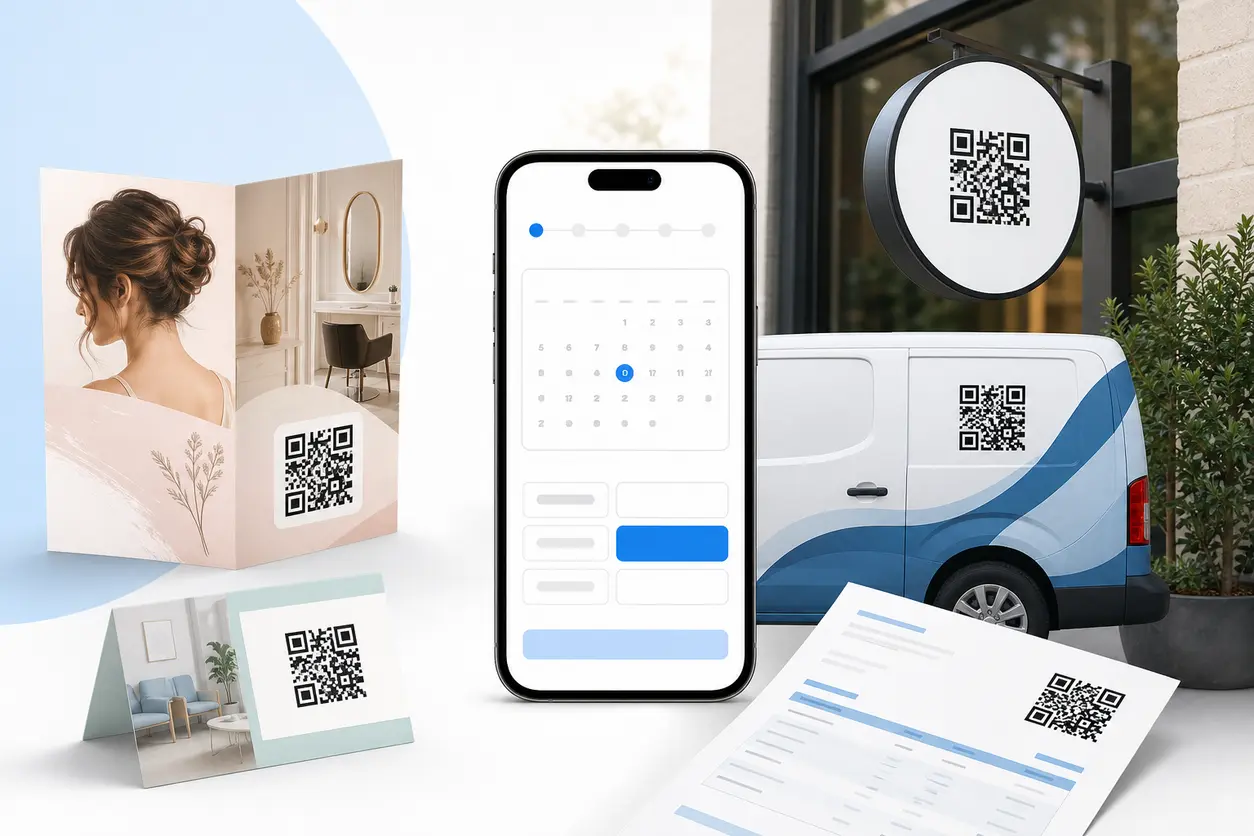
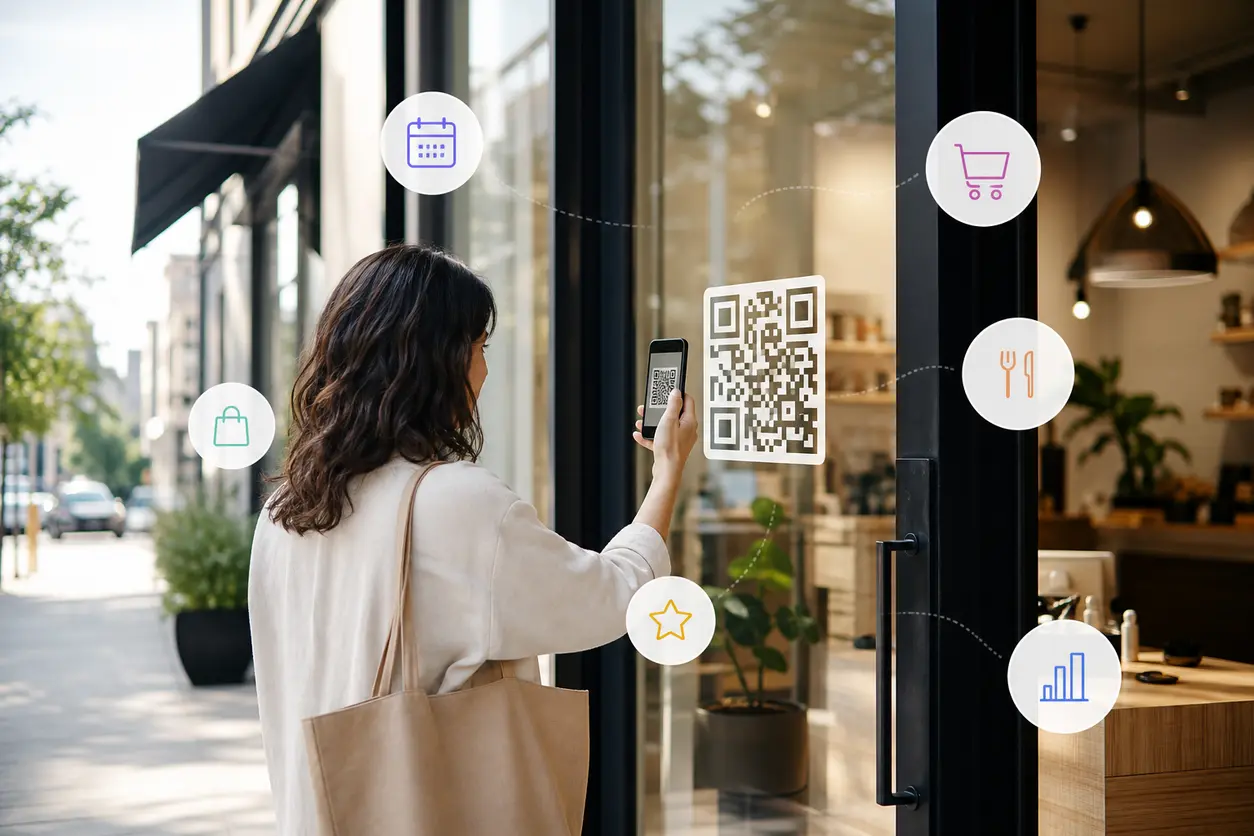
High-intent placements include the front desk, station mirrors, appointment cards, receipts, service menus, window signage, and local promotional flyers. For window and entrance signage examples, see QR codes on storefronts. Use a separate code for each placement so the destination and scan activity can be reviewed independently.
Can clinics use QR codes for appointment scheduling?
Yes, clinics can link codes to their approved scheduling portal, follow-up request page, or contact route. They should avoid collecting sensitive health information through a general marketing form and follow their internal privacy and compliance procedures.
Should an SMS rebooking message include a QR code?
Usually no. SMS is read on the phone a customer would use to scan, so a direct tappable booking link is the better primary action. Reserve QR codes for printed and physical touchpoints; use SMS as a complementary direct-link channel.
Why use a dynamic QR code for booking?
A dynamic QR code lets you update the booking destination after signs, cards, receipts, or flyers are printed. It is useful when a booking platform, provider availability, location, campaign, or fallback contact route changes.
How can I tell whether a booking QR code is working?
Create and name a separate code for each placement, then review scan activity alongside booking-platform or campaign-link reporting. Look beyond scans to determine whether visitors start and complete the appointment process.
Similar Blogs
The latest industry news, interviews, technologies, and resources.
 September 14, 2026
QR Codes for Loyalty Program Sign-Ups: A Measurable Offline-to-Member Workflow
QR Codes for Loyalty Program Sign-Ups: A Measurable Offline-to-Member Workflow
Read post
 August 1, 2026
QR Codes for Lead Capture Forms: Turn Print Campaigns into Trackable Leads
QR Codes for Lead Capture Forms: Turn Print Campaigns into Trackable Leads
Read post
Join 2,000+ subscribers
Stay in the loop with everything you need to know.
We care about your data in our privacy policy