QR Rapid
QR Codes for
  • Restaurants
  • Gym and Wellness
  • Event Management
  • Business Services
  • Work Environment
  • Social Media
  • Design
  • Life Hack
Explore all use cases→
QR Codes on
  • Product packaging
  • Flyers and posters
  • Storefronts and window signs
  • Brochures and catalogs
  • Event tickets and badges
Where to use QR codes→
QR Types
  • Website URL
  • Wi-Fi
  • Menu
  • WhatsApp
  • Image
  • PDF
  • MP3
  • Video
  • Email
  • Text
  • vCard
  • Crypto
  • List of links
  • Coupon
  • SMS
  • Event
  • APP
  • Social media
View all QR types→
AINew

Rapid, inside your dashboard

  • Create with Rapid
  • Rapid Insights

Connect your AI assistant

  • MCP server
  • Claude
  • ChatGPT
View all AI→
  • Blogs
  • FAQ
  • Chrome Extension
  • QR Size Calculator
QR Rapid

Create, customize, manage, and track QR codes for business, marketing, events, and everyday use.

QR Types

Website URL

Wi-Fi

Menu

WhatsApp

Image

PDF

MP3

Video

Email

QR Codes for

Restaurants

Gym and Wellness

Event Management

Business Services

Social Media

Work Environment

Design

Life Hack

Where to Use QR Codes

Company

Rapid AI

Chrome Extension

Plans & Pricing

Blogs

About Us

Legal

Terms and Conditions

Privacy Policy

Cookies Policy

Help

FAQ

QR Size Calculator

Contact Us

2026 © QR Rapid All rights reserved - QR Code is a trademark of DENSO WAVE INCORPORATED

QR codes for social media

One printed QR code for all your social profiles

A Social Media QR code opens a mobile page with your name, a short description and a button for each profile. Print it on your stall sign, packaging and business cards, and change the profiles later from your dashboard.

Create a Social Media QR codeSee what visitors see

Dynamic QR codes start with a 7-day trial, no credit card required.

At the market stall
FERN & KILNFind us onlineInstagram, Facebook and LinkedIn in one scan
Fern & Kiln Social Media QR page on a phone: cover photo, logo, name, description and buttons for Instagram, Facebook and LinkedIn
  • The profile page is hosted by QR Rapid.
  • Each button opens that profile on the platform.
  • Sample brand. QR opens the Fern & Kiln sample page.
After the scan

What opens after the scan

A mobile page hosted by QR Rapid, built from what you enter in the editor. Choose one of six layouts and set a background and button colour. Layouts 4 to 6 add a cover photo.

  1. 01

    Cover photo

    Layouts 4 to 6 show a wide image across the top of the page.

  2. 02

    Profile photo and name

    Your photo or logo, with the name you enter.

  3. 03

    Description

    An optional line under your name, such as what you make or where to find you.

  4. 04

    Profile buttons

    One button per platform, labelled with its name, in the order you set.

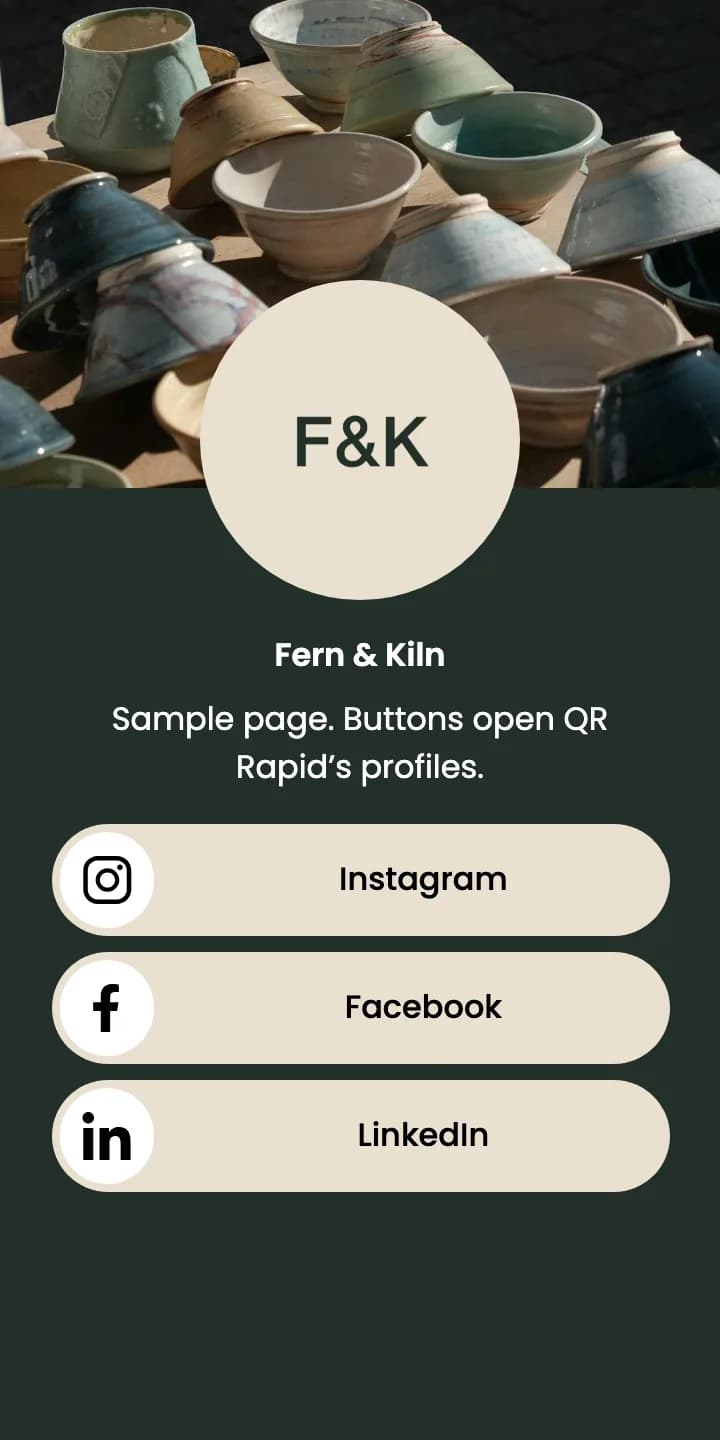
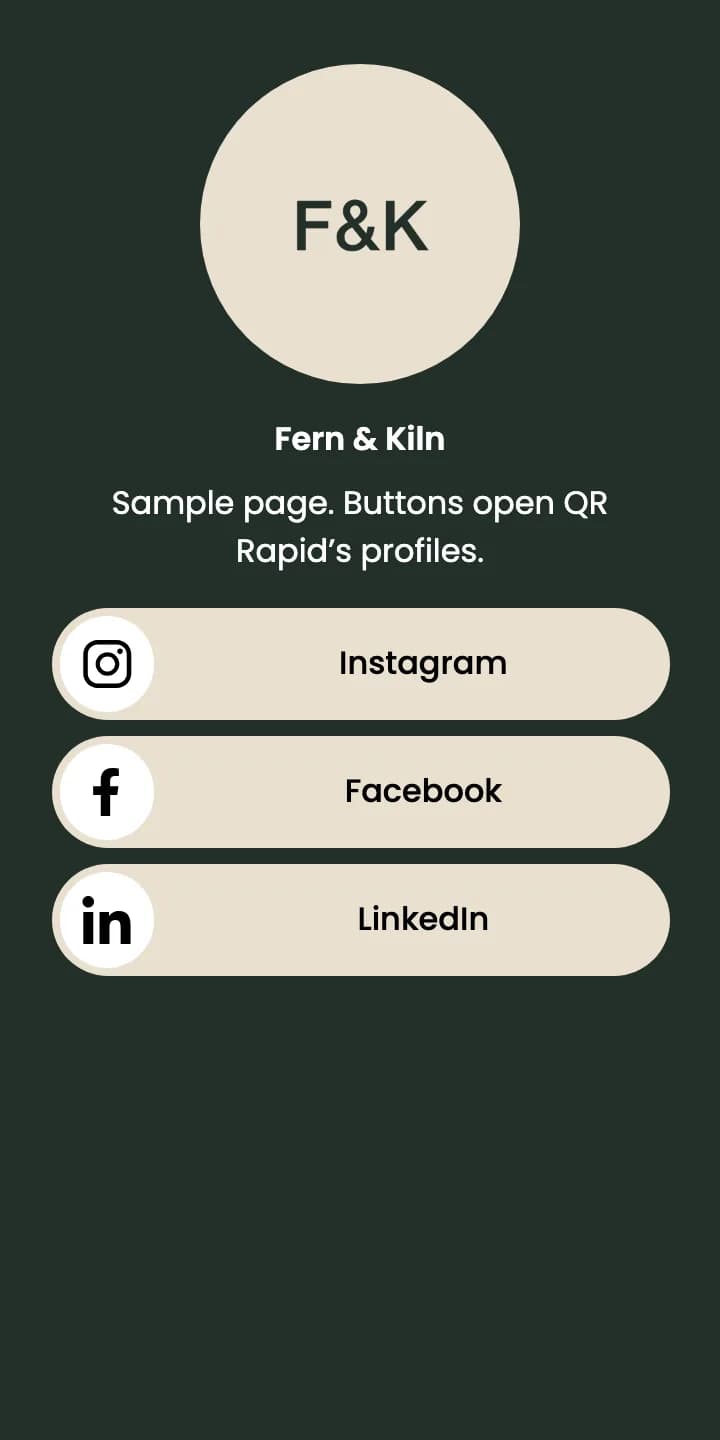
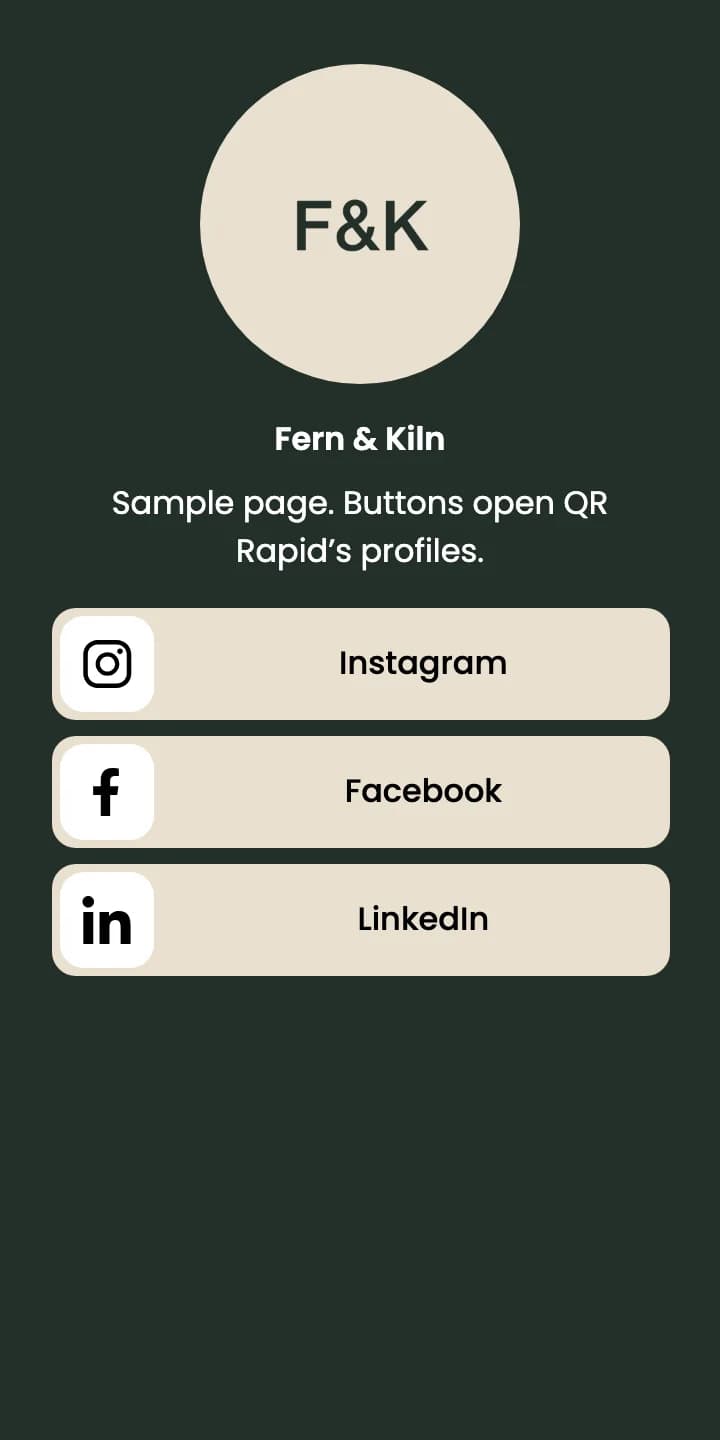
  • Social Media QR page in layout 1 with pill buttons for Instagram, Facebook and LinkedIn

    Layout 1 · Pill buttons

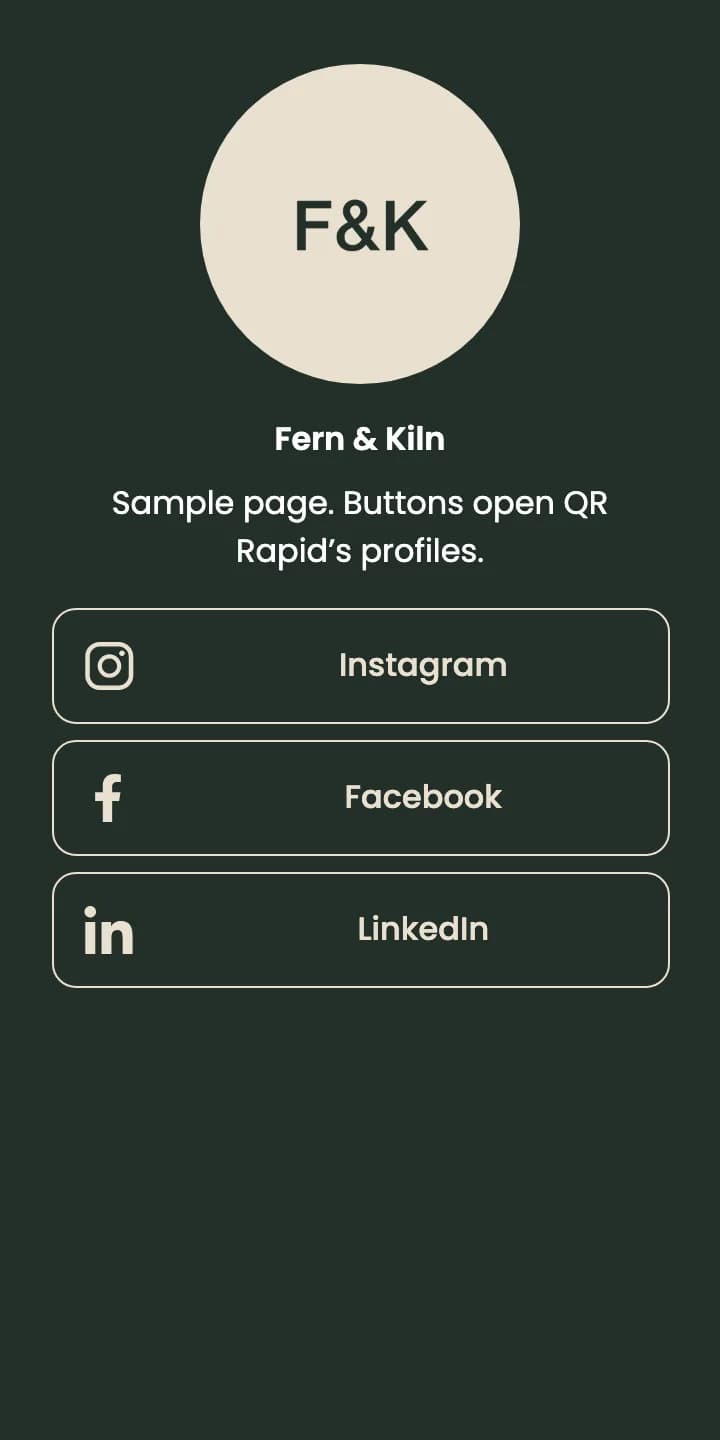
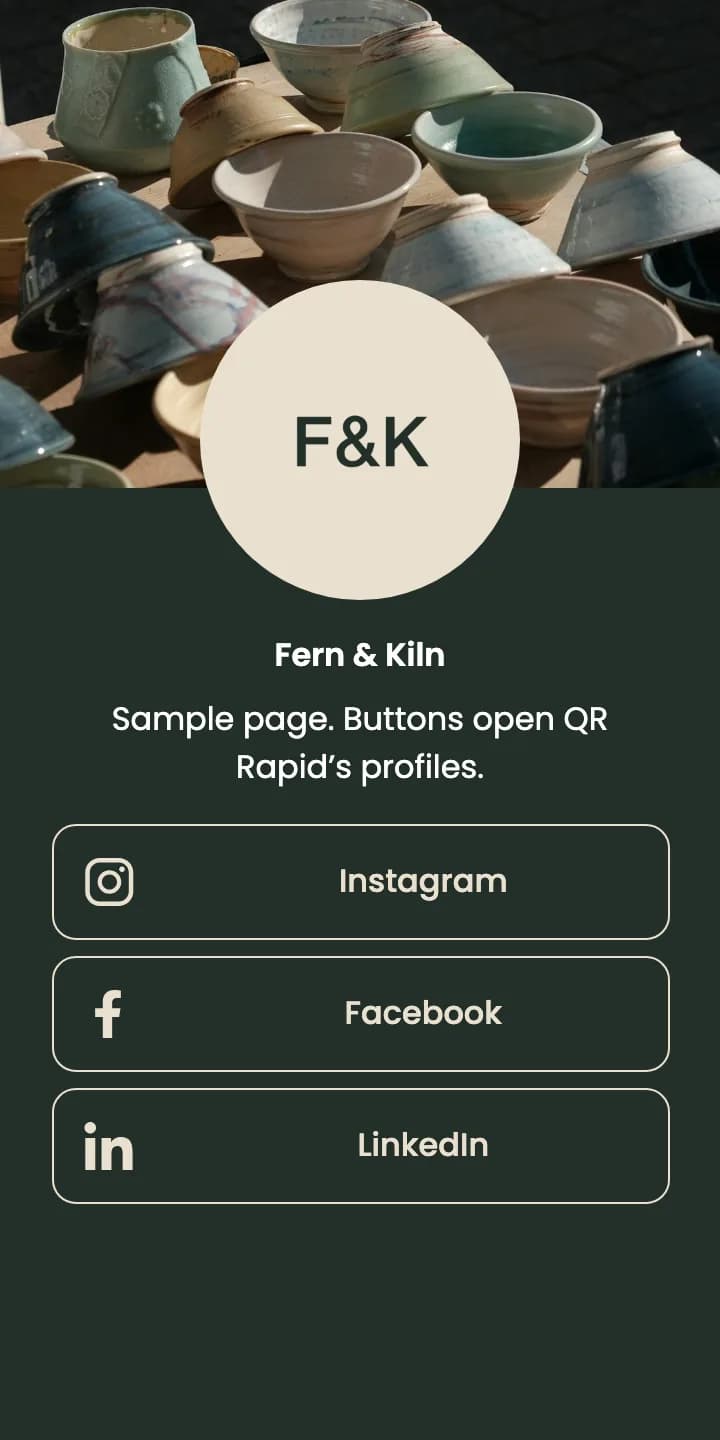
  • Social Media QR page in layout 2 with outline buttons for Instagram, Facebook and LinkedIn

    Layout 2 · Outline buttons

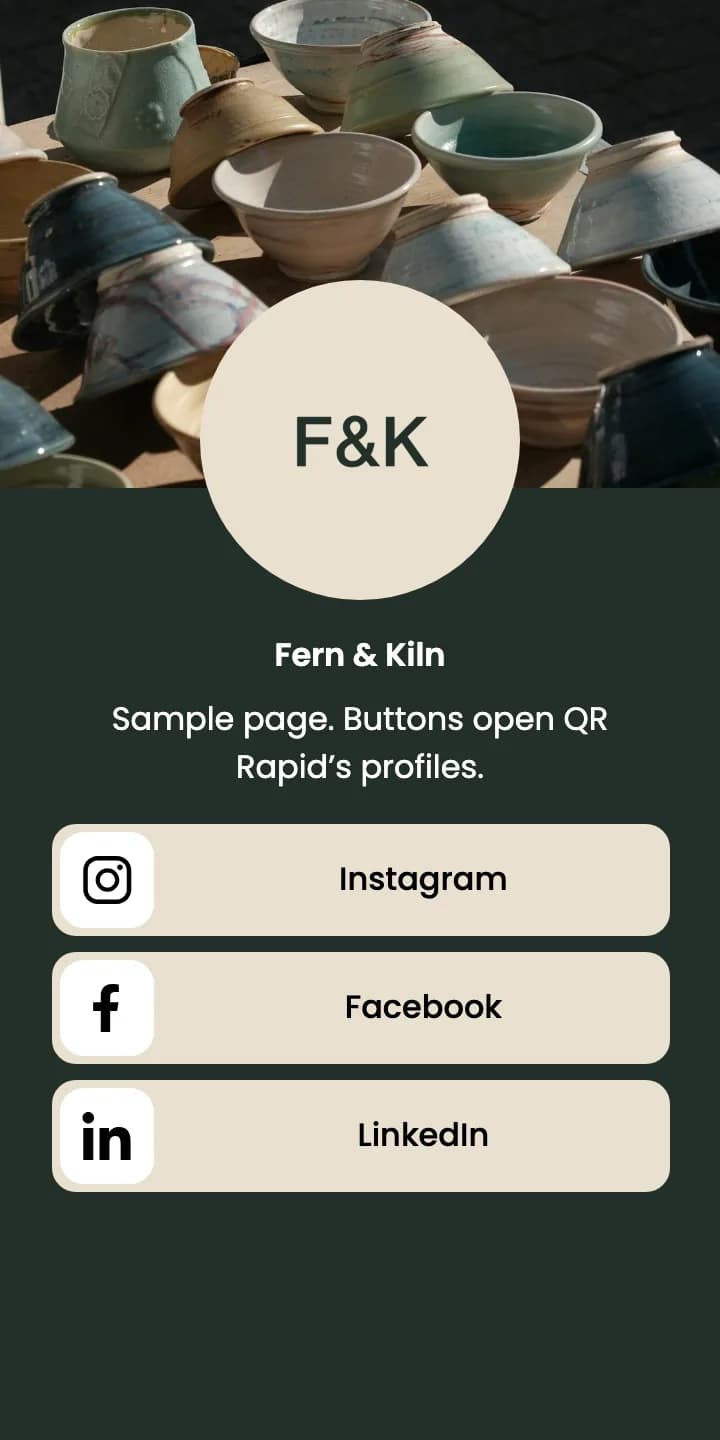
  • Social Media QR page in layout 3 with rounded buttons for Instagram, Facebook and LinkedIn

    Layout 3 · Rounded buttons

  • Social Media QR page in layout 4 with a cover photo and pill buttons for Instagram, Facebook and LinkedIn

    Layout 4 · Cover, pill buttons

  • Social Media QR page in layout 5 with a cover photo and outline buttons for Instagram, Facebook and LinkedIn

    Layout 5 · Cover, outline buttons

  • Social Media QR page in layout 6 with a cover photo and rounded buttons for Instagram, Facebook and LinkedIn

    Layout 6 · Cover, rounded buttons

14 platforms, one link each: Facebook, Instagram, LinkedIn, YouTube, X, WhatsApp, Threads, TikTok, Pinterest, Discord, Telegram, Messenger, GitHub and Snapchat.

QR Rapid hosts the page and counts the scan. Following, liking, messaging and buying happen on each platform after the visitor taps a button.

Where it’s printed

Print it where people meet you in person

For a maker who sells at markets and online, three printed spots reach three different moments: at the stall, when a parcel is opened, and when a card changes hands.

FERN & KILNFind us online
At the stall

Counter card

Sits by the card reader. Visitors scan it instead of searching for your handles.

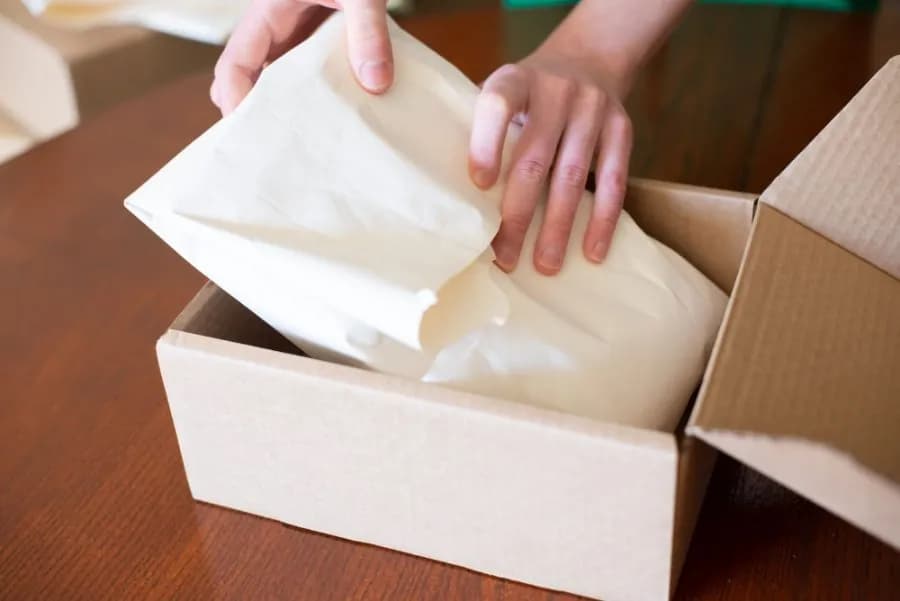
FERN & KILNThank you for your orderScan to find us on Instagram, Facebook and LinkedIn
In the parcel

Packaging insert

Goes in every online order, so the same page opens when the box is unpacked at home.
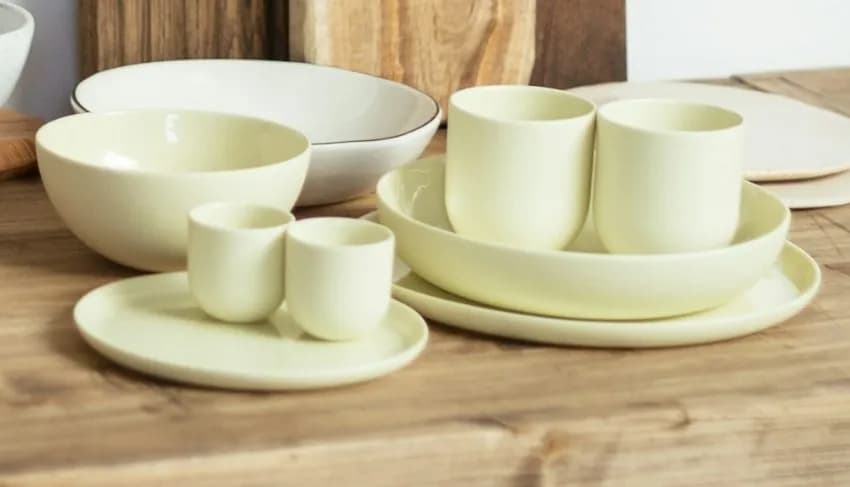
Fern & KilnStudio ceramics, LeedsStockists welcome
Face to face

Business card

For stockists, galleries and makers you meet at fairs and trade shows.

Use one code everywhere, or one code per placement to compare them in Statistics. Each code is its own page, so a profile change has to be made on each code.

Sample brand. QR opens the Fern & Kiln sample page.
Dynamic QR codes

Change the profiles. Keep the print.

  • Add, remove or reorder platforms from your dashboard
  • Keep the same QR on cards, packaging and signs
  • Avoid reprinting when a handle changes or a platform is added
Starting wholesale: LinkedIn first for stockists
Edited in your dashboardwith tracking
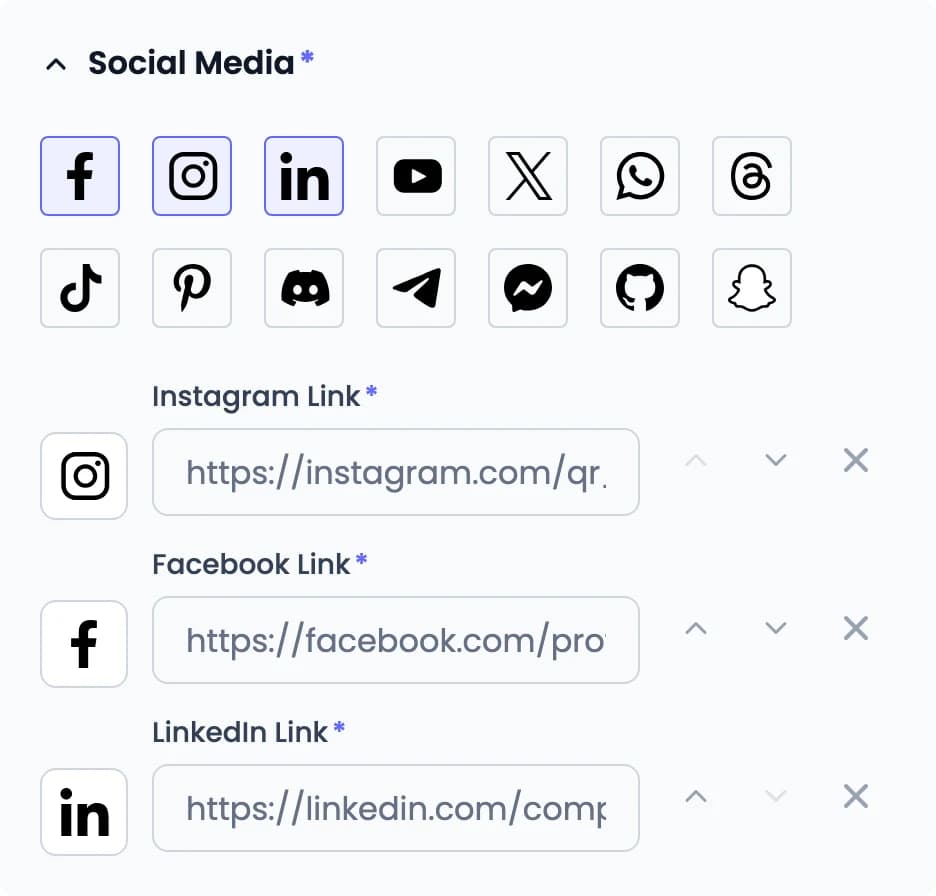
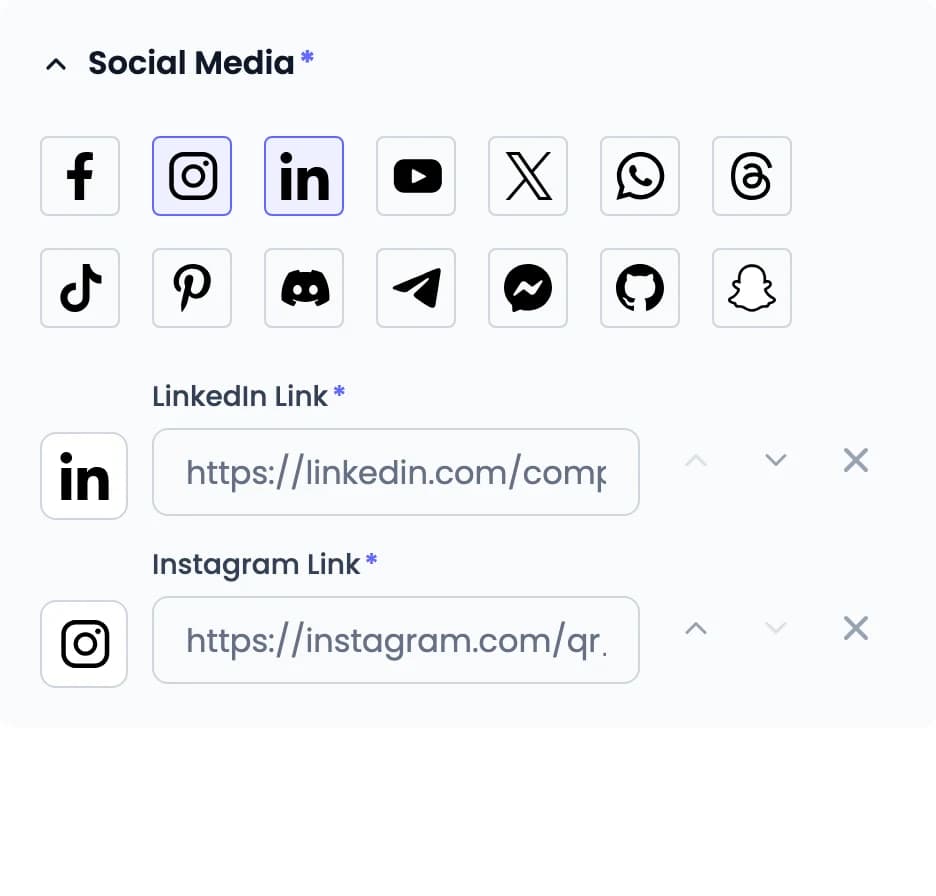
Social Media section of the editor with Instagram, Facebook and LinkedIn selected, each with its link and move up, move down and remove controls
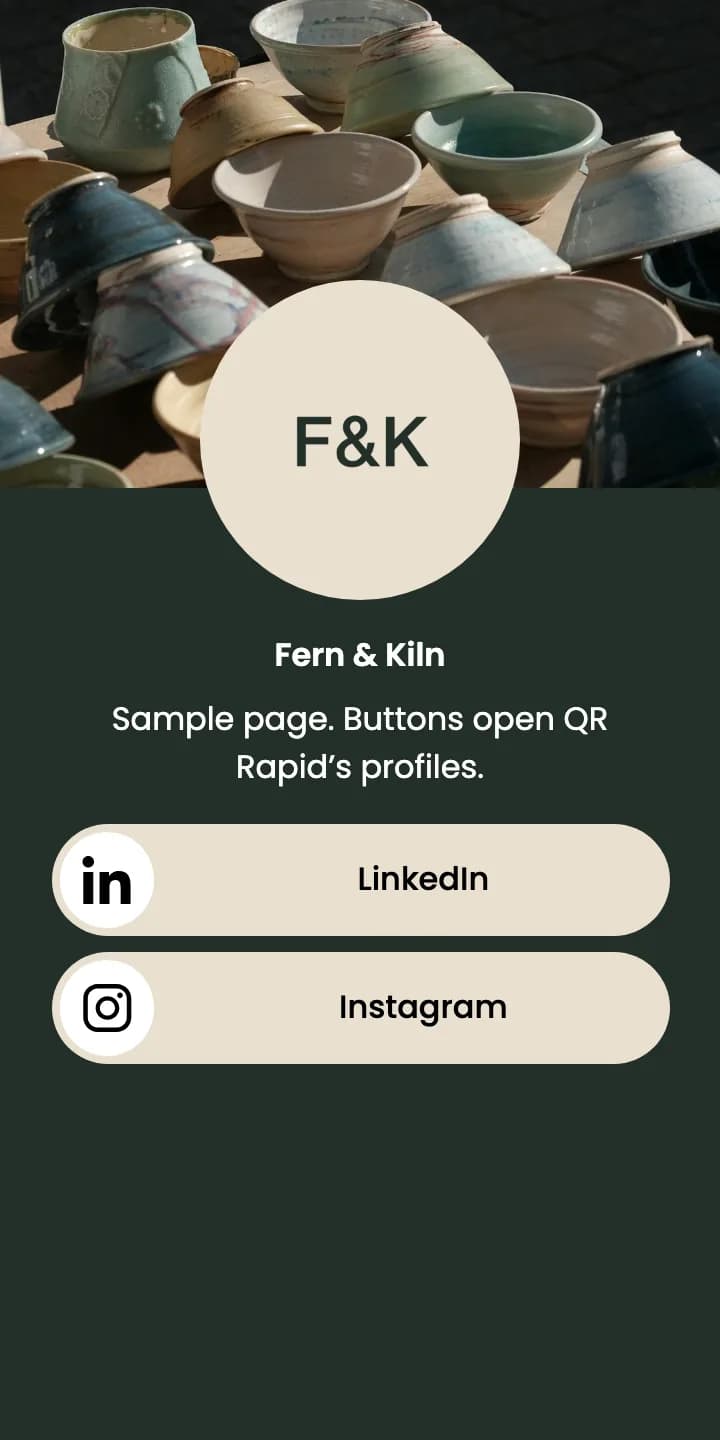
Fern & Kiln Social Media QR page with buttons for Instagram, Facebook and LinkedIn
Printed QR unchanged
Scans openFern & Kiln’s page with Instagram, Facebook and LinkedIn.

You can also change the photo, description, colours and layout. Each platform takes one link, so a second Instagram account needs its own code or a List of Links page.

Sample brand. Its buttons open QR Rapid’s own profiles.

Choosing a QR type

Social Media or List of Links?

Both open a page hosted by QR Rapid with your photo, name and social profiles. The difference is what else the page can hold.
Social Media QR page in layout 1 with pill buttons for Instagram, Facebook and LinkedIn
Best fit for profiles only

Social Media QR code

  • A full-width button for each platform, labelled with its name
  • You set the order of the buttons
  • A short description under your name
  • Social profiles only, one link per platform
Create a Social Media QR code
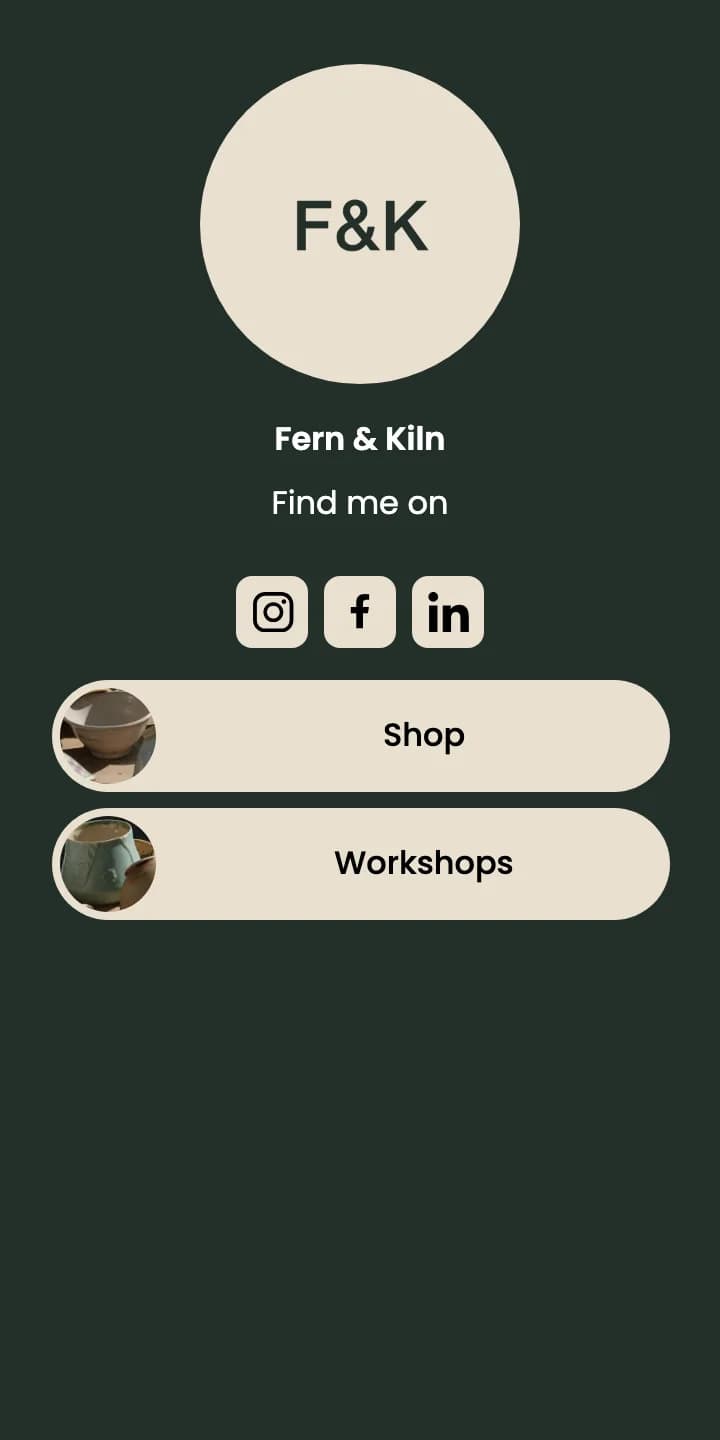
List of Links QR page for Fern & Kiln: Instagram, Facebook and LinkedIn icons under Find me on, and Shop and Workshops buttons

List of Links QR code

  • Social profiles as a row of icons under “Find me on”
  • Your own links, each with a label and an optional thumbnail, such as Shop or Book a class
  • No description line
  • Choose it when the page also needs your website, shop or booking page
Create a List of Links QR code
Statistics

Compare the stall, the parcel and the card

Create one code per placement, name each after where it’s printed and keep them in one folder. Statistics ranks the codes by scans and shows which days and hours they’re scanned.

Sample QR Rapid Statistics for the Fern & Kiln print folder, Sep 1 – Sep 30: 642 total scans, 431 estimated unique visitors, 3 of 3 codes scanned. Stall counter card 356, Parcel insert 201, Business card 85. Busiest on Saturdays, 10:00–13:00.

FolderFern & Kiln printPeriodSep 1 – Sep 30
Total scansTotal scans642Across the selected period
Est. uniqueEstimated unique visitors431Estimated · 67.1% of all scans
QR codes scannedQR codes scanned3of 3received at least one scan in this period

QR code performance

3 codes · ranked by scans in range

  1. 1SOC
    Stall counter card
    35655.5%
  2. 2SOC
    Parcel insert
    20131.3%
  3. 3SOC
    Business card
    8513.2%

When people scan

Scans by weekday and hour

Peak Sat 11:00
MonTueWedThuFriSatSun
00:0006:0012:0018:0023:00
MonTueWedThuFriSatSun
0006121824
Busiest on Saturdays, 10:00–13:000More

Statistics counts scans of your QR codes. It doesn’t record which button a visitor taps, or see follows, likes or messages on Instagram, Facebook, LinkedIn or any other platform.

Sample data. Scan figures are illustrative.

Frequently asked questions about social media QR codes

Can’t find your answer? Contact us

What does a Social Media QR code open?

A mobile page hosted by QR Rapid with your photo or logo, your name, an optional description, and a button for each social profile you add. Layouts 4 to 6 also show a cover photo. Tapping a button opens that profile on the platform.

Which social platforms can I add?

Facebook, Instagram, LinkedIn, YouTube, X, WhatsApp, Threads, TikTok, Pinterest, Discord, Telegram, Messenger, GitHub and Snapchat. Each platform takes one link, which can point to a profile, channel, post or chat.

Can I change the profiles after the code is printed?

Yes. Social Media QR codes are dynamic. Add, remove or reorder platforms, edit links, and change the photo, description, colours or layout from your dashboard. The printed code opens the updated page.

Can I add my website or online shop?

Not on a Social Media page, which shows platform buttons only. Use a List of Links QR code instead: it shows your social profiles as icons and adds your own labelled links, such as a shop, website or booking page.

Can I see how many people scanned the code?

Yes. Statistics shows total scans, estimated unique visitors, and which days and hours your codes are scanned. Create one code per placement to compare them. QR Rapid counts scans; it doesn’t see follows, likes, messages or what visitors do on each platform.

Can the QR code match my brand?

Yes. Set the code and frame colours, add frame text, and place your logo in the centre. Download the code as SVG for packaging, signage and other print.

Do visitors need an app to scan it?

No. Most phone cameras scan QR codes, and the page opens in the browser. Each button then opens the profile in the platform’s app or website, depending on the phone.

Print your profiles once.

Create a Social Media QR code for your stall, packaging and cards, and update the profiles behind it when they change.
Create a Social Media QR codeSee plans & pricing

7-day trial, no credit card required.