
Dynamic QR Platform
Create QR codes Instantly
Website URL
Send users to any webpage
Website URL
Website URL
Send users to any webpage
Wi-Fi
Let users connect instantly
Wi-Fi
Wi-Fi
Let users connect instantly
Menu
Create a digital menu
Menu
Menu
Create a digital menu
Start a chat with one tap
Start a chat with one tap
Image
Showcase visuals
Image
Image
Showcase visuals
Show a downloadable file
Show a downloadable file
30 Jul 2026 • 10 min read
QR Code Appointment Booking for Service Businesses
A practical guide for salons, clinics, consultants, home service providers, and local businesses that want to use QR codes to send people straight to booking pages, calendar links, or service-specific forms from printed materials and track which placements turn scans into appointments.
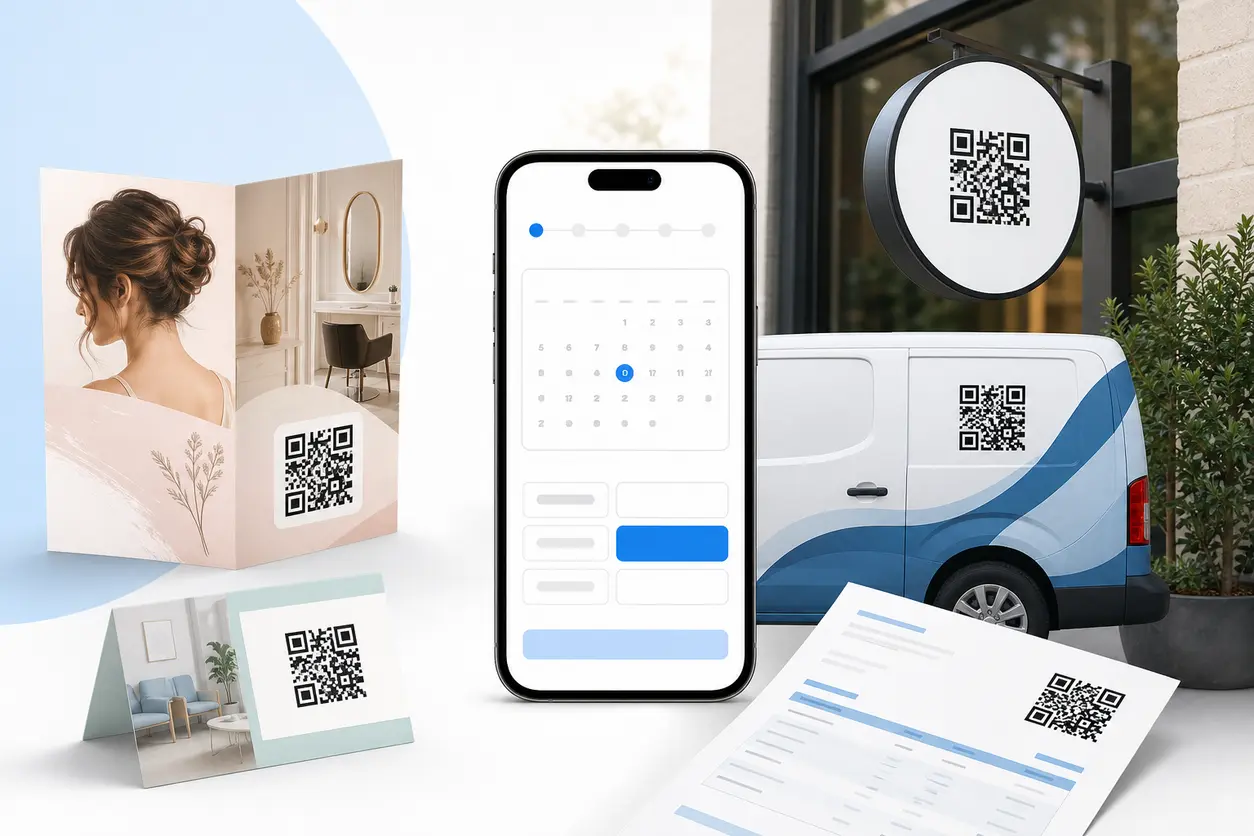
IntroductionWhat a good QR booking flow should doWhy service businesses benefit from QR booking more than mostFive practical QR booking workflowsWhere to place QR codes for appointment bookingWhy dynamic QR codes matter for booking campaignsHow to track booking conversions with QR RapidA practical setup checklistThe smartest first rollout for most businessesTurn offline interest into booked timeFAQ
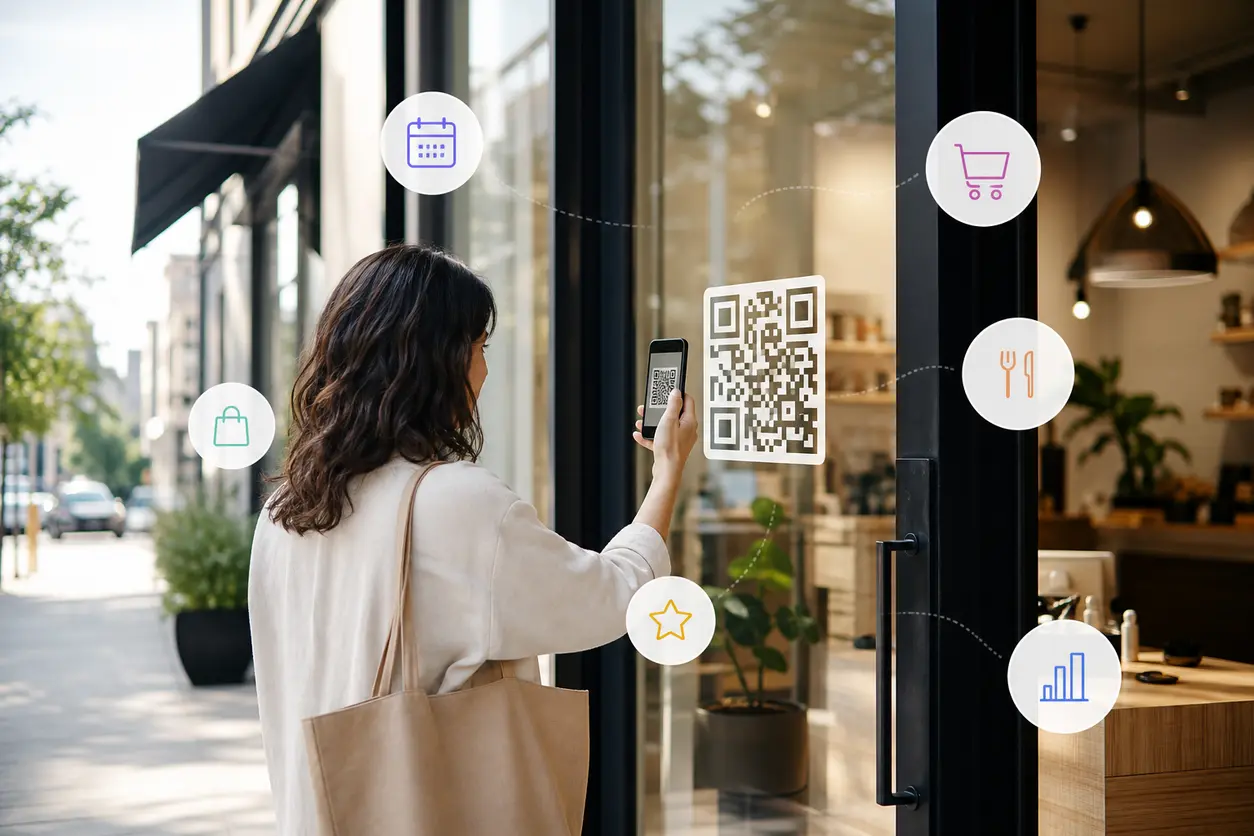
That is where a QR code appointment booking workflow earns its keep. Instead of asking someone to remember you and come back later, the scan takes them directly to the next step: a booking page, a calendar link, a service-specific form, or even a booking app on mobile.
For salons, clinics, consultants, home service providers, and other local businesses, the value is simple: reduce the gap between interest and action.
What a good QR booking flow should do
A booking QR code is not just a square that points to your homepage. It should remove choices, shorten taps, and send the customer to the most relevant destination.
In practice, your QR code should lead to one of these three endpoints:
1. A direct booking page
Best when the customer already knows what they want.
Examples:
- "Book your haircut"
- "Schedule a dental cleaning"
- "Reserve your massage"
- "Book appliance repair"
This works well for repeat services and straightforward appointment types.
2. A calendar link
Best when the offer is a consultation, demo, or call.
Examples:
- "Book a 15-minute consultation"
- "Schedule a product demo"
- "Choose a time for your estimate call"
This is especially useful for consultants, clinics, and sales-driven local services that use a calendar app or scheduling app instead of a full service menu.
3. A service-specific scheduling form
Best when the business needs details before confirming the appointment.
Examples:
- Inspection request forms
- Repair intake forms
- New patient request forms
- Home quote request forms
If the job depends on location, issue type, property size, or preferred technician, a form can qualify the lead before the booking step.
The main rule: do not send every scanner to the same generic page. Match the destination to the moment and the service.
Why service businesses benefit from QR booking more than most
Appointment businesses often get interest away from a desk and away from a screen. The person who wants to book may be:
- walking past your storefront
- holding a printed brochure
- looking at a business card
- reviewing an invoice
- standing near a service vehicle
- comparing providers before making a quick decision
Those are perfect offline-to-online conversion points. A short path matters because booking intent is often immediate. If a customer is ready now, the best result is to let them scan now and schedule now.
Five practical QR booking workflows
Below are use-case-specific ways to set up a QR code appointment booking system without making it feel generic.
Haircut bookings: rebook while the result is fresh
A salon has one of the clearest QR booking use cases: the customer is happiest with their hair right after the appointment.
Good placements:
- mirror clings near styling stations
- checkout counter displays
- appointment reminder cards
- loyalty program handouts
Best destination:
- a direct booking page for the exact stylist
- or a landing page with "Book a trim," "Book color," and "Book bangs refresh"
Smart workflow:
- Add a CTA such as "Love the result? Book your next visit now."
- Use one QR code for each stylist or service category.
- If you run a booking app, link directly to the stylist's booking view rather than the app home screen.
Why it works:
The customer does not need to search for your salon later, remember the stylist's name, or call during business hours.
Consultations: reduce drop-off for clinics and consultants
Consultations are often lost because the prospect wants to talk, but not enough to type a long URL or fill out a general contact form.
Good placements:
- brochures in waiting rooms
- printed seminar materials
- business cards
- office door signage
- direct mail pieces
Best destination:
- a calendar link with a clear time-based offer
- or a short intake form followed by available slots
Examples:
- cosmetic clinic consultation booking
- financial planning intro call
- therapy screening request
- legal consultation request
Smart workflow:
- Use a QR code that says exactly what happens next: "Scan to book a 20-minute consultation."
- Offer one clear appointment type, not a long menu.
- Pre-fill the service type in the calendar or form so the staff knows the source intent.
This is where a QR code works better than a plain website link on print. The person can move from curiosity to a confirmed time slot in the same minute.
Inspections: qualify first, schedule second
Home inspectors, pest control companies, roofers, and property service businesses often need job details before confirming a visit.
Good placements:
- brochures left after neighborhood canvassing
- yard signs near active jobs
- estimate folders
- real estate partner handouts
Best destination:
- a scheduling form with fields for address, property type, issue, and preferred time window
Smart workflow:
- Create separate QR codes for inspection types such as home inspection, termite inspection, roof inspection, or HVAC inspection.
- Route each scan to a tailored form instead of a catch-all contact page.
- After form submission, either show live availability or promise a call-back with a scheduling link.
Why this matters:
Inspection buyers usually want speed, but they also want to know you handle their specific need. A targeted form increases relevance and gives your team cleaner information.
Demos: turn printed collateral into meetings
Not every appointment-based business is purely service delivery. Some local businesses and B2B service providers need booked demos.
Good placements:
- trade counter brochures
- showroom signage
- product spec sheets
- salesperson business cards
- leave-behind folders after meetings
Best destination:
- a demo calendar page for the exact product or service line
Examples:
- security system demo
- showroom equipment demo
- medical device walkthrough
- software setup demo for a local service team
Smart workflow:
- Use service-specific landing pages so the demo request matches the printed material.
- If the brochure is about one product, the QR should not lead to a general contact page.
- Include a short line like "Scan to see live availability for a demo this week."
This creates a direct bridge from offline interest to a scheduled conversation.
Repairs: catch urgency when the customer is ready to act
Repair services are driven by convenience and timing. If someone sees your van in a neighborhood or finds your invoice from a previous job, the easiest next action should be booking.
Good placements:
- vehicle wraps
- printed invoices
- refrigerator magnets
- service stickers on installed equipment
- technician leave-behind cards
Best destination:
- a repair booking page
- or a repair request form that branches by issue type
Examples:
- plumbing repair
- phone screen repair
- appliance repair
- garage door repair
Smart workflow:
- Use different codes for emergency repair, routine service, and warranty follow-up.
- On invoices, link to a reservice page for existing customers.
- On vehicle wraps, keep the CTA short: "Need a repair? Scan to book."
Urgent buyers do not want to browse. They want a fast next step.
Where to place QR codes for appointment booking
Placement changes performance because context changes intent. A storefront scan is different from an invoice scan.
Brochures
Use brochures when the customer may compare options later.
Best practice:
- Put the QR near the service description it relates to.
- Avoid one code for an entire multi-service brochure if your services vary a lot.
- Example: a med spa brochure can use one code for skin consultations and another for treatment booking.
Storefronts and windows
This is ideal for walk-by traffic and after-hours demand.
Best practice:
- Link to a mobile-friendly booking page with immediate availability.
- Mention timing in the CTA: "Closed now? Scan to book tomorrow."
- If you run seasonal hours, use a dynamic code so the destination stays accurate.
Invoices and printed estimates
Invoices reach people who already trust you, which makes them excellent for repeat appointments.
Best practice:
- Place the QR near a clear rebooking prompt.
- Example: "Schedule your next maintenance visit" or "Book your follow-up treatment."
- Use a different code than your prospecting materials so you can separate new vs returning customer scans.
Business cards
Business cards work best when the owner, provider, or rep is the brand relationship.
Best practice:
- Send people to a specific booking page tied to that person, not a generic homepage.
- Consultants, clinicians, stylists, and sales reps can each use their own code.
- If you use a digital business card QR code, connect the card directly to that person's calendar.
Vehicle wraps
Vehicle traffic is high-visibility, but scanning happens from parked moments, not while driving.
Best practice:
- Place the code on side panels or rear doors where someone can safely scan when the vehicle is parked.
- Use a short CTA and large quiet space around the code.
- Send scanners to one high-intent appointment type, such as inspections or repairs.
Why dynamic QR codes matter for booking campaigns
Static QR codes lock you into one destination forever. That is limiting for businesses with changing schedules, rotating offers, or seasonal services.
Dynamic QR codes are usually the better fit for appointment workflows because they let you change the destination without reprinting the code.
That matters when you need to:
- swap from a winter repair offer to a spring maintenance booking page
- pause a service when availability is full
- redirect from one stylist or provider to another
- update hours during holidays
- replace an old scheduling tool with a new booking app
- run limited-time consultation offers on the same printed brochures
With QR Rapid, this flexibility is practical, not theoretical. You can keep the printed code in circulation while updating the destination behind it.
How to track booking conversions with QR Rapid
Competitors often stop at "share your contact info." That is not enough if you want to know which offline materials actually produce appointments.
A better setup is to create separate dynamic QR codes for each placement and campaign.
For example:
- one code for storefront window
- one for brochures
- one for invoices
- one for business cards
- one for vehicle wraps
Then connect each code to a distinct destination or tracked link. This lets you answer useful questions:
- Which placement drives the most scans?
- Which placement drives the most completed bookings?
- Do repair-focused vehicle codes outperform general brand cards?
- Are invoices better for rebooking than brochures are for new appointments?
- Does a seasonal offer improve consultation starts?
A simple measurement workflow looks like this:
- Create a unique QR code for each placement in QR Rapid.
- Send each one to a matching landing page, calendar link, or service form.
- Add source labels in your form fields or scheduling workflow.
- Compare scans against submitted forms or booked time slots.
- Keep the top-performing placements and change weak destinations instead of reprinting everything.
This is what makes QR codes more than a convenience feature. They become a measurable booking channel.
A practical setup checklist
Before you publish your first code, make sure each campaign passes this test:
- The destination is mobile friendly.
- The appointment type is obvious before the scan and after the scan.
- The page is short and focused.
- The code is tied to a specific service or audience.
- The placement matches the customer's intent in that moment.
- The code is dynamic if schedules, providers, or offers may change.
- The campaign is trackable by placement.
If you miss these basics, scans may happen but bookings will not.
The smartest first rollout for most businesses
If you want a simple starting point, do not launch ten codes at once. Start with three:
- one code on your storefront for after-hours booking
- one code on invoices for repeat appointments
- one code on business cards or brochures for new consultations
That gives you a clean test across walk-by traffic, current customers, and prospect outreach.
Turn offline interest into booked time
A good QR code appointment booking setup removes delay at the exact moment someone is ready to schedule. That is why it works so well for salons, clinics, consultants, repair companies, and other local service brands.
Instead of hoping people remember your URL later, let them scan and book in the moment.
If you want editable destinations, campaign-level tracking, and booking workflows you can adjust without reprinting, QR Rapid gives you a practical way to launch and improve appointment QR campaigns across brochures, storefronts, invoices, business cards, and vehicles.
FAQ
What should a QR code for appointment booking link to?
It should link to the shortest path for that customer: a direct booking page, a calendar link, or a service-specific intake form if you need job details first.
Should each service have its own booking QR code?
Usually yes. Separate codes for haircuts, consultations, inspections, demos, and repairs make the experience clearer and improve tracking by service type.
Are dynamic QR codes better for appointment booking?
Yes for most businesses. Dynamic codes let you change booking destinations, seasonal offers, provider availability, or scheduling tools without reprinting your materials.
Where should local businesses place booking QR codes?
The strongest placements are storefront windows, brochures, invoices, business cards, and vehicle wraps, because those surfaces capture intent when someone is ready to schedule.
How can I measure whether QR codes are generating real appointments?
Create a different QR code for each placement, send each one to a tracked booking link or form, and compare scans with completed appointments in your scheduling workflow.
Similar Blogs
The latest industry news, interviews, technologies, and resources.
 September 14, 2026
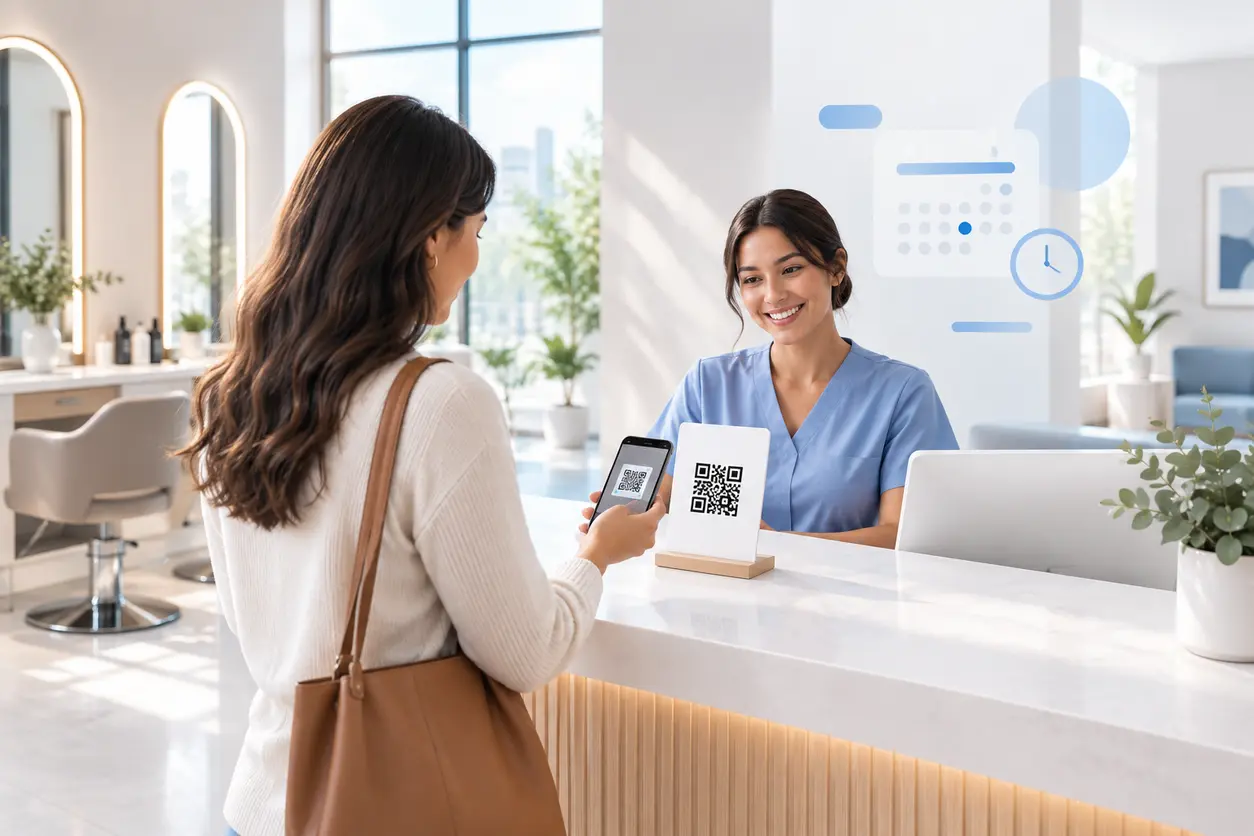
Appointment Booking QR Code Workflows for Service Businesses
Appointment Booking QR Code Workflows for Service Businesses
Read post
 July 18, 2026
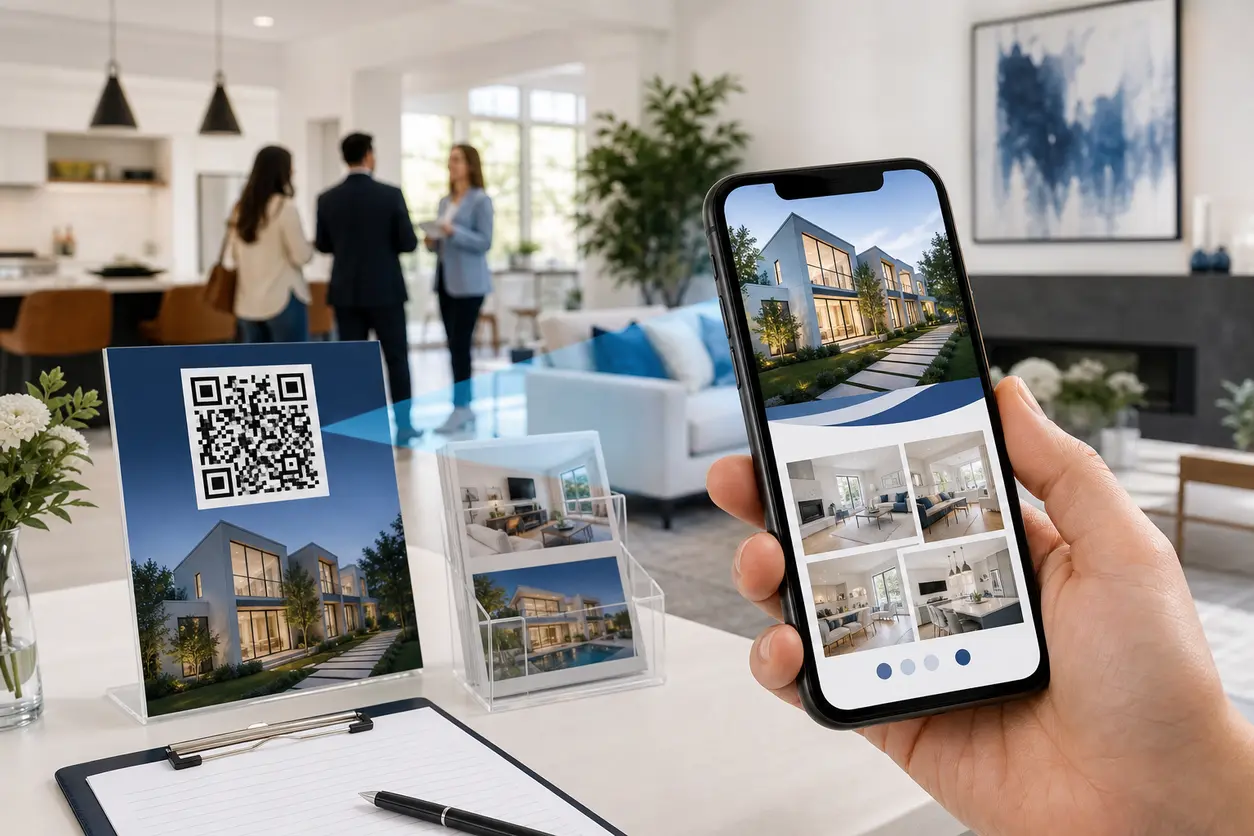
Open House QR Codes for Lead Capture, Brochures, and Buyer Follow-Up
Open House QR Codes for Lead Capture, Brochures, and Buyer Follow-Up
Read post
Join 2,000+ subscribers
Stay in the loop with everything you need to know.
We care about your data in our privacy policy