
Put a QR code on your business card, reception sign or proposal. A client scans it and saves your contact, opens your booking page, reads your service guide or sends you a message.
Sample business. Demo QR codes open example destinations.
Most client relationships pass through the same four moments. Each one has a printed touchpoint, and each touchpoint has one obvious next step.
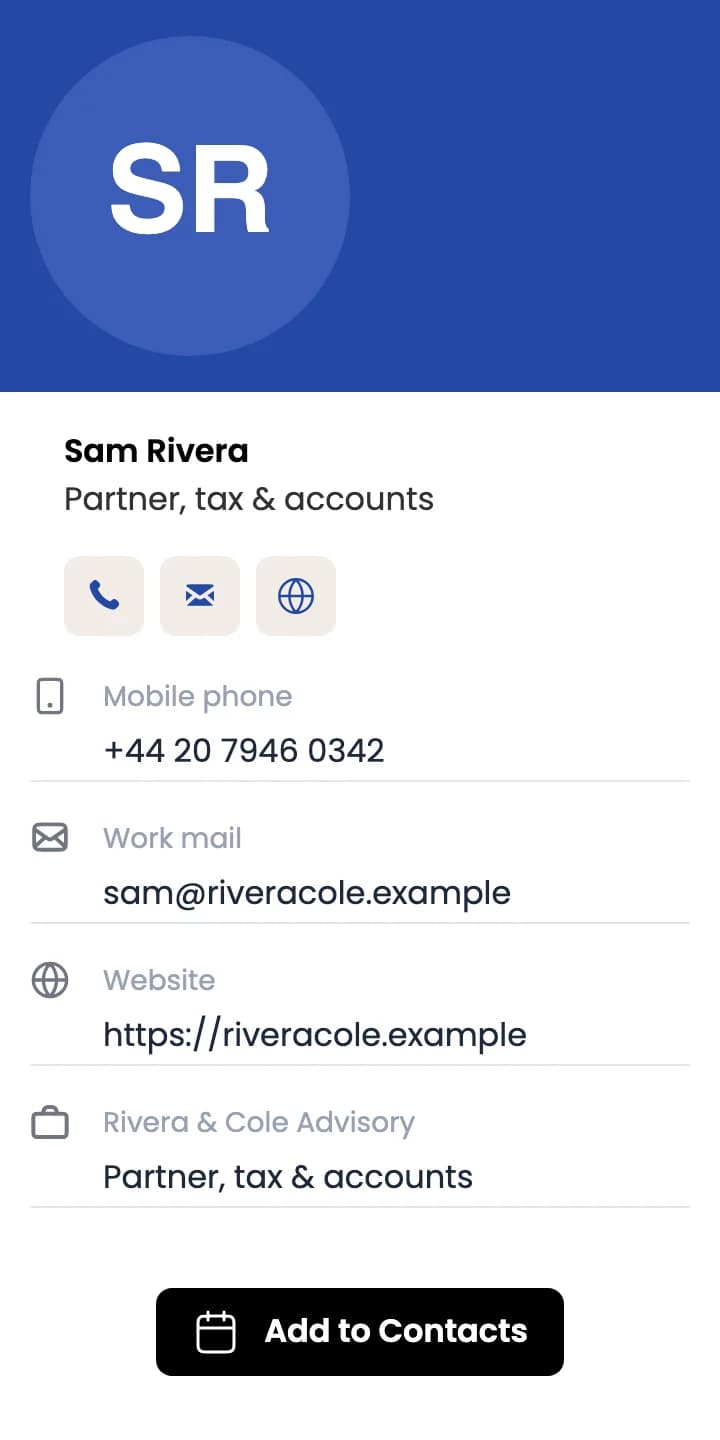
The client scans your card and saves your name, number, email and company to their phone in one tap.
The code opens your booking page or quote form. The appointment is made in your booking tool, as it is today.
A printed summary links to the complete PDF, so the client always opens the current version.
The code opens a WhatsApp chat with your number and a message already filled in, ready to send.
A dynamic QR code always points to the same QR Rapid link. When your number, booking page or price guide changes, edit it in your dashboard. The printed code opens the new version.
The cards in clients’ wallets keep the same code.
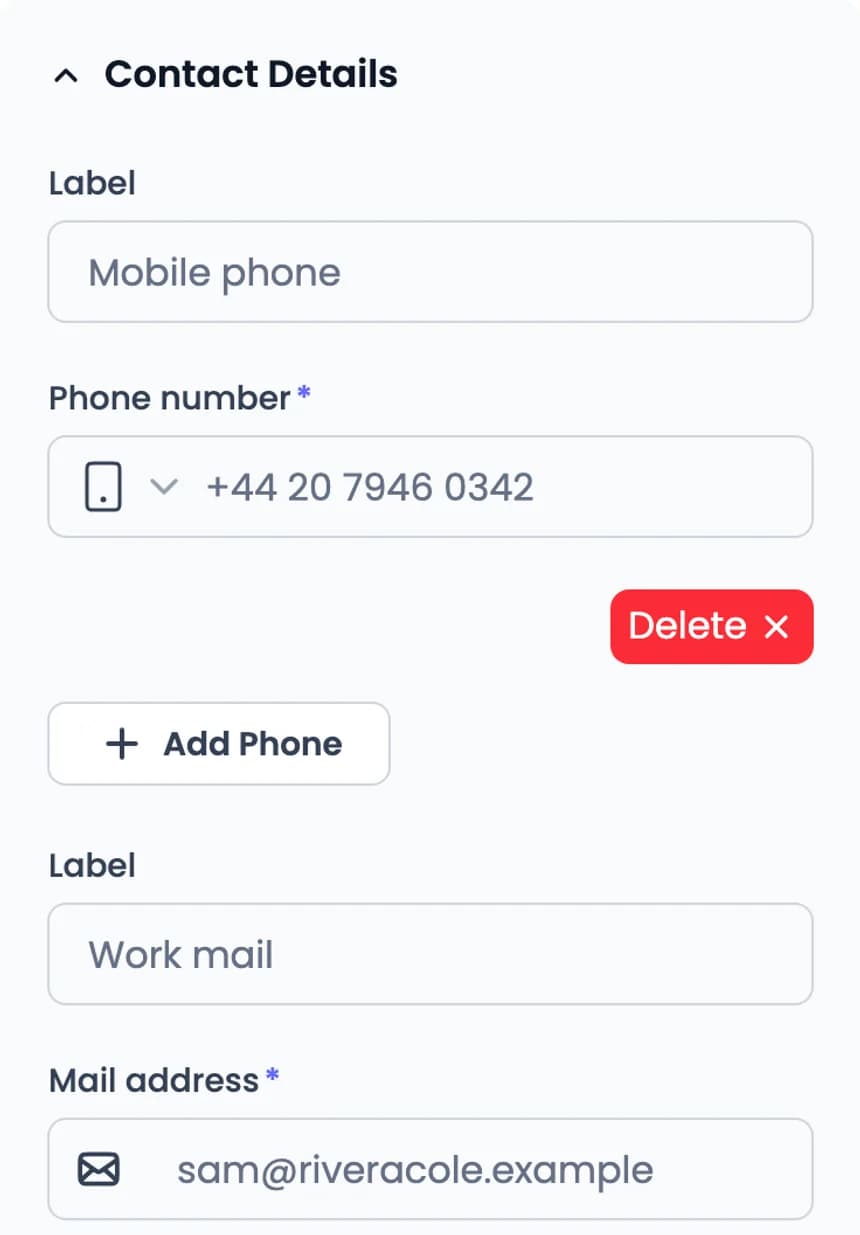
Edit the contact details on your vCard QR code and save.
The same scan opens your updated contact page.
Only dynamic QR codes can be edited after printing. A static code stores its content in the pattern itself, so changing it means printing a new code. Wi-Fi QR codes are always static.
Sample business. Demo QR codes open example destinations.
A client decides in a second whether a code is worth scanning. A short line that names the result does that work. One code, one action, at each place they stop.
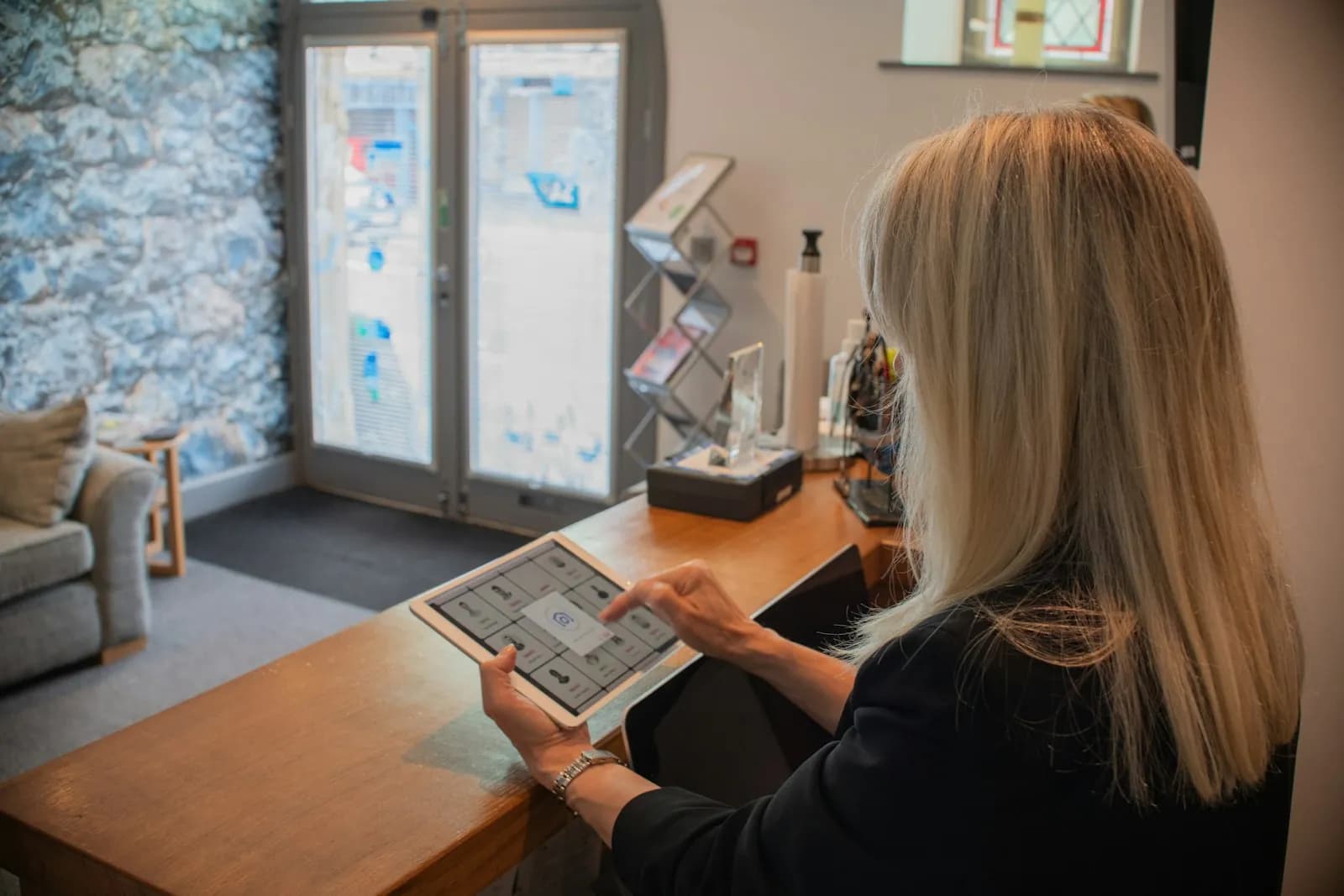


Say what happens. “Scan to book a consultation” tells a client more than “Scan me”.
Print it big enough. Keep the code at least 2 cm wide on cards and larger on signs read from a distance.
One code per place. Separate codes let you see which piece of print gets scanned.
Sample business. Demo QR codes open example destinations.
Give each printed piece its own dynamic QR code and name it after where it’s printed. Statistics ranks them by scans and shows the weekdays and hours clients scan them.
5 codes · ranked by scans in range
Scans by weekday and hour
Busiest on Fridays, 14:00–17:00
Statistics counts scans of dynamic QR codes. Bookings, messages and reviews happen on the page the code opens, so QR Rapid doesn’t track them.
Sample data. Scan figures are illustrative.
Start from what the client should do after the scan.
See all QR typesUse it when a client should save your details without typing them.
Business cards, email signatures, networking event badges. Edit your details later without reprinting.
Use it when the next step lives on a web page: booking, a quote form, a service page.
Reception signs, brochures, windows, flyers. Works with whichever booking tool or website you already use. Choose dynamic to change the link later.
Use it when the client needs a document: a proposal, rate card, price guide or brochure.
Proposals, leave-behinds, printed summaries. Replace the file later without reprinting.
Use it when a client should message you: a quote request, a question, support.
Invoices, vans, completion cards, flyers. The chat opens with your number and message filled in.
Use it when you want clients to follow your work or see your profiles in one place.
Networking events, office windows, thank-you cards.
Can’t find your answer? Contact us
A dynamic vCard QR code. When a client scans it, their phone shows your contact page with an Add to Contacts button that saves your name, phone, email, company and website, and you can edit the details after printing.
Yes, with a dynamic vCard QR code: it opens a contact page hosted by QR Rapid. Edit the details in your dashboard and the printed code opens the updated contact page. A static vCard, which you can create in your dashboard, stores the contact in the code itself, so it can’t be changed after printing.
Yes. Create a dynamic Website URL QR code that opens your booking page or consultation form. The appointment is made in your booking tool. If you change tools, paste the new link in your dashboard.
Yes. A PDF QR code is dynamic. Upload a new file (max. 20MB) in your dashboard and the same code opens the new version.
Yes, for dynamic QR codes. Statistics shows total scans, estimated unique visitors and scan activity over time, ranks your codes by scans, and shows the weekdays and hours people scan. QR Rapid counts scans; it doesn’t track bookings, messages, reviews or payments made after the scan.
QR Rapid doesn’t connect directly to booking, CRM or accounting software. A Website URL QR code can open any page those tools give you, such as a booking page, quote form or payment link. The tool itself handles the booking or payment.
Dynamic QR codes start with a 7-day trial, no credit card required. After the trial, choose a plan to keep editing and tracking them. The dynamic QR types on this page are available during the trial. Plan limits apply to the number of codes, scans and users.
Start with the code on your business card, then add one for your reception, proposals and invoices.