Create an Image QR Code – Share Photos Instantly
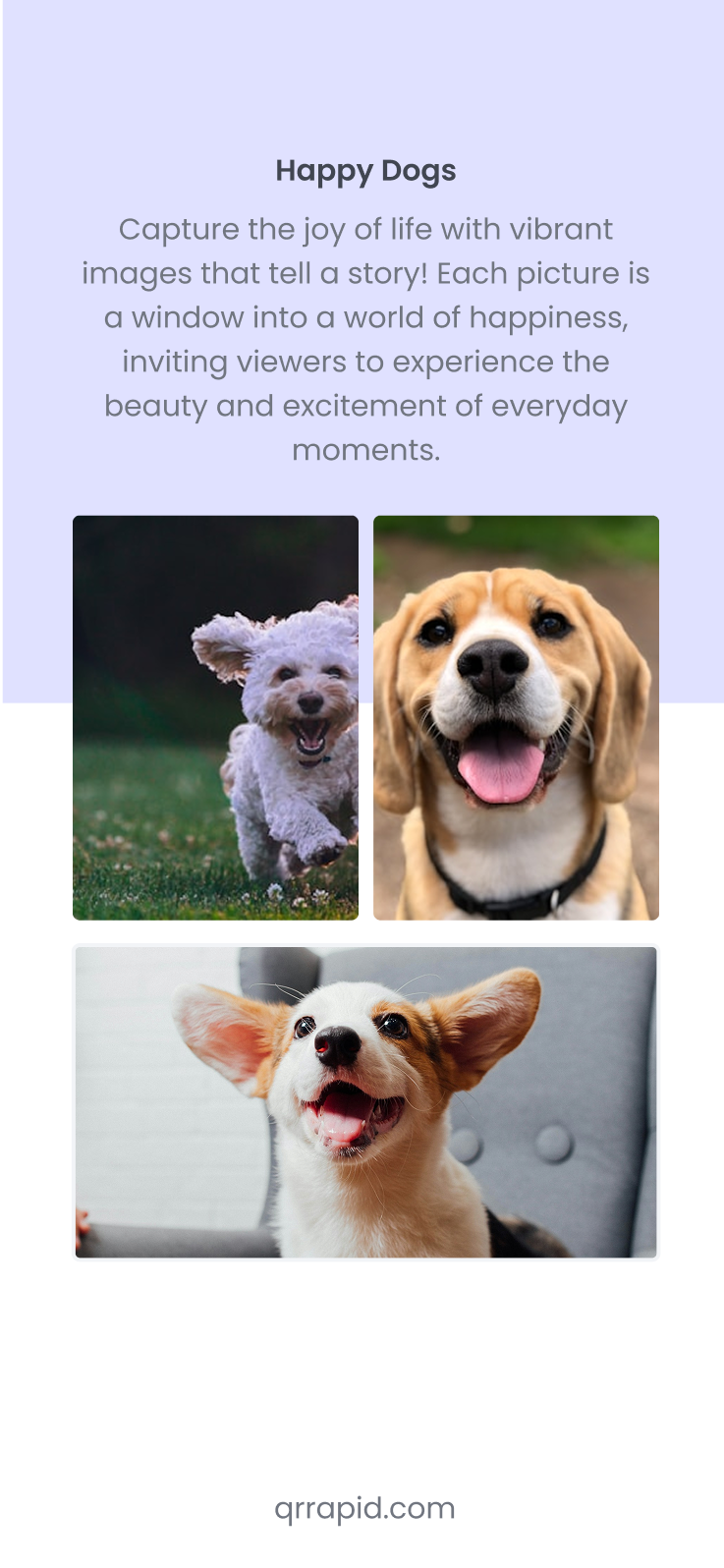
Turn any image into a scannable QR code that displays instantly on smartphones. Share product photos, artwork, portfolios, event images, or visual content without requiring downloads or apps.
Customizable QR design
Real-Time Analytics
Edit & Customise Anytime
How to Create a QR Code for a Image
Creating a QR code for an image is quick and simple with QR Rapid's QR code generator. Follow these three steps to share visual content instantly:
1
Upload Your Image File
Card 1 Text: Upload photos in JPG, PNG, or other common formats. Ensure images are high-quality and properly sized for optimal mobile viewing when customers scan your code.
2
Generate and Customize Your Code
Card 2 Text: Create your image QR code and customize it with your brand logo and colors. Add a descriptive frame like "Scan to View Photo" to tell users what they'll see.
3
Display and Share Everywhere
Card 3 Text: Download your QR code and place it on product packaging, catalogs, galleries, portfolios, or marketing materials. Users scan to instantly view full-resolution images without typing URLs or downloading files.
Image QR Code Best Practices
Follow these guidelines to get the most out of your Image QR codes and avoid common pitfalls.
Best Practices
- Compress images for web before uploading — large unoptimized files cause slow load times on mobile data.
- Use descriptive filenames and alt text for accessibility and to improve SEO on the hosted gallery page.
- Organize multi-image galleries with clear titles or categories so viewers can navigate efficiently.
- Use dynamic codes so you can swap out images for seasonal campaigns without changing printed materials.
Common Mistakes
- Uploading raw camera files (10MB+) without compression — mobile users on cellular data will abandon slow-loading galleries.
- Sharing images in formats not supported by all browsers (like TIFF or BMP). Stick to JPEG, PNG, or WebP.
- Creating a gallery with dozens of images but no titles or organization — users give up scrolling through unlabeled content.
- Forgetting that the gallery page itself needs mobile-responsive design, not just the images.
Transform Prints Into Visual Galleries
Unlock high-resolution images, photo collections, and visual portfolios through scannable QR codes that bypass file size limitations. Image QR codes turn business cards into portfolio showcases, product packaging into detailed photo galleries, and event posters into memorable visual experiences delivering stunning imagery instantly while maintaining quality and professional presentation across any device.
Art Galleries & Museums: Enhanced Exhibition Experience
Art galleries and museums place image QR codes next to artworks, sculptures, and exhibits to provide visitors with high-resolution images, detail close-ups, and additional visual context. Visitors scan codes to view zoomed-in details of brush strokes, texture, or fine craftsmanship impossible to see from viewing distance or behind protective glass. Museums share historical photographs, restoration progress images, or X-ray analysis of paintings through QR codes that enrich the exhibition narrative. Gallery codes can display multiple angles of three-dimensional sculptures, allowing visitors to examine pieces from perspectives not accessible due to display placement or protective barriers. For traveling exhibitions or loaned artwork, codes provide provenance documentation and historical context through archival photographs. Art students and enthusiasts appreciate being able to reference high-quality images later, making exhibitions more educational and memorable. This technology transforms passive viewing into interactive learning experiences while respecting gallery photography restrictions.
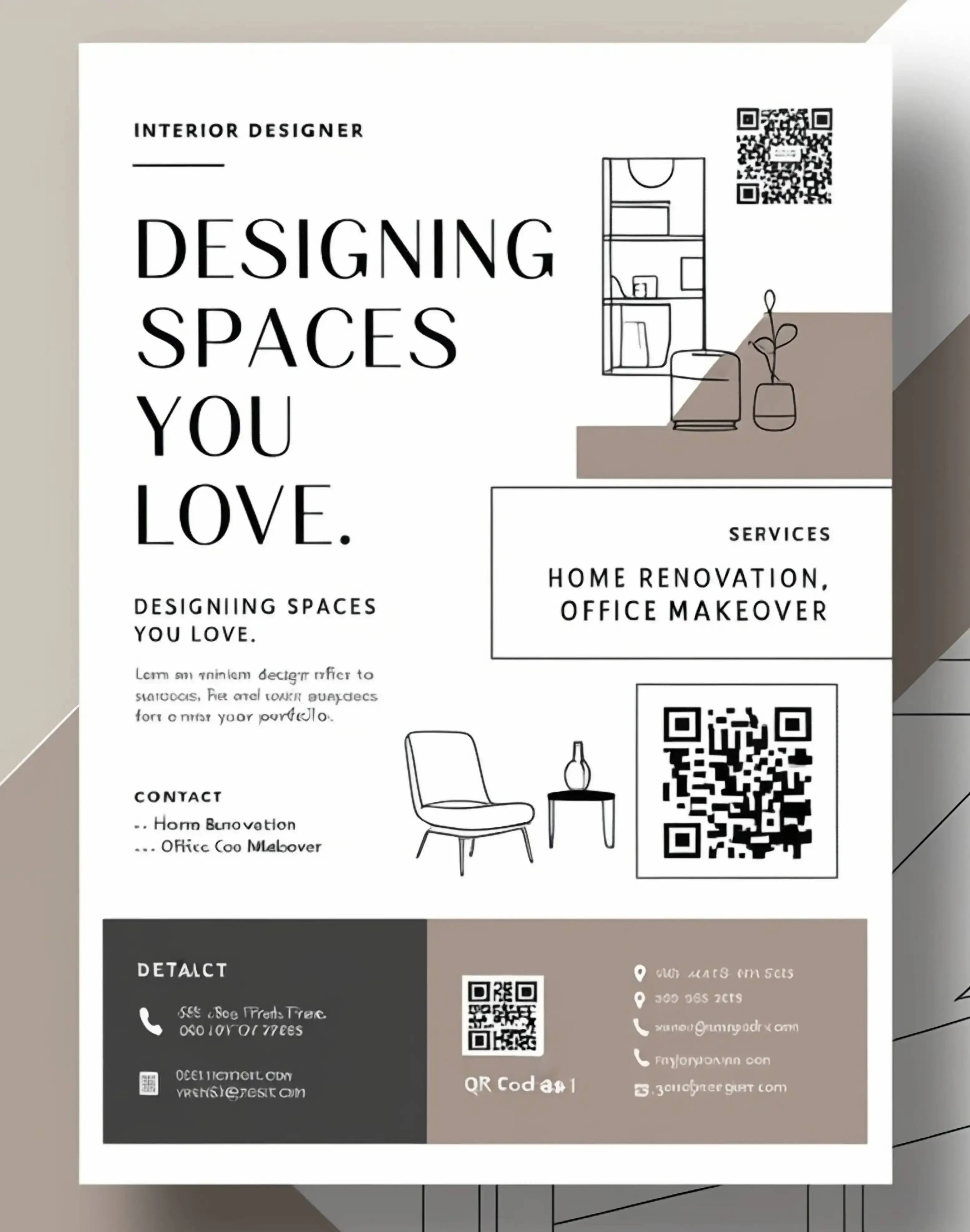
Real Estate: Property Showcase and Virtual Tours
Real estate agents use image QR codes on property signs, listing flyers, and open house materials to instantly share interior photos, floor plans, aerial drone shots, and neighborhood images with prospective buyers. Drive-by shoppers curious about properties can scan yard sign codes to view complete photo galleries without calling agents or searching websites. Codes on listing sheets enable buyers to reference property images during home tours or share photos with family members not present. Agents include before-and-after renovation photos through QR codes, helping buyers visualize potential in fixer-upper properties. Luxury listings benefit from showcasing high-resolution architectural photography and professional staging images that highlight property features. New construction developments use codes to display rendering images, model home photos, and community amenity pictures that help buyers envision completed projects. This visual accessibility increases inquiry rates and helps qualify serious buyers by giving them comprehensive property information upfront.
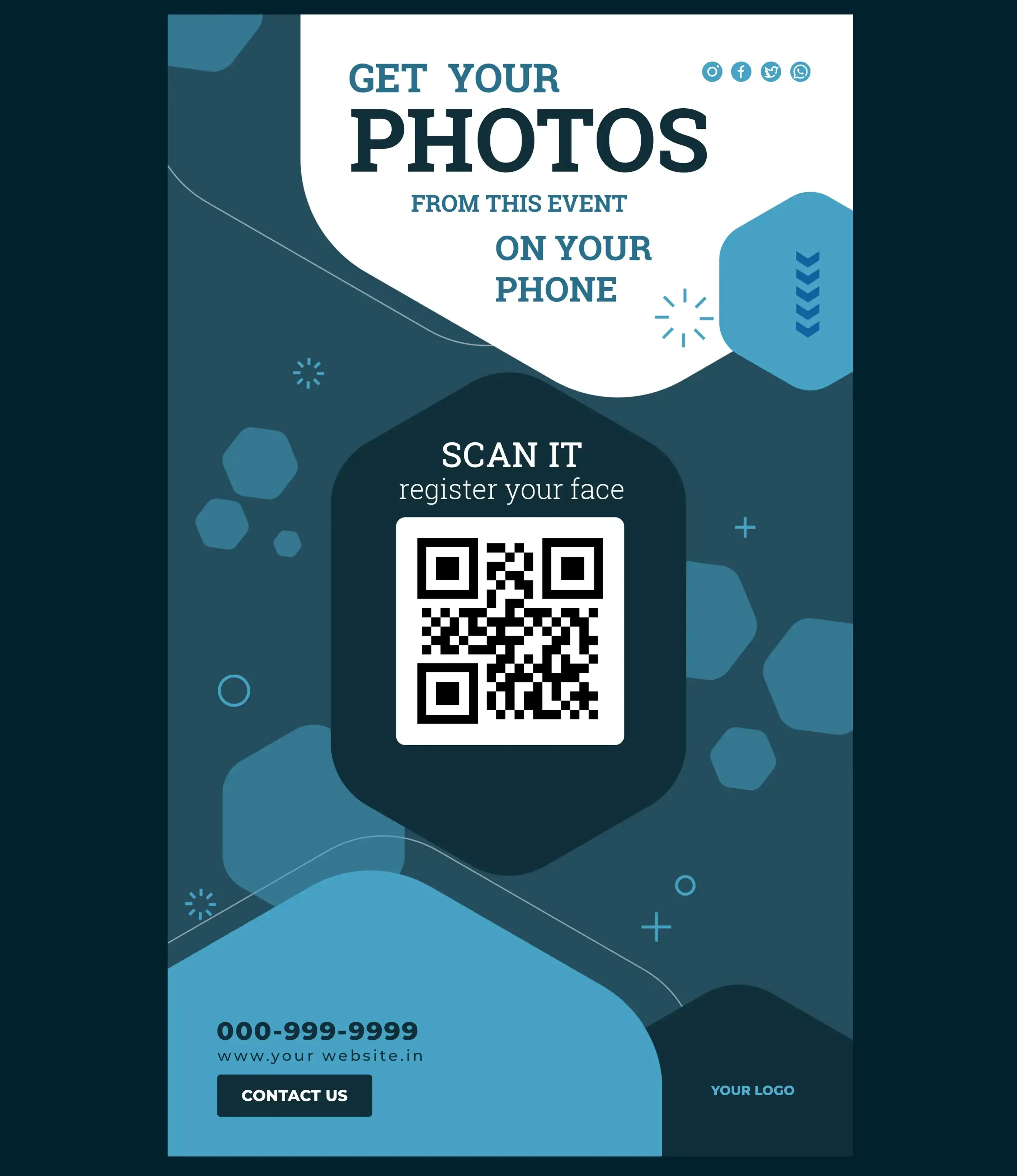
Photography: Portfolio and Work Display
Professional photographers embed image QR codes in business cards, portfolios, exhibit displays, and photography books to showcase their work instantly. Wedding photographers at bridal shows display QR codes linking to ceremony photos, reception shots, and couple portraits that demonstrate their style and capabilities. Commercial photographers include codes on promotional materials that display product photography, food styling, or architectural shots relevant to potential clients' industries. Gallery exhibitions featuring photography use codes to provide artist statements alongside sample work images. Photo contest entries or competition displays include codes where judges or attendees can view additional portfolio pieces. Photography students create QR code portfolios on resume materials, allowing potential employers or schools to review their best work immediately. This instant portfolio access replaces the need to carry physical prints or direct people to remember complex website URLs.
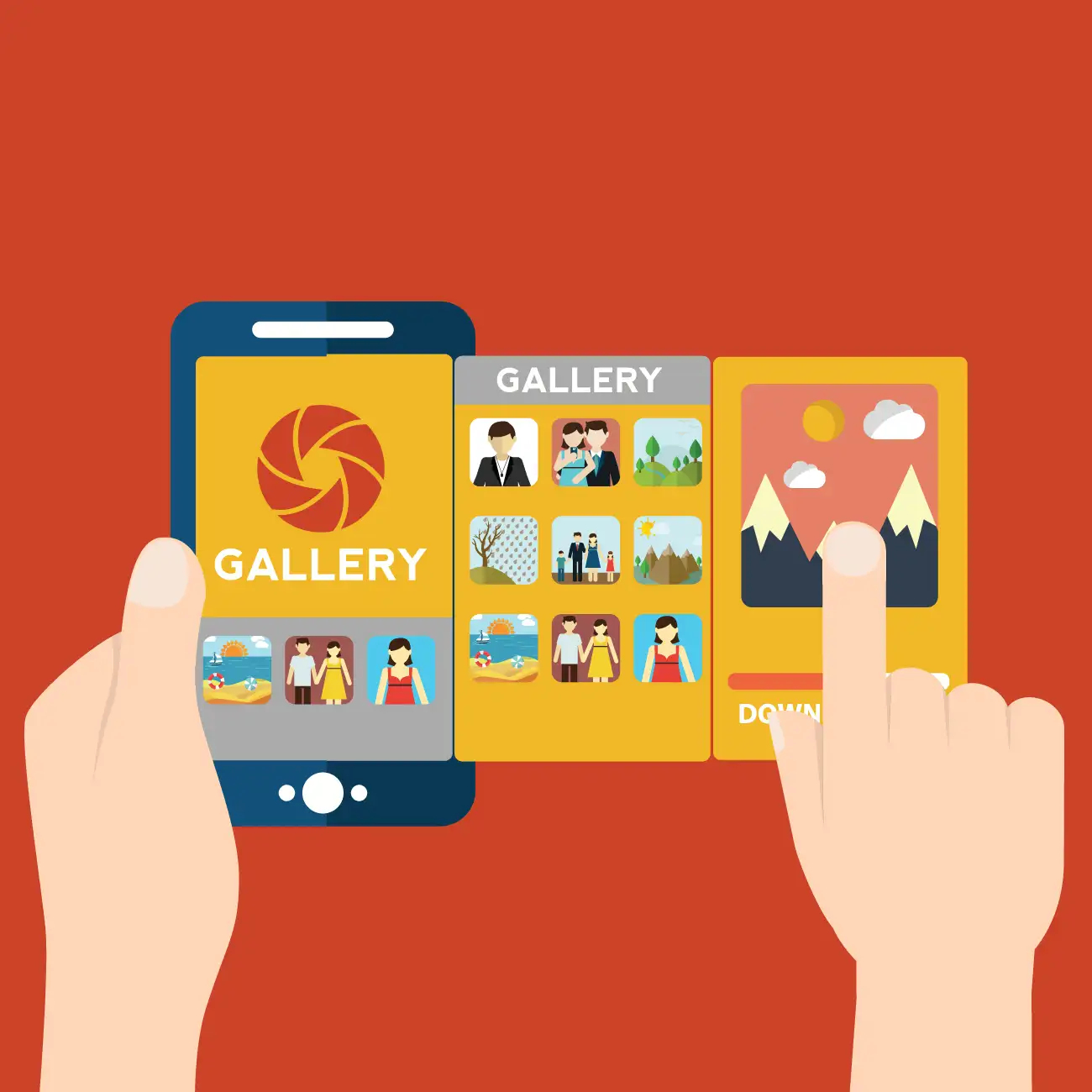
Retail & E-commerce: Product Visualization
Retail businesses place image QR codes on product displays, shelf tags, and packaging to show products in use, alternative colors, size comparisons, or styling suggestions. Fashion retailers display codes near clothing items linking to runway photos, lookbook images, or style guide pictures showing how to coordinate pieces. Furniture stores use codes to display room setting photographs showing how pieces look in complete home environments rather than sparse showroom floors. Electronics retailers share product unboxing images, setup photos, and interface screenshots that help customers understand what's included and how products work. Beauty brands display before-and-after images through QR codes showing makeup applications or skincare results. Home improvement stores show installation photos and finished project images that inspire DIY customers. This visual merchandising approach helps customers make confident purchase decisions by seeing products beyond what's immediately visible in packaging or displays.
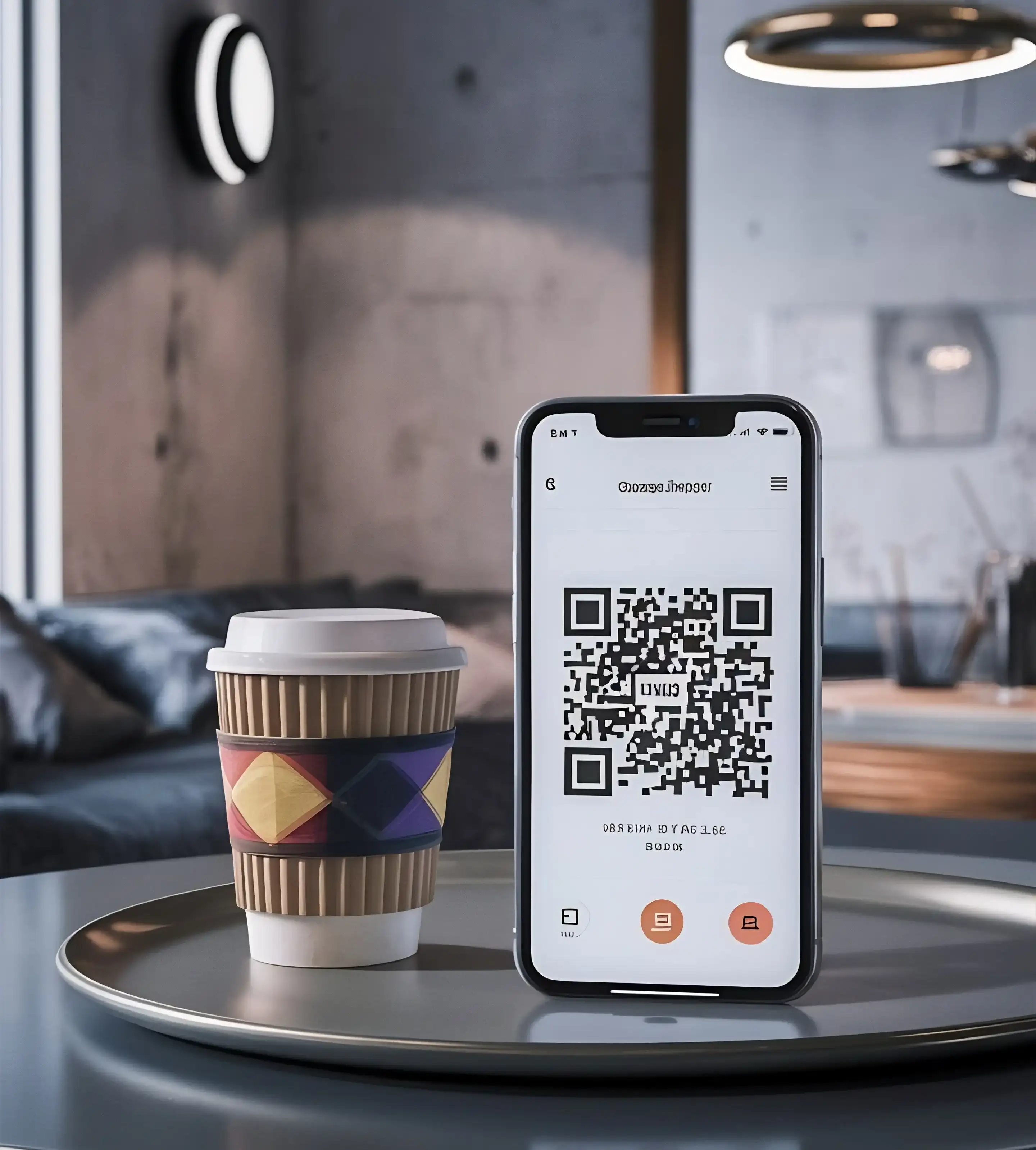
Interior Design: Project Portfolio Sharing
Interior designers use image QR codes in consultations, proposals, and marketing materials to share completed project photos, design mood boards, and room transformation sequences. Codes on business cards allow potential clients to view portfolio highlights during initial meetings without pulling out tablets or navigating websites. Project proposals include QR codes displaying before-and-after photos of similar spaces, helping clients visualize potential transformations. Design showrooms place codes near furniture and decor items linking to full room designs featuring those pieces, demonstrating how individual items work within complete aesthetics. Home staging professionals share codes with real estate agents showing staging examples and property transformation photos that justify their services. Trade show booths display codes connecting attendees to complete portfolio galleries organized by style, room type, or budget level. This visual presentation builds credibility and helps clients understand designer capabilities more effectively than verbal descriptions alone.
H2: Convert Images to QR Codes Instantly with QR Rapid
Intro text: QR Rapid makes it effortless to transform any image into a professional QR code that displays beautifully on mobile devices. Whether you're sharing a single photo or creating galleries, our platform offers powerful features designed to showcase your visual content effectively. Create, customize, and share your image QR codes with ease.
High-Resolution Image Support
- Upload images up to full resolution without quality loss or compression
- Support for all common formats including JPG, PNG, GIF, and WebP
- Fast loading times ensure images display quickly when scanned
Mobile-Optimized Display
- Images automatically adjust to any smartphone screen size for perfect viewing
- Pinch-to-zoom functionality allows detailed examination of image elements
- Responsive design ensures optimal display across all devices and orientations
Image Gallery Options
- Link multiple images in a single QR code for complete photo galleries
- Create slideshows or grid layouts for organized visual presentations
- Add captions and descriptions to provide context for each image
Secure Image Hosting
- Reliable cloud hosting ensures images remain accessible 24/7
- Fast content delivery networks provide quick loading worldwide
- Backup systems protect your images from data loss or downtime
6 Effective Image QR Code Implementation Ideas
Discover creative and impactful ways to use image qr code in your campaigns.
1
Product Packaging: Extended Visual Information
Include image QR codes on product packaging to display assembly instructions, usage demonstrations, size comparisons, or color variant options that don't fit on physical boxes. Electronics packaging features codes showing setup photos, cable connection diagrams, or interface screenshots that supplement printed quick-start guides. Furniture boxes display assembly sequence photos or finished product images in various room settings and...
2
Print Catalogs: Digital Image Enhancement
Integrate image QR codes throughout print catalogs, brochures, and magazines to provide expanded visual content beyond what limited page space allows. Furniture catalogs include codes showing products in full room settings, additional color options, and detail close-ups of materials and construction. Fashion lookbooks display QR codes linking to runway photos, behind-the-scenes images, or styling alternatives for featured outf...
3
Gallery Walls: Artwork Details Access
Mount image QR codes on gallery walls, exhibition labels, or wall plaques adjacent to displayed artwork to provide viewers with detail images, artist process photos, or contextual historical photographs. Art galleries display codes showing magnified sections of paintings that reveal brush techniques, textures, or hidden details invisible to naked eyes. Sculpture exhibitions include codes displaying fabrication process images, material sourcing photos, or arti...
4
Trade Show Booths: Portfolio Quick Access
Display large image QR codes at trade show booths, conference tables, and exhibition stands so attendees can instantly access product photos, project portfolios, or company showcase images. Codes positioned at booth entrances capture interest from passersby who can preview offerings before committing to full conversations. Interior designers showcase completed project photographs through codes that attendees scan to view comprehensive...
5
Property Signage: Real Estate Photo Galleries
Place weatherproof image QR codes on real estate yard signs, property billboards, and development signage to share comprehensive photo galleries with interested buyers driving or walking by. Codes on residential property signs display interior room photos, backyard images, recent renovation pictures, and neighborhood street views. Commercial real estate signage shares warehouse floor photos, office space layouts, loading dock images, and su...
6
Portfolio Books: Interactive Work Samples
Incorporate image QR codes throughout physical portfolio books, presentation binders, and sample albums to extend limited page space with additional project images and work examples. Photographers create printed portfolios featuring select images with QR codes linking to complete photo shoot galleries or alternative selections from sessions. Graphic designers include codes showing design process iterations, client feedback stages, or final product applications...
Related QR Code Types
Depending on your use case, these QR code types may complement or work better for your needs.
Video QR Code
Supplement photo galleries with video walkthroughs for richer visual storytelling.
PDF QR Code
Combine image sharing with downloadable brochures or lookbooks.
Website URL QR Code
Link to full portfolio websites when a gallery is not enough.
Social media QR Code
Connect image viewers to your Instagram or Pinterest for ongoing visual content.
Image QR Codes vs Traditional Photo Sharing
Image QR Codes
Instant visual access solution
No Typing Required - Scan to view images without entering URLs or passwords
High-Resolution Display - Share full-quality photos that display beautifully on mobile screens
Unlimited Sharing - Display extensive galleries through small QR codes
Update Anytime - Change images without reprinting codes or materials
No Downloads - Images view in browsers without filling device storage
Universal Access - Works on all smartphones without apps or accounts
Professional Presentation - Branded galleries enhance business image
Internet Required - Viewing requires cellular data or Wi-Fi connectivity
Screen Size Limits - Mobile viewing smaller than printed photos or displays
Battery Dependency - Requires charged devices to access images
Traditional Photo Sharing
Conventional visual distribution
Physical Presence - Printed photos provide tangible viewing without technology
No Connectivity Needed - Viewing independent of internet or device availability
Large Format Display - Printed images can be wall-sized for impact
Permanent Ownership - Recipients keep photos without access dependencies
Familiar Process - Everyone understands traditional photo viewing and sharing
Limited Quantity - Space and cost constraints limit number of shared images
Expensive Production - High-quality printing costs significant money
Cannot Update - Printed images permanent; changes require complete reprinting
Storage Requirements - Physical photos need storage space and organization
Degradation - Printed photos fade, tear, or become damaged over time
Difficult Distribution - Sharing copies requires mailing or hand-delivery
Resolution Limits - Print quality limited by paper and printer capabilities
Who Uses This QR Code Type?
Explore how different industries implement these QR codes to solve real-world problems.
Frequently Asked Questions About Image QR Codes
How do I create an image QR code?
Can I update images after creating the QR code?
What image formats are supported?
Can I share multiple images through one QR code?
Do viewers need to download images to see them?
How large can my images be?
Are my images secure and protected?
Still have questions?
Can’t find the answer you’re looking for? Please chat to our friendly team.
Want to generate other QR code types?
Image
Showcase visuals
Image
Image
Showcase visuals
Website URL
Send users to any webpage
Website URL
Website URL
Send users to any webpage
Wi-Fi
Let users connect instantly
Wi-Fi
Wi-Fi
Let users connect instantly
Menu
Create a digital menu
Menu
Menu
Create a digital menu
Start a chat with one tap
Start a chat with one tap
Show a downloadable file
Show a downloadable file
MP3
Share audio directly
MP3
MP3
Share audio directly
Video
Play a video instantly
Video
Video
Play a video instantly
Open an email draft
Open an email draft
Text
Display simple text
Text
Text
Display simple text
vCard
Share contact details
vCard
vCard
Share contact details
Crypto
Accept Crypto payments
Crypto
Crypto
Accept Crypto payments
List of links
Share everything in one place
List of links
List of links
Share everything in one place
Coupon
Unlock special offers
Coupon
Coupon
Unlock special offers
SMS
Trigger a text message
SMS
SMS
Trigger a text message
Event
Promote an event
Event
Event
Promote an event
APP
Link to your app
APP
APP
Link to your app
Social media
Link all your socials
Social media
Social media
Link all your socials