QR Rapid

QR Codes for

QR Types

AI

FAQ

Blogs

Chrome ExtensionNew

QR Rapid

Create, customize, manage, and track QR codes for business, marketing, events, and everyday use.

QR Types

Website URL

Wi-Fi

Menu

WhatsApp

Image

PDF

MP3

Video

Email

QR Codes for

Restaurants

Gym and Wellness

Event Management

Business Services

Social Media

Work Environment

Design

Life Hack

Company

Rapid AI

Chrome Extension

Plans & Pricing

Blogs

About Us

Legal

Terms and Conditions

Privacy Policy

Cookies Policy

Help

FAQ

Contact Us

2026 © QR Rapid All rights reserved - QR Code is a trademark of DENSO WAVE INCORPORATED

QR codes for the workplace

Put the information where the work happens

Print a QR code on the meeting room door, the shared printer or the reception desk. A scan opens the room guide, the support page or the guest Wi-Fi on the phone in front of it. Point dynamic codes at a new file or link later, without reprinting.

Create a PDF QR codeSee where to put them

Dynamic QR codes start with a 7-day trial, no credit card required.

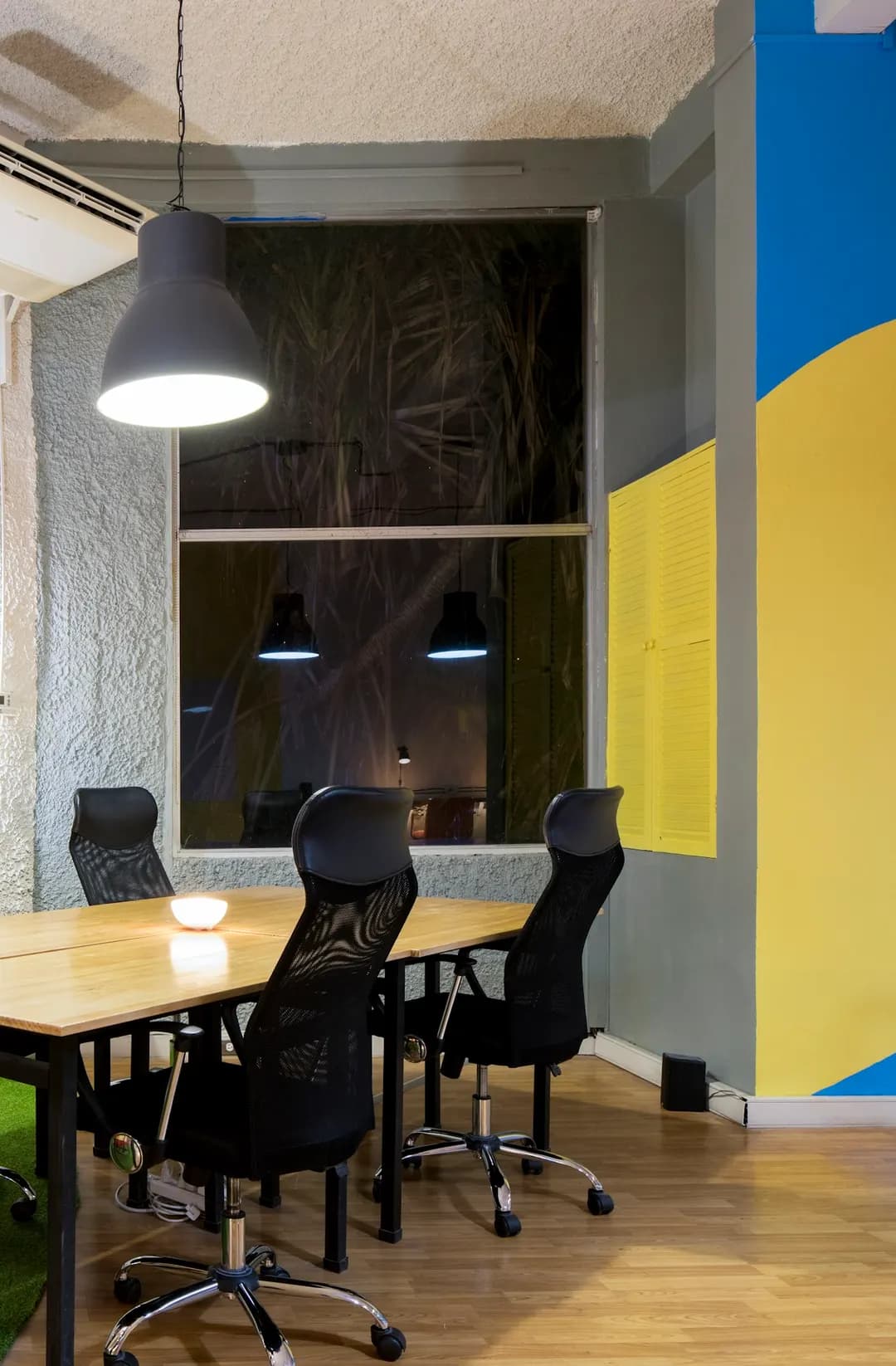
Meeting room door
ROOM 2 · LARCHRoom guideScreen, video calls and bookingScan with your phone camera
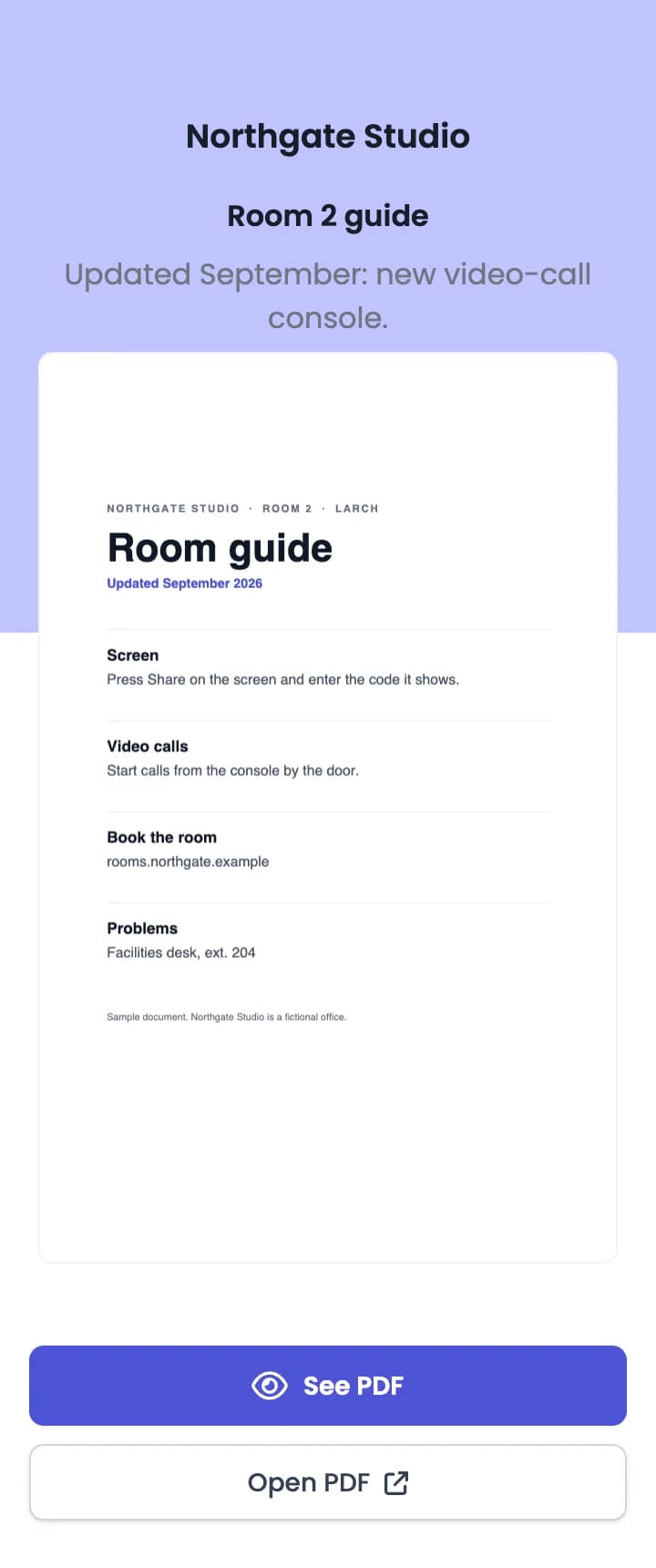
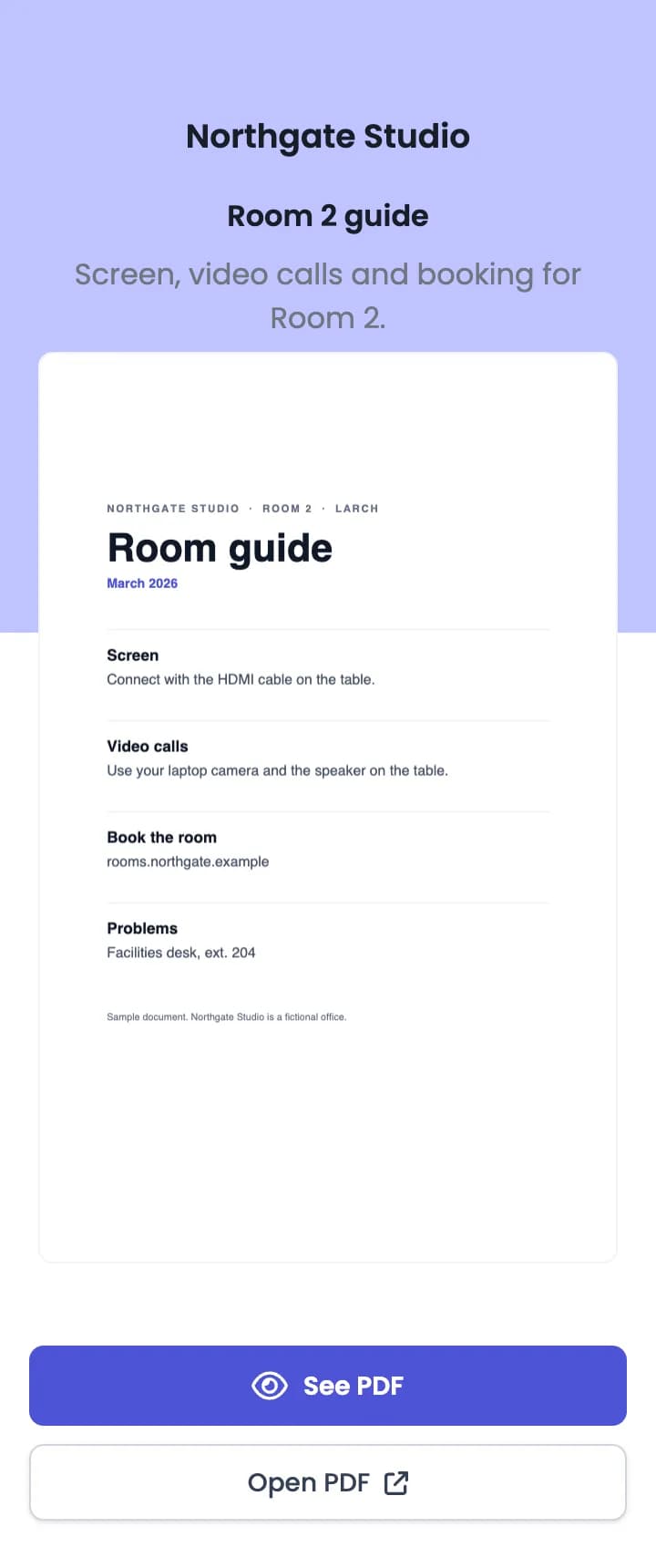
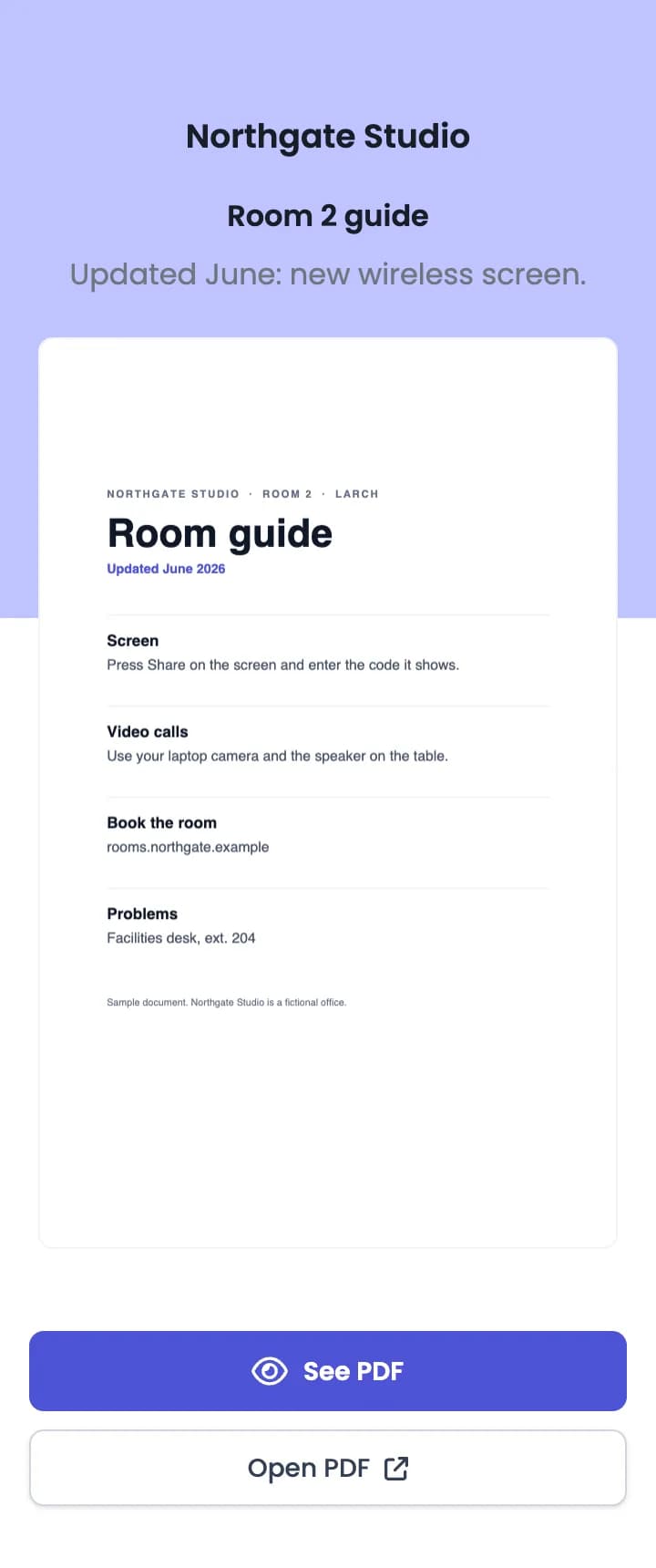
The Room 2 guide PDF page on a phone: Northgate Studio, Room 2 guide, a preview of the first page, and See PDF and Open PDF buttons
  • The PDF page is hosted by QR Rapid.
  • Room booking stays in your booking tool, linked from the page.
  • Sample office. QR opens the Room 2 sample guide, hosted by QR Rapid.
Around the office

Three places people stop and ask

Walk through one floor of a sample office. At each stop, the question is the same every day, so the answer can be printed next to it.

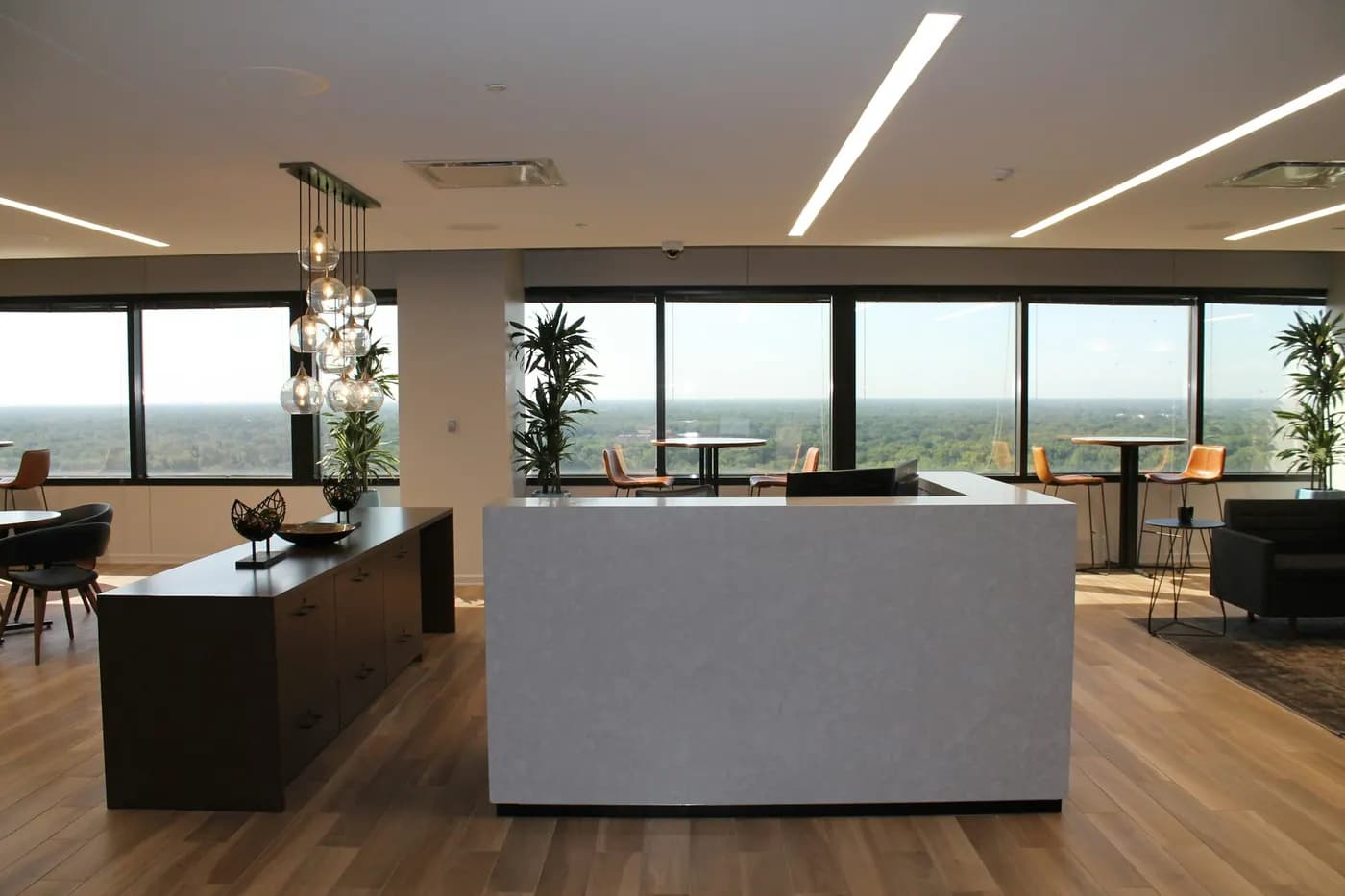
  1. 01Reception
    Demo QR · opens QR Rapid’s Wi-Fi creator
    NORTHGATE STUDIOGuest Wi-FiScan to join the guest network

    Guest Wi-Fi

    Wi-FiStatic

    Opens: The phone’s own prompt to join the guest network. No page opens.

    Wi-Fi codes are static. They can’t be edited or tracked, so print a new code when the password changes.

  2. 02Meeting room
    QR opens the Room 2 sample guide
    ROOM 2 · LARCHRoom guideScreen, video calls and booking

    Room guide

    PDFDynamic

    Opens: The room guide as a PDF page hosted by QR Rapid, with a link to your booking tool.

    Bookings happen in your room-booking tool. Put its address in the PDF page’s Website field.

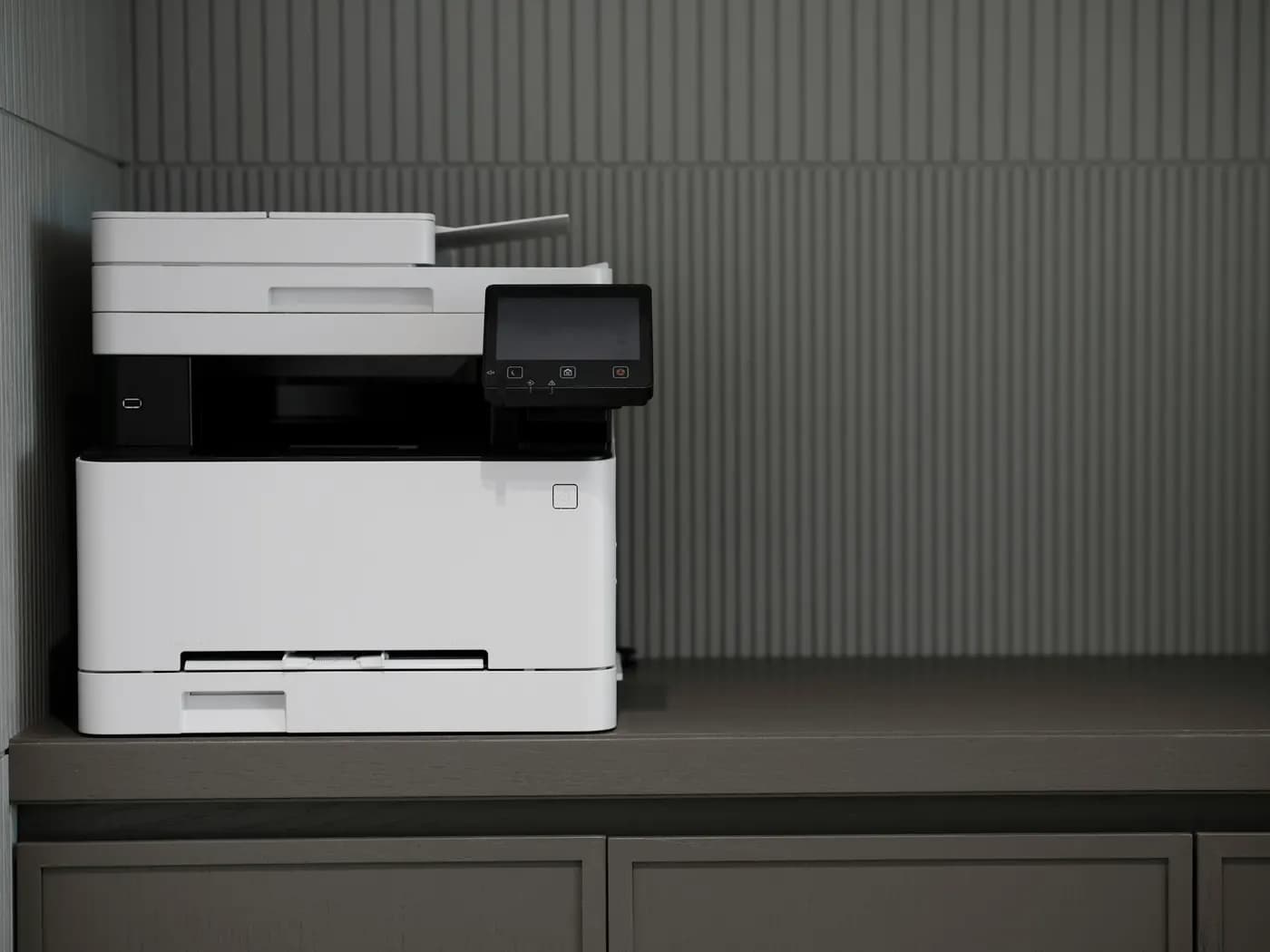
  3. 03Shared printer
    Demo QR · opens the Website URL creator
    PRINTER · 2ND FLOORNot printing?Scan to report it to IT

    Report a problem

    Website URLDynamic

    Opens: The “report a problem” form in your own IT help desk, in the phone’s browser.

    QR Rapid counts the scan and redirects to your help desk. Tickets are created and tracked there, not in QR Rapid.

Also useful at reception: a vCard QR code, so visitors can add the office manager’s number to their contacts before they need it.

Sample office. The Wi-Fi and printer demo QRs open QR Rapid’s creators.

After the scan

What opens, and who runs it

Some codes open a page QR Rapid hosts. Some send people on to a tool you already use. A Wi-Fi code doesn’t open a page at all.

  • PDF QR page for Northgate Studio showing the September version of the Room 2 guide, with See PDF and Open PDF buttons
    Hosted by QR Rapid

    Room guide PDF

    A mobile page with your company, title and description, a preview of the first page, See PDF and Open PDF, and an optional website link.

  • Join network “Northgate-Guest”?Read from the QR code by the phone’s cameraCancelJoin
    Handled by the phone

    Join the guest network

    The network name and password are inside the code. The phone offers to join. Nothing is sent to QR Rapid.

  • help.northgate.example/report
    Report a problemYour help deskPrinter · 2nd floorWhat’s wrong?Send
    Your own system

    Your help desk form

    A dynamic Website URL code counts the scan and redirects. The form, the ticket and the reply all live in your help desk.

What each type can do after it’s printed

QR typeWhat opensChange after printingScans countedHosted by
PDFDynamicYour PDF on a mobile pageReplace the file, edit company, title, description and websiteYesQR Rapid
Website URLDynamic or staticAny page or tool you already useDynamic: change the link. Static: fixedDynamic onlyYour site or tool
vCardDynamicA contact page with Add to ContactsEdit name, number, email and moreYesQR Rapid
Wi-FiStatic onlyThe phone’s join-network promptNo. Print a new code for a new passwordNoNobody, the details are in the code
  • PDFDynamic
    Opens: Your PDF on a mobile pageChange later: Replace the file, edit company, title, description and websiteScans counted: YesHosted by: QR Rapid
  • Website URLDynamic or static
    Opens: Any page or tool you already useChange later: Dynamic: change the link. Static: fixedScans counted: Dynamic onlyHosted by: Your site or tool
  • vCardDynamic
    Opens: A contact page with Add to ContactsChange later: Edit name, number, email and moreScans counted: YesHosted by: QR Rapid
  • Wi-FiStatic only
    Opens: The phone’s join-network promptChange later: No. Print a new code for a new passwordScans counted: NoHosted by: Nobody, the details are in the code

QR Rapid doesn’t book rooms, sign visitors in, record attendance or handle IT tickets. A dynamic Website URL code can open the tool that does, and you can change which tool it opens later.

Dynamic QR codes

The sign stays on the door. The guide behind it changes.

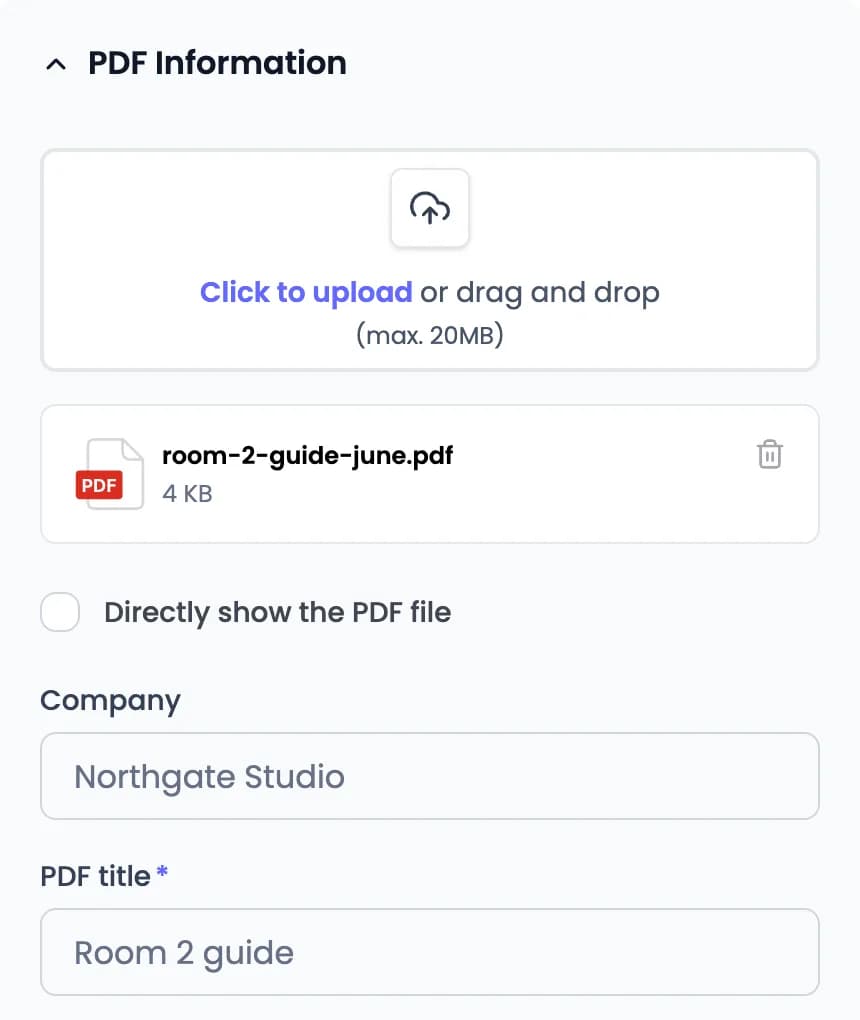
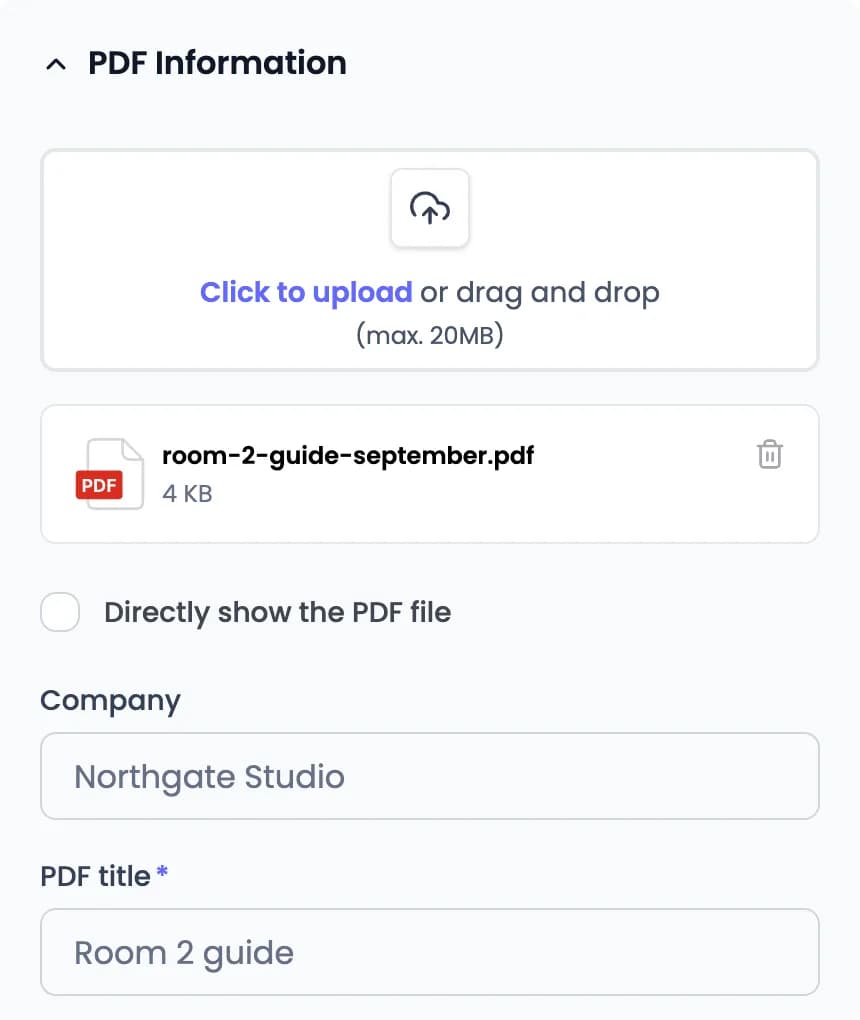
Room 2 got a new screen in June and a video-call console in September. Each time, facilities uploaded a new PDF to the same code in the dashboard. The sign printed in March still opens the current guide.

Room 2 guide · editwith tracking
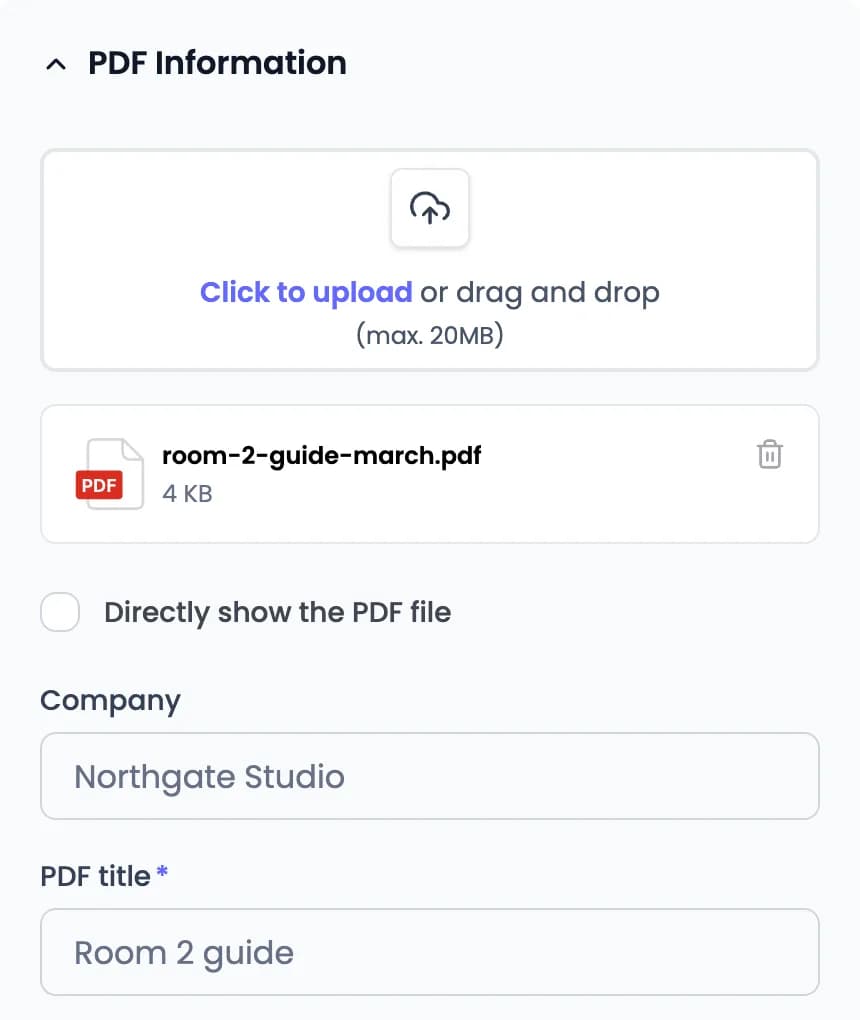
PDF Information in the PDF editor with room-2-guide-june.pdf uploaded, company Northgate Studio and PDF title Room 2 guide
PDF QR page for Northgate Studio showing the June version of the Room 2 guide, with See PDF and Open PDF buttons
Same sign since MarchShowing the June version: Updated June: new wireless screen.

Guide lives on your intranet? Use a dynamic Website URL code and change the link instead. Wi-Fi codes are static: a new password means a new printed code.

Sample office and room guide.

Statistics

See which signs get scanned

Give each placement its own dynamic code and name it after where it hangs. Statistics ranks them by scans and shows the days and hours they’re used.

Sample QR Rapid Statistics for the Northgate · 2nd floor folder, Sep 1 – Sep 30: 340 total scans, 212 estimated unique visitors, 4 of 4 codes scanned. Room 2 · door sign 148, Printer · report a problem 97, Room 3 · door sign 61, Reception · office manager 34. Busiest on Mondays, 09:00–12:00.

FolderNorthgate · 2nd floorPeriodSep 1 – Sep 30
Total scansTotal scans340Across the selected period
Est. uniqueEstimated unique visitors212Estimated · 62.4% of all scans
QR codes scannedQR codes scanned4of 4received at least one scan in this period

QR code performance

4 codes · ranked by scans in range

  1. 1PDF
    Room 2 · door sign
    14843.5%
  2. 2URL
    Printer · report a problem
    9728.5%
  3. 3PDF
    Room 3 · door sign
    6117.9%
  4. 4VCF
    Reception · office manager
    3410%

When people scan

Scans by weekday and hour

Peak Mon 10:00
MonTueWedThuFriSatSun
00:0006:0012:0018:0023:00
MonTueWedThuFriSatSun
0006121824
Busiest on Mondays, 09:00–12:000More

A scan shows that someone opened the code. It doesn’t show who they are, or whether they read the guide, booked the room or fixed the printer. Wi-Fi codes aren’t counted.

Sample data. Scan figures are illustrative.

Frequently asked questions about workplace QR codes

Can’t find your answer? Contact us

What can a workplace QR code open?

A PDF on a mobile page hosted by QR Rapid, any web page or tool you already use (Website URL), a contact page with an Add to Contacts button (vCard), or your Wi-Fi details so a phone can join the network.

Can I change what the code opens after it’s printed?

Yes, for dynamic codes. Replace the PDF, change the Website URL link, or edit the vCard in your dashboard, and the printed code opens the new version. Wi-Fi codes are static: if the network name or password changes, create and print a new code.

Can QR Rapid book rooms, sign visitors in or log IT tickets?

No. QR Rapid creates the code and hosts PDF and vCard pages. A Website URL code can open the room-booking, visitor sign-in or help-desk tool you already use. The booking, sign-in or ticket happens in that tool.

How does a Wi-Fi QR code work?

The network name, password and security type are stored in the code itself. Compatible phone cameras offer to join the network. Nothing is hosted or counted by QR Rapid, so a guest network is usually the right one to print.

Should each meeting room have its own code?

If each room has its own guide, yes: create one PDF code per room. Separate codes also let you compare placements in Statistics. If every room shares one guide, one code can go on every door.

What does Statistics show for workplace codes?

For dynamic codes: total scans, estimated unique visitors, which codes are scanned most, and the days and hours they’re scanned. It doesn’t identify who scanned, record attendance, or show whether someone read the document or finished a task.

Do people need an app to scan the code?

No. Most phone cameras scan QR codes. PDF, vCard and Website URL codes open in the phone’s browser.

Print the sign once. Keep the guide current.

Upload a room guide or equipment manual as a PDF, print the code, and replace the file when something changes.

Create a PDF QR codeCreate a Wi-Fi QR code

PDF codes: 7-day trial, no credit card required.