
Dynamic QR Platform
Create QR codes Instantly
Website URL
Send users to any webpage
Website URL
Website URL
Send users to any webpage
Wi-Fi
Let users connect instantly
Wi-Fi
Wi-Fi
Let users connect instantly
Menu
Create a digital menu
Menu
Menu
Create a digital menu
Start a chat with one tap
Start a chat with one tap
Image
Showcase visuals
Image
Image
Showcase visuals
Show a downloadable file
Show a downloadable file
18 Nov 2026 • 9 min read
QR Codes for Product Sampling Campaigns: Measure Follow-Up Interest and Feedback
Build a sample-to-mobile workflow with QR Rapid: share trial instructions, invite optional feedback, offer full-size product details, and measure each follow-up action separately.
Introduction1. Choose the follow-up question before creating the code2. Build the sample-to-mobile journey3. Create the Website URL code in QR Rapid4. Separate sampling cohorts before distribution5. Measure scans and downstream actions separately6. Make feedback and marketing consent separate choices7. Give the packaging a readable, specific CTA8. Plan link lifetime and inventory rotation together9. Launch a small, testable sampling workflowFAQ
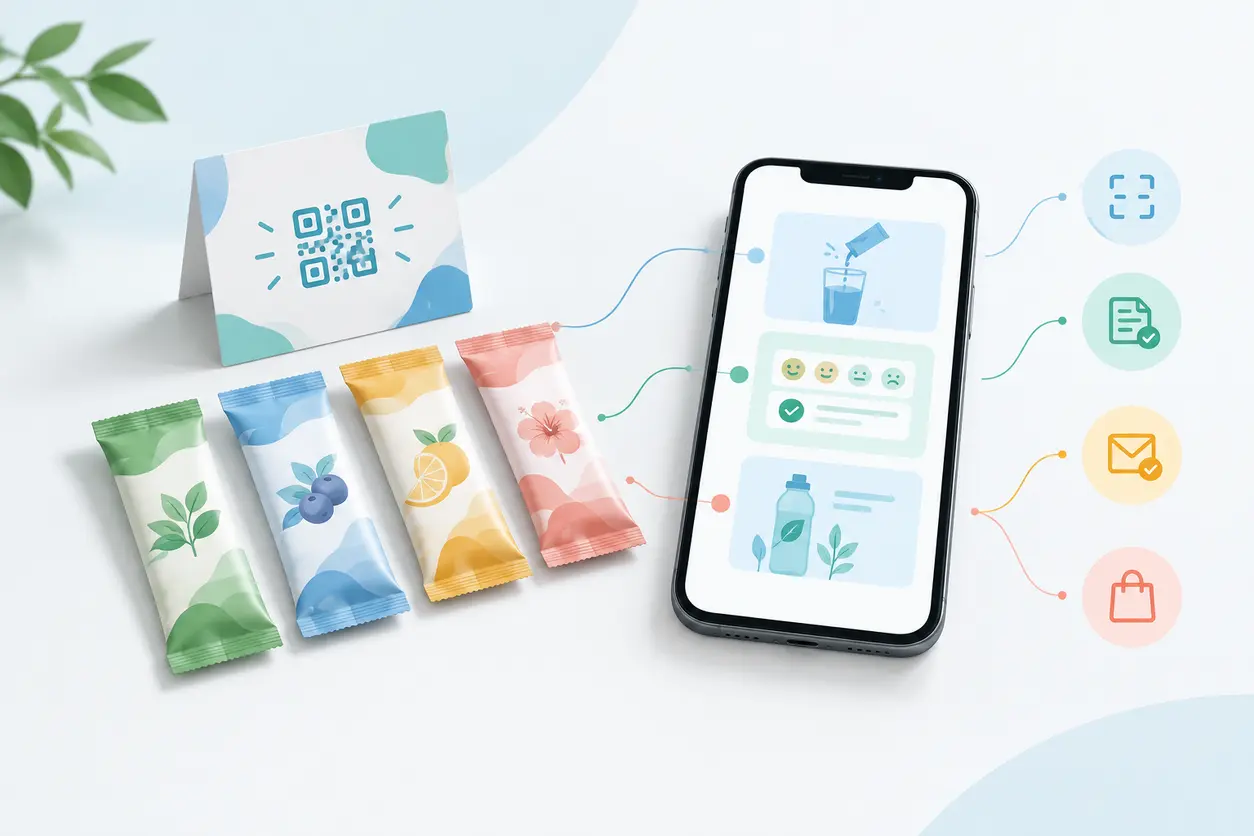
A QR code product sampling workflow connects those moments: put a code on the sample, send the recipient to a mobile page with trial instructions or optional feedback, then offer a relevant next step.
QR Rapid provides the QR-code layer and scan analytics. Your website, external survey tool, email platform, and checkout handle what happens after the visit. Keeping those responsibilities separate makes campaign reporting more useful—and avoids presenting every scan as a lead or sale.
1. Choose the follow-up question before creating the code
Start with what the campaign needs to learn. For consumer brands, field marketers, sampling agencies, and local manufacturers, useful questions include:
- Did recipients seek help using or preparing the sample?
- What did people who actually tried it think?
- Which distribution groups showed interest in the full-size product?
- Did anyone separately subscribe to future product updates?
Choose one primary landing-page action. A sample that needs preparation should usually lead with instructions. A ready-to-try product handed out at a tasting stand may lead with an optional feedback invitation.
Do not make recipients navigate a general homepage or enter their email address just to learn how to use the sample. The first screen should fulfill the promise printed beside the code.
2. Build the sample-to-mobile journey
Use this basic sequence:
Sample packaging → mobile trial page → optional feedback → full-size product details.
The landing page and form belong on your website or an external service. QR Rapid directs the recipient there; it does not run the survey or collect submissions itself.
Start with the exact sample
Show the sample’s product name, variant, and recognizable packaging image. Give concise instructions appropriate to that trial pack, rather than instructions for a different full-size format.
For a preparation-based product, show the method first. For a product tried immediately at a stand, make the feedback invitation prominent. Keep essential printed product information on the packaging rather than treating the QR destination as its replacement.
Ask for feedback at the right time
Fictional example: Meadow Cup is a fictional beverage brand distributing iced-tea trial sachets. Its page opens with preparation instructions and an “Already tried it?” feedback button.
The external form asks:
- Have you tried this sample yet?
- If yes, how would you describe the taste?
- What would help you decide whether to consider the full-size pack?
Someone selecting “Not yet” returns to the instructions instead of being pushed into rating an untried product. Contact details are optional and separate from product feedback.
Offer a second-step CTA
After the instructions or submitted feedback, offer “See the full-size pack” or “Explore ingredients and pack options.”
Link to the matching product, not the whole catalog. Let recipients open those details without completing a survey. A click signals interest; it is not a purchase.
3. Create the Website URL code in QR Rapid
QR Rapid lists Website URL, Image, Video, and Coupon QR types. For a sampling journey containing instructions, feedback, and product details, choose a Website URL code pointing to your mobile landing page.
Keep videos or preparation images within that page when recipients also need a feedback button and a second-step CTA. Sending them straight to an isolated media asset would separate those actions.
A practical setup sequence is:
- Publish and test the mobile destination.
- Create a dynamic Website URL code for the sampling group.
- Give the code a recognizable campaign name.
- Customize its appearance while preserving clear contrast and surrounding space.
- Download the artwork and test a physical packaging proof.
Static or dynamic for trial packs?
A static code contains a fixed destination. You can still edit a webpage you control, but changing the encoded address requires different printed artwork.
A dynamic Website URL code gives you flexibility to change the destination behind the printed code and use scan analytics. That is useful when samples remain in circulation after an event or a temporary feedback page needs replacing.
Before committing print inventory, check account conditions for dynamic-code availability, continued operation, and analytics access. Do not assume every link remains available indefinitely.
4. Separate sampling cohorts before distribution
Use different dynamic Website URL codes for groups you genuinely need to compare. Those groups might be separate events, sampling partners, product variants, or distribution waves.
Continuing the fictional Meadow Cup example, the team creates:
- meadow-cup_market-a_sachet: printed on sachets allocated to one market event.
- meadow-cup_market-b_sachet: printed on sachets allocated to another event.
- meadow-cup_market-a_stand: displayed on the first event’s sampling stand.
All can lead to the same page design, with a distinct cohort identifier passed to the destination. This identifier describes the distribution group, not an individual recipient.
Keep the stand code separate from the take-home packaging code. A stand scan indicates an interaction with the display; it does not establish that someone took a sample home.
Maintain a shared register containing each code name, intended cohort, destination, artwork filename, sample quantity issued, quantity actually distributed, and stock returned or transferred. Agencies and brand teams should use the same naming rules.
If you want to compare events, keep the product and experience consistent where possible. If both the flavor and event change, report them as different combinations rather than attributing every difference to the event alone.
5. Measure scans and downstream actions separately
A useful sampling report follows several actions without collapsing them into one “engagement” total.
Samples distributed
Use field-team records of actual handouts, not just warehouse dispatch quantities. Returned cartons and leftover sachets were not distributed.
This is the operational context for interpreting scans. It is not a QR Rapid metric.
QR scans
Use QR Rapid scan analytics to understand recorded QR interactions by code. Treat scan counts as interactions, not automatically as unique recipients: someone may scan again when preparing the sample later.
Scans divided by samples distributed can be a directional comparison between similarly managed cohorts. Label it as scan activity relative to distribution, not the percentage of people who responded.
Completed surveys
Count successful submissions in the external survey system. A form opening or feedback-button click is not a completed survey.
Where supported, pass the cohort identifier into the form’s campaign field and confirm that it appears in submission exports. For survey completion rate, use completed submissions divided by form starts from that same system, with the reporting window stated.
Confirmed subscriptions
Count subscriptions in the email or CRM platform according to your configured confirmation process. Someone submitting anonymous product feedback has not thereby subscribed.
If your process uses email confirmation, distinguish the initial request from the confirmed subscription.
Product-detail interest and purchases
Track the second-step product-details click in your website analytics. Track purchases in the checkout or commerce system, using an agreed attribution method and reporting window.
Test whether the cohort identifier survives the journey through the landing page, form, and product page. A separate form service may require explicit setup to preserve it. Do not place personal information in campaign URLs.
QR Rapid scans alone do not prove purchases or incremental sales. Cross-device visits, later direct visits, and incomplete measurement can leave gaps. Report attributable orders under the chosen method, rather than claiming every later purchase was caused by the sample.
6. Make feedback and marketing consent separate choices
Design consent into the external form and subscription process, not into assumptions about scanning.
For this sampling workflow:
- Explain whether feedback is anonymous or linked to contact details.
- State why any requested email address is needed.
- Keep marketing subscription optional and separate from submitting feedback.
- Explain the type of follow-up being offered.
- Link to the relevant privacy information near the form.
- Set a retention and access process for collected responses.
Treat these as practical design recommendations, not a complete legal checklist. Have the campaign owner review the setup for the markets, audience, and communication channels involved.
Field staff should not describe scanning as automatic enrollment. A suitable prompt is: “The sachet has preparation tips and an optional feedback link.”
7. Give the packaging a readable, specific CTA
The printed invitation should explain what the recipient gets immediately.
Useful examples include:
- “Scan for preparation tips and optional feedback.”
- “Tried your sample? Tell us what you think.”
- “Scan to explore your trial sachet.”
Choose the version that matches the landing page. Do not print “Give feedback” if the first screen is an unrelated sales promotion.
Place the code where it can be seen and scanned before the pack is torn open. Avoid putting it across a seal, fold, or section that recipients will discard. On very small sachets, consider a backing card or attached insert rather than shrinking everything into an unreadable corner.
Test the actual filled pack in its finished material. Check glare, curvature, readable CTA text, and scanning with ordinary phones. A screen preview alone is not a packaging proof.
8. Plan link lifetime and inventory rotation together
The event end date is not necessarily the end of the sample journey. Recipients may store trial packs and open them later.
Assign an owner for the destination and record how long the instructions and feedback route should remain available. Plan around the distribution window, remaining inventory, and the expected period in which recipients may use the sample.
When feedback closes, replace the temporary invitation with an honest message and useful product information. If redirecting the dynamic code, preserve the context of the original sample rather than sending people to an unrelated campaign.
For inventory rotation:
- Separate coded stock by its assigned cohort.
- Check the code against the artwork and destination before releasing cartons.
- Record transfers of leftover packs between events.
- Flag mixed stock in reporting instead of silently assigning it to the new event.
- Do not reuse an old code for an unrelated trial while its original packs may still circulate.
Dynamic destination changes cannot repair a distribution record that no longer reflects where samples went. Keep operational records alongside scan data.
9. Launch a small, testable sampling workflow
Before releasing the full print run, scan a finished sample and complete the entire journey: read the instructions, submit test feedback, check the cohort field, request a subscription, and open the matching full-size product page.
Confirm which system records each action and who owns follow-up. Agree on the reporting window before comparing cohorts, then review results alongside stock movements and field-team notes.
Ready to build the QR layer? Create your sampling campaign code in QR Rapid, connect it to your tested mobile page, and assign separate dynamic Website URL codes to the cohorts you need to measure.
The goal is a clear bridge from trial to useful follow-up—not a scan count presented as proof of conversion.
FAQ
Should a product sample QR code open instructions or a feedback form?
Lead with instructions when the sample needs preparation or explanation. For products tried immediately at a sampling stand, an optional feedback invitation may be the better first action. Match the landing page to the promise printed beside the code.
Can QR Rapid run my sampling survey or collect email subscribers?
QR Rapid supplies the QR-code connection and scan analytics. Use an external survey tool for responses, an email or CRM platform for subscriptions, and a checkout system for purchases. Those systems own the downstream records.
Do I need a different QR code for every sample pack?
Not for cohort-level measurement. Use a separate dynamic Website URL code for each event, distribution wave, partner, or product variant you need to distinguish. Keep sampling-stand codes separate from take-home packaging codes.
Can I count scans as completed surveys or purchases?
No. Scans record QR interactions. Count completed surveys in the form system, confirmed subscriptions in the email platform, and purchases in the commerce system. Apply a documented attribution method before connecting orders to a sampling cohort.
What should happen to the QR destination after a sampling campaign ends?
Keep useful sample instructions available for the planned follow-up period. When feedback closes, explain that clearly and retain relevant product information. Check remaining inventory and account conditions before retiring or redirecting the code.
Similar Blogs
The latest industry news, interviews, technologies, and resources.
 November 9, 2026
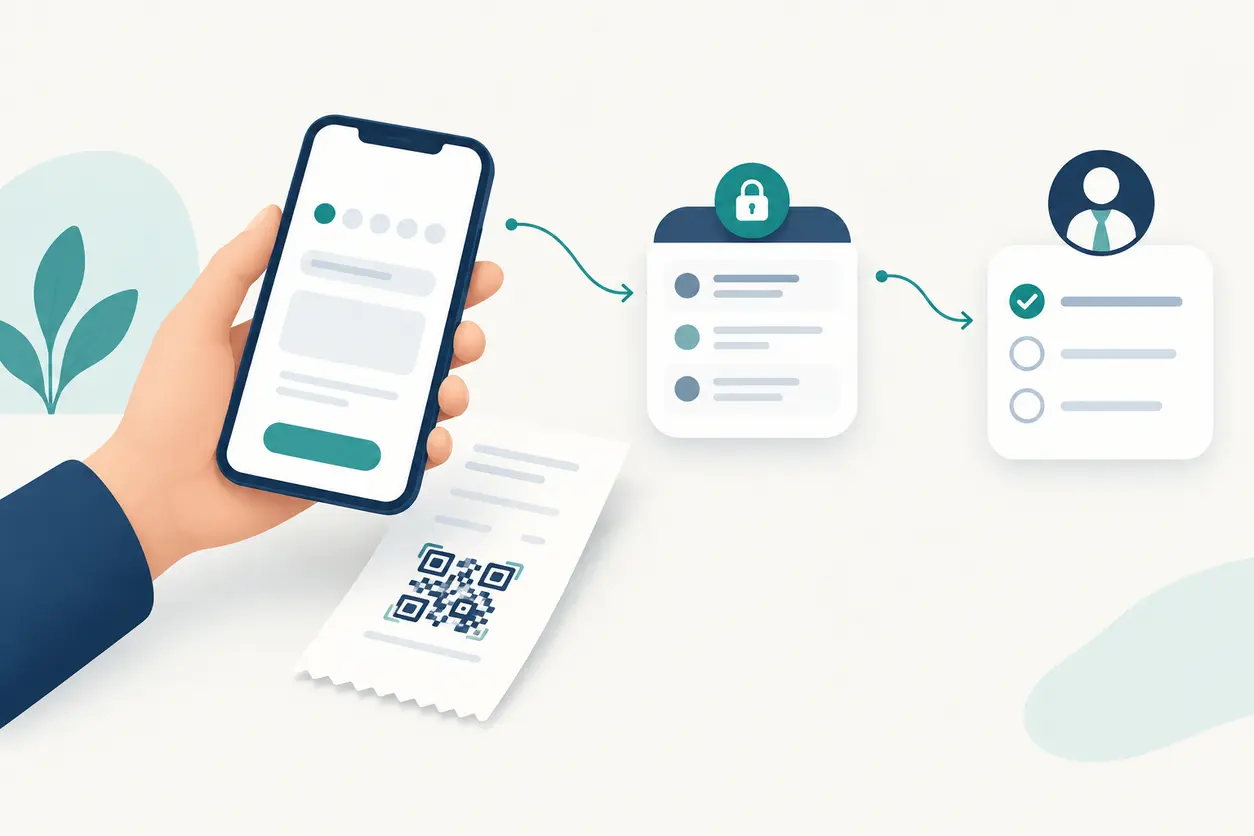
QR Codes for Customer Feedback Forms: Collect Private Responses After Service
QR Codes for Customer Feedback Forms: Collect Private Responses After Service
Read post
 October 23, 2026
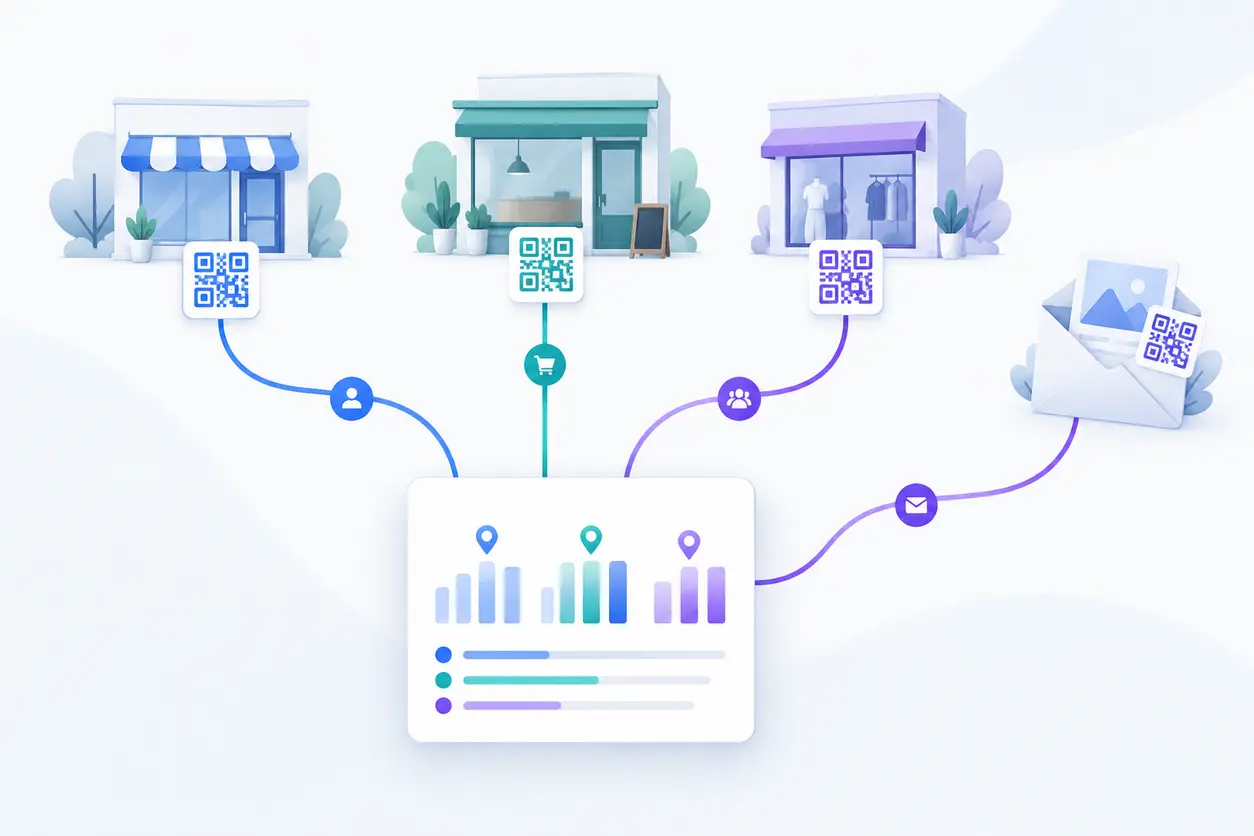
How to Track QR Codes by Location: A Practical Offline Campaign Attribution Framework
How to Track QR Codes by Location: A Practical Offline Campaign Attribution Framework
Read post
Join 2,000+ subscribers
Stay in the loop with everything you need to know.
We care about your data in our privacy policy