
Dynamic QR Platform
Create QR codes Instantly
Website URL
Send users to any webpage
Website URL
Website URL
Send users to any webpage
Wi-Fi
Let users connect instantly
Wi-Fi
Wi-Fi
Let users connect instantly
Menu
Create a digital menu
Menu
Menu
Create a digital menu
Start a chat with one tap
Start a chat with one tap
Image
Showcase visuals
Image
Image
Showcase visuals
Show a downloadable file
Show a downloadable file
14 Sep 2026 • 14 min read
How to Use QR Codes on Product Packaging for Customer Support and Reorders
A practical guide for brands, manufacturers, DTC sellers, and packaging teams using QR codes on product packaging to deliver product help, reduce friction after purchase, and make reorders easier.
IntroductionStart with the customer moment, not the QR codeWhat QR codes on product packaging can link toPractical packaging workflows by product typeStatic vs. dynamic QR codes for packagingDesign and placement rules that protect scannabilityBuild a packaging QR workflow in QR RapidCommon mistakes to avoidMake every scan earn its place on the packFAQ
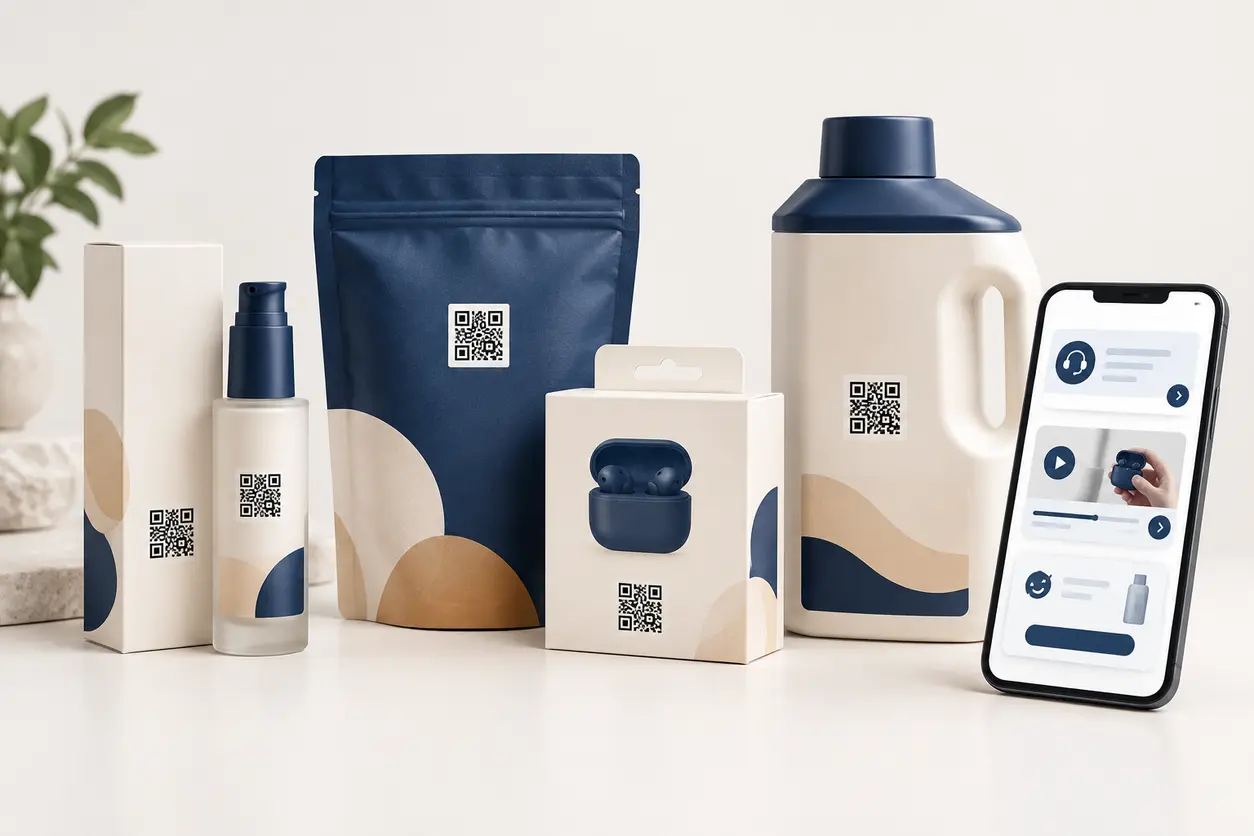
A customer who has already purchased your product has a very different need from a first-time shopper. They may be opening a box, trying to assemble an accessory, checking ingredients, looking for a replacement part, registering a warranty, or deciding whether to buy again. At that moment, QR codes on product packaging can move them directly from a physical product to the next useful action. For design and placement examples, see QR codes on product packaging.
The goal is not to place a code on every panel because it is available. The goal is to give each scan a clear job: help the customer use the product successfully, resolve a problem before it becomes a return, or make replenishment simple when the product runs out.
For brands, manufacturers, DTC sellers, and packaging teams, this approach can reduce reliance on cramped printed instructions and outdated inserts. A well-planned QR destination also keeps the post-purchase experience consistent across retail boxes, shipping cartons, labels, pouches, and refill packaging.
Start with the customer moment, not the QR code
Before generating a code, identify where the customer is likely to be and what they need at that point. A single generic homepage link usually creates unnecessary work: the customer must search again, and the brand loses the opportunity to guide them toward the best next step.
Map the package journey into distinct moments:
- Before first use: setup, assembly, safety information, what is in the box, or a quick-start video.
- During use: troubleshooting, cleaning instructions, dosage or application guidance, recipes, compatibility details, or replacement-part help.
- After use or at replenishment: reorder pages, subscription options, refill instructions, recycling guidance, and related products.
- When something goes wrong: support options, return eligibility, warranty registration, diagnostic steps, and contact details.
Then match one destination to one primary action. For example, the QR code beside a cosmetic pump's first-use instructions should open a short application tutorial, not a general brand catalog. A code printed on an empty refill pouch should open a product-specific reorder page, not force the shopper to find the item from scratch.
What QR codes on product packaging can link to
The right destination depends on product complexity, purchase frequency, and common service questions. Below are the most useful post-purchase paths.
Product instructions and quick-start guides
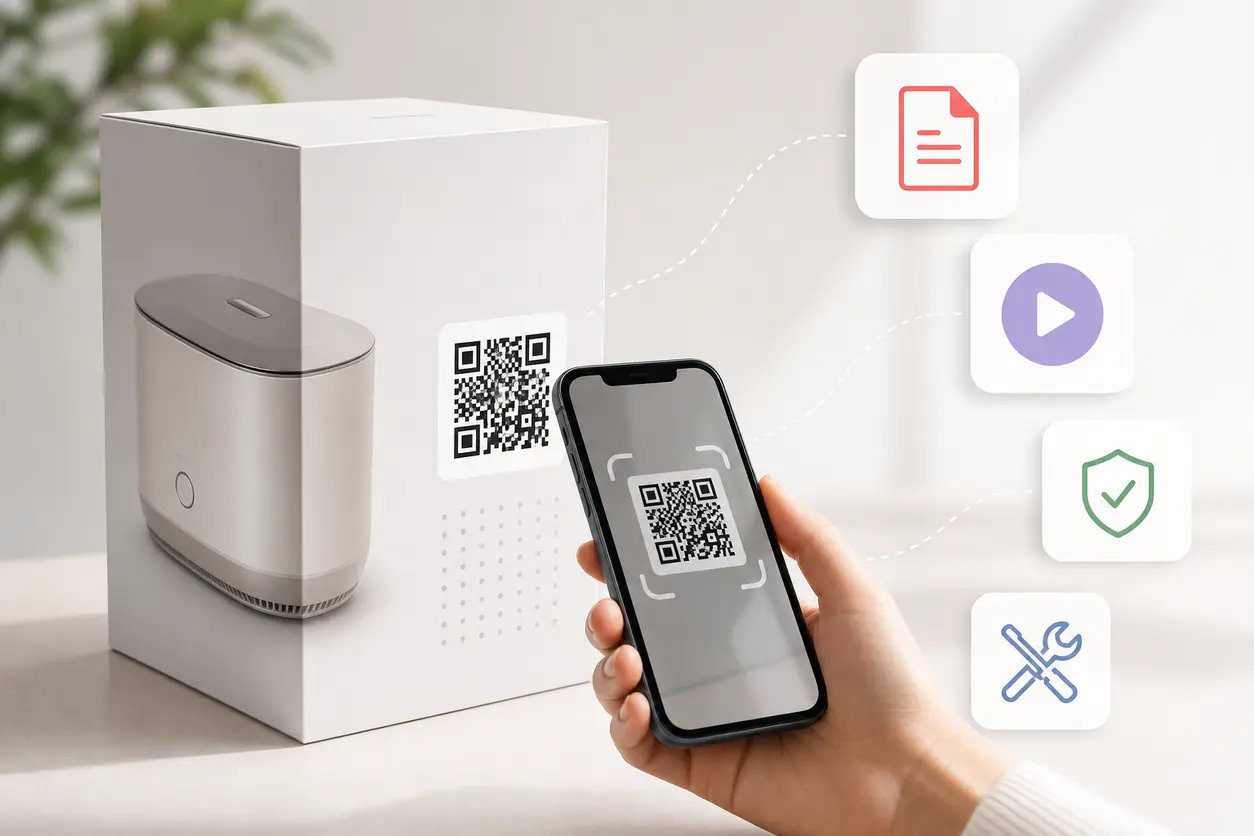
A QR code can link customers to a mobile-first setup page, hosted manual, or step-by-step guide. This is particularly useful when printed instructions would be too small, require multiple languages, or become outdated.
Keep the first screen practical. A customer should immediately see the action they need to take, such as:
- Unbox and identify the included components
- Charge, pair, install, or assemble the product
- Learn the first-use steps
- View care and cleaning instructions
- Access a downloadable full manual if needed
For a complex product, do not lead with a 70-page document. Put a three-to-five-step quick-start sequence first, then offer the full manual, parts list, and detailed troubleshooting as secondary options. See this product manual QR code guide for retail boxes and setup guides.
Warranty registration
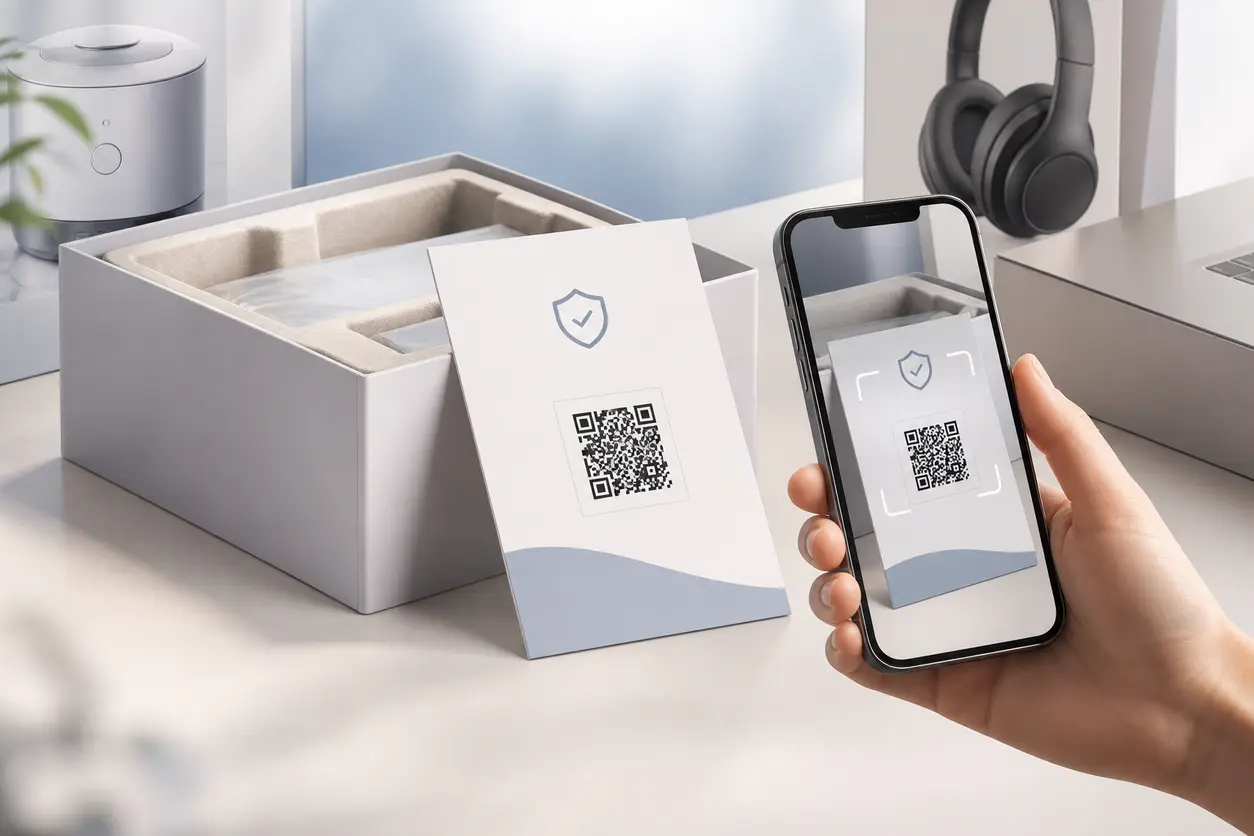
Packaging is one of the strongest moments to invite registration because the buyer has the product in hand. A warranty registration QR code can open a brief mobile form that asks only for information needed for the registration process.
Make the route product-specific. If possible, prefill the product family or model based on the unique code assigned to that packaging run. Keep proof-of-purchase requirements and any warranty terms easy to find, but do not make the customer read a long policy before they can begin.
This workflow is distinct from a general support code. Put the registration call to action near unboxing content, the serial number label, or inside the box where the customer is likely to see it when they first open the product.
Support and troubleshooting resources
A scan-to-support path can prevent a minor issue from becoming a frustrated support ticket or product return. The destination should be organized by the problems customers actually encounter, not by internal department labels.
A helpful support page may include:
- A product selector or model name at the top
- The most common fixes first
- Short troubleshooting videos or annotated images
- Links to replacement parts and accessories where appropriate
- A clear escalation option for chat, email, or a support form
For product lines with several models, create a separate QR code for each model or use a landing page that recognizes the product category immediately. Sending every scan to a generic knowledge base creates friction for customers who simply need a fast answer.
Reorder pages and refill flows
For consumables, replenishable products, and accessories with replacement cycles, a reorder QR code can shorten the path from “I need more” to “I have ordered.” The best placement is usually where customers notice the product is nearly empty or where they store its packaging.
The QR destination should open directly to the matching product page or a simple replenishment landing page. Include the exact size, flavor, shade, pack count, or model variation whenever possible. If multiple formats are available, present a clear default based on the product the customer scanned.
A strong reorder page may offer:
- A direct add-to-cart option for the same item
- A refill or bundle option, if relevant
- A subscription option that remains optional
- Compatible accessories or replacements
- A visible route to help if the customer is not sure which version they need
Avoid using an empty-package QR code solely to drive a broad promotional campaign. The customer is signaling replenishment intent, so serve that need first.
Ingredient lists, specifications, and compatibility details
QR codes are useful when packaging has limited space but customers need more detail. Cosmetics and supplements may need expanded ingredient explanations, allergen information, usage guidance, or batch-specific documentation. Electronics accessories may need compatibility lists, electrical specifications, software requirements, or setup diagrams.
Keep essential information that must be printed on the package where it belongs. Use the QR code to provide expanded, searchable, mobile-readable information rather than as a substitute for required labeling. The landing page should be version-controlled so customers are not viewing a superseded spec sheet or obsolete formula information.
Tutorial videos
Short video is especially effective when a product has a physical technique to learn. A video QR code can show an application method, installation sequence, cleaning procedure, correct dosage scoop, or cable-routing setup far more clearly than a small illustration.
Keep tutorial videos focused. One scan should open the most relevant video first, not a channel page with dozens of unrelated clips. Add captions, show the product clearly, and pair the video with written steps for people who prefer to scan quickly rather than watch.
Practical packaging workflows by product type
The same code strategy does not work for every product. Design the flow around the product's actual support and reorder behavior.
Cosmetics: application support and shade or refill continuity
A skincare brand can place a QR code on the outer carton near a prompt such as “See your 60-second routine.” The code can open a mobile page with the order of application, how much to use, where the product fits into a routine, and a short video.
On the bottle or refill component, use a separate code for reordering the exact product. The destination should preserve the product name, size, and variation. If the formula is updated or the brand launches a replacement refill, a dynamic code can be redirected without changing the printed art.
For products with sensitive-use considerations, route customers to clear usage guidance and an ingredient page. Do not bury basic use information behind a broad navigation menu.
Supplements: usage guidance, transparency, and replenishment
A supplement tub or pouch has limited label space, yet customers may want serving directions, ingredient details, how to mix the product, and answers to common questions. A QR code can lead to a product-specific resource hub that starts with the intended use and serving instructions, then offers a detailed ingredient or specification sheet.
A second code is not always necessary. If package space is tight, use one code with a clear landing page that offers two prominent choices: “How to use” and “Reorder this product.” On an empty pouch or an interior flap that customers see after use, a dedicated reorder code may be more appropriate.
Avoid making claims on the QR landing page that are not approved for your product category. Packaging teams should treat linked content as part of the customer-facing product experience and maintain a review process for updates.
Electronics accessories: setup, compatibility, and problem resolution
An electronics accessory often generates support requests that could be avoided with a visual first-use guide. A QR code on the box for a charging dock, adapter, cable, mount, or smart accessory can open a model-specific setup page.
Prioritize these items:
- What the product works with
- What is included in the package
- The correct connection or installation sequence
- Firmware, app, or pairing instructions where relevant
- Common issues, such as indicator lights or charging behavior
- Warranty registration and replacement-part support
Keep compatibility information prominent. If a product only works with certain ports, devices, generations, or cases, make that clear before a customer spends time troubleshooting an incompatible setup.
Consumables: simple repeat orders at the point of need
For coffee, cleaning products, pet supplies, filters, personal-care refills, and similar consumables, the packaging itself can be a persistent reorder reminder. Put the code where the customer reaches it late in the product lifecycle: near the bottom of a container, on the inside of a carton flap, or on a refill pouch.
Use direct language such as “Running low? Reorder this exact item.” The scan should go to the matching product, not to a campaign page, newsletter form, or generic store category. If the product is sold through several channels, provide a straightforward choice that does not make the customer restart their product search.
Static vs. dynamic QR codes for packaging
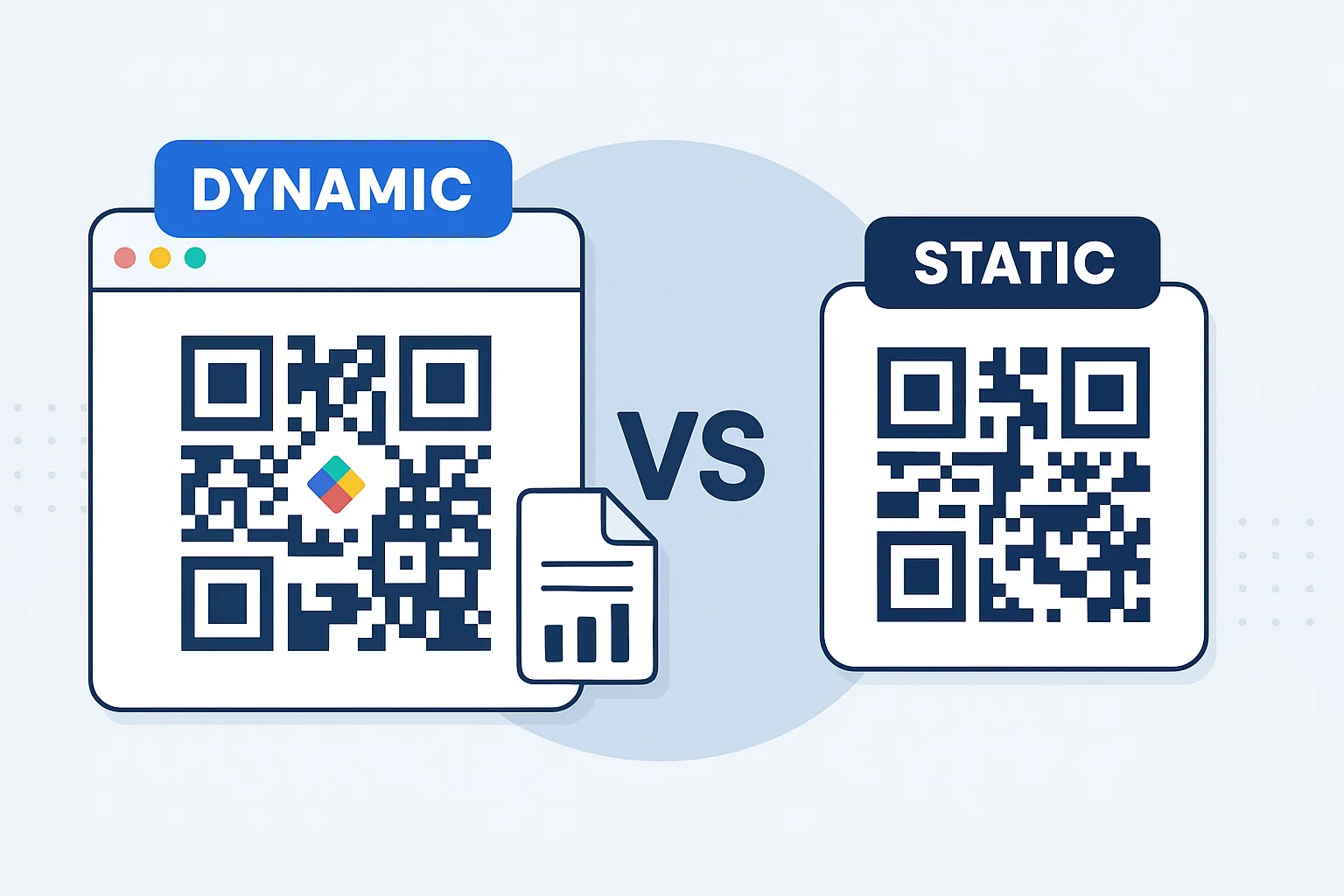
A static QR code permanently stores its destination. It can work for a stable, long-lived destination, but it creates a risk for packaging: if the link changes, the printed code cannot be edited.
A dynamic QR code points to a managed short link, allowing the destination to be changed after boxes, labels, or pouches have been printed. For packaging, that flexibility is usually more valuable because product content changes over time.
Choose a dynamic code when you may need to:
- Replace an outdated PDF manual or specification sheet
- Update a discontinued product's destination to a successor product or support page
- Correct a link error without scrapping inventory
- Route seasonal packaging to a current reorder or bundle page
- Change tutorial content as the product evolves
- Track scan activity by product line, packaging format, market, or campaign
With QR Rapid, create a dynamic QR code for each meaningful packaging use case rather than reusing one code across every product. Name codes consistently, such as serum-30ml-carton-how-to-use or filter-pack-refill-reorder. This makes it easier to manage destinations and understand which printed touchpoints generate support and reorder intent.
Design and placement rules that protect scannability
A useful destination does not matter if customers cannot scan the code. Packaging introduces practical constraints that do not apply to a flat flyer: curved bottles, reflective films, small labels, textured materials, seams, folds, and variable printing conditions.
Give the code a clear scan zone
Place the QR code on a relatively flat, visible area. Avoid putting it across a fold, crimp, seam, perforation, cap edge, tamper seal, or highly curved shoulder. On a cylindrical bottle, position the code in the area with the least curvature and test it on the finished container, not just on a flat artwork proof.
Keep enough clear, light space around the code. This blank border, often called the quiet zone, helps phone cameras distinguish the code from nearby design elements. Do not crowd it with decorative lines, icons, ingredient text, or product photography.
Use contrast before branding
Dark code modules on a light, solid background are the safest option. A highly branded color treatment can work only if contrast remains strong and the code is tested under normal lighting. Avoid placing the code over gradients, metallic foil, glossy highlights, transparent windows, or busy patterns.
If adding a logo, frame, or custom colors, use moderation. The visual identity should support the scan, not compete with it. Preserve the code's corner markers and avoid excessive distortion or very small module details.
Size for the actual scan distance
A QR code on a package is typically scanned at close range, but it still needs enough physical size for the camera to resolve it. Tiny codes may look acceptable in a design file and fail once printed on a curved, glossy, or low-contrast surface.
There is no universal minimum size because scan success depends on code density, printing quality, material, contrast, curvature, and distance. Use the largest practical code for the package panel, keep the encoded content short by using a dynamic destination, and test production samples with multiple phone cameras.
Include an explicit call to action
A standalone QR code gives customers no reason to scan. Pair it with a short promise that matches the destination:
- “Watch setup in 1 minute”
- “Get product help”
- “Register your warranty”
- “See ingredients and use guidance”
- “Reorder this exact product”
- “Find compatible devices”
The call to action should be adjacent to the code, readable at the point of use, and specific enough to set expectations. If the destination requires an account, app download, or purchase, state that clearly instead of surprising the scanner.
Test finished packaging, not only artwork
Before approving a production run, test codes on the final substrate, ink treatment, and package shape. Scan under warehouse lighting, retail lighting, daylight, and typical home lighting. Test with iPhone and Android camera apps, and include samples from the first production batch when possible.
Also test the full journey after scanning: page load speed, mobile layout, video playback, form usability, stock availability, and any regional redirects. A code that scans successfully but lands on a slow or irrelevant page still fails the customer.
Build a packaging QR workflow in QR Rapid
A repeatable workflow prevents mislabeled codes and makes updates manageable after printing.
1. Define one primary outcome per code
Write a short internal statement before creating the code: “This code helps a customer set up Model A,” or “This code sends a purchaser of the 12-pack refill to the matching reorder page.” A single objective keeps the destination and CTA focused.
2. Create a mobile-first destination
Build or choose a page that answers the customer's immediate question in the first screen. Remove unnecessary popups and navigation. If the destination is a PDF, make sure it is readable on a phone and consider using a quick-start web page before offering the full file.
3. Generate a dynamic QR code and label it clearly
In QR Rapid, generate a dynamic code, set the destination, and use an internal naming convention that identifies the SKU, package format, market, and purpose. Example: usb-c-hub-box-us-setup is easier to manage later than QR-final-4.
4. Customize conservatively and export for production
Use a high-contrast design with an adequate quiet zone. Export the format requested by the packaging printer, and keep an approved master file with its destination and version details. Do not allow last-minute artwork changes to alter the code without a new scan test.
5. Scan-test and approve with packaging stakeholders
Have marketing, customer support, ecommerce, regulatory or quality reviewers where applicable, and the printer confirm the destination and scannability. This simple checkpoint avoids a common failure: a code that points to the correct page but is printed too small or too close to a fold.
6. Monitor the post-print journey and update when needed
Review scan activity alongside support themes, return reasons, and reorder behavior. If customers repeatedly reach a troubleshooting page for the same question, move that answer higher on the landing page or add a short video. If a product is retired, update the dynamic destination to the most helpful current alternative rather than leaving customers at a dead page.
Common mistakes to avoid
- One code pointing to the homepage: It makes customers search for help after they have already asked for it.
- Using the same QR code for unrelated calls to action: Setup, warranty registration, and reordering are separate intents and should not compete on one crowded page.
- Linking directly to an unoptimized document: A desktop-oriented manual can be difficult to use on a phone during setup.
- Printing a dense, tiny static code: It is harder to scan and impossible to redirect if the URL later changes.
- Placing the code on an awkward surface: Seams, curved edges, metallic areas, and busy art can make scanning unreliable.
- Forgetting the customer-facing prompt: “Scan for support” is more useful than an unexplained square.
- Skipping ongoing ownership: Assign a team or owner to check links, replace retired content, and respond to scan patterns.
Make every scan earn its place on the pack
The best QR codes on product packaging are not decorative. They remove a specific post-purchase obstacle: understanding the product, resolving a common problem, registering ownership, finding product details, or buying the next unit.
Start with one high-friction moment for each SKU or product family. Create a focused mobile destination, generate a dynamic QR code in QR Rapid, test it on the real package, and keep ownership of the destination after inventory ships. That gives customers a faster path to success while giving your team a flexible, trackable support and reorder channel that does not require reprinting the package for every content update.
Ready to build the workflow? Use QR Rapid to create a dynamic, branded packaging QR code, organize it by SKU and purpose, and keep the destination current long after the box is printed.
FAQ
What should a QR code on product packaging link to?
Link it to the action a customer is most likely to need at that point: a quick-start guide, troubleshooting page, warranty form, ingredient or specification details, tutorial video, or a product-specific reorder page. Avoid sending customers to a generic homepage.
Should each product have its own packaging QR code?
Usually, yes. A unique code by SKU, product family, or package purpose lets customers reach relevant help faster and makes destination management clearer. A setup code and a replenishment code can also be separate when they appear at different moments in the product lifecycle.
Why use a dynamic QR code on packaging?
Dynamic QR codes let you change the destination after the package has been printed. This is useful for replacing manuals, fixing broken links, updating discontinued product paths, refreshing tutorials, and managing ongoing post-purchase journeys without reprinting inventory.
Where is the best place to put a QR code on a bottle or curved package?
Use the flattest practical panel, away from seams, caps, shoulders, folds, metallic effects, and dense artwork. Keep a clean border around the code, use strong contrast, and test the actual finished package with several phone cameras.
Can one QR code handle both support and reorders?
It can, but the landing page must clearly prioritize the customer’s likely task. For products with distinct moments of use, separate codes are often better: one near setup content for help and another near the refill or empty-package area for reordering.
How can a packaging team measure whether the code is useful?
Track scans by code, SKU, packaging format, market, or campaign, then compare scan patterns with support questions and reorder activity. Use what customers scan for to improve the landing page, clarify instructions, or update the destination through a dynamic QR code.
Similar Blogs
The latest industry news, interviews, technologies, and resources.
 June 22, 2026
QR Codes for Warranty Registration and Product Registration Forms
QR Codes for Warranty Registration and Product Registration Forms
Read post
 June 17, 2026
QR Codes for Product Manuals and Setup Guides on Retail Boxes
QR Codes for Product Manuals and Setup Guides on Retail Boxes
Read post

Join 2,000+ subscribers
Stay in the loop with everything you need to know.
We care about your data in our privacy policy