
Dynamic QR Platform
Create QR codes Instantly
Website URL
Send users to any webpage
Website URL
Website URL
Send users to any webpage
Wi-Fi
Let users connect instantly
Wi-Fi
Wi-Fi
Let users connect instantly
Menu
Create a digital menu
Menu
Menu
Create a digital menu
Start a chat with one tap
Start a chat with one tap
Image
Showcase visuals
Image
Image
Showcase visuals
Show a downloadable file
Show a downloadable file
09 Nov 2026 • 9 min read
QR Codes for Customer Feedback Forms: Collect Private Responses After Service
Build a private scan-to-feedback workflow using a QR Rapid Website URL code, a third-party form, five purposeful questions, clear privacy wording, and an accountable follow-up process.
IntroductionKeep private feedback separate from public reviewsChoose the form tool before creating the codeWrite five questions with an operational purposePut an accurate privacy notice before the questionsCreate the Website URL code in QR RapidMake the completion page clear and usefulPlace the code where the service experience endsAssign a follow-up owner before launchCompare scans with submissions—not as the same metricLaunch a feedback loop your team can maintainFAQ
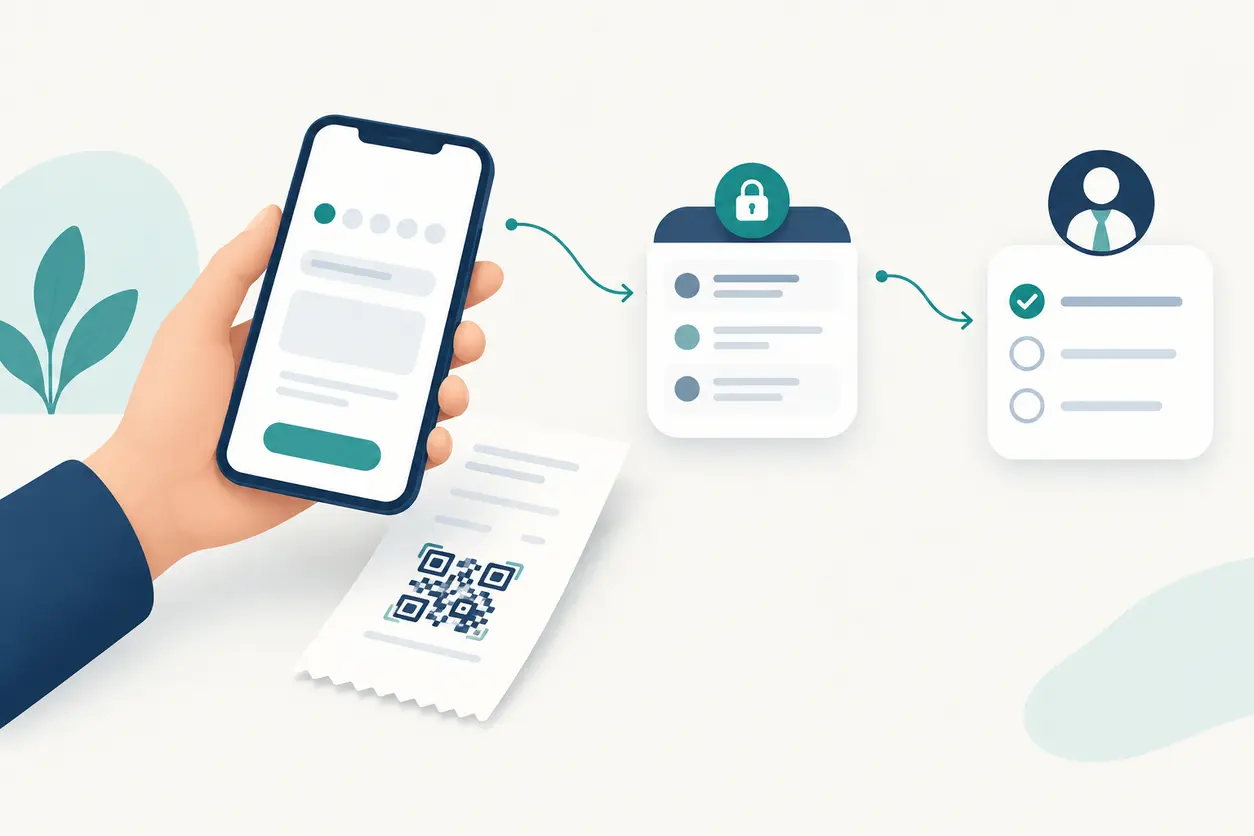
The useful setup is straightforward: a QR Rapid Website URL code opens a separate, mobile-friendly feedback form. That form collects the answers, displays a completion message, and gives a named manager something to act on.
The QR code is the entry point, not the response database. Here is how to build the complete workflow without confusing private feedback, public reviews, and scan statistics.
Keep private feedback separate from public reviews
A public review request asks someone to publish an opinion on a platform. A private service form asks them to share an experience with your business so your team can investigate or improve it.
Make that distinction visible beside the code:
Tell our team how we did. Scan to share private service feedback.
Avoid ambiguous wording such as “Rate us,” which does not explain where the answer goes. Invite feedback from all customers rather than selecting people who appear satisfied.
Keep the journey focused on operational feedback. Do not redirect satisfied respondents to a public review platform while leaving dissatisfied respondents in a private complaint form. Give everyone the same completion experience, regardless of their rating.
Choose the form tool before creating the code
Start by deciding where the answers will live. QR Rapid provides the QR entry point through its Website URL creation option; a separate form tool must collect and store the responses.
Choose a form service by checking whether it supports:
- A customer-facing page that works on a phone without a staff login.
- Three to five questions with clear labels and optional fields.
- Introductory privacy wording and a link to your privacy information.
- A readable confirmation message after successful submission.
- Restricted staff access to responses, plus a way to review or export them.
- Notification settings that suit the person responsible for follow-up.
Test these capabilities rather than assuming every form provider includes them. Also check pricing, response limits, retention controls, and whether its data handling fits your business requirements.
Publish the respondent version of the form. Never copy an editing link, a response spreadsheet, or an administration page into the QR destination.
Write five questions with an operational purpose
Use this five-question structure as a starting point. Keep each question connected to a decision your team can make.
1. How was your service experience today?
Use a short, consistently labeled scale, such as Very poor through Very good. Label every option so customers do not have to interpret unexplained numbers. This gives your team a repeatable overall measure.
2. Which part of the experience should we review?
Offer categories such as waiting time, communication, staff helpfulness, service outcome, and something else. Adapt the list to your operation. A repair shop might use estimate clarity, turnaround, handover, and repair outcome.
3. Was the reason for your visit resolved?
Use Yes, Partly, No, and Not applicable. This distinguishes a pleasant interaction from an unresolved service need. For clinics, ask whether administrative help was completed—not whether treatment was successful.
4. What should we keep doing or improve?
Make this short-answer field optional. Add a reminder not to include sensitive information or details identifying other people. Ask for useful context, not a full incident history.
5. If you would like a reply, what email address should our manager use?
Make contact details optional. Explain that supplying an address requests a response about this feedback. Customers who skip it should still be able to submit.
Do not make newsletter enrollment, an account number, or a receipt upload part of this basic survey. The goal is service improvement, not lead capture or identity verification.
Put an accurate privacy notice before the questions
“Private feedback” should mean the responses are not published as customer reviews. It should not imply that the form is automatically anonymous or that only one person can access the data.
Place a short explanation above the first question. For example:
Your feedback goes to [business/team] through [form provider] to help us improve service. We do not publish your answers as a public review. Contact details are optional and will be used to respond about this feedback. Please do not include medical, payment, account, or other sensitive information. Read our privacy notice for details about access, retention, and how to contact us.
Treat this as a drafting template, not a ready-made compliance statement. Replace the placeholders and confirm every promise matches your actual process. Link your own privacy notice within the form.
Check the provider's settings for automatic email collection, sign-in requirements, response visibility, and technical data collection before describing the survey as anonymous. Restrict response access to the staff who need it.
For clinics, keep the survey about reception, waiting, accessibility, and communication. Direct medical concerns to the clinic's established patient-contact channel. For every business, offer a separate route for urgent help: an unattended survey should not look like live support.
Create the Website URL code in QR Rapid
Once the form is ready, connect it to print:
- Publish and test the form. Open its respondent link in a signed-out mobile browser. Complete a test submission and confirm that staff can find it.
- Open QR Rapid's creation page. Choose Website URL and enter the published form address.
- Use a dynamic destination for ongoing printed materials. QR Rapid supports dynamic destinations and scan statistics, which are useful when managing a feedback entry point over time.
- Name the code clearly. Use an internal label such as “Service feedback — Main Street — receipt.” Avoid customer identifiers in the name or destination.
- Customize for readability. Prefer a dark code on a light background, preserve the clear surrounding space, and keep decoration away from the scanning area.
- Add a specific invitation. Pair the code with “Share private feedback with our manager,” rather than “Scan me.”
- Test the printed proof. Scan the actual receipt, insert, or sign, then finish the entire form—not just the page load.
Static or dynamic: what changes in this workflow?
A static URL code contains the form address directly. If that address stops working, replacing the printed code may be necessary. Editing questions at the same form address does not itself require a new code.
A dynamic code lets you change the destination without replacing the printed symbol. That is useful if you move to another form provider or replace a retired survey. Re-test the full flow after changing the destination.
Neither approach collects survey answers by itself. Those answers belong in the separate form tool, not QR Rapid.
Make the completion page clear and useful
Configure the form tool's completion page to confirm that the answer was submitted. Do not leave customers wondering whether they need to press another button.
A suitable message might read:
Thank you—your feedback has been submitted to our service team. If you requested a reply, our manager will review your message and contact you using the address provided. For urgent help, use our usual service contact channel.
Only promise a response timeframe if someone is assigned and able to meet it. Keep the message readable on a phone, without promotional pop-ups or a forced next step. Test the error state too: a failed submission should not display a success message.
Place the code where the service experience ends
Choose a placement based on when customers can reasonably assess the service.
Receipts: immediate feedback after checkout
For restaurants and retailers, add the invitation near the receipt footer without crowding transaction details. Use wording such as “How was today's service? Tell our team privately.” Check a real receipt print; a clean screen preview does not prove the printer produces a readable code.
Packaging inserts: feedback after handover
A takeout bag insert or collection card gives customers a chance to respond after checking what they received. For a repair business, the handover card could ask about communication, collection, and whether the issue appears resolved. Keep the feedback invitation distinct from product instructions or promotional offers.
Exit signs: a final opportunity to respond
Place a small sign where customers can stop safely without blocking a doorway. Clinics can use neutral wording about the visit experience without referencing conditions or treatments. Include a typed alternative route or a staff-contact option for customers who cannot scan.
Start with a manageable set of placements. If comparing them matters, use a separately named code and an identifiable form route for each placement.
Assign a follow-up owner before launch
A response inbox is not a resolution process. Name a primary owner and a backup, then agree on a review schedule your team can maintain.
Use a simple internal workflow:
- New: A response is waiting for review.
- Assigned: A named person owns the next action.
- Action taken: The team has investigated or made a change.
- Closed: The outcome is recorded, including any customer reply.
Keep this log in a restricted staff tool. Do not expose internal notes through the public form link.
For feedback without contact details, the owner can still record an operational action. For example, repeated comments about unclear collection instructions might lead to a revised handover script. Describe feedback themes without copying unnecessary personal details into wider team reports.
Compare scans with submissions—not as the same metric
QR Rapid's scan statistics and the form tool's submitted responses answer different questions. A recorded scan is not proof that someone completed the form, and a scan count should not be treated as a count of unique customers.
Review these separately:
- QR scans: Use the count reported for the relevant QR Rapid code and period.
- Submitted forms: Use completed responses recorded by the form provider for the comparable route and period.
- Follow-up outcomes: Use your internal log to track reviewed feedback, requested replies, and completed actions.
For a directional comparison, calculate submitted forms ÷ recorded QR scans. Label it a submissions-to-scans ratio, not a verified customer completion rate.
Repeat scans, test activity, shared form links, and submissions outside the reporting window can affect the comparison. If the form also receives website traffic, do not attribute all its answers to the QR code. Use separate form copies or a source field if the provider supports one, and verify that setup yourself.
Compare the figures manually in a spreadsheet if necessary. Do not assume QR Rapid automatically imports form responses or that the form provider reports completed submissions back to QR Rapid.
If scans increase but submissions do not, inspect mobile loading, required fields, privacy wording, and submission errors before changing the sign.
Launch a feedback loop your team can maintain
Before printing in volume, confirm that a customer can scan, understand who receives the answers, submit without unnecessary personal information, and see a clear confirmation. Then confirm that the owner can find the response and record an action.
Start with one service point and refine the process before expanding. Create a Website URL code in QR Rapid, connect your published feedback form, and turn a post-service invitation into a manageable private feedback loop.
FAQ
Does QR Rapid collect or store customer feedback answers?
No. In this workflow, QR Rapid links customers to a separate form through a Website URL code. The third-party form tool collects and stores the answers; QR Rapid provides the QR destination and scan statistics.
Can customers submit feedback without leaving contact details?
Yes, if you configure the form that way. Make contact fields optional and check whether the provider requires sign-in or automatically collects email addresses. Optional contact details do not, by themselves, make the form anonymous.
How many questions should a QR code customer feedback form include?
Use three to five purposeful questions. A practical five-question form covers overall experience, the service area involved, whether the need was resolved, an optional comment, and an optional address for a requested reply.
Why are QR scans higher than submitted feedback forms?
Customers may scan more than once, leave before submitting, or encounter a form problem. Staff tests can also affect counts. Compare the same reporting period and route, and treat submissions divided by scans as a directional ratio rather than an exact customer completion rate.
Can a clinic use a public QR feedback form?
Keep it focused on administrative service, such as reception, waiting, accessibility, and communication. Ask respondents not to include medical or other sensitive information, and direct clinical concerns to the clinic's established patient-contact channel.
Can I replace the feedback form without reprinting the QR code?
With a dynamic Website URL code, you can change the destination to a replacement form while retaining the printed code. Test the new form, privacy wording, completion page, and staff access before making the change.
Similar Blogs
The latest industry news, interviews, technologies, and resources.
 October 23, 2026
How to Track QR Codes by Location: A Practical Offline Campaign Attribution Framework
How to Track QR Codes by Location: A Practical Offline Campaign Attribution Framework
Read post

Join 2,000+ subscribers
Stay in the loop with everything you need to know.
We care about your data in our privacy policy