
Dynamic QR Platform
Create QR codes Instantly
Website URL
Send users to any webpage
Website URL
Website URL
Send users to any webpage
Wi-Fi
Let users connect instantly
Wi-Fi
Wi-Fi
Let users connect instantly
Menu
Create a digital menu
Menu
Menu
Create a digital menu
Start a chat with one tap
Start a chat with one tap
Image
Showcase visuals
Image
Image
Showcase visuals
Show a downloadable file
Show a downloadable file
23 Nov 2026 • 9 min read
QR Code Tracking for Marketing Agencies: Organize Client Campaigns and Report Scan Results
A manual agency workflow for organizing QR Rapid campaigns across clients, locations, and creatives, managing destination changes, reviewing scan trends, and handing over clear client reports.
Introduction1. Start with a manual campaign register2. Use a naming taxonomy the whole team can reproduce3. Separate codes by creative and physical location4. Build and test the destination before artwork approval5. Control dynamic destination changes6. Run a weekly scan review with consistent evidence7. Send a client report that can be traced back to the code8. Complete a handoff before the campaign owner changesChoose QR Rapid around the workflow you needFAQ
Without that agreement, a code named “Final Poster” can end up on several storefronts, a destination change can go undocumented, and a client report can contain numbers nobody can trace back to the artwork.
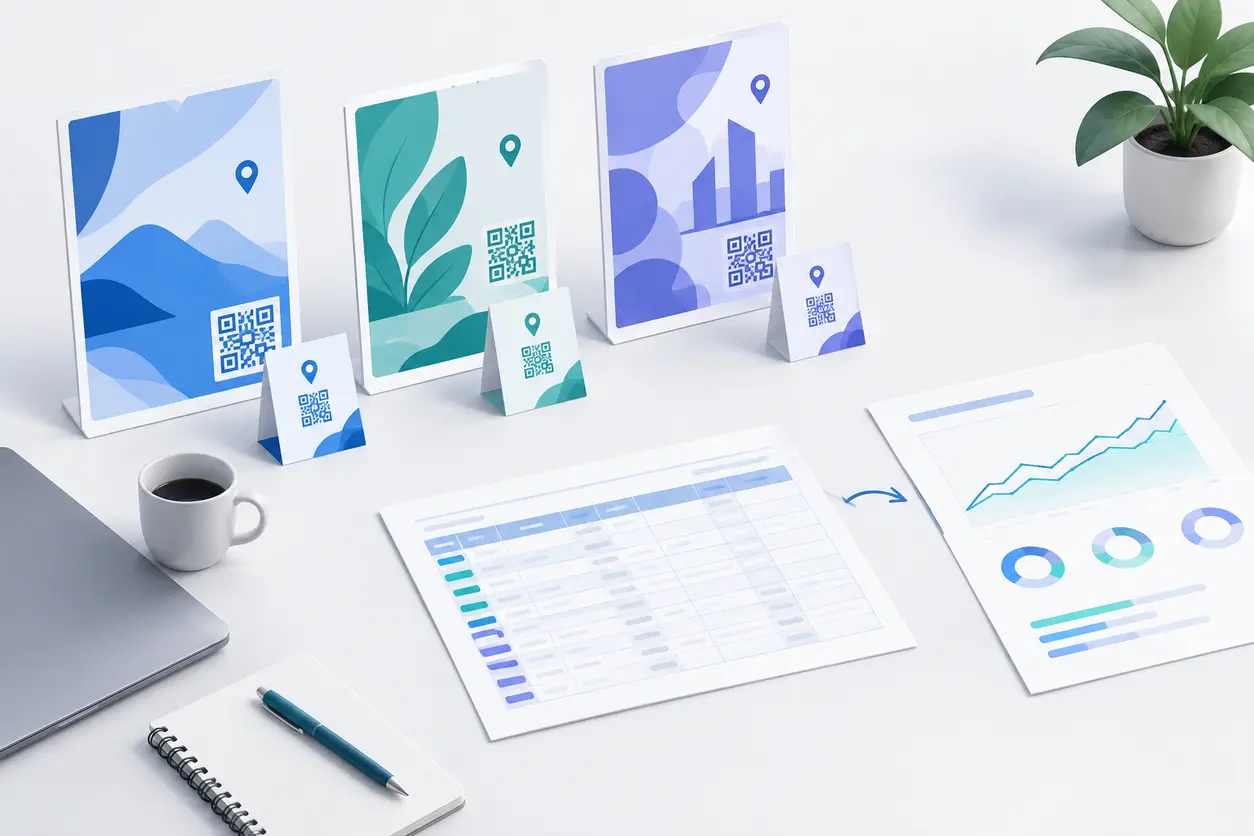
QR Rapid markets campaign comparison and scan-trend tracking. This playbook puts a manual operating process around those capabilities: a campaign register, consistent names, separate codes, controlled edits, and reports limited to the data actually available. It does not depend on an automated agency reporting suite.
1. Start with a manual campaign register
Keep one agency-controlled spreadsheet as the operational record. Use a separate client-facing document for each client's reporting and handoff. These are documents your team maintains, not assumed QR Rapid features.
Give each QR code its own row with:
- Client identifier and campaign identifier.
- Location identifier and exact physical placement.
- Creative identifier and print version.
- QR code name and its corresponding product reference.
- Approved destination, including UTM parameters.
- Artwork filename and production status.
- Planned launch date and confirmed installation date.
- Agency owner, client approver, and reporting owner.
- Last destination check and any open issue.
Keep planned and confirmed dates separate. A poster scheduled for installation may still be sitting with the printer; that matters when someone asks why its scan activity is low.
Also agree who controls the account and ongoing service arrangements. Record who can approve destination changes and who will maintain the codes after the engagement. Naming conventions help people organize work, but they are not a substitute for access controls.
2. Use a naming taxonomy the whole team can reproduce
Choose a fixed order and a short vocabulary. For example:
client-campaign-location-placement-creative-version
The following names are illustrative identifiers, not real campaigns or results:
- cedar-spring-l01-window-a-v01
- cedar-spring-l01-window-b-v01
- cedar-spring-l02-window-a-v01
In this example, cedar identifies the client, spring the campaign, l01 the location, window the placement, a the creative, and v01 the print version.
Maintain a small lookup list explaining location and creative identifiers. A colleague should be able to connect l02 to the correct branch without asking the original designer.
Apply the same identifier to the campaign register and artwork filename. Use it as the QR code's name wherever the product permits naming. If a field has different constraints, preserve the full identifier in the register and record the matching product reference.
Keep the identifier stable after launch. If a placement changes, log the move rather than silently renaming away its history. Issue a new code when the change needs its own reporting line.
3. Separate codes by creative and physical location
Create separate QR codes for each creative-and-location combination you need to report independently. Add placement as another distinction when, for example, a branch has both a window poster and a checkout card.
Two different creatives at the same branch need separate codes if the client wants separate scan results. The same creative at two branches also needs separate codes if the report must distinguish those installations.
A shared destination is fine. A shared code is a deliberate reporting compromise.
When a shared code is acceptable
Use one code across identical materials only when the agreed reporting unit is the combined distribution. Record that limitation before production.
For example, if a client wants one overall figure for a handout distributed across several branches, a shared code may fit that scope. Do not later label its scans as branch-specific.
When to issue a new code
Create a new code for a separately reported placement, a distinct creative test, or a new campaign that should not inherit the old campaign's identity. Do not recycle one client's code for another client's work.
4. Build and test the destination before artwork approval
Decide whether the campaign needs an editable destination. A static URL QR code embeds its URL directly; changing that encoded URL requires replacement artwork. A dynamic QR workflow lets the destination change while the printed code stays the same.
For agency campaigns with likely landing-page updates, use a dynamic URL code in QR Rapid and confirm the available editing and tracking options in the account before promising them to the client.
Treat UTM tagging as a shared naming task, not something each designer improvises. An illustrative parameter set is:
- utm_source=offline
- utm_medium=qr
- utm_campaign=cedar-spring
- utm_content=l01-window-a-v01
These are example conventions, not required values. If the client already has a tagging standard, follow it. Record the complete approved destination in the register and make the creative/location token match the QR identifier.
Before print approval:
- Open the complete tagged destination directly.
- Check that it reaches the intended mobile page.
- Create the corresponding QR code and place its downloaded artwork in the correct design.
- Scan the actual-size proof and confirm its destination.
- Have a second person check the code-to-artwork mapping.
Log QA activity so the reporting owner knows test scans occurred. Keep downstream website reporting separate from the QR scan report rather than treating the two as interchangeable.
5. Control dynamic destination changes
An editable destination is useful only if the agency can explain what changed and when. Keep a manual change log linked to the campaign register.
For every change, record:
- QR identifier.
- Previous and replacement destinations.
- Reason for the change.
- Client approval reference.
- Person making the change and time of change.
- Post-change scan-test result.
A practical sequence is: receive approval, validate the replacement page, update the destination, scan an existing printed sample, and record the outcome.
Preserve the agreed UTM values unless the reporting owner approves a change. Otherwise, a routine page replacement can introduce a second, undocumented naming convention into the campaign.
Decide whether the proposed edit still serves the printed promise. Updating an expired offer to an appropriate current page may fit the campaign; redirecting an unrelated client's poster does not.
For urgent corrections, retain the previous destination and identify a rollback owner. If a destination changes during a reporting period, annotate that period instead of presenting it as an uninterrupted comparison.
6. Run a weekly scan review with consistent evidence
Choose one reporting owner and a recurring weekly review. Work through the register client by client, rather than relying on memory to find active codes.
Use the same reporting interval and, where relevant, the same displayed timezone. If the product view does not expose a needed setting or breakdown, document that limitation.
Capture only what the account exposes
Record the scan figures and trend periods exactly as displayed. Note the metric label, code reference, reporting period, and capture time. Use campaign comparison where available, while preserving the mapping to the individual codes being discussed.
Do not assume that a scan figure means unique people. Do not add device, geographic, or other audience breakdowns unless the account actually exposes them and their definitions are clear.
If weekly figures are unavailable but a comparable cumulative count is visible, record snapshots at consistent boundaries. You may calculate the difference only when the counter and code scope remain comparable. Label it an agency-calculated change, not a built-in weekly metric. Otherwise, mark the weekly figure unavailable.
Investigate before explaining a trend
For a change in scan activity, check:
- Was the material actually installed for the whole period?
- Was it moved, removed, obscured, or replaced?
- Did the destination change?
- Did QA scanning occur?
- Are the compared codes using equivalent reporting windows?
Describe a drop as an observation first. Installation problems, reporting differences, and creative performance are different explanations; the scan trend alone does not choose between them.
Assign the next action to a person: check the placement, repair the destination, confirm the installation, or continue observation.
7. Send a client report that can be traced back to the code
Build a short manual report for each client. Keep an internal evidence record and check that screenshots contain no other client's information before sharing them.
The report should answer what was live, what the available scan data showed, what changed, and what happens next. Retain the platform's metric wording rather than replacing it with a stronger claim.
Use this blank template; it contains no sample performance results:
Weekly client scan report
- Client and campaign: [Identifiers]
- Reporting period: [Start, end, and timezone if known]
- Prepared by: [Owner and capture time]
- Live scope: [QR identifiers and confirmed placements]
- Metric definition: [Exact displayed label and available definition]
- Scan results: [Verified values mapped to each code]
- Trend observation: [Supported comparison using equivalent periods]
- Operational context: [Installation, artwork, QA, or destination changes]
- Limitations: [Unavailable breakdowns or incomplete coverage]
- Next action: [Action, owner, and due date]
Repeat the scan-results entry for each code as needed. If a field is unavailable, say so rather than filling it with an estimate.
Keep observation and recommendation separate. “Activity declined during this period” is an observation. “Confirm the poster is still installed before replacing the creative” is an operational recommendation. Neither requires inventing a sales outcome.
8. Complete a handoff before the campaign owner changes
A handoff should let another operator maintain the campaign without reconstructing it from emails. Complete this checklist at launch and update it when responsibility changes:
- [ ] Every live QR code appears in the register.
- [ ] Each identifier maps to the correct location, creative, and artwork file.
- [ ] Current destinations and UTM conventions are documented.
- [ ] A printed sample has passed its latest destination check.
- [ ] The destination-change log and approval process are included.
- [ ] Metric definitions, reporting periods, and known limitations are stated.
- [ ] The latest client report and supporting evidence are saved.
- [ ] Account responsibility and the authorized access process are agreed.
- [ ] A future maintenance owner and review date are assigned.
- [ ] Campaign-end destinations and printed-material removal are planned.
Do not assume account transfer or client-specific permissions are available. Confirm the supported arrangement before the engagement ends. Avoid deleting or repurposing codes while their printed materials may still be in circulation.
Choose QR Rapid around the workflow you need
Start with a small pilot that includes more than one creative or placement. Confirm destination editing, the scan figures and trend views available in your account, reporting-period controls, and any plan limits relevant to the campaign. Record those findings before defining the client deliverable.
This workflow relies on a manual register and client reports. It does not require white labeling, automated cross-client reporting, client-level permissions, multi-workspace dashboards, or bulk exports. Treat any such requirement as a separate product-verification step.
Create your pilot in QR Rapid, then use the scan analytics overview alongside your account's actual views to define the reporting scope. Once the code names, artwork mapping, change log, and weekly review are repeatable, apply the same process to the next client campaign.
FAQ
Should an agency create a separate QR code for every client location?
Create separate codes wherever the client needs separate reporting. If the same creative runs at different branches, use a distinct code for each branch. A shared code is suitable only when a combined result is acceptable and that limitation is documented.
What should an agency include in a QR campaign name?
Use a fixed sequence such as client-campaign-location-placement-creative-version. Keep a lookup list for abbreviated identifiers and use the same identifier in the campaign register and artwork filenames.
How should destination changes be handled after a QR campaign is printed?
For a dynamic code, document the approved replacement destination, preserve agreed UTM conventions, make the update, and scan an existing printed sample. Record the change time and annotate any reporting period affected by the edit.
What can an agency include in a weekly QR scan report?
Include the reporting period, live codes and placements, verified scan figures, supported trend observations, operational changes, limitations, and next actions. Use the exact metric labels exposed in the account and do not describe scans as unique people without a supporting definition.
Does this workflow require automated cross-client reporting in QR Rapid?
No. It uses a manually maintained campaign register and separate client reports. Confirm any need for automated reporting, client-specific access, white labeling, or bulk exports directly in the product before committing to those deliverables.
What should happen to QR codes when an agency engagement ends?
Agree who will maintain the account and destinations, document the supported access arrangement, and hand over the register, change log, and latest report. Plan what happens to printed materials before deleting or repurposing any live code.
Similar Blogs
The latest industry news, interviews, technologies, and resources.

Join 2,000+ subscribers
Stay in the loop with everything you need to know.
We care about your data in our privacy policy