
Dynamic QR Platform
Create QR codes Instantly
Website URL
Send users to any webpage
Website URL
Website URL
Send users to any webpage
Wi-Fi
Let users connect instantly
Wi-Fi
Wi-Fi
Let users connect instantly
Menu
Create a digital menu
Menu
Menu
Create a digital menu
Start a chat with one tap
Start a chat with one tap
Image
Showcase visuals
Image
Image
Showcase visuals
Show a downloadable file
Show a downloadable file
25 Mar 2025 • 6 min read
PDF QR Codes: The Most Efficient Way to Share Documents & File
No Attachments Needed — Link to Files with a Scan
Introduction1. What Is a PDF QR Code?2. How PDF QR Codes Simplify Document Sharing3. Best Use Cases for PDF QR Codes4. How to Create a PDF QR Code5. Benefits of Using PDF QR Codes Over Traditional Methods6. Why Businesses Should Adopt PDF QR CodesConclusion: PDF QR Codes Are the Smartest Way to Share Documents
Sharing documents has always presented challenges. Email attachments get buried in inboxes, printed materials are easily misplaced, and large files often require third-party tools. PDF QR codes solve these issues by offering instant, hassle-free document access with a simple scan.
Whether you're sharing reports, manuals, menus, or brochures, PDF QR codes offer an eco-friendly and highly efficient way to distribute content — part of the broader shift toward dynamic QR code usage in business and marketing, like using a multi-link QR code to share several resources from one scan.
1. What Is a PDF QR Code?
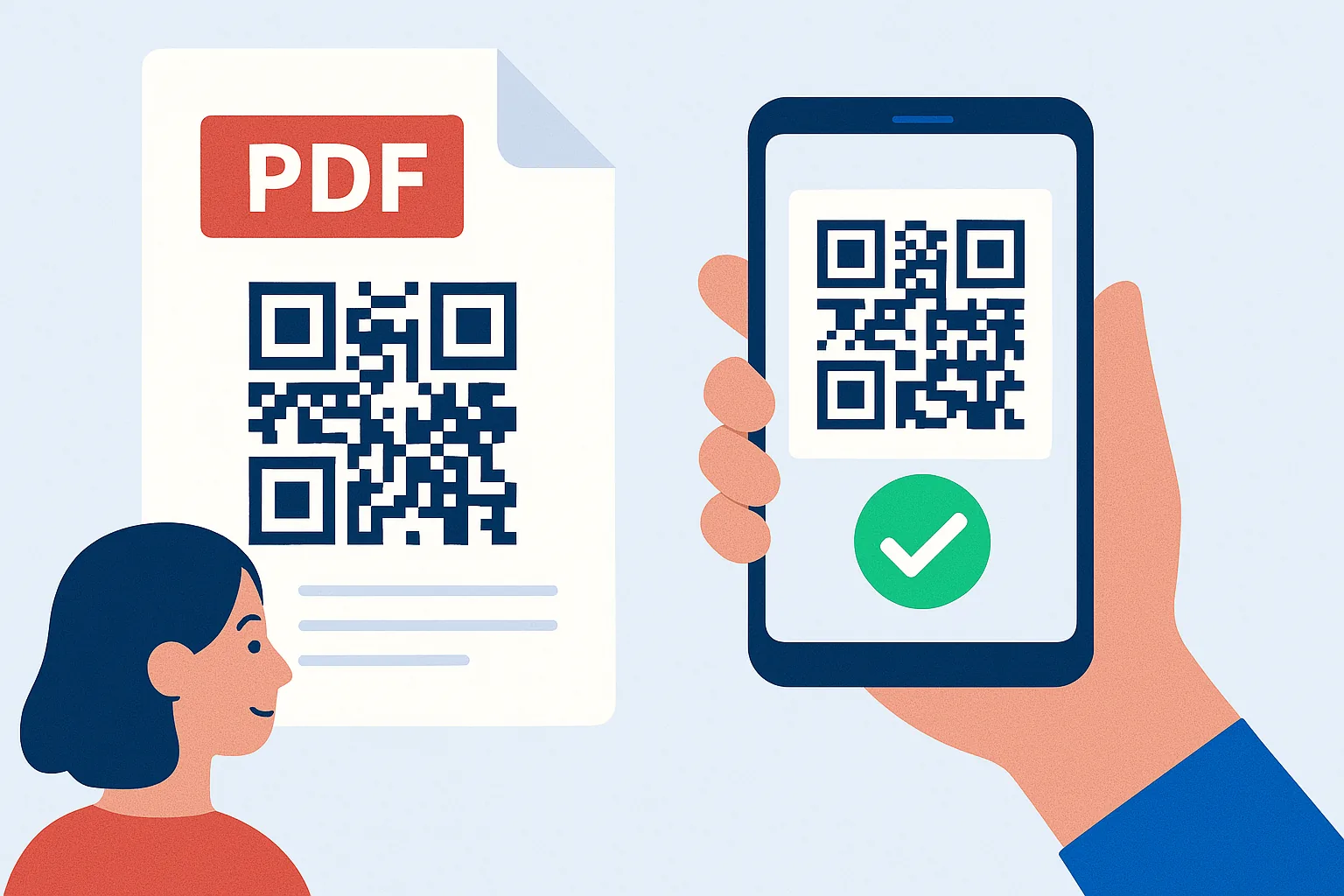
A PDF QR code links directly to a digital document. When scanned, users can view or download the PDF instantly—no email, no cloud logins, no extra apps.
You can print these codes on packaging, posters, business cards, or signage. This accessibility mirrors how retail stores use QR codes to deliver product information or user guides in real-time.
Example: A real estate agent adds a QR code to listings so potential buyers can instantly open brochures or contracts right from their phone.
2. How PDF QR Codes Simplify Document Sharing
Traditional methods — like emailing files or handing out paper — require multiple steps. PDF QR codes streamline this into a single scan.
- No attachments or downloads required
- Works across smartphones with no app installation
- Scan and read instantly — no link searching or manual typing
Restaurants have started applying this method by placing QR-based menus at tables, making access touch-free and instant.
3. Best Use Cases for PDF QR Codes
PDF QR codes are widely applicable across industries that rely on file distribution:
- Marketing & Sales → Product sheets, pitch decks, digital brochures
- Education → Course outlines, handbooks, policies
- Healthcare → Medical reports, appointment instructions, wellness guides
- Retail & E-commerce → Manuals, return policies, warranty info
These codes support sustainability by reducing paper waste and improving the customer experience — similar to how QR codes are transforming small business strategies
4. How to Create a PDF QR Code
Creating a PDF QR code is easy:
- Upload the PDF to a generator
- Generate the code
- Customize with your branding (colors, logo, shape)
- Download and print for display
- Test to ensure cross-device compatibility
Customization also improves brand trust, as seen in effective QR code design techniques
5. Benefits of Using PDF QR Codes Over Traditional Methods
Here’s why PDF QR codes are better than attachments and printouts:
- Instant access
- Reduces storage needs
- Eco-friendly distribution
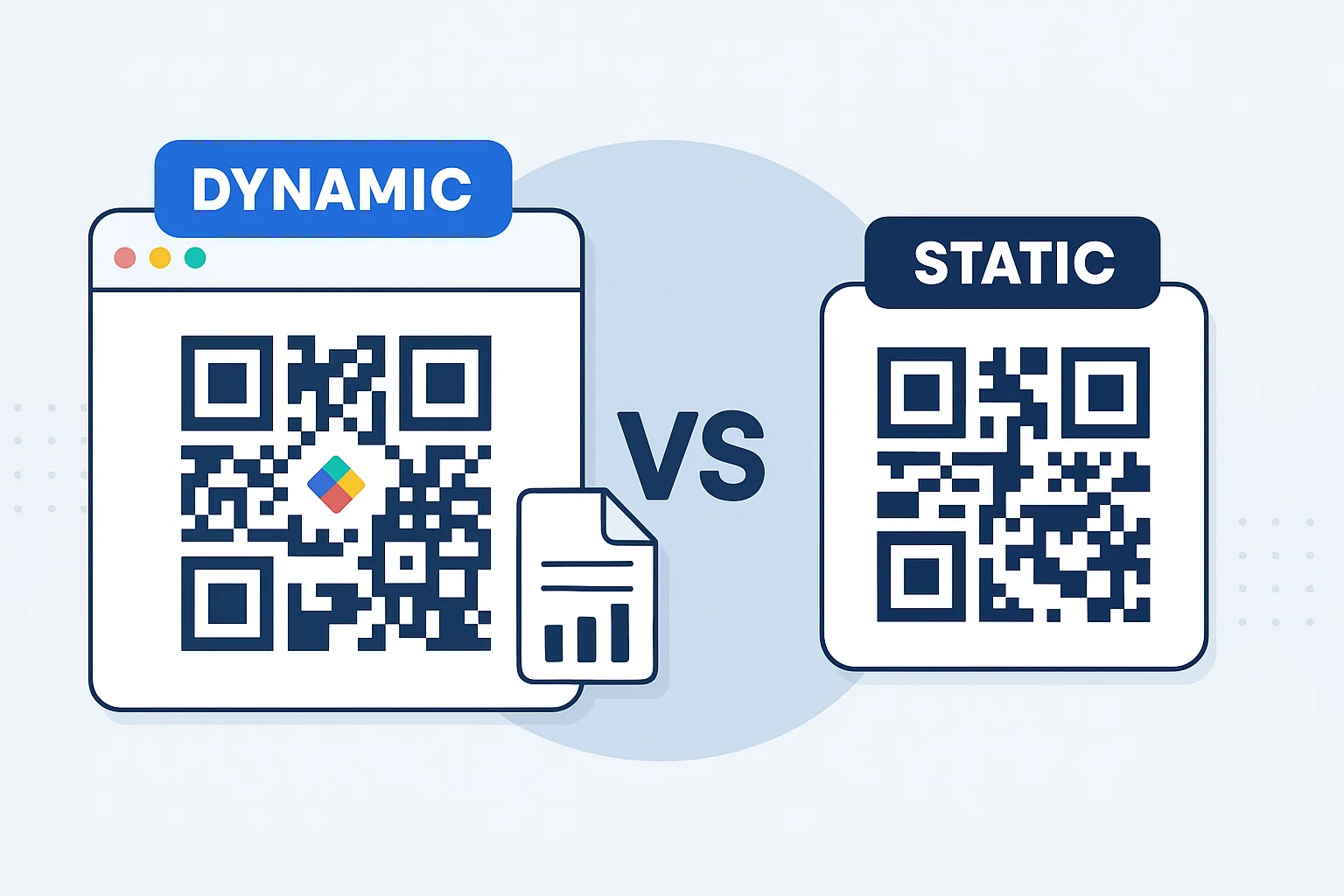
- Supports updates via dynamic QR codes
- Increases visibility and interaction
Unlike email attachments that get ignored or lost, QR codes placed in high-visibility areas drive engagement and ensure your content is seen.
6. Why Businesses Should Adopt PDF QR Codes
As businesses move toward digital-first, contactless solutions, PDF QR codes offer a practical upgrade for document delivery.
They can be printed on any material and remain functional indefinitely. And because they’re scannable anytime, they eliminate repetitive file sharing.
For companies looking to analyze engagement, QR scan tracking offers actionable insights — a key feature explored in advanced QR code analytics.
Conclusion: PDF QR Codes Are the Smartest Way to Share Documents
Whether you’re in education, healthcare, business, or hospitality, PDF QR codes modernize document sharing with speed, accessibility, and efficiency.
Start generating your document QR codes today at QRrapid.com — the smarter way to deliver content anywhere, anytime.
Similar Blogs
The latest industry news, interviews, technologies, and resources.
 November 3, 2025
QR Codes in Education: Empowering Interactive Learning for All Ages
QR Codes in Education: Empowering Interactive Learning for All Ages
Read post
Join 2,000+ subscribers
Stay in the loop with everything you need to know.
We care about your data in our privacy policy