
Dynamic QR Platform
Create QR codes Instantly
Website URL
Send users to any webpage
Website URL
Website URL
Send users to any webpage
Wi-Fi
Let users connect instantly
Wi-Fi
Wi-Fi
Let users connect instantly
Menu
Create a digital menu
Menu
Menu
Create a digital menu
Start a chat with one tap
Start a chat with one tap
Image
Showcase visuals
Image
Image
Showcase visuals
Show a downloadable file
Show a downloadable file
05 Apr 2025 • 5 min read
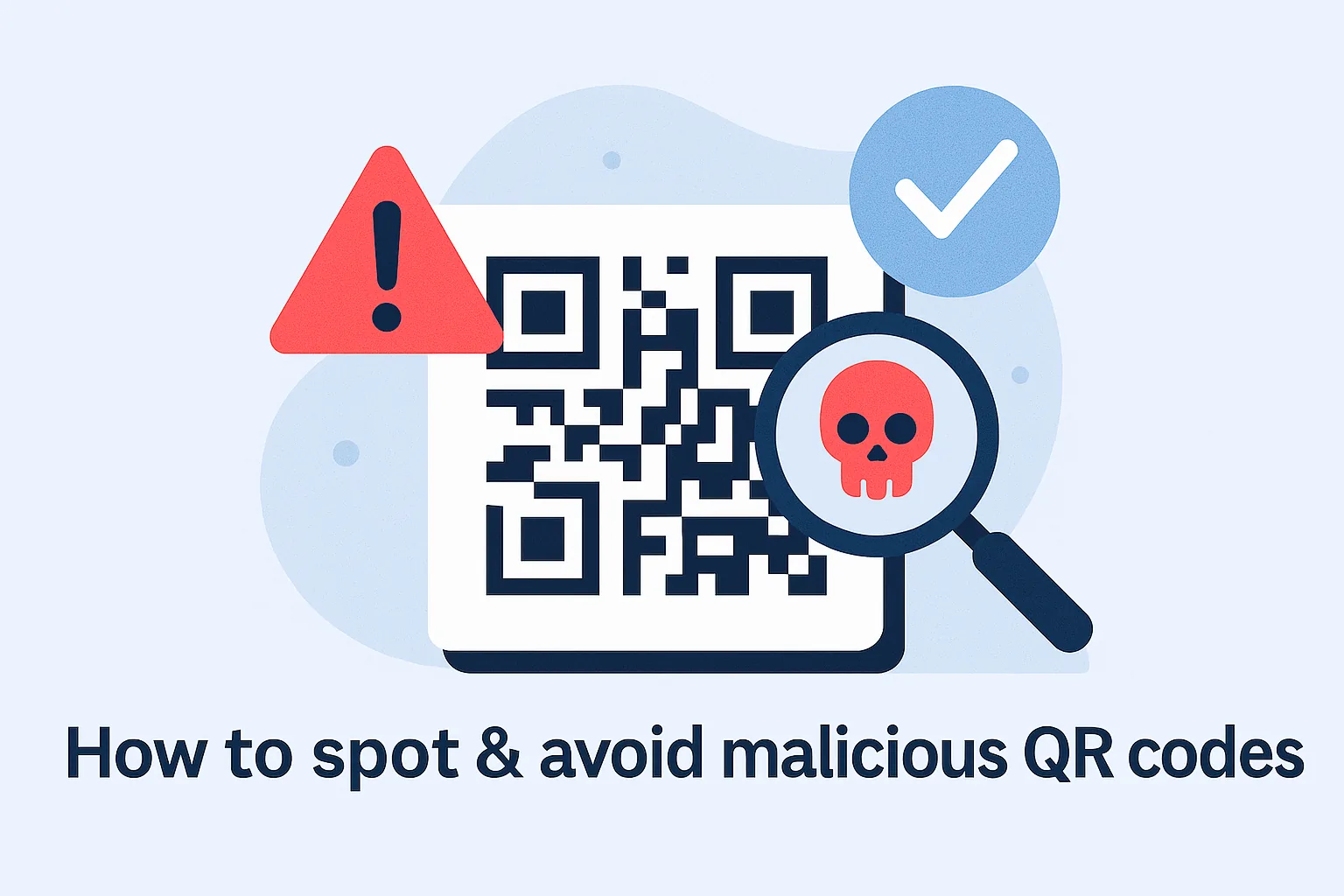
How to Spot & Avoid Malicious QR Codes: A Guide for Businesses & Users
Red Flags & Tips to Protect Your Audience
Introduction1. What Makes a QR Code Malicious?2. Visual Clues That a QR Code Might Be Unsafe3. Safe Scanning Habits for Everyday Users4. What Businesses Should Do to Prevent QR Abuse5. Safer Alternatives and Added Security LayersConclusion: Stay Smart, Scan Safe
To spot a malicious QR code, check its source, see if it’s covering another code, and always preview the destination URL before opening. Don’t scan codes in public or unverified locations without context. To stay safe, only scan codes from trusted sources, verify that the website is legitimate, and avoid entering personal data unless you’re sure the site is secure.
1. What Makes a QR Code Malicious?
A QR code becomes malicious when it leads to a fraudulent or harmful destination, such as a phishing page or malware download. Since QR codes are visually identical regardless of the underlying link, scammers exploit this to disguise threats.
These deceptive codes are often found in high-traffic areas or even pasted over authentic codes—similar to tactics seen in places where businesses rely on QR codes in restaurants for payments or promotions.
2. Visual Clues That a QR Code Might Be Unsafe
Although many QR codes are safe, these warning signs suggest caution:
- Poor placement on poles or walls with no context
- A sticker layered on top of another QR code
- Link previews that show unfamiliar or shortened domains
- Absence of any call-to-action or brand identity
Scammers count on impulse. So when the presentation feels off, it likely is. In secure environments, codes are often paired with branded QR codes and consistent messaging.
3. Safe Scanning Habits for Everyday Users
Most risks can be avoided by building a few simple habits:
- Always check the destination before clicking
- Don’t scan codes from random flyers or unverified emails
- Never install apps or enter sensitive data after scanning
- Stick to QR codes shared by reputable brands or venues
You can further reduce risk by using dynamic QR codes from providers that support encrypted redirection.
4. What Businesses Should Do to Prevent QR Abuse
To build trust, businesses should ensure their QR code usage is transparent and secure:
- Customize QR codes with logos and brand colors
- Print the destination URL underneath the code
- Avoid outdoor or unmonitored placement
- Check and replace codes that may have been tampered with
Companies that track QR scans can also detect misuse early, as explained in our guide on using QR codes safely in retail environments.
5. Safer Alternatives and Added Security Layers
For enhanced protection:
- Use clear CTAs alongside QR codes
- Display codes only in clean, well-managed areas
- Set up staff training to recognize misuse
- Consider adding dynamic code versioning or expiry dates
By integrating QR with secure branded infrastructure, you make scanning safer and reinforce credibility across your touchpoints.
Conclusion: Stay Smart, Scan Safe
QR codes are practical and efficient—but safety depends on awareness. Whether you’re promoting a product or scanning a poster, being mindful of your interactions protects you from unnecessary risk.
To generate branded, trackable, and secure QR codes, visit QRrapid.com and simplify safe digital access for your users with an SMS QR code.
Similar Blogs
The latest industry news, interviews, technologies, and resources.
Join 2,000+ subscribers
Stay in the loop with everything you need to know.
We care about your data in our privacy policy