
Dynamic QR Platform
Create QR codes Instantly
Website URL
Send users to any webpage
Website URL
Website URL
Send users to any webpage
Wi-Fi
Let users connect instantly
Wi-Fi
Wi-Fi
Let users connect instantly
Menu
Create a digital menu
Menu
Menu
Create a digital menu
Start a chat with one tap
Start a chat with one tap
Image
Showcase visuals
Image
Image
Showcase visuals
Show a downloadable file
Show a downloadable file
15 Jun 2026 • 10 min read
QR Codes for Contractors: Estimate Requests, Job Site Updates, and Review Collection
A practical guide for contractors using QR codes on vehicles, invoices, yard signs, job boards, and leave-behind cards to capture estimates, share updates, and collect more reviews.
IntroductionWhy contractors benefit from QR codes more than most local businessesThe best contractor QR code use cases by assetBuild the destination first, then create the codeDynamic vs. static QR codes for contractorsHow to track scan performance by location or crewWhat a high-converting contractor QR code should includeA simple contractor QR workflow to launch firstHow QR Rapid fits into a contractor workflowFinal decision: when a contractor QR code is worth implementingFAQ
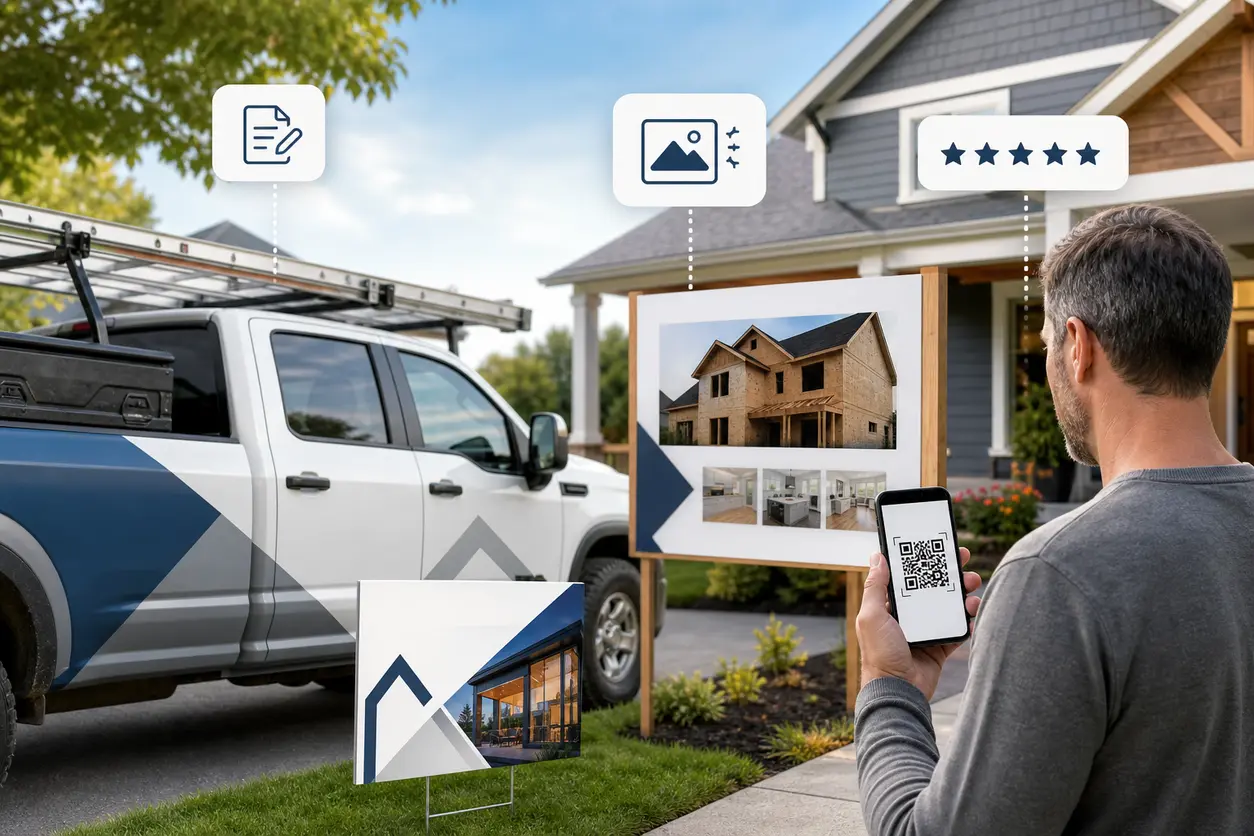
A well-planned contractor QR code turns that offline attention into trackable action. Instead of hoping a homeowner remembers your phone number or searches for you later, you give them a direct path to request an estimate, view project photos, get job updates, or leave a review on the spot.
For home service contractors, builders, remodelers, roofers, HVAC companies, painters, plumbers, electricians, and field service teams, QR codes work best when they are tied to specific business goals. That usually means more leads, faster follow-up, better customer communication, and a stronger review pipeline.
This guide breaks down how to use QR codes across contractor touchpoints, what type of destination to send people to, and how QR Rapid helps you manage dynamic links and scan tracking without reprinting materials every time something changes.
Why contractors benefit from QR codes more than most local businesses
Contractors operate in the real world. Your marketing happens on driveways, fences, doors, trucks, invoices, clipboards, and job site boards. That gives you a major advantage if you can connect physical visibility to a digital action.
A contractor QR code works because it removes friction at the exact moment interest happens:
- A neighbor sees your crew working and wants an estimate
- A recent customer has just paid an invoice and is most likely to leave a review
- A homeowner wants to check project progress without calling the office
- A property manager needs photos, paperwork, or next-step updates fast
Instead of sending people to a generic homepage, you can direct each scan to one high-intent action.
The best contractor QR code use cases by asset
1. Vehicles: capture estimate requests from local visibility
Wrapped trucks and vans are moving billboards. But a phone number alone relies on memory. A QR code on a vehicle lets homeowners act immediately while parked at a job, in a driveway, or at a supply house, especially if it leads to a multi-link QR code with the most relevant options.
Best destination options:
- A mobile estimate request form
- A landing page with service areas and project types
- An SMS QR code with a pre-filled message such as "I need a kitchen remodel estimate"
This is especially effective for remodelers, roofing companies, concrete contractors, and exterior trades that work in visible residential areas. If someone likes what they see, they can scan right there.
A practical setup in QR Rapid is a dynamic landing page that includes:
- Company name and short trust statement
- Before-and-after photos
- Service categories
- A fast estimate form
- Tap-to-call button
- Review highlights
Because the code is dynamic, you can update the destination later without changing the vehicle graphics.
2. Yard signs: turn neighborhood attention into leads
Yard signs are one of the strongest places for a contractor QR code because they reach warm local prospects. The person scanning is often a neighbor with a similar house, similar problem, and similar budget range.
Instead of linking to your homepage, create a sign-specific landing page with:
- Photos of the actual type of project being completed
- A short message like "Request a quote for a similar project"
- A form asking for address, project type, and timeline
- A service area map or neighborhood proof points
If you run multiple crews or project categories, create separate QR codes for each sign type. For example:
- Roofing sign QR code
- Bathroom remodel sign QR code
- Deck builder sign QR code
- HVAC replacement sign QR code
With QR Rapid scan tracking, you can compare which services and neighborhoods generate the most interest.
3. Job site boards: share progress updates and project details
Job site boards are useful for larger remodels, additions, commercial fit-outs, and new builds. Here the goal is not only lead generation. It can also be customer communication.
A job board QR code can link to a private or semi-private update page with:
- Weekly progress photos
- Timeline milestones
- Upcoming selections or approvals needed
- Safety or access notes
- Contact info for the project manager
This reduces repeated status calls and gives clients a simple mobile-friendly place to check progress. It also helps for absentee homeowners, property owners, or commercial stakeholders who are not on site daily.
If you want one printed code to do more over time, use a dynamic QR code in QR Rapid and update the destination page each week rather than printing new signage.
4. Invoices: collect reviews while the job satisfaction is highest
Invoices are one of the most overlooked review opportunities. By the time a customer pays, the work is complete and the value is clear. That is the ideal moment to ask for feedback.
A contractor QR code on an invoice should not send people to a long review maze. It should go to one simple landing page with:
- A thank-you message
- A direct review button
- Optional second button to refer a friend
- A short prompt asking what service was completed
This works for both digital and printed invoices. It is also stronger than a plain text link because it is easier to scan from paper, clipboards, or printed handoffs.
A smart variation is to use different QR codes by branch, technician group, or invoice type so you can measure which teams are generating the most reviews.
5. Leave-behind cards: support follow-up after the crew leaves
Leave-behind cards are perfect for trades that do service calls, inspections, repairs, or consultations. HVAC, plumbing, pest control, electrical, landscaping, cleaning, and handyman businesses can all benefit here.
Instead of using the card only as contact info, give it one clear action:
- Request another service
- Book seasonal maintenance
- View your service checklist PDF
- See before-and-after photos
- Leave a review
You can also use a dual-path landing page: one button for "Need another estimate?" and one for "Review your experience." That is much more effective than generic brochures that never get revisited.
Build the destination first, then create the code
The QR code itself is only the bridge. The real conversion happens on the page after the scan.
For contractors, the highest-performing destinations are usually:
Dynamic landing pages
These are the most flexible option because you can match the message to the asset. A yard sign should feel different from an invoice. A truck scan should feel different from a project update page.
Use dynamic landing pages when you want to:
- Change offers without reprinting the code
- Swap seasonal messaging
- Update forms, photos, or service areas
- Test different calls to action by campaign
SMS follow-up flows
SMS QR codes are useful when speed matters more than form fills. A homeowner scanning from the street may be more willing to text than complete a full form.
Examples of pre-filled messages:
- "Hi, I saw your crew in my neighborhood and want an estimate."
- "I need a roof inspection this week."
- "Can you quote a bathroom remodel in [Neighborhood]?"
This creates a lower-friction lead path, especially for mobile users.
Photo galleries and proof pages
Contractors win work with evidence. If your projects are visual, use a QR code to showcase relevant before-and-after photos, not a random homepage carousel.
Create separate galleries by service:
- Kitchen remodels
- Bathroom renovations
- Roofing replacements
- Decks and outdoor builds
- Commercial tenant improvements
PDFs for scope sheets, warranties, and care instructions
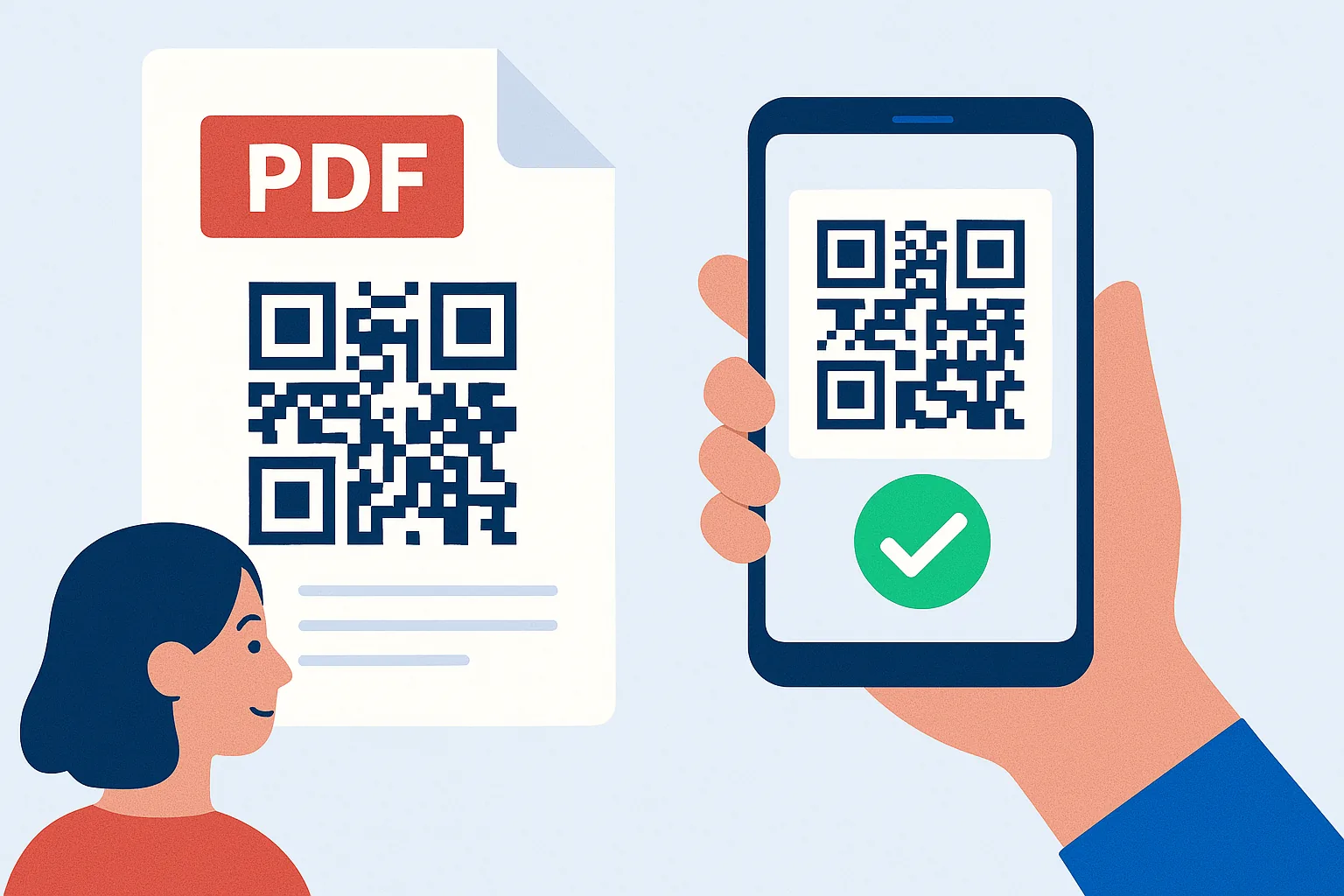
After a job is complete, customers often lose printed paperwork. A PDF QR code can link to a PDF with warranty info, maintenance tips, paint colors, appliance documentation, or closeout details. That improves customer experience and reduces repeated office requests.
Dynamic vs. static QR codes for contractors
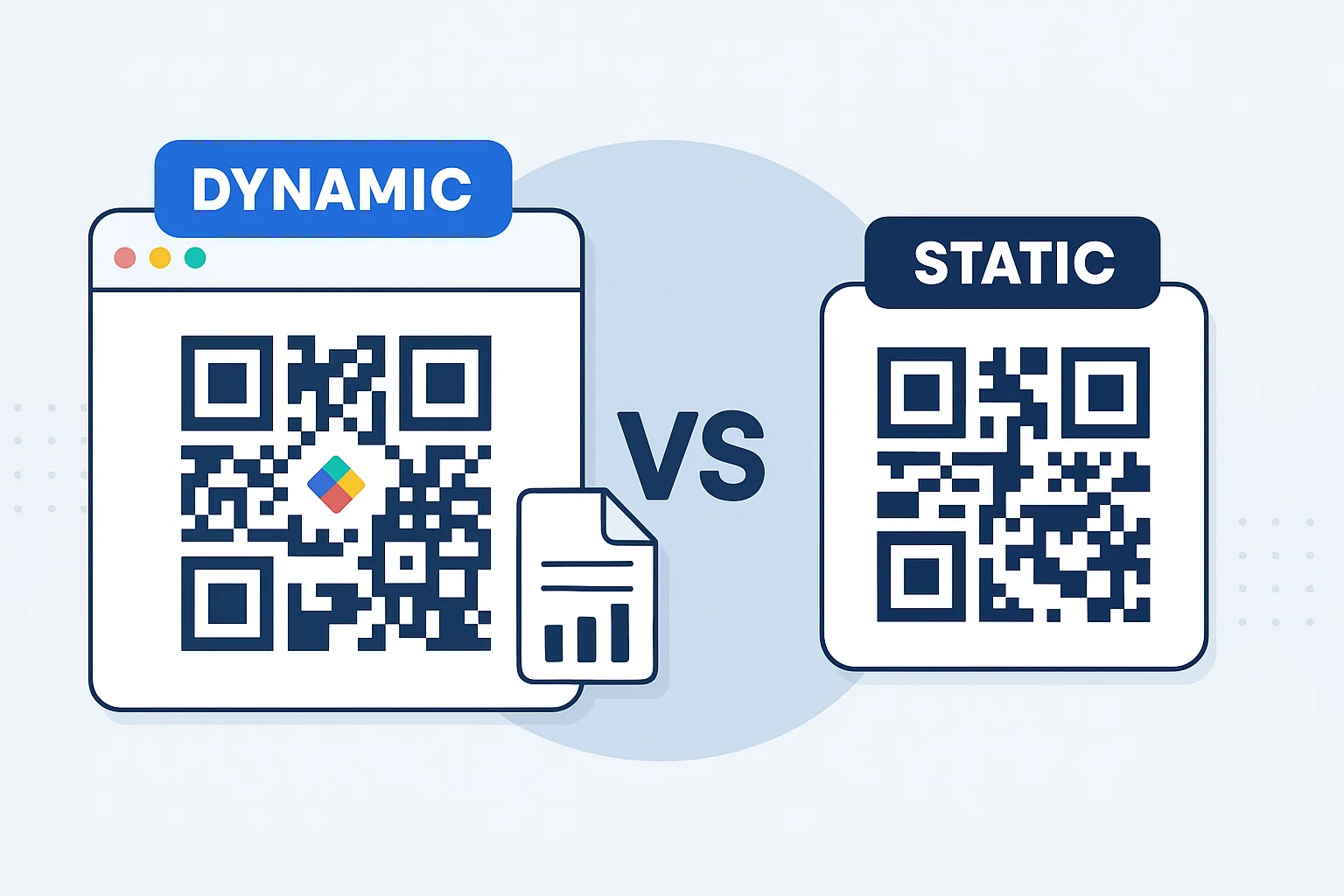
Static codes are fine for one permanent link that will never change. Most contractor use cases are not like that.
A dynamic QR code generator is usually the better business choice because contractors regularly need to:
- Update landing pages by season
- Change phone routing or forms
- Refresh project photos
- Track scans by crew or location
- Reuse the same printed material for new campaigns
If you put a static QR code on 20 yard signs and later want to send scans to a new estimate form, you cannot change the destination. With a dynamic code in QR Rapid, you can.
For contractors managing trucks, signs, invoice templates, and print materials across teams, that flexibility matters.
How to track scan performance by location or crew
One of the biggest advantages of using QR codes in contractor marketing is attribution. Offline marketing usually gets fuzzy fast. QR codes give you cleaner signals.
A practical tracking setup might include:
- One QR code for each truck wrap design
- One QR code per neighborhood yard sign batch
- One QR code per crew or branch office
- One QR code on invoices for each service category
- One QR code on leave-behind cards for each technician team
This helps answer useful questions:
- Which neighborhoods scan the most?
- Which crews generate the most estimate requests?
- Do invoice review requests outperform leave-behind card review requests?
- Are truck scans leading to texts or form fills?
QR Rapid is especially useful here because dynamic code management makes it easier to label campaigns clearly and adjust destinations without replacing printed assets.
What a high-converting contractor QR code should include
A contractor QR code campaign performs better when the scan experience is obvious and specific.
Use these best practices:
- Add a clear call to action near the code, such as "Scan for a free estimate" or "Scan to see project updates"
- Match the destination to the context of the asset
- Keep forms short on first contact
- Use mobile-friendly pages with tap-to-call buttons
- Show project photos, reviews, or trust signals fast
- Do not send every scan to the homepage
The biggest mistake contractors make is treating one QR code like a universal solution. The better approach is to create several simple, purpose-built codes.
A simple contractor QR workflow to launch first
If you want to start without overcomplicating things, launch these three first:
Lead capture code
Place it on vehicles and yard signs.
Destination: dynamic estimate request landing page with service type, ZIP code, and contact form.
Review code
Place it on invoices and completion packets.
Destination: thank-you page with direct review prompt.
Update code
Place it on job site boards and customer handoff documents.
Destination: project status page, photo gallery, or closeout PDF.
That gives you a usable system for leads, communication, and reputation management without needing a full rebuild of your marketing process.
How QR Rapid fits into a contractor workflow
QR Rapid is a strong fit for contractors because the value is not just creating a code once. It is managing codes across multiple physical assets and updating them as jobs, crews, and campaigns change.
With QR Rapid, contractors can:
- Create dynamic QR codes for estimate requests, reviews, and updates
- Point scans to landing pages, PDFs, images, videos, or SMS actions
- Customize codes for branded printed materials
- Track campaign performance across locations or teams
- Update destinations without reprinting trucks, cards, or signs
That combination matters when your marketing is spread across the field, not just online.
Final decision: when a contractor QR code is worth implementing
If your business gets visibility from jobs in progress, service vehicles, invoices, or technician handoffs, a contractor QR code is worth using. The key is making each code do one job well.
Do not think of QR codes as a novelty on print materials. Think of them as conversion points built into the places your customers already see.
For most contractors, the best opportunities are straightforward:
- Turn neighborhood visibility into estimate requests
- Turn completed jobs into reviews
- Turn project communication into a better customer experience
- Turn offline assets into trackable campaigns
If you want a flexible setup that can evolve as crews, offers, and service areas change, start with dynamic codes in QR Rapid. Build one landing page for estimates, one for reviews, and one for updates, then assign each code to the asset where it makes the most sense.
That is how QR codes stop being decorative and start producing measurable business results.
FAQ
Where should a contractor place a QR code for the most estimate requests?
Vehicles and yard signs usually produce the strongest estimate-request scans because they capture homeowners when they are actively seeing your work in their neighborhood.
Should contractors use static or dynamic QR codes?
Dynamic QR codes are usually better for contractors because you can update the destination later, reuse printed materials, and track scans by asset, crew, or location.
What should a contractor QR code link to?
It depends on the touchpoint. Yard signs and trucks should usually link to an estimate page, invoices should link to a review request page, and job site boards should link to updates or project photos.
Can a contractor QR code start a text message instead of opening a website?
Yes. An SMS QR code can open a pre-filled text message, which is useful when homeowners want a fast way to request an estimate from a truck, sign, or leave-behind card.
How can contractors track which QR codes generate leads?
Use separate dynamic QR codes for each campaign source, such as each truck, yard sign batch, crew, or invoice template. That lets you compare scan activity and conversions more accurately.
Similar Blogs
The latest industry news, interviews, technologies, and resources.
 August 5, 2025
Video QR Codes: Captivate Viewers & Deliver Dynamic Content Fast
Video QR Codes: Captivate Viewers & Deliver Dynamic Content Fast
Read post
 April 5, 2025
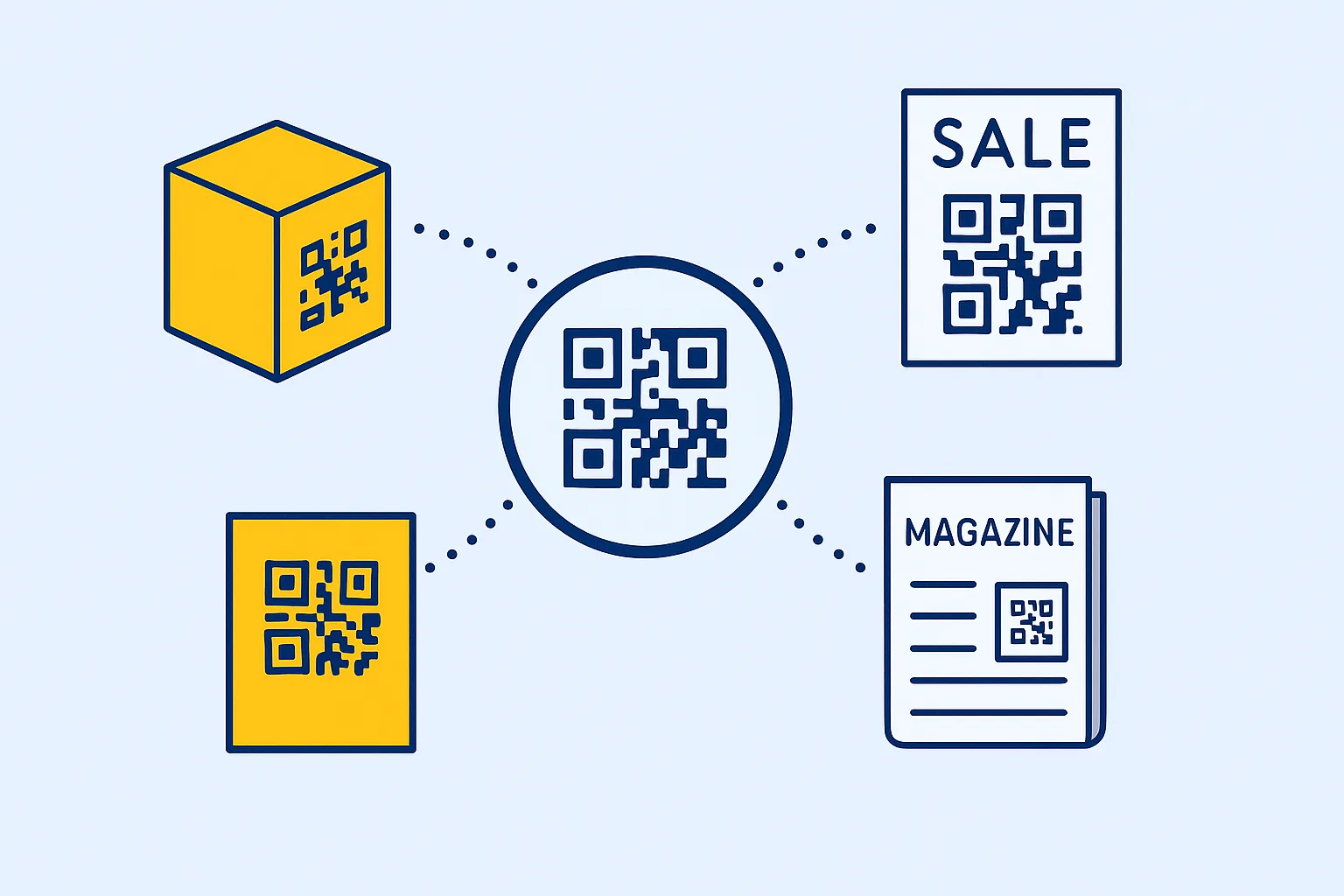
QR Code Placement Strategies: Where to Put Them for Maximum Scans
QR Code Placement Strategies: Where to Put Them for Maximum Scans
Read post
Join 2,000+ subscribers
Stay in the loop with everything you need to know.
We care about your data in our privacy policy