
Dynamic QR Platform
Create QR codes Instantly
Website URL
Send users to any webpage
Website URL
Website URL
Send users to any webpage
Wi-Fi
Let users connect instantly
Wi-Fi
Wi-Fi
Let users connect instantly
Menu
Create a digital menu
Menu
Menu
Create a digital menu
Start a chat with one tap
Start a chat with one tap
Image
Showcase visuals
Image
Image
Showcase visuals
Show a downloadable file
Show a downloadable file
05 Apr 2025 • 5 min read
QR Code Placement Strategies: Where to Put Them for Maximum Scans
Get More Scans by Using Smart Placement Tactics
Introduction1. Use Eye-Level and Front-Facing Spots2. Place Codes Where Action Happens3. Avoid Common Scanning Issues4. Leverage Digital Channels5. Test and Track PerformanceConclusion: Placement Drives Engagement
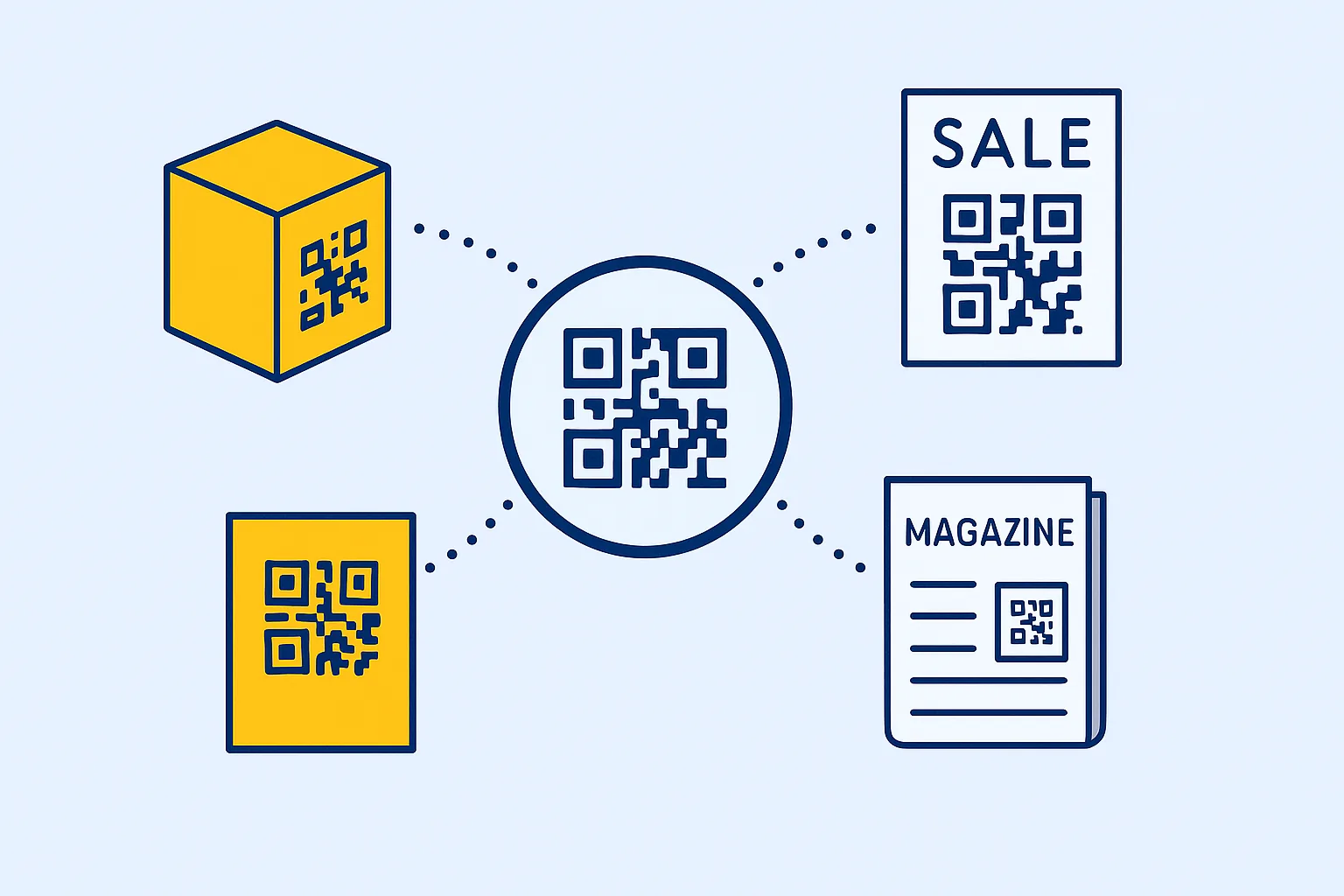
You can design the perfect QR code, but if it’s not seen or scanned, you lose the opportunity to convert interest into action. Strategic placement transforms a printed code into real engagement. Explore where to use QR codes for examples across packaging, flyers, windows, catalogs and event badges. The best locations are visible, accessible, and naturally attract attention. Whether in retail, hospitality, events, or marketing, placement directly impacts performance. Here’s how to place QR codes for the best visibility and results.
1. Use Eye-Level and Front-Facing Spots
Eye-level placement works best on walls, signs, and displays. On packaging, use a flat, clean surface that’s easy to scan.
Avoid spots that are too low, too high, or hard to reach. The easier it is to spot and scan, the more likely users will engage.
2. Place Codes Where Action Happens
Match QR placement with intent. Examples:
- On restaurant tables
- On product packaging
- On storefront windows
- In waiting areas or public posters
- At trade show booths
Place QR codes where people pause or make decisions. This context-driven placement improves scan rates and overall interaction. You’ll find more tips in our multi-link QR code guide.
3. Avoid Common Scanning Issues
Skip locations that make scanning difficult, like:
- Reflective or curved surfaces
- Wrinkled materials
- Visually noisy backgrounds
Always add a clear call-to-action (like “Scan to view menu”) and avoid placing QR codes without context.
4. Leverage Digital Channels
QR codes work beyond print. Use them in:
- Emails and newsletters
- YouTube videos or livestreams
- Website footers or download pages
This cross-device usage helps bridge the gap between desktop and mobile access, especially when using Dynamic QR Codes.
5. Test and Track Performance
Use dynamic codes to measure how different locations perform. A/B test placements, designs, and calls-to-action.
Try comparing:
- Window vs. shelf placement
- Front entrance vs. checkout area
- Flyers vs. table tents
Conclusion: Placement Drives Engagement
A smartly placed QR code can drastically improve interaction. Whether on a wall, screen, or product, make sure it’s visible, logical, and easy to scan.
Create and manage high-converting QR codes with QRrapid.com — track performance, customize design, and place smarter.
Similar Blogs
The latest industry news, interviews, technologies, and resources.
 March 25, 2025
vCard QR Codes vs. Traditional Business Cards: Which One Works Best?
vCard QR Codes vs. Traditional Business Cards: Which One Works Best?
Read post


Join 2,000+ subscribers
Stay in the loop with everything you need to know.
We care about your data in our privacy policy